

CinemaDrop ✓
Create captivating videos 10x faster with AI.
Trial; then from $8/mo
Verdict
A quick read before you dig into the full page.
- Best if
- Create captivating videos 10x faster with AI
- Skip if
- Limited language support
- Pick this when
- Produces various video types
Considering freebeat AI instead? Compare side by side
Overview
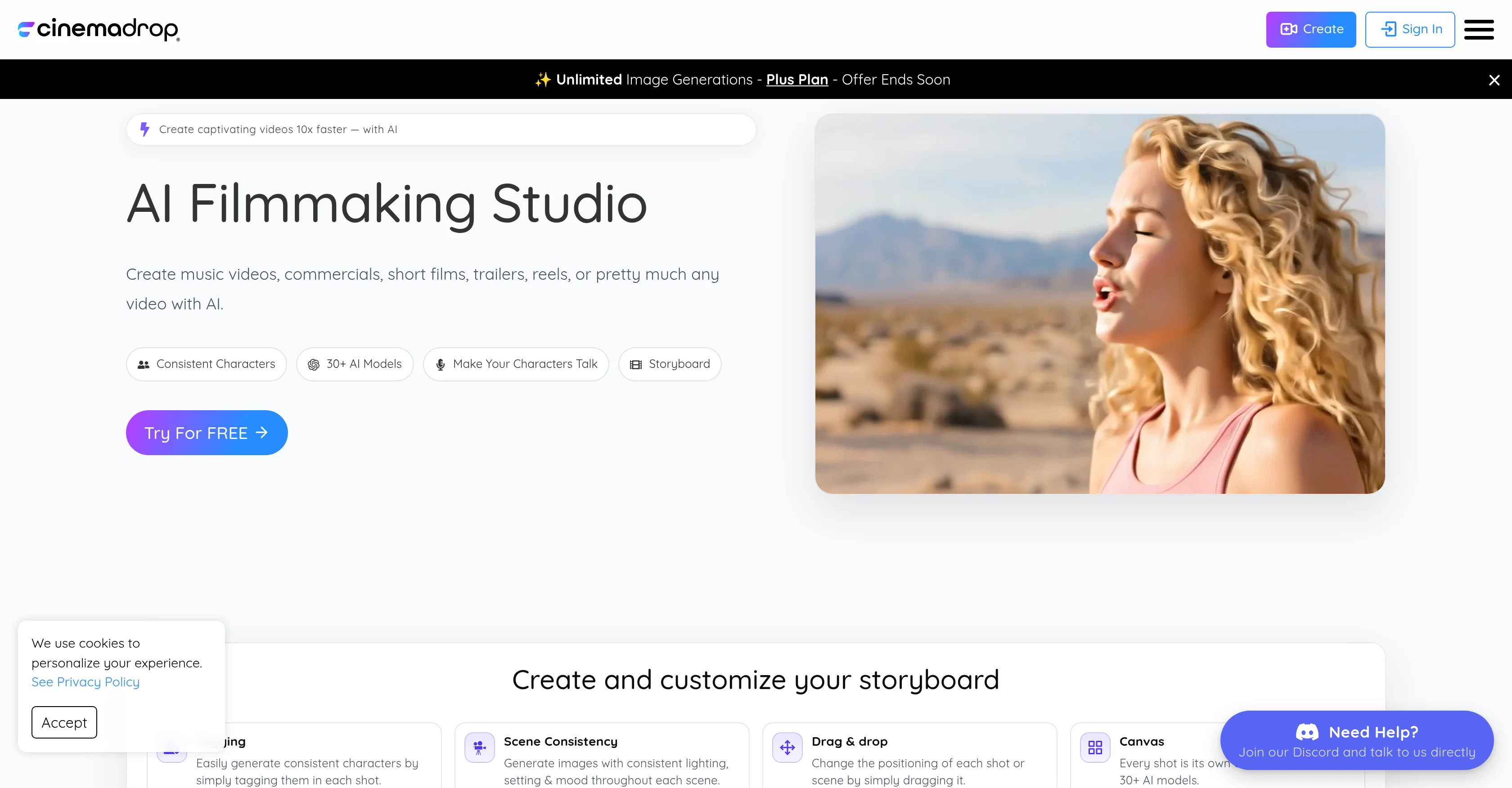
CinemaDrop is an all-in-one AI filmmaking studio designed to simplify and accelerate the process of producing various types of videos such as music videos, commercials, short films, trailers, and reels.
It embeds 30+ AI models to help create consistent characters in every shot by simply tagging them. The tool ensures scene consistency by generating images with consistent lighting, setting, and mood throughout each scene.
The feature of dragging and dropping allows easy positioning of each shot or scene. With every shot being its own canvas, users can explore great flexibility and creative freedom.
To add more realism, this tool enables the user to bring the characters to life with selectable voices. It offers more than 65 image styles to choose from and also allows editing videos with text prompts.
With this tool, users are enabled to generate cinematic images from simple prompts. CinemaDrop even extends to audio with the feature to add high-quality audios, realistic voices, and sound effects.
It also provides an integrated storyboard to screen facility to visualize the entire story end-to-end in one canvas, hence streamlining the workflow. The tool is oriented towards filmmakers, advertisers, and artists, and anyone else intrigued by AI.
It allows commercial use in its various plans. The level of user-friendliness also makes it an accessible tool for beginners while providing powerful tools for experienced storytellers and filmmakers.
Access & connections
Where you can use CinemaDrop.
Platforms
Capabilities
What this tool accepts, produces, and is strongest at.
Input
- Tabular
- Text
- Video
Output
- Audio
- Video
- Image
Pros & cons
Pros
- Produces various video types
- Character consistency via tagging
- Ensures scene consistency
- Drag and drop feature
- Each shot as canvas
- Selectable voices for characters
- Offers 65+ image styles
- Enables text prompt editing
Show 41 more
- Generates cinematic images
- Includes high-quality audios
- Multiple realistic voices
- Allows sound effects
- Integrated storyboard to screen
- Commercial usage in plans
- User-friendly for beginners
- Empowers seasoned filmmakers
- Capable of automated creation
- Fast video production
- Supports innovative storytelling
- Ideal for professional storytellers
- Produces video effects
- Enables animated characters
- Professional video editing interface
- Music video creation
- Commercials production
- Short films creation
- Movie trailers production
- Creates film reels
- Scene creation capability
- Character modeling tools
- Cinematic imagery options
- Audio integration provided
- Promotes creative freedom
- Refund policy available
- Output and Input flexibility
- Community and support provided
- Risk-free trial
- Storyboard customization
- Video editing with text
- Accessible sound effects
- Visual consistency maintenance
- Various image style choices
- Produces high-quality audios
- Turns prompts into visuals
- Multiple realistic voice options
- Community engagement
- Integrated voice and sound tools
- Single platform for filmmaking
- Cinematic quality visuals
Cons
- No offline editing capabilities
- No seamless integration with external tools
- Limited to 65 image styles
- Requires constant tagging for consistency
- No multi-user collaboration options
- Limited audio voice options
- Requires subscription for commercial use
- Limited language support
Show 1 more
- No explicit mention of software compatibility
Compare alternatives
Similar tools in the catalog — with a clear reason to open each one.

freebeat AI ✓
FreemiumTurn Music & Ideas into Viral Videos In One Click
Why look Typically cheaper
Full comparison
MagicLight ✓
FreemiumTransform text into captivating videos instantly.
Free + from $8.4/mo
Full comparison



Seedance ✓
FreemiumMulti-shot video generation from text and image.
Why look Stronger for image work
Full comparisonReleases 1
FAQ 12
What is CinemaDrop?
How can CinemaDrop accelerate the process of producing videos?
How do the 30+ AI models work in CinemaDrop?
How can I ensure scene consistency with CinemaDrop?
Can I edit video positioning using CinemaDrop?
How does CinemaDrop enable creative freedom for users?
What kind of image styles does CinemaDrop offer?
What are the capabilities of CinemaDrop's text prompt editing feature?
How can I bring characters to life using CinemaDrop?
Can I generate cinematic images using CinemaDrop?
What audio features does CinemaDrop offer?
What's the FilmicStoryboard in CinemaDrop?
Related tools
Recommended

Bytecap ✓
FreemiumEdit and publish clips 10x faster with AI

Notis ✓
Free TrialThe first WhatsApp assistant that runs on your ChatGPT and Claude subscriptions

remio: Your Personal ChatGPT ✓
FreemiumGet Tailored Answer with Your Personal ChatGPT

Supernormal App ✓
FreemiumThe AI assistant app that turns meetings into completed work

Devento ✓
FreemiumOwn the web. Build full-stack production ready apps with AI.

Footage ✓
Free TrialCreate stunning AI-generated videos from images and text.