

Chatize ✓
Chat with any document, effortlessly extract insights.
Free + from $15/mo
Verdict
A quick read before you dig into the full page.
- Best if
- Chat with any document, effortlessly extract insights
- Skip if
- Limited document security period
- Pick this when
- Extracts, summarizes information
Considering DocGPT.io instead? Compare side by side
Overview
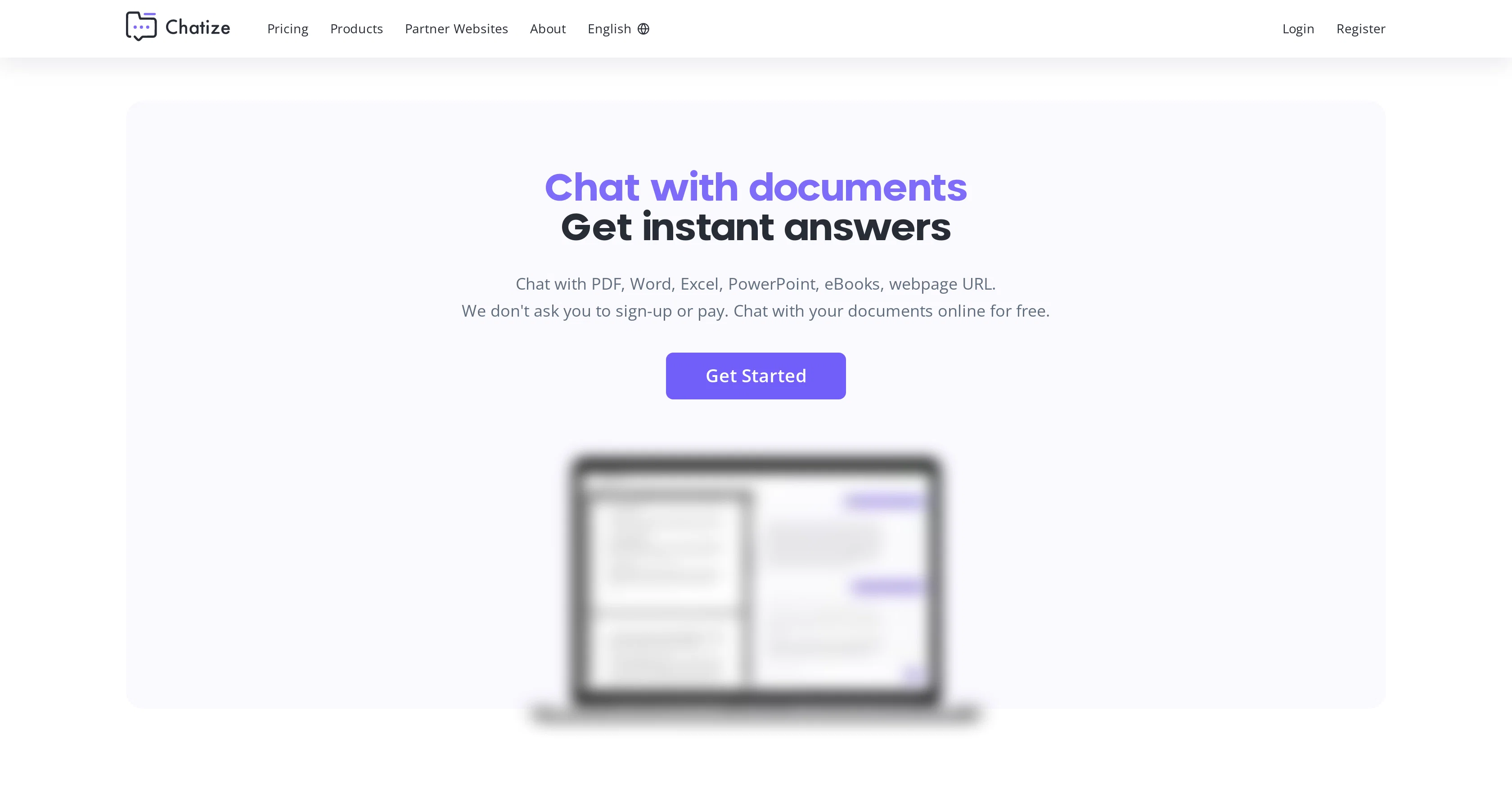
Chatize is an AI-based document reader assistant tool that aids in quickly extracting, summarizing, and finding information from various sorts of documents.
These documents may include formats such as .pdf, .docx, .xls, .ppt, .epub, .md, and many others. A distinct feature using Chatize is you don't need to sign-up or pay; it allows users to interact with documents online freely.
The tool is designed to simplify the user experience, with the functionality to drag & drop a document, after which a unique link is generated to begin interacting or 'chatting' with the document.
The 'chat' feature functions by asking the document any question and getting fast, easy-to-understand answers. The tool runs on ChatGPT- an AI model that understands and replies to the prompts in a conversational manner.
Also, Chatize offers a comfortable document sharing feature, where the chat availability is kept to lasts 24 hours only, maintaining document safety. The tool does not restrict users to one language but supports multiple languages, allowing for seamless document comprehension and analysis, irrespective of language barriers.
Access & connections
Where you can use Chatize.
Platforms
Capabilities
What this tool accepts, produces, and is strongest at.
Input
- Text
Output
- Text
Pros & cons
Pros
- Extracts, summarizes information
- Supports various formats
- No sign-up required
- No payment needed
- Drag & drop feature
- Generates unique interaction link
- Fast, easy-to-understand answers
- ChatGPT-powered
Show 15 more
- Document sharing feature
- 24-hour chat availability
- Supports multiple languages
- Secure document safety
- Supports Chat GPT 3.5 and 4
- Free document chats
- Free sharing
- Compatible with all devices
- Intelligent document processing
- Interactive document chat
- Encrypted cloud storage
- Dynamic document interaction
- Multi-file chat management
- Folder organization
- Cited sources feature
Cons
- 24-hour chat availability only
- No offline functionality
- Limited document security period
- No user account system
- Dependent on cloud storage
- No dedicated mobile app
- No scalability mentioned
- No data export functionality
Show 1 more
- No file version control
Compare alternatives
Similar tools in the catalog — with a clear reason to open each one.

DocGPT.io ✓
Free TrialOnline assistant for creating and analyzing documents.
Why look Typically cheaper
Full comparison
docAnalyzer ✓
FreemiumTurn document overload into work worth putting your name on
Why look Typically cheaper
Full comparison
Ask Your PDF ✓
FreemiumChat with your PDFs and extract valuable insights
Why look Typically cheaper
Full comparison


Humata ✓
FreemiumChat your way through long documents instantly.
Why look Typically cheaper
Full comparisonReleases 1
FAQ 12
What is Chatize?
How does Chatize's 'chat' feature work?
What document formats does Chatize support?
Is Chatize free to use?
Do I need to sign-up to use Chatize?
How does the document sharing feature of Chatize work?
How does Chatize ensure document safety?
What languages does Chatize support?
What technology is Chatize based on?
How to share a document chat in Chatize?
How does Chatize extract, summarize, and find information from documents?
How does Chatize generate a unique link to chat with a document?
Related tools
Recommended

SuperStudentAI ✓
Free TrialAI-powered study assistant for smarter learning

SpeedNote AI ✓
FreemiumWrite clear notes. Fast.

Scisummary ✓
Free TrialCutting-edge scientific articles summarization.

Thea ✓
FreemiumAI study tools to master material, not just memorize it.

AcademicGPT ✓
FreemiumAI-powered academic writing assistant.

DataSquirrel ✓
FreemiumData cleaning & visualization for insights gained.