

Command Center ✓
Ship AI-generated code 2x faster, without the chaos.
From $19/mo
Verdict
A quick read before you dig into the full page.
- Best if
- Ship AI-generated code 2x faster, without the chaos
- Skip if
- Limited walkthroughs in free
- Pick this when
- Code review efficiency
Considering CodeRabbit instead? Compare side by side
Overview
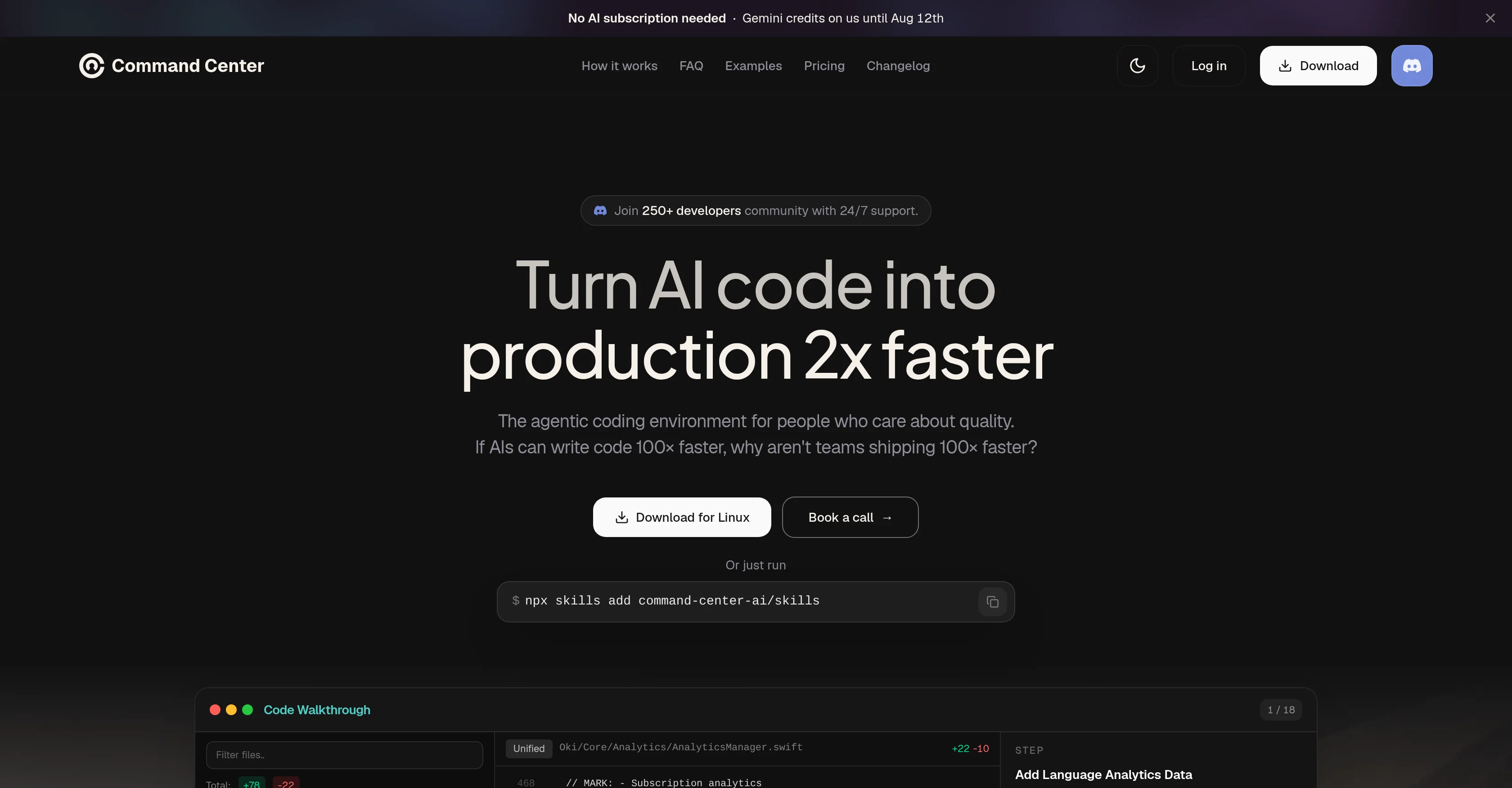
Command Center is an AI-based tool designed to streamline and enhance the process of AI coding. It allows users to run multiple AI agents in parallel without chaos, efficiently reviewing AI edits before converting AI scripts into production-ready code.
This unified coding environment is committed to promoting quality and reducing time spent on coding. In addition to its core functions, the tool incorporates features such as pre-merge refactors, walkthroughs, and large AI changes management which aim to turn complex changes into easy-to-follow guides.
Also, it helps in identifying and fixing maintainability issues and even evolving the AI code into a readable, usable form. Suitable for complex engineering tasks, Command Center involves multiple coding agents like Claude Code, Codex, OpenCode and others, facilitating seamless work without jumping between tools.
The tool not only generates and assimilates code but provides context, assisting users to understand what each change entails and how it relates within the entirety of the code.
Moreover, Command Center also facilitates planning and executing tasks and helps in catching and cleaning up AI code, ensuring delivery of production-ready code.
Access & connections
Where you can use Command Center.
Platforms
Capabilities
What this tool accepts, produces, and is strongest at.
Supported features
- CLI
Pros & cons
Pros
- Code review efficiency
- Unified coding environment
- Promotes coding quality
- Time-efficient coding
- Pre-merge refactors
- Complex change management
- Identifies maintainability issues
- Code evolution support
Show 38 more
- Suitable for complex tasks
- Integration of multiple agents
- Seamless agent switching
- Contextualizes code
- Assists with task planning
- Delivery of production-ready code
- Efficient email marketing
- Speedy code generation
- Compatible with Claude Code
- Compatible with Codex
- Compatible with OpenCode
- Guided code walkthroughs
- Community support 24/7
- Platform agnostic
- Real-time code refinement
- Inbuilt task execution
- Refactor before merge
- Multi-agent workflow management
- Practical examples provided
- Transparent pricing
- Frequent updates
- Fast code walkthroughs
- Maintainability check availability
- Readable code generation
- Usable code generation
- High delivery speed
- Secure code privacy
- Wide compatibility range
- Inbuilt OpenCode version
- Affordable pricing plans
- Accommodates multiple workspaces
- Google, GitHub login
- Context preservation
- Quick PR reading
- Efficient feedback capture
- Integrated refactor agent
- Efficient bug fixing
- Logical code arrangement
Cons
- No offline mode
- No version history
- Multiple workspaces premium
- Tasks cannot be saved
- No mobile functionality
- Limited walkthroughs in free
- Refactoring limits on free
- Sign in required
Show 1 more
- No code privacy guarantees
Compare alternatives
Similar tools in the catalog — with a clear reason to open each one.

CodeRabbit ✓
Free TrialEnhanced code review for improved workflow and quality.
Why look Typically cheaper
Full comparison
Kilo | Code Reviewer ✓
FreemiumAI-powered code reviews that catch bugs before merge.
Why look Typically cheaper
Full comparison
Surmado Code Review ✓
Free TrialAutomated Code Reviews for Github Teams and Vibe Coders
Why look Typically cheaper
Full comparison
Dromeas ✓
FreemiumAI-powered code quality, security and compliance platform.
Free + from $25/mo
Full comparison

Codiga ✓
FreemiumCustomizable static code analysis for your favorite IDE.
Why look Typically cheaper
Full comparisonReleases 1
FAQ 12
What is the Command Center AI tool designed for?
How does Command Center allow for multiple AI agents to run in parallel?
What kind of tasks is Command Center suitable for?
What are the core functions of Command Center?
What additional features does Command Center incorporate?
What is the role of features like pre-merge refactors, walkthroughs, and large AI changes management in Command Center?
How does Command Center assist in identifying and fixing maintainability issues of the code?
What coding agents does Command Center involve?
How does Command Center facilitate task planning and execution?
What does the term 'code contextualization' mean in the context of Command Center?
How does Command Center help generate production-ready code?
How does Command Center manage complex changes?
Related tools
Recommended

Eightify
UnknownAI-powered YouTube video summarizer extracting key ideas for quick content assessment.

Transcript LOL ✓
FreemiumUnlimited transcripts, summaries, 99.8% accuracy, speaker recognition, superfast

TurboScribe ✓
Freemium🎯 3 free transcripts every day. 🔥 Unlimited transcription starting at $10/mo.

Recall ✓
FreemiumSummarize Anything, Forget Nothing!

Taplio ✓
FreemiumThe LinkedIn growth tool to turn content into pipeline

KeywordSearch ✓
FreemiumDiscover and target YouTube audiences.