

Task automation 2026 Rank: #138
Caret ✓
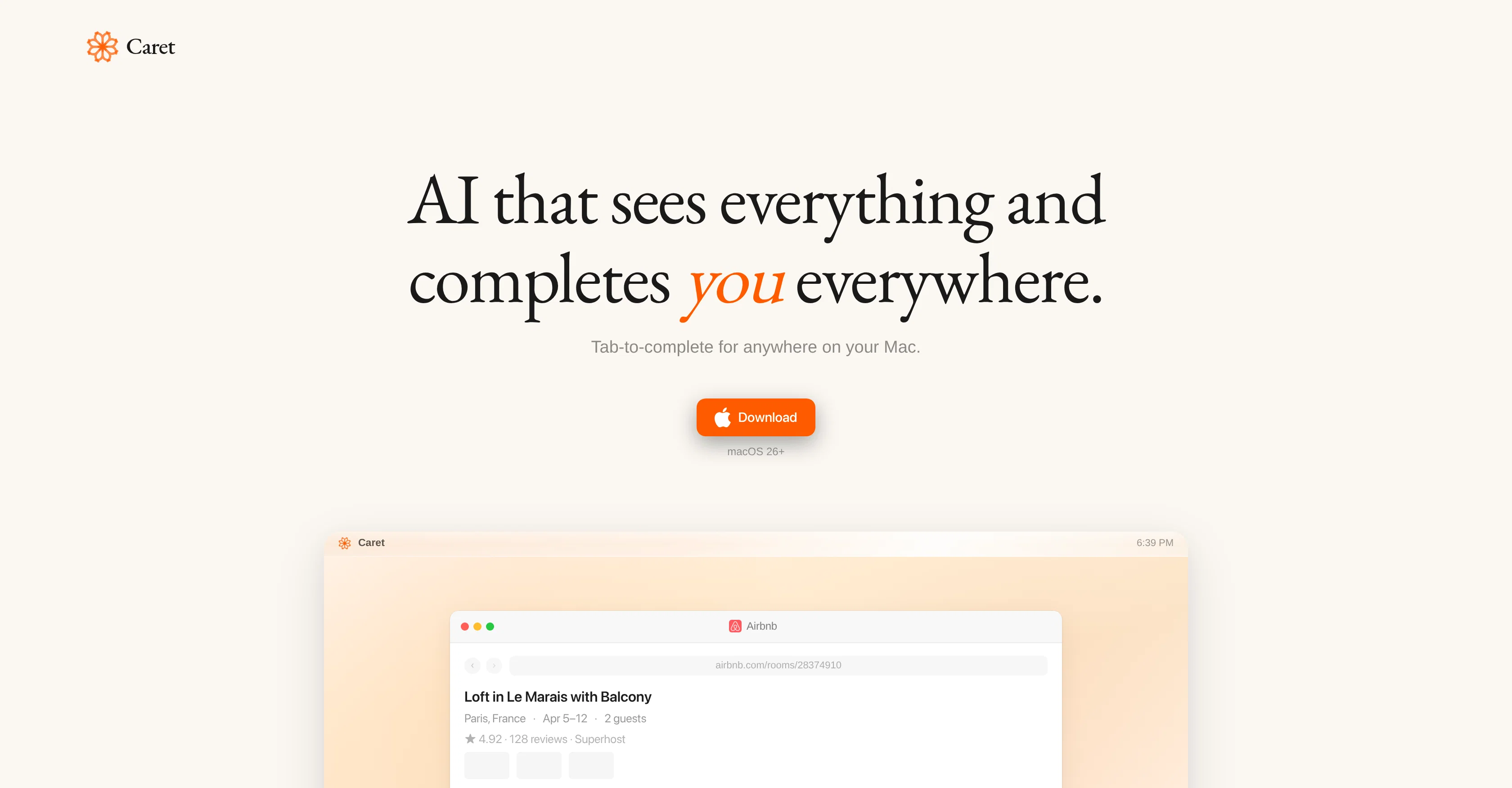
AI that completes you everywhere.
Verdict
A quick read before you dig into the full page.
- Best if
- AI that completes you everywhere
- Skip if
- Could limit user originality
- Pick this when
- Enhances workflow on Mac
Considering SureThing.io - "OpenClaw" for Beginners instead? Compare side by side
Overview
Caret is an AI tool designed to streamline operations across various applications on macOS devices. Predicated on its ability to 'see everything' on the user's screen, Caret interacts and integrates minimally with different applications, negating the need to be another chat app.
Instead, it operates continuously in the background, learning and understanding the users behavior, and consistently adjusting its services to improve with use.
A unique feature of Caret involves the user merely pressing 'Tab' within any app on the device, revealing intelligent suggestions or auto-completions based on the user's history and work sessions.
The tool is aimed at expanding productivity, offering an especially helpful feature in reducing time spent typing out full sentences or thoughts. Being ubiquitous on your Mac, Caret's functionality spreads to a multitude of apps, including, but not limited to, Microsoft Word, Safari, Spotify, Google Docs, Slack and more.
Its inherent adaptivity contributes to a more personalized AI assistance experience for every individual user.
Best for
Short scenarios where Caret tends to shine.
-
AI that completes you everywhere.
Example outputs 1
Sample generations and before/after results for Caret.
Access & connections
Where you can use Caret, and what it plugs into.
Platforms
Capabilities
What this tool accepts, produces, and is strongest at.
Input
- Text
Output
- Text
Supported features
- Automation
- Assistant
- Computer Use
- Memory
- Integrations
- Writing
Pros & cons
Pros
- Enhances workflow on Mac
- Understands user activity
- Intelligent assistance across apps
- Works with Google Docs
- Works with Microsoft Word
- Applicable on Safari
- Predictive typing technology
- Uses 'Tab key' command
Show 42 more
- Autonomous learning capability
- User behavior comprehension
- Inter-app communication
- Continuous operations
- Personalized user experience
- Real-time, context-aware assistance
- Not just a chat-app
- Persistently present functionality
- Auto-completes sentences, reminders, tasks
- Sees everything on screen
- Minimal interaction needed
- Adaptive and improves over time
- Reduces time spent typing
- Ubiquitous functionality
- Works with Spotify
- Works with Slack
- Integrates with various apps
- Always-on operation
- Understands Mac-related tasks
- Improves task completion times
- Works with Excel
- Works with Notes
- Works with Google Sheets
- Works with TextEdit
- Works with Keynote
- Works with Safari
- Works with Outlook
- Works with Teams
- Works with Microsoft Teams
- Works with Canva
- Works with Google Drive
- Works with GitHub
- Works with Google Meet
- Works with Microsoft Excel
- Works with Slack
- Works with Superhuman
- Works with GarageBand
- Works with Figma
- Works with iMovie
- Works with Telegram
- Works with Calendar
- Works with Calculator
Cons
- Only available on MacOS
- Privacy concerns due observation
- Possible over-prediction issues
- Could limit user originality
- Constant 'Tab' press requirement
- No apparent offline mode
- May disrupt workflow in initial use
- Depends heavily on historical data
Show 2 more
- Potential for incorrect auto-completion
- No multi-language support detected
Compare alternatives
Similar tools in the catalog — with a clear reason to open each one.

SureThing.io - "OpenClaw" for Beginners ✓
FreemiumFirst General AI Agency. Designed for long-horizon tasks.
Why look Offers a public API
Full comparison


Raccoon AI ✓
FreemiumThe AI Coworker for Apps, Research, Docs & Everything Else
Why look Offers a public API
Full comparison

People also view
Tools that often show up alongside Caret in collections and comparisons.

Team9 - OpenClaw AI Agent ✓
UnknownHire AI Staff and collaborate like real teammates.

AppDeploy ✓
FreeDeploy real apps directly from ChatGPT or Claude

Thinktask ✓
FreeBoost productivity with AI-powered project management

Supernormal App ✓
FreemiumThe AI assistant app that turns meetings into completed work

OpenAI Frontier ✓
FreePower your enterprise with AI agents that work like digital coworkers.

Kloud Chat ✓
FreeMobile experience enhanced with personalized guidance.

Kimi AI ✓
FreeVisual coding meets agent swarm for complex tasks.

Google Antigravity ✓
FreeLift your development into the agent-first era
Releases 1
In the news
Launch coverage and community mentions for Caret.
Imported reviews 1
Finally, a productivity tool that doesn't overcomplicate things. Caret's tab-complete works seamlessly across apps — once you get used to it, going back feels impossible. Exactly what macOS was missing.
FAQ 12
What is Caret's primary functionality?
How does Caret integrate within the Mac ecosystem?
Does Caret only work on Google Docs and Microsoft Word?
What is Caret's predictive technology?
How does Caret understand the tasks I am working on?
Why do I press the Tab key to use Caret?
What does 'Tab to complete' mean in Caret?
Does Caret learn from my patterns and behaviors?
How personalized can Caret get with each use?
Can Caret only provide assistance within a chat-app?
How does Caret improve efficiency and task completion times?
In what ways does Caret provide real-time, context-aware assistance?
Related tools
Recommended
AppDeploy ✓
FreeDeploy real apps directly from ChatGPT or Claude

DeepSeek ✓
FreeUnravel the mystery of AGI with curiosity

Pomelli ✓
FreeGoogle Labs presents Pomelli.

Mixboard ✓
FreeAI-powered concepting board for exploring ideas.

Automateed ✓
Free TrialCreate eBooks effortlessly with Automateed, the AI-powered writing tool.

LearnGPT ✓
FreeLearn any topic with AI-powered guidance