

Business operations 2026 Rank: #875
OpenAI Frontier ✓
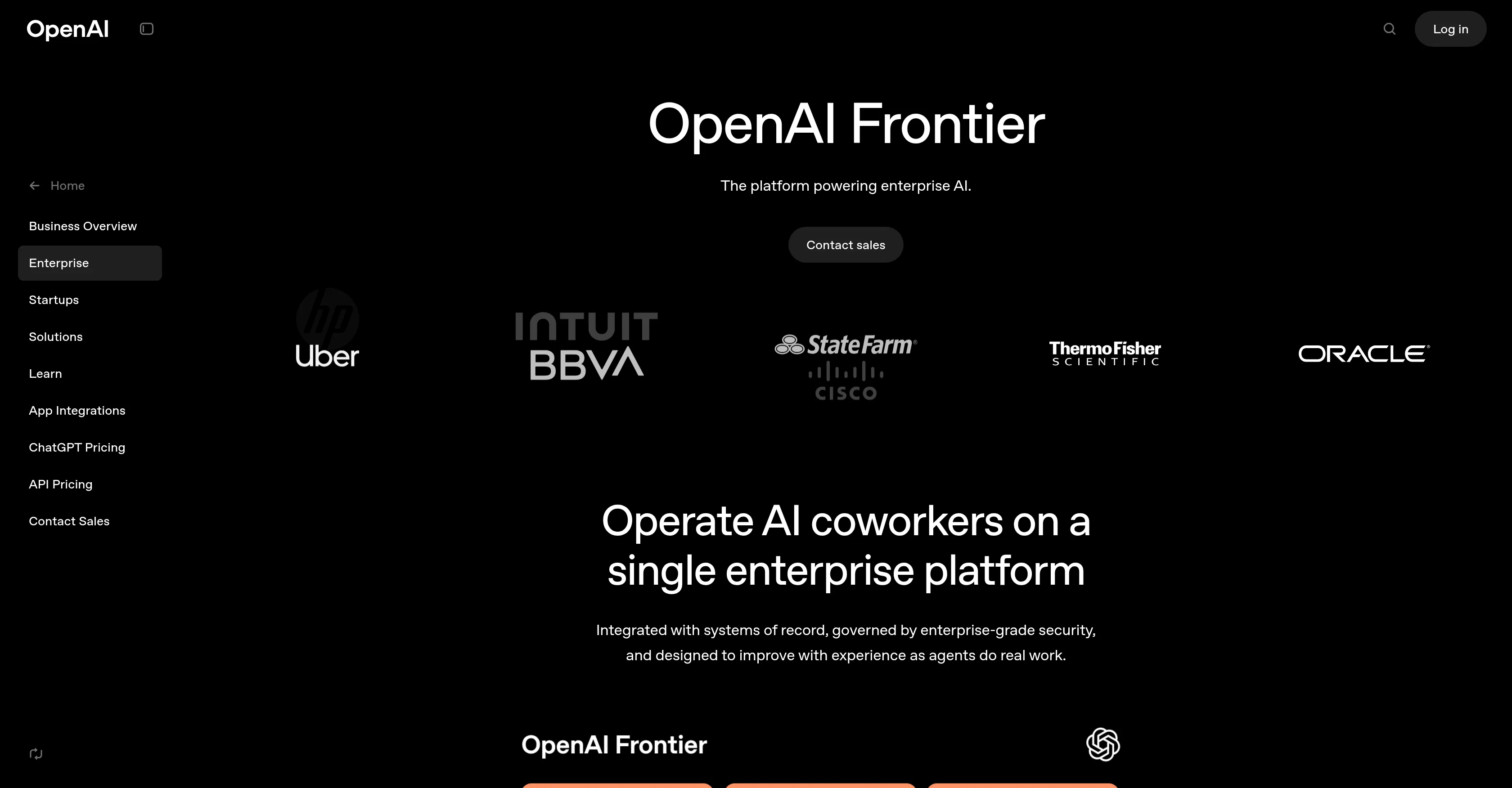
Power your enterprise with AI agents that work like digital coworkers.
Verdict
A quick read before you dig into the full page.
- Best if
- Power your enterprise with AI agents that work like digital coworkers
- Skip if
- Complex implementation and onboarding
- Pick this when
- Enterprise-grade security, compliance, and governance controls
Considering Bika.ai instead? Compare side by side
Overview
The platform combines Business Context, Agent Execution, and Evaluation & Optimization layers to ensure agents work with the right data, perform reliably in real-world environments, and continuously improve over time. Frontier includes enterprise-grade identity and access management, observability tools, auditing capabilities, and compliance with major security standards like SOC 2 Type II and ISO certifications.
Organizations can deploy AI agents for data analysis, financial forecasting, customer support automation, procurement processes, and large-scale strategic initiatives. Through the Enterprise Frontier Program, OpenAI experts work alongside internal teams to design architecture, implement governance, and bring production-ready AI systems to life.
Plans are enterprise-based. Contact sales for pricing.
Access & connections
Where you can use OpenAI Frontier.
Capabilities
What this tool accepts, produces, and is strongest at.
Highlights
- Agents
Supported features
- Agents
- Integrations
- Memory
- Computer Use
- Automation
- SOC 2 Compliance
Pros & cons
Pros
- Enterprise-grade security, compliance, and governance controls
- Deep integration with existing business systems
- Production-ready AI agents for real workflows
- Built-in monitoring and optimization loops
- Scalable across industries and large organizations
Cons
- Enterprise-focused pricing (not startup-friendly)
- Complex implementation and onboarding
- Requires strong IT infrastructure
- Heavy reliance on internal system integrations
- Not a self-serve platform
Compare alternatives
Similar tools in the catalog — with a clear reason to open each one.

Bika.ai ✓
FreemiumChat, build, manage one-person AI company like a messenger app.
Free + from $16/mo
Full comparison
Hugo AI ✓
Free TrialAI support agent that resolves tickets faster.
Free + from $45/mo
Full comparison



Releases 1
FAQ 12
What is the OpenAI Frontier Vercel Serverless Function?
How does the Frontier Vercel Serverless Function handle errors?
What does a 405: NOT_ALLOWED error message indicate?
What is FUNCTION_INVOCATION_FAILED?
What is the purpose of the ID in the error message?
How do I debug an error in Frontier Vercel Serverless Function?
What should visitors do if they encounter a 405: NOT_ALLOWED error?
What steps should the owner take to fix the error?
How does the Frontier Vercel Serverless Function aid in effective failure handling?
How does the Frontier Vercel Serverless function support developers?
What is its significance in serverless functions?
How can Frontier Vercel Serverless Function improve user experience?
Related tools
Recommended

Collate ✓
FreeUnlimited free and private summaries and chat with PDF

biela.dev ✓
Free TrialIf you can imagine it, Biela can code it!

Littlebird ✓
FreemiumThe only full-context AI

Google Antigravity ✓
FreeLift your development into the agent-first era

Kimi AI ✓
FreeVisual coding meets agent swarm for complex tasks.

Intelligent Internet ✓
UnknownBuilding fully open-source AI for everyone.
More from this creator

ChatGPT ✓
FreemiumAsk anything, create anything, and move from idea to action.

ChatGPT for iOS ✓
FreemiumPersonalized chatbot conversations.

ChatGPT Images ✓
FreemiumTurn words into visuals.

ChatGPT Codex ✓
FreemiumA cloud-based software engineering agent for codebase questions.

ChatGPT Health ✓
PaidYour health, clearly understood, securely, intelligently, and in one place.