

CAPTURELAB ✓
Automated highlight creation for streamers.
Free + from $15/mo
Verdict
A quick read before you dig into the full page.
- Best if
- Automated highlight creation for streamers
- Skip if
- Limited editing tools
- Pick this when
- Works with Twitch
Considering CapCut Online Creative Suite instead? Compare side by side
Overview
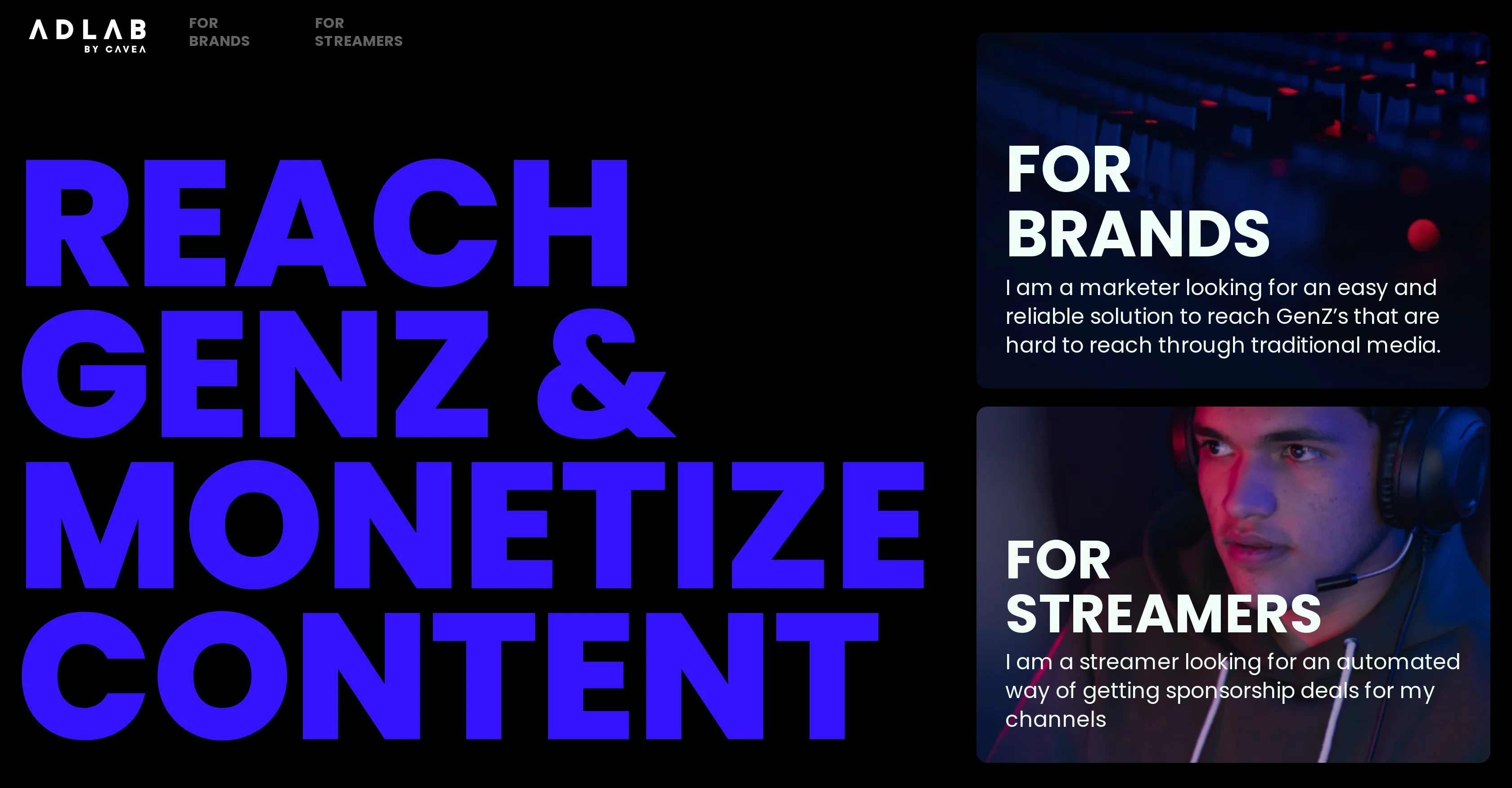
Adlab operates within the creator economy, facilitating a space for brands and streamers to collaborate. It delivers value to both parties through automated sponsorship campaigns.
For brands, this means increased reach to target demographics on various streaming platforms. Streamers, on the other hand, receive an opportunity to monetize their content in a simplified way.
Adlab's key feature is the management of creative and engaging advertising campaigns. These campaigns are integrated into streams, thus pulling in specific audiences for brands and enabling streamers to gain from their produced content.
The automation process helps reduce the friction associated with traditional sponsorship negotiation and agreement processes, making it effortless for streamers to secure income.
This tool thereby successfully merges content creation with advertisement and provides a new and more dynamic way for advertisers to communicate with consumers in the digital world.
Access & connections
Where you can use CAPTURELAB.
Platforms
Pros & cons
Pros
- Free to use
- Works with Twitch
- Highlights automated
- Stream length didn't matter
- Editing function included
- Sharing to social media integrated
- Monetization options (Adlab)
- Fast processing
Show 11 more
- Apex Legends supported
- 1080p Export
- Real time analysis
- Auto-fetches your streams
- Norm resolution maintained
- Easy to connect
- Sign up simplicity
- User-friendly interface
- Potential for more games support
- Integrated with popular social platforms
- Detailed FAQ section
Cons
- Only supports Apex Legends
- Processing time varies
- Dependent on Twitch account
- Limited sponsorship opportunities
- Lacks multi-platform streaming support
- No offline version
- Cannot manually select highlights
- Specific to gaming content
Show 2 more
- Limited editing tools
- Resolution dependent on original stream
Compare alternatives
Similar tools in the catalog — with a clear reason to open each one.

CapCut Online Creative Suite ✓
FreemiumUnleash creativity with CapCut's all-in-one online suite
Free + from $28.5/mo
Full comparison
ClipFinder ✓
FreemiumTurn hours of streams and VODs into viral clips automatically.
Why look Offers a public API
Full comparison
Gling - AI Video Editing Software for YouTube ✓
FreemiumAI-powered video editing for YouTube creators.
Why look Typically cheaper
Full comparison
Captions ✓
PaidAI-powered creative studio for studio-grade videos.
Why look Typically cheaper
Full comparison

Releases 1
FAQ 12
What is Capturelab?
How does Capturelab work?
What are the key features of Capturelab?
How can I start using Capturelab?
Is Capturelab free to use?
How fast does Capturelab process my live streams?
Does Capturelab work on all games?
Can Capturelab produce clips in 1080p?
What is Adlab within Capturelab?
How can I monetize my stream using Capturelab and Adlab?
How does AI technology help in creating best highlights?
Does Capturelab support continuous streaming?
Related tools
Recommended

VenturusAI ✓
FreemiumBusiness idea analysis and reporting.

LearningStudioAI ✓
Free TrialAI-powered authoring tool for effortless online course creation.

Fineshare ✓
FreemiumAn online all-in-one AI voice generator for everyone

Eightify
UnknownAI-powered YouTube video summarizer extracting key ideas for quick content assessment.

VideoGen ✓
Free TrialCreate videos in seconds with one click.

Opus Clip ✓
FreemiumAI-powered livestream studio for explosive growth