

Canva Magic Write ✓
AI writer for fast first drafts.
Free + from $100/yr
Verdict
A quick read before you dig into the full page.
- Best if
- AI writer for fast first drafts
- Skip if
- Limited Offline Capabilities
- Pick this when
- Generates content rapidly
Considering Voila instead? Compare side by side
Overview
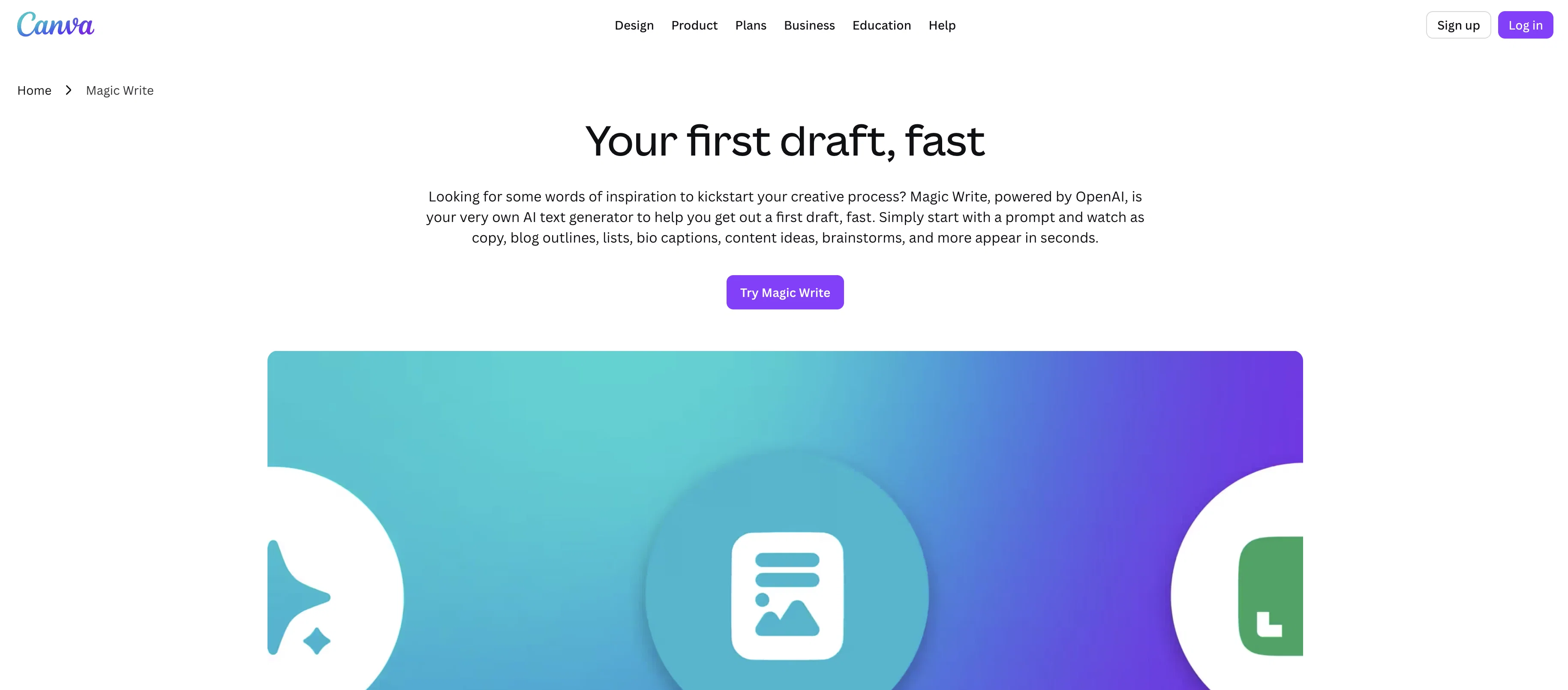
Magic Write is an AI-powered text generator integrated with Canva. It helps in creating drafts quickly and generating quality content. Magic Write can be utilized to produce social media captions, profile bios, brainstorms, and serve as an inspiration for writing poems or letters, with just one simple prompt.
It helps in unblocking writer's block by converting few keywords into the desired content. This could be anything from a cover letter, greeting card, to a blog post.
Magic Write also provides the means to brainstorm new ideas or outline topics for blogs. Furthermore, it helps to transform an idea into text in seconds, which is beneficial in creating drafts for documents or designs.
The tool also offers real-time collaboration, allowing you to brainstorm, create, and fine-tune ideas with your team simultaneously. It also has the ability to notify when you're editing.
Additionally, the use of Magic Write aids in saving time on content generation and refining the user's work in a short span via a click. This tool is available across all Canva designs with 25 free queries, and additional queries can be accessed with Canva Pro.
Access & connections
Where you can use Canva Magic Write, and what it plugs into.
Platforms
Integrations
Capabilities
What this tool accepts, produces, and is strongest at.
Input
- Text
Output
- Text
Pros & cons
Pros
- Generates content rapidly
- Useful for brainstorms
- Integrated with Canva
- Helps unblock writer's block
- Transforms keywords into content
- Creates social media captions
- Aids in letter writing
- Provides blog outlines
Show 30 more
- Real-time collaboration feature
- Edit notification system
- Time-saving tool
- Promotes professional writing
- Generates cover letters
- Inspirational for poem writing
- Creates greeting card messages
- Available on all Canva designs
- Offers 25 free queries
- Additional queries accessible with Canva Pro
- Aids in writing profile bios
- Assists in refining work
- Ideas into text conversion
- Design drafting assistance
- Same technology as Canva Docs
- Works across every device
- Collaboration on one page
- Built-in multi-layered safeguards
- Ethical use encouraged
- Helps in creating marketing strategies
- Suitable for small business owners
- Useful for personal projects
- Generates short-form text
- Assists in writing product descriptions
- Generates high-quality long-form content
- Outlines for articles, blogs, essays
- Creates lists
- Convenient headline generator
- Can expand writing mid-sentence
- Offers rapid first draft
Cons
- Requires Canva Pro for More Queries
- Limited Free Usage
- Community Safety Restrictions
- Content Generation Bound to Prompts
- Relies Heavily on Keywords Input
- May Overuse Common Phrases
- Limited Customization and Control
- Constant Editing Notifications may Interrupt
Show 2 more
- Dependent on Canva Integration
- Limited Offline Capabilities
Compare alternatives
Similar tools in the catalog — with a clear reason to open each one.

Voila ✓
Free TrialSeamless AI assistant to help you create, write, brainstorm, and research.
Why look Typically cheaper
Full comparison
Rizz! Keyboard ✓
FreeAI-powered creative responses in your iPhone keyboard.
Why look Fully free option
Full comparison
Werd - Vibe Write with Multi-agent AI ✓
Free TrialVIBE WRITE With Multi-agent AI
Why look Typically cheaper
Full comparison
Sudowrite ✓
Free TrialAI writing partner for faster, more creative storytelling
Why look Typically cheaper
Full comparison
RewriteBar ✓
Free TrialRewrite. Refine. Accelerate. — AI productivity for every macOS app. 🚀
Why look Typically cheaper
Full comparisonReleases 1
FAQ 12
What is Magic Write and how does it work with Canva?
Can Magic Write help with writer's block?
Can Magic Write generate drafts for documents and designs?
How can Magic Write assist in brainstorming new ideas or outlining blog topics?
Does Magic Write offer real-time collaboration and editing?
How can I access Magic Write across Canva designs?
What are free queries and how many do I get with Magic Write?
What do additional queries with Canva Pro offer?
Can Magic Write be used for professional writing and content generation?
How does Magic Write aid in time-saving and work refining?
How does Magic Write assist in social media content creation?
How do notifications work in Magic Write while editing?
Related tools
Recommended

ChatGPT ✓
FreemiumAsk anything, create anything, and move from idea to action.

Midjourney ✓
PaidExpand human imagination through AI-powered visuals.

Suno ✓
FreemiumMake music at the speed of your ideas.

ElevenLabs ✓
FreemiumCreate lifelike AI voices for compelling storytelling.

HeyGen ✓
FreemiumCreate AI spokesperson videos from text

Perplexity ✓
FreemiumAI-powered answers to any question, instantly.
More from this creator

remove.bg ✓
FreemiumRemove image backgrounds in 5 seconds with one click
Canva Magic Design ✓
FreemiumAuto-generate designs with AI

Canva Visual Suite ✓
UnknownDesign for the new visual era

Unscreen Pro ✓
PaidUnscreen Remove video background

Canva AI Code Generator ✓
FreemiumTransform designs into interactive experiences without coding.

Canva's Magic Insights ✓
FreemiumGet quick AI insights from your data.