

bigmp4 ✓
Enhance videos with cutting-edge AI models.
Free + from $6
Verdict
A quick read before you dig into the full page.
- Best if
- Enhance videos with cutting-edge AI models
- Skip if
- Limited file size upload
- Pick this when
- Lossless video enlargement
Considering CapCut Online Creative Suite instead? Compare side by side
Overview
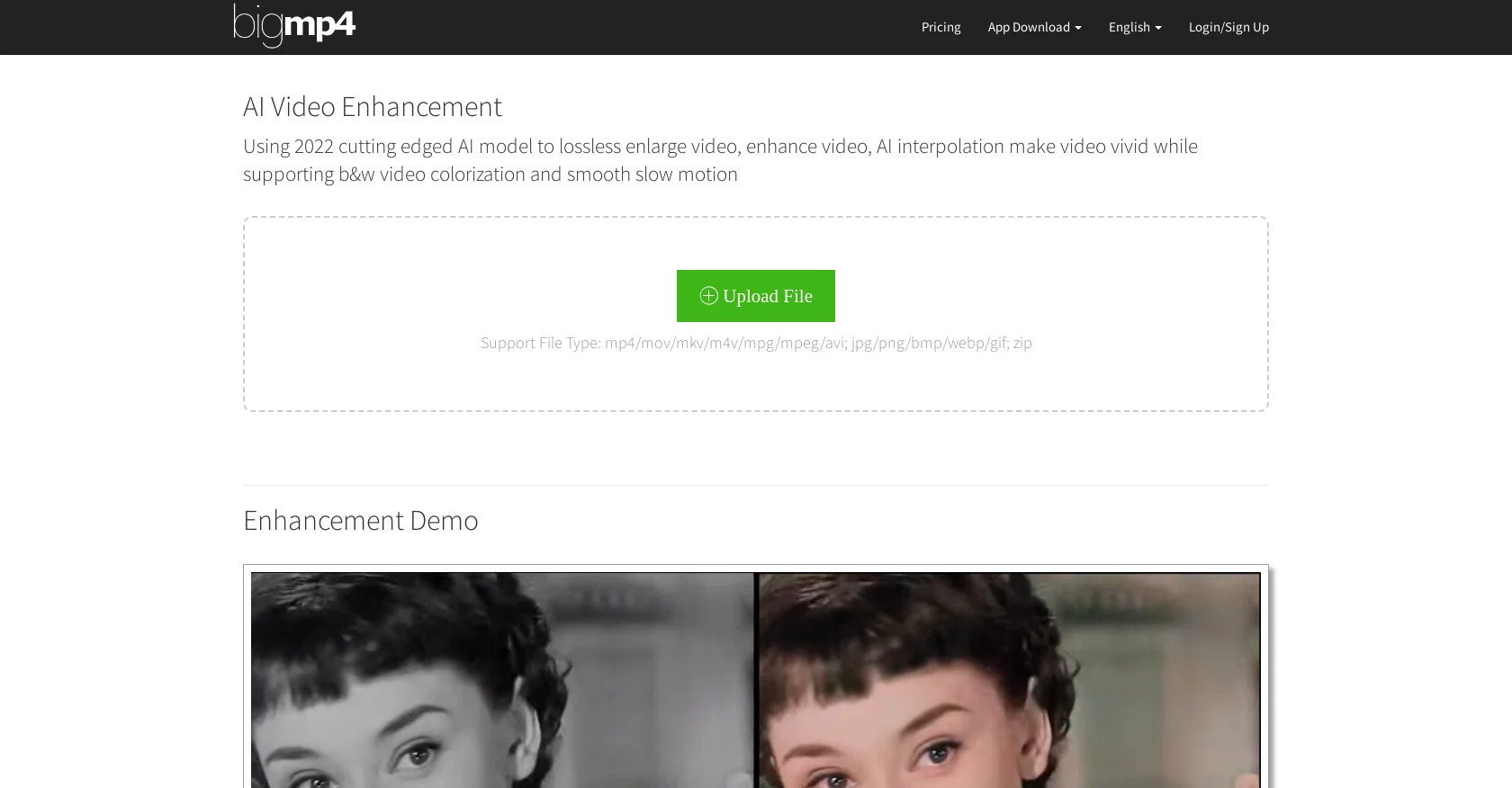
bigmp4's AI Video Enhancement is a cutting-edge tool for lossless video enlargement, enhancement, and colorization. It uses a 2022 AI model to increase the resolution of videos up to 2K, 4K, and 8K with enhanced quality and reduced noise.
It also supports black and white video colorization, smooth slow motion, and batch mode. The tool supports a variety of file types, including mp4, mov, mkv, m4v, mpg, mpeg, avi, jpg, png, bmp, webp, and gif.
It can also process a large number of images in a zip file. AI interpolation increases video frames per second (FPS) to 60, 120, and 240 FPS, making the video vivid and life-like.
The tool also keeps the video FPS unchanged after AI interpolation for silky smooth slow motion. Users can purchase the service to prioritize their tasks and upload larger files.
The uploaded files and results files are automatically deleted within a week. If a processing failure occurs, the GPU points deducted are refunded after deleting the failed task.
The tool provides a FAQ section to explain how it works and answer any other questions. It also offers contact information for further support.
Best for
Short scenarios where bigmp4 tends to shine.
-
Enhance videos with cutting-edge AI models.
Example outputs 1
Sample generations and before/after results for bigmp4.
Access & connections
Where you can use bigmp4.
Platforms
Capabilities
What this tool accepts, produces, and is strongest at.
Input
- Video
Output
- Video
Supported features
- Denoise
Pros & cons
Pros
- Lossless video enlargement
- Supports 2K, 4K, 8K
- Enhanced video quality
- Considerable noise reduction
- Black and white colorization
- Smooth slow motion feature
- Batch mode processing
- Supports multiple file types
Show 14 more
- Large number of images processing
- Video framerate enhancement
- FPS remains unchanged post-enlargement
- Option to purchase service
- Automatic deletion of files post-processing
- Refund for processing failure
- FAQ and support provided
- Supports various languages
- Multiple OS PC applications available
- ZIP file processing
- Supports GIF enlargement
- Processing result automatic deletion
- Prioritization of paid tasks
- Files size increase with subscription
Cons
- No free unlimited use
- Limited file size upload
- No real-time processing tracker
- Delayed task for free users
- GPU points for failure
- Jelly effect on videos
- Credits required for advanced features
- Task status not clear
Show 1 more
- File deletion after week
Compare alternatives
Similar tools in the catalog — with a clear reason to open each one.

CapCut Online Creative Suite ✓
FreemiumUnleash creativity with CapCut's all-in-one online suite
Free + from $28.5/mo
Full comparison
ClipFinder ✓
FreemiumTurn hours of streams and VODs into viral clips automatically.
Why look Offers a public API
Full comparison
Gling - AI Video Editing Software for YouTube ✓
FreemiumAI-powered video editing for YouTube creators.
Free + from $10/mo
Full comparison
Captions ✓
PaidAI-powered creative studio for studio-grade videos.
Why look Offers a public API
Full comparisonPeople also view
Tools that often show up alongside bigmp4 in collections and comparisons.

Wondershare Filmora ✓
PaidEdit smarter, faster and easier with Filmora’s powerful AI video tools.

Video to Video AI ✓
PaidTransform videos using simple text commands.
Gling - AI Video Editing Software for YouTube ✓
FreemiumAI-powered video editing for YouTube creators.
ClipFinder ✓
FreemiumTurn hours of streams and VODs into viral clips automatically.
Captions ✓
PaidAI-powered creative studio for studio-grade videos.
CapCut Online Creative Suite ✓
FreemiumUnleash creativity with CapCut's all-in-one online suite

MF0.ai ✓
PaidEvery top AI in one chat. Real memory. No subscription.

DraftReel ✓
Free TrialOne click. Complete short-form video package.
Releases 1
FAQ 12
What is bigmp4's video enhancement?
Can bigmp4 enhance the resolution of my videos?
Does bigmp4 support black and white video colorization?
What file types are supported by bigmp4?
Can bigmp4 process images within zip files?
Does bigmp4 allow users to upload larger files after purchasing their service?
How does bigmp4 deal with the files uploaded in their platform?
What happens if my task fails in bigmp4?
What is the concept of AI interpolation used in bigmp4?
How does bigmp4 guarantee smooth slow-motion in videos?
How do I prioritize tasks in bigmp4?
Does bigmp4 offer customer support for their service?
Related tools
Recommended

Fineshare ✓
FreemiumAn online all-in-one AI voice generator for everyone

Wisecut
PaidAI-powered video editing software that automatically creates engaging clips from long videos.

Picsart ✓
FreemiumGenerate images, video, and audio across 150+ AI models from one account.

Vidio ✓
FreemiumTransform videos effortlessly with AI-powered editing.

Topaz Video AI ✓
PaidCinematic superpowers: Ultra smooth, sharp, and steady.

D-ID ✓
FreemiumCreate AI-generated videos with ease