
AudioConvert AI ✓
Instantly convert audio into accurate text with AI.
Free + from $5/mo
Verdict
A quick read before you dig into the full page.
- Best if
- Instantly convert audio into accurate text with AI
- Skip if
- File size limit not mentioned
- Pick this when
- Supports various audio formats
Considering Voicetype AI instead? Compare side by side
Overview
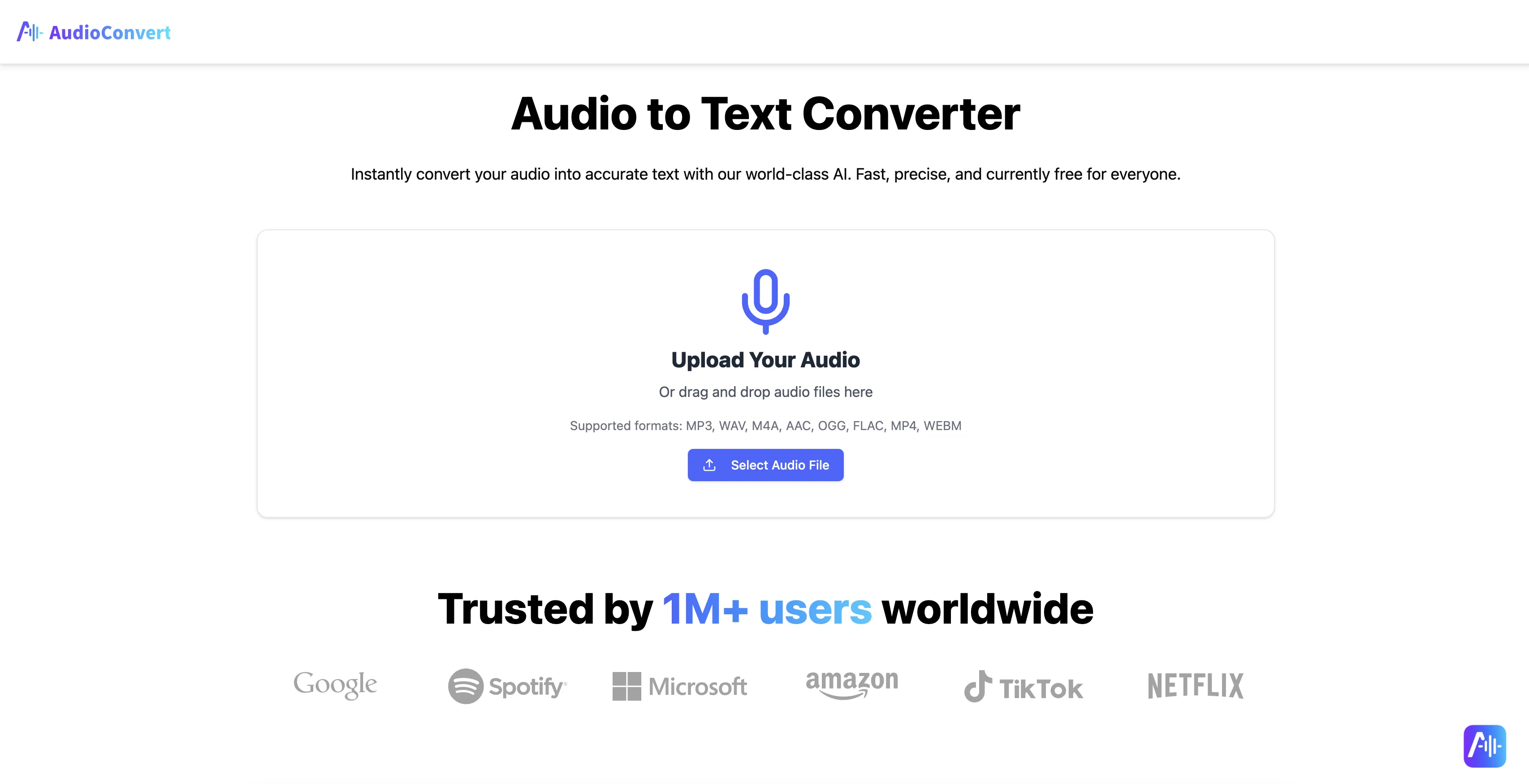
AudioConvert is an AI-powered tool designed to convert audio files into textual format. The AI technology accurately transcribes the speech into text, distinguishing between multiple speakers and including precise timestamps for each word.
It supports various audio formats including MP3, WAV, M4A, AAC, OGG, FLAC, MP4, and WEBM. Users can upload or drag and drop their files into the system, let the AI do the transcription, and then download the transcript in formats such as TXT, DOCX, or SRT.AudioConvert can help optimize productivity, as what used to require manual transcription can now be done in minutes.
It provides near-human levels of accuracy, capturing complex terminology, which ultimately reduces the need for post-transcription corrections. One of its key features is the transformation of the audio into a searchable asset, which can enhance content SEO, generate accessible material with subtitles, and pinpoint key moments in the recordings.AudioConvert's functionality extends to different areas of application.
These include generating subtitles for content creators, transcribing lectures for students and academics, providing show notes for podcasters, and transcribing meetings for professionals among others.
Additionally, it's also applicable for transcribing user interviews for product managers, sales calls for sales teams and voice memos for everyday productivity.
It is widely used by professionals and creators and is currently offered for free.
Access & connections
Where you can use AudioConvert AI.
Platforms
Capabilities
What this tool accepts, produces, and is strongest at.
Input
- Audio
Output
- Text
Supported features
- Transcription
Pros & cons
Pros
- Supports various audio formats
- Multiple speaker distinction
- Precise timestamps
- File uploading capabilities
- Multiple transcript download formats
- Optimizes productivity
- Captures complex terminology
- Reduces post-correction requirements
Show 29 more
- Transforms audio into searchable assets
- Enhances content SEO
- Generates subtitles
- Pinpoints key moments
- Applicable across different functionalities
- User interviews transcription
- Sales calls transcription
- Voice memos transcription
- Accurate text in minutes
- Drag and drop function
- Review and download transcript
- Improves work efficiency
- High-accuracy speech-to-text
- Enables content to be searchable
- Free access to premium features
- Multi-speaker identification
- Several export formats
- Word stamped to exact time
- Subtitle and caption generation
- Supports lecture and research transcription
- Podcast and interview transcription
- Transcribes user research notes
- Sales call and meetings transcription
- Voice memo transcription
- One million plus users worldwide
- Built for a wide range of needs
- High accuracy even with background noise and diverse accents
- Creates accessible experiences for wider audience
- No cost for high-end features
Cons
- No app version mentioned
- No real-time transcription
- No multilingual support
- File size limit not mentioned
- Might struggle with heavy accents
- Background noise handling unclear
- No API for developers
- No offline functionality
Show 2 more
- Processing speed not specified
- No direct integration with platforms
Compare alternatives
Similar tools in the catalog — with a clear reason to open each one.

Voicetype AI ✓
Free TrialWrite 9x Faster with AI Speech to Text on all Apps
Why look Better for writing
Full comparison
Transcript LOL ✓
FreemiumUnlimited transcripts, summaries, 99.8% accuracy, speaker recognition, superfast
Why look Offers a public API
Full comparison
TurboScribe ✓
Freemium🎯 3 free transcripts every day. 🔥 Unlimited transcription starting at $10/mo.
Free + from $10/mo
Full comparison
RambleFix ✓
Paid⚡ Write by thinking aloud - emails, notes, articles, in your style.
Why look Better for writing
Full comparison
Paraspeech ✓
Free TrialPrivate dictation, cloud optional
Why look More privacy-focused
Full comparisonReleases 1
FAQ 12
What audio formats are supported by AudioConvert?
How are multiple speakers handled in transcription by AudioConvert?
In what formats can I download the transcript from AudioConvert?
How does AudioConvert optimize productivity?
Can AudioConvert detect and transcribe complex terminology?
What kind of SEO enhancement does AudioConvert provide?
How can content creators benefit from using AudioConvert?
Does AudioConvert support subtitle generation?
Can I use AudioConvert for transcribing academic lectures?
How suitable is AudioConvert for podcasters?
How does AudioConvert cater to the transcription needs of professionals?
What is the benefit of using AudioConvert for user interviews?
Related tools
Recommended

AI Dubbing.io ✓
FreeTurn videos into any language with AI dubbing.

Thea ✓
FreemiumAI study tools to master material, not just memorize it.

PixPal - Free AI Chat with Image Editor & Video Gener... ✓
FreeAI chat with images – Create, edit, innovate for free!

ChatPlayground AI ✓
PaidThe #1 Platform for Comparing AI Models

Revoldiv ✓
FreeConvert video/audio to editable text instantly

Amical ✓
FreeOpen Source AI App for Dictation, Meetings and Note-taking