

Images vv1.1
AIEasyPic ✓
Create AI-generated images with ease.
Free + from $12/mo
Verdict
A quick read before you dig into the full page.
- Best if
- Create AI-generated images with ease
- Skip if
- Limited image size options
- Pick this when
- Custom image generation interface
Considering Photo AI instead? Compare side by side
Overview

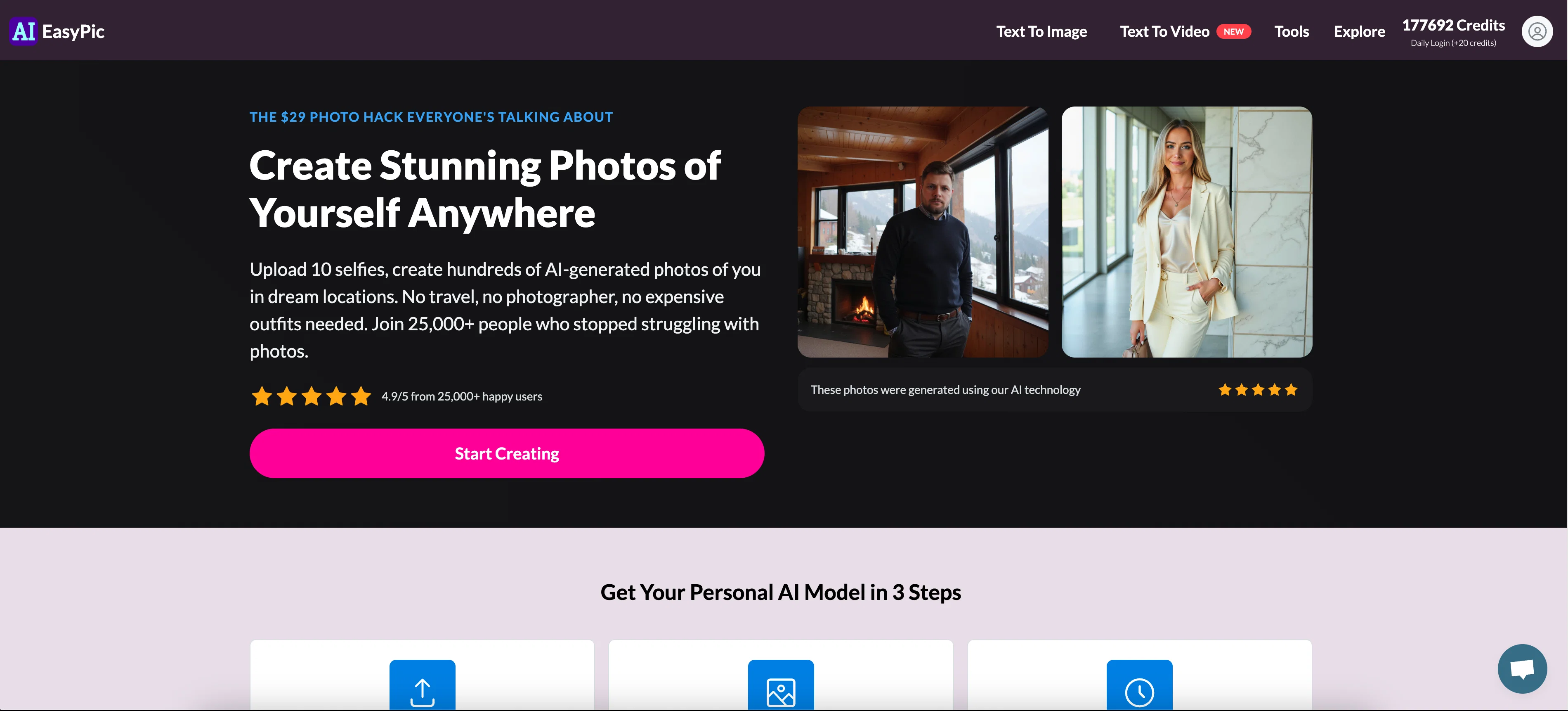
AIEasyPic is a tool that serves as an interface to the latest AI image features. It offers an easy and user-friendly way to interact with AI technology for image processing.
- Train Model
- Ai Photoshoots
- Ai Headshots
Best for
Short scenarios where AIEasyPic tends to shine.
-
Create AI-generated images with ease.
Example outputs 1
Sample generations and before/after results for AIEasyPic.
Access & connections
Where you can use AIEasyPic.
Platforms
Capabilities
What this tool accepts, produces, and is strongest at.
Input
- Image
- Text
- Video
Output
- Video
- Text
- Image
Highlights
- API
- No Signup
Supported features
- API
- No Signup
Pros & cons
Pros
- Custom image generation interface
- Supports various image sizes
- Offers image customization options
- Direct image upload feature
- Provides user credits upon sign-in
- Display of recent creations
- Interactive UI for prompt selection
- Multiple output variations
Show 12 more
- Option for gender selection
- Integrated Login system
- Comprehensive FAQ section
- Multiple image generation prompts
- Clear cost indication
- Accessible through various devices
- Supports Black and White images
- Supports professional headshot generations
- Generates selfie with landmarks
- Generates Instagram model images
- Generates dating profile pictures
- Drag and drop feature
Cons
- Requires sign-in
- No specified output quantity
- Costs not specified
- Limited customization options
- Requires credits for usage
- Limited image size options
- Generic prompts
- No batch processing
Show 2 more
- No API provided
- No offline functionality
Compare alternatives
Similar tools in the catalog — with a clear reason to open each one.

Photo AI ✓
PaidCreate beautiful AI photos and videos of real people
Why look Typically cheaper
Full comparison
Stockimg AI ✓
PaidGenerated images and text for design ease.
Why look Stronger for image work
Full comparison
BestPhotoAI ✓
FreemiumCreate amazing AI photos instantly
Why look Typically cheaper
Full comparison
Midjourney ✓
PaidExpand human imagination through AI-powered visuals.
Why look Typically cheaper
Full comparison
People also view
Tools that often show up alongside AIEasyPic in collections and comparisons.

Dzine AI ✓
FreemiumAI-powered design partner for effortless image creation

SMMAI: Social Media Templates ✓
FreeCreate posts & stories by AI

MiriCanvas ✓
FreemiumDesign smarter, not harder - with AI-assisted templates and generation.

Lovart ✓
Free TrialTransform prompts into design masterpieces.

Leonardo AI ✓
FreemiumCreate AI art, images, and videos with prompts

GoThumbnails ✓
FreemiumCreate viral YouTube thumbnails that get clicks.

Gamma ✓
FreemiumAI-powered content creation, minus the hassle.

Canva Visual Suite ✓
UnknownDesign for the new visual era
Releases 2
- Transform photos into videos in minutes
- Faster model training times + higher quality with just 10 photos
- Faster Flux generations
- Create upto 10 second video from images
- Upto 2k quality photos in seconds
Imported reviews 3
It deducts points even without providing any videos or photos.
very slow , no help and you did not have any feedbck on what happened
also It deducts points even without providing any videos or photos.
This is good for my project it's perfect.
FAQ 12
What is AIEasyPic?
Can I generate custom images with AIEasyPic?
Does AIEasyPic support images of all sizes?
How do I choose the output of the generated images on AIEasyPic?
What types of images can AIEasyPic generate?
Can I see my previously generated images on AIEasyPic?
Do I need to sign in to use AIEasyPic?
Does using AIEasyPic require credits?
How do I obtain credits on AIEasyPic?
🛠️ 6
tools
wrote:
You obtain credits on AIEasyPic by signing in or paying for the monthly subscription.
What is the function of prompts in AIEasyPic?
What is the maximum size of images I can upload on AIEasyPic?
Can I create professional headshots with AIEasyPic?
Related tools
Recommended

Makeayo ✓
FreemiumCreate stunning AI-generated art in seconds.

Getimg.ai ✓
PaidBest content generation tool for marketers and social media creators

Ideogram ✓
FreemiumAI-powered creativity booster

Ipic.ai ✓
FreemiumGenerate stunning AI art with a click

ImagineArt ✓
PaidTurn imagination into stunning AI art.

Kittl ✓
FreemiumCreate stunning designs effortlessly.