

MiriCanvas ✓
Design smarter, not harder - with AI-assisted templates and generation.
Source rating 4.4
(5)
4k views
5.6M/mo traffic
48 saves
1 comments
Freemium
Verdict
A quick read before you dig into the full page.
- Best if
- Design smarter, not harder - with AI-assisted templates and generation
- Skip if
- Complex Navigation Interface
- Pick this when
- Numerous templates available
Considering MolyPix.AI instead? Compare side by side
Overview
Socials:



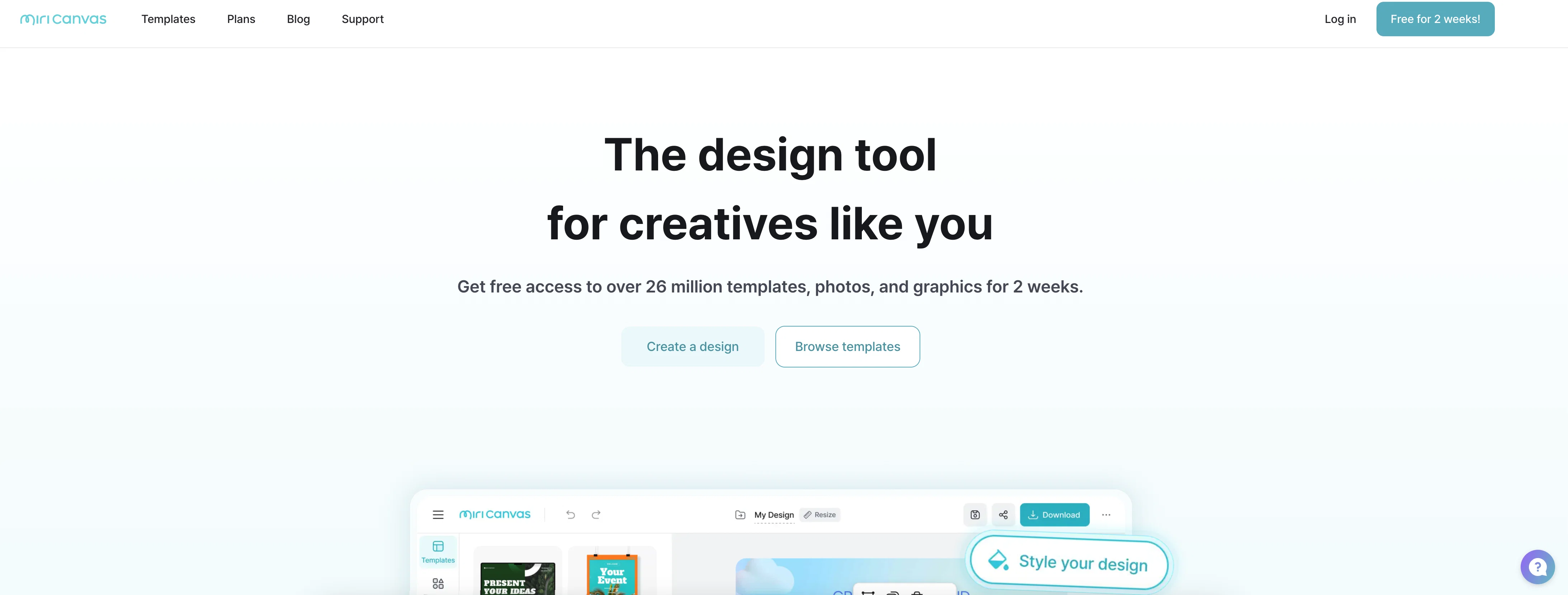
MiriCanvas is a graphic design platform that combines traditional editing tools with AI-powered content generation. It provides a wide selection of pre-built templates across categories such as presentations, social media graphics, thumbnails, quizzes, and posters. The platform is designed to streamline the creative process by allowing users to customize templates or generate visual content from scratch using generative features.
Users can work within a drag-and-drop interface, enabling straightforward editing of text, images, and design elements. In addition to static design functionality, MiriCanvas supports AI-assisted workflows that can suggest or create visual assets based on user input, which helps reduce the manual effort typically required in design iteration. The tool is suitable for both quick, templated output and more involved, customized projects.
Its quiz and thumbnail generation options indicate a focus on content creators and educators, offering features that support engagement-driven formats. Integration of generative capabilities suggests potential support for image creation or enhancement, although the exact scope of these features may vary.
MiriCanvas is web-based and does not require prior design experience, making it accessible to non-designers while still providing utility for professionals seeking efficiency. Its primary use cases center around producing branded content, educational visuals, and online media assets, with an emphasis on speed and ease of use over advanced creative control.
Access & connections
Where you can use MiriCanvas.
Platforms
Capabilities
What this tool accepts, produces, and is strongest at.
Input
- Image
- Text
- Audio
Output
- Audio
- Video
- Text
- Image
Pros & cons
Pros
- Numerous templates available
- Powerful photo editing
- Resource-rich design tool
- Background removal
- Image Quality Improvement
- High-quality design elements
- Animations applicable
- Multi-platform accessibility
Show 15 more
- Offers corporate solutions
- Wide user base
- Supports multiple languages
- Education-friendly interface
- Easy integration of text
- High-quality templates
- Versatile design options
- Help center available
- Resource for social media content
- Available on mobile devices
- Saves design time
- Faster production process
- Numerous design elements
- Simplified design process
- Contains business-specific templates
Cons
- No mobile app
- No English Language Support
- Limited Platform Compatibility
- Inadequate Template Variety
- Complex Navigation Interface
- Limited User Assistance
- Requires High Bandwidth
- No Offline Work Mode
Show 2 more
- Limited Free Version
- Lacks Collaboration Features
Compare alternatives
Similar tools in the catalog — with a clear reason to open each one.

MolyPix.AI ✓
FreemiumTurn ideas into designs with one AI click
Free + from $7.99/mo
Full comparison
AIDesign ✓
FreemiumAI-powered text to image generation for everyone.
Free + from $9.99
Full comparison
Ridvay ✓
FreemiumDescribe any design — get an editable poster, post or slide.
Why look Higher community rating
Full comparison
Releases 1
Initial release of MiriCanvas.
Imported reviews 1
The best AI tools I’ve seen in any design editor
FAQ 12
What is MiriCanvas?
MiriCanvas is a design platform that allows users to create quality designs quickly and easily. It offers numerous templates and design elements for various content such as presentations, cards news, videos, and social media content. It features enhanced photo editing tools and AI design functions.
What features does MiriCanvas offer for graphic design?
MiriCanvas provides a variety of features for graphic design purposes. It offers a plethora of design elements and templates which users can choose from. MiriCanvas also includes AI design functions which simplify the design process. Furthermore, it provides powerful photo editing tools which further enhance users' ability to create high-quality design.
Can I use MiriCanvas for video editing?
Yes, MiriCanvas can be used for video editing. The platform has video-specific templates, along with the capability to add high-impact animations without the need for complex operations. This allows users to effectively communicate their messages through video.
How do AI functions in MiriCanvas assist in design?
MiriCanvas AI functionalities help streamline and enhance the design process. For instance, with AI presentation, users only need to input the subject, and the AI creates an initial draft of the presentation. AI also aids in creating images, providing numerous design elements for use.
What kind of templates does MiriCanvas offer?
MiriCanvas offers over 530,000 templates. These include templates for presentations, videos, social media content, posters, detailed web pages, YouTube thumbnails, and various other purposes. The templates cater to a broad range of business, educational, and personal needs.
Does MiriCanvas offer any business solutions?
Yes, MiriCanvas provides business solutions. While the exact specifics are not detailed on their website, their wide array of templates and design tools can support various business needs such as presentations, video content and social media posts.
Are there educational uses for MiriCanvas?
MiriCanvas can be used effectively in educational settings. While the exact specifics are not detailed on their website, their range of templates and design tools, such as presentation templates, can facilitate the creation of educational content.
Where can I view the templates available on MiriCanvas?
Templates available on MiriCanvas can be viewed by accessing the 'templates' page of their website. Here, users can browse through a vast selection of design templates for various content types such as presentations, videos, and social media content.
Is there a user manual or help center for MiriCanvas?
Yes, there is a help center for MiriCanvas. The help center can be accessed from their main page and it provides support and useful resources for users.
What are the available plans and pricing for MiriCanvas?
The plans and pricing details for MiriCanvas can be viewed on the 'pricing' page on their website. The exact specifics, however, are not mentioned on their website.
What is the Designhub linked on MiriCanvas?
Designhub is a link provided on the MiriCanvas page. The specific details about this feature or service are not mentioned on their website.
Can I directly print designs from MiriCanvas?
Yes, you can directly print designs from MiriCanvas. The 'printhub' link on their website redirects to 'bizhows.com', a platform where you can presumably print your MiriCanvas designs.
Related tools
Recommended




MiriCanvas
Free