
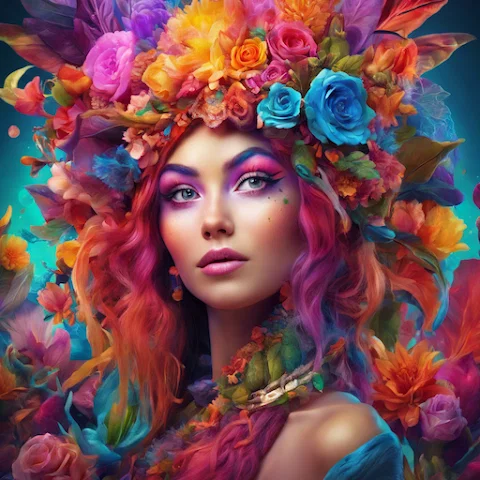
AI Maker Pro ✓
Create stunning AI-generated art and designs.
Verdict
A quick read before you dig into the full page.
- Best if
- Create stunning AI-generated art and designs
- Skip if
- Limited art style variations
- Pick this when
- Generates unique art pieces
Considering Photo AI instead? Compare side by side
Overview
AI Maker Pro is an advanced tool for generating unique and high-quality art pieces powered by artificial intelligence. As an AI Art Generator, it provides users an ample suite of tools designed specifically to ignite creativity and innovation.
The core capabilities of the app revolve around harnessing the power of advanced deep learning models and neural networks to generate intricate, detailed designs and convert the concepts into digital masterpieces.
This includes an AI Image Generator feature that can generate diverse and creative images from text prompts, creating different variations of a user's prompt command in various art styles.
This tool is suitable for artists, designers, enthusiasts, or anyone interested in creating AI-generated art and design. Inspired by prominent AI art platforms, AI Maker Pro is designed for intuitiveness and user-friendliness, making it the perfect tool for artists of all levels.
Furthermore, the app is continuously updated with new features and improvements, ensuring that users are always at the forefront of AI art generation advancements.
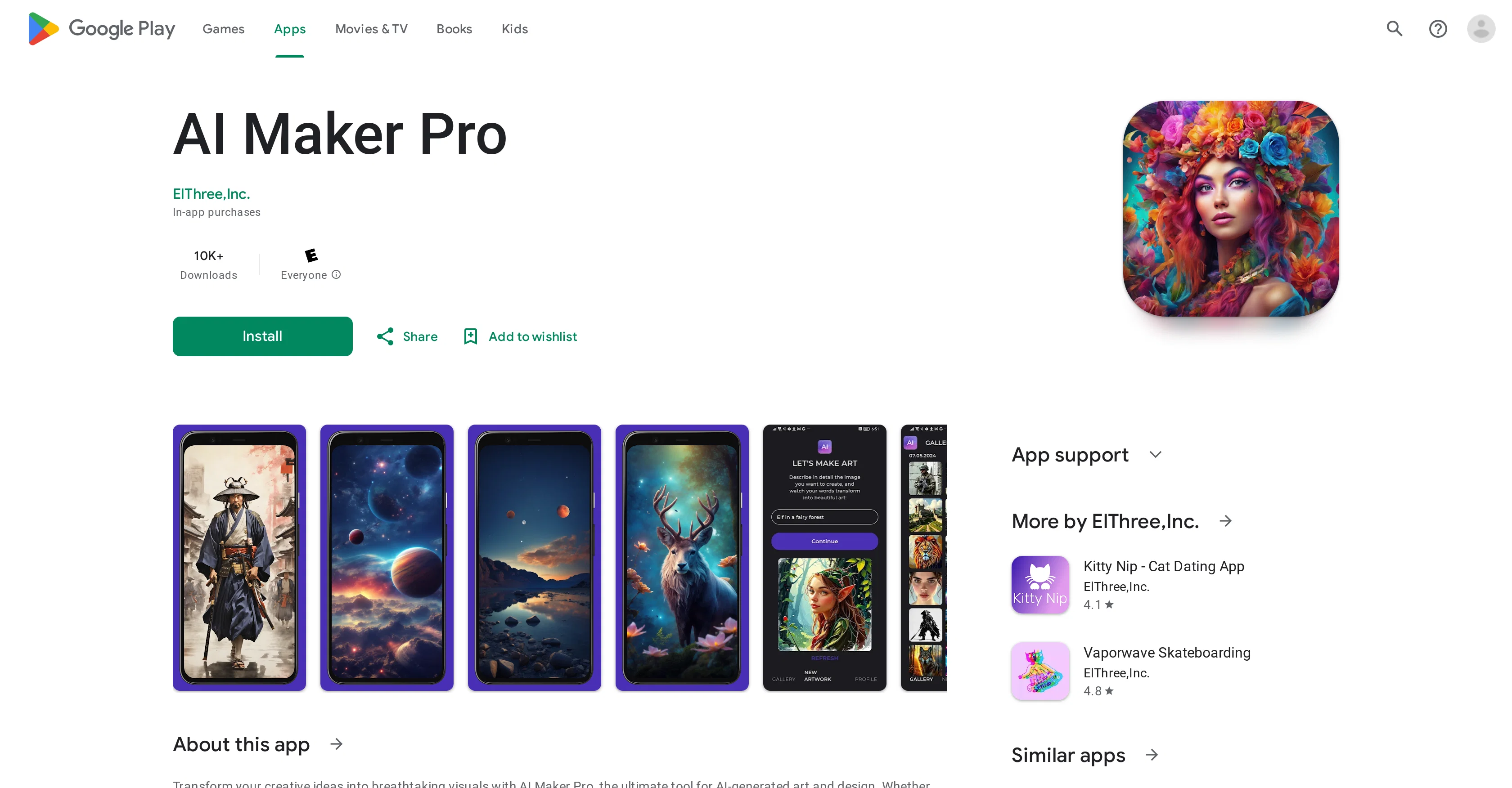
Access & connections
Where you can use AI Maker Pro.
Platforms
Capabilities
What this tool accepts, produces, and is strongest at.
Input
- Text
Output
- Image
Pros & cons
Pros
- Generates unique art pieces
- High-quality output
- Advanced deep learning models
- Utilizes neural networks
- Intricate, detailed designs
- Convert concepts into digital art
- Generates diverse images
- Creates from text prompts
Show 21 more
- Produces variations in art styles
- Suitable for different user types
- Designed for user intuitiveness
- User-friendly interface
- Offers ongoing updates
- Enhances and customizes creations
- Fast processing times
- Regular feature improvements
- Generates both art and design
- Highly inspired tool
- Offers high customization settings
- Easy to download and install
- Secure data encryption
- Ability to delete data
- In-app purchases capability
- Applicable for all artist levels
- Ideal for art and design
- Large volume of downloads
- Positive user reviews
- Regular UX updates
- Provides data safety features
Cons
- In-app purchases required
- Limited to digital art
- No physical art support
- Limited user customization
- Art style not selectable
- Updates may disrupt workflow
- No offline mode
- No support for 3D models
Show 2 more
- Lacks direct social media sharing
- Limited art style variations
Compare alternatives
Similar tools in the catalog — with a clear reason to open each one.


Stockimg AI ✓
PaidGenerated images and text for design ease.
Why look Stronger for image work
Full comparison


Releases 1
FAQ 12
What is AI Maker Pro?
How does AI Maker Pro use deep learning models?
What exactly is the AI Image Generator feature in AI Maker Pro?
Who is the target audience for AI Maker Pro?
Does AI Maker Pro require any specific skills or is it user-friendly for all levels?
How often does AI Maker Pro update its features and improvements?
Can I use my own text prompts in AI Maker Pro?
Can AI Maker Pro generate different art styles?
Is AI Maker Pro focused on digital art creation?
How does AI Maker Pro support creativity and innovation in art?
How does AI Maker Pro utilize Neural Networks?
Is AI Maker Pro available on Google Play?
Related tools
Recommended

LLaMA ✓
UnknownOpen-source AI models for customization and deployment.

Agentgpt ✓
FreemiumDeploy autonomous AI Agents effortlessly in your browser.

Kin - Personal AI Advisors ✓
FreePrivacy-first & designed your for mind, and life at work

LearnGPT ✓
FreeLearn any topic with AI-powered guidance

Live Portrait AI ✓
FreemiumAnimate your photos with Live Portrait AI.

TalkTo.AI ✓
FreeFree AI chat with your own team of AI experts