Live Portrait AI ✓
Animate your photos with Live Portrait AI.
Free + from $12.49/mo
Verdict
A quick read before you dig into the full page.
- Best if
- You are content creators and need: Personalized video messages
- Skip if
- Length limit on audio
- Pick this when
- Transforms still photos to videos
Considering Anijam instead? Compare side by side
Overview
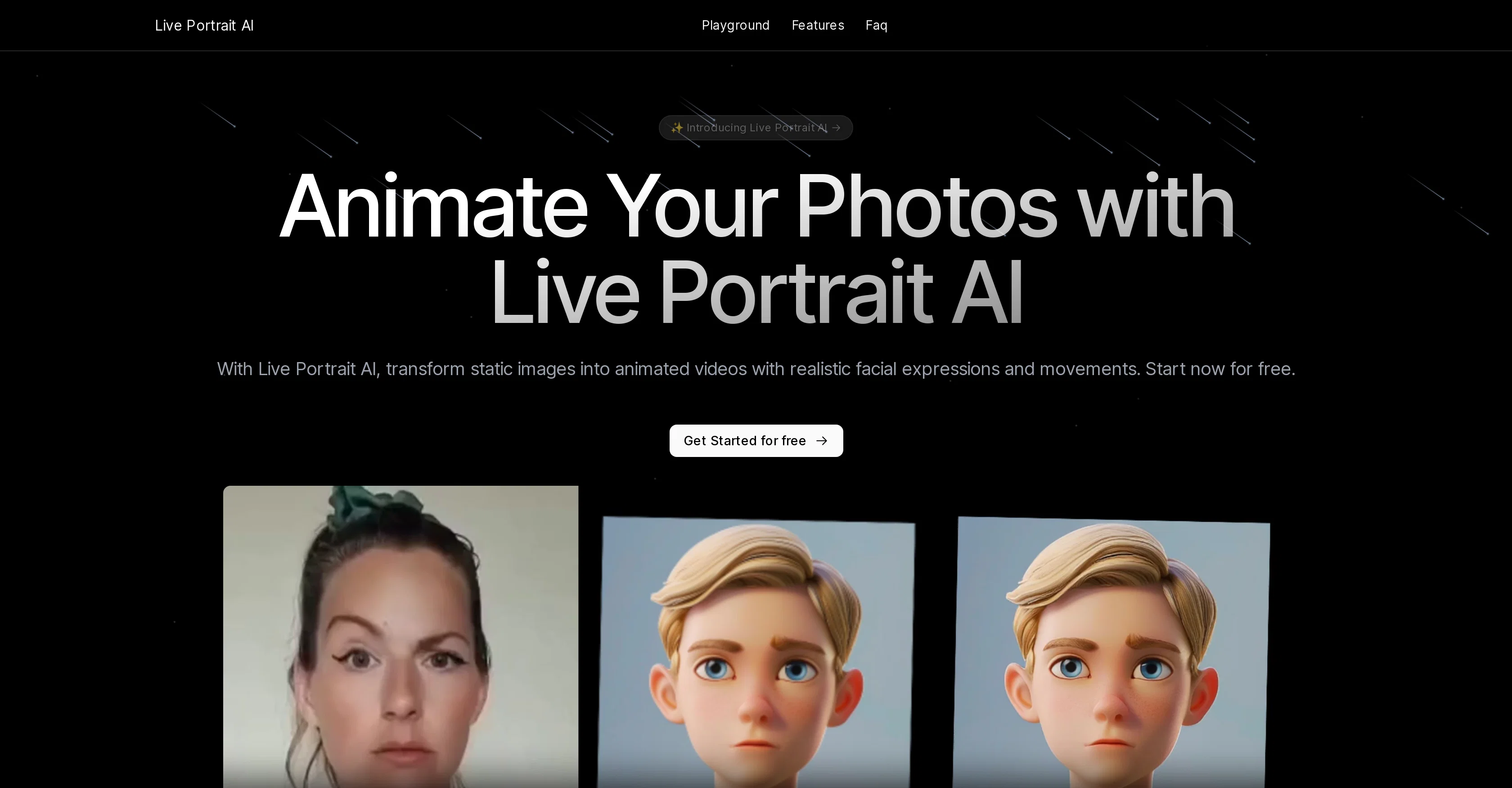
Live Portrait AI is an innovative tool that uses advanced AI technology to animate still photos, creating lifelike videos. This tool can transform static images into moving videos by replicating facial expressions and movements.
It utilizes reenactment technology to mirror the head movement, facial expressions, emotions, and even voice in a specified driver video. This technology can breathe new life into static images by giving them realistic and diverse animations.
It contains numerous features like photo animation, portrait animation from a still image with stitching, portrait video editing with stitching, eyes retargeting, lip retargeting, etc.
Furthermore, these features are easy to use, requiring the upload of an image from which the tool can extract the face for animation, and a driving video to serve as the basis for the animation.
These capabilities make it a reliable resource not only for personalized video communication but also for content localization and cost-effective video production.
Best for
Short scenarios where Live Portrait AI tends to shine.
-
Personalized video messages
Best for Content creators
-
Training content creation
Best for Digital marketers
-
Content localization
Best for Educators
-
Poking fun at friends with animated photos
Best for Businesses
Example outputs 1
Sample generations and before/after results for Live Portrait AI.
Access & connections
Where you can use Live Portrait AI, and what it plugs into.
Platforms
Integrations
Pros & cons
Pros
- Transforms still photos to videos
- Replicates facial expressions
- Mirrors head movements
- Emulates emotions
- Voice mirroring in animations
- Diverse and realistic animations
- Photo animation feature
- Portrait animation from still images
Show 25 more
- Portrait video editing
- Eyes retargeting feature
- Lip retargeting feature
- Easy to use
- Ready for content localization
- Cost-effective video production
- Supports personalized video communication
- Impressive synchronization accuracy
- Superior video quality
- Animations have high detail clarity
- Accurate lip sync
- Offers varied animation styles
- Supports different image sizes
- Facilitates personalized video messages
- Controls eyes-open extent
- Controls lip-open extent
- Generates diverse animations
- Easy step-by-step process
- Extracts face from image
- Prepares face for animation
- Combines video with source image
- Syncs face movements to video
- Single click animation generation
- Available for content creators
- Facilitates training content creation
Cons
- Requires clear face image
- No multi-face animation
- Length limit on audio
- No manual expression adjustment
- No mobile support mentioned
- Dependent on driving video
- Predominantly portrait focused
- No built-in video editing
Compare alternatives
Similar tools in the catalog — with a clear reason to open each one.

Anijam ✓
Free TrialAI handles your entire animation pipeline.
Why look Typically cheaper
Full comparison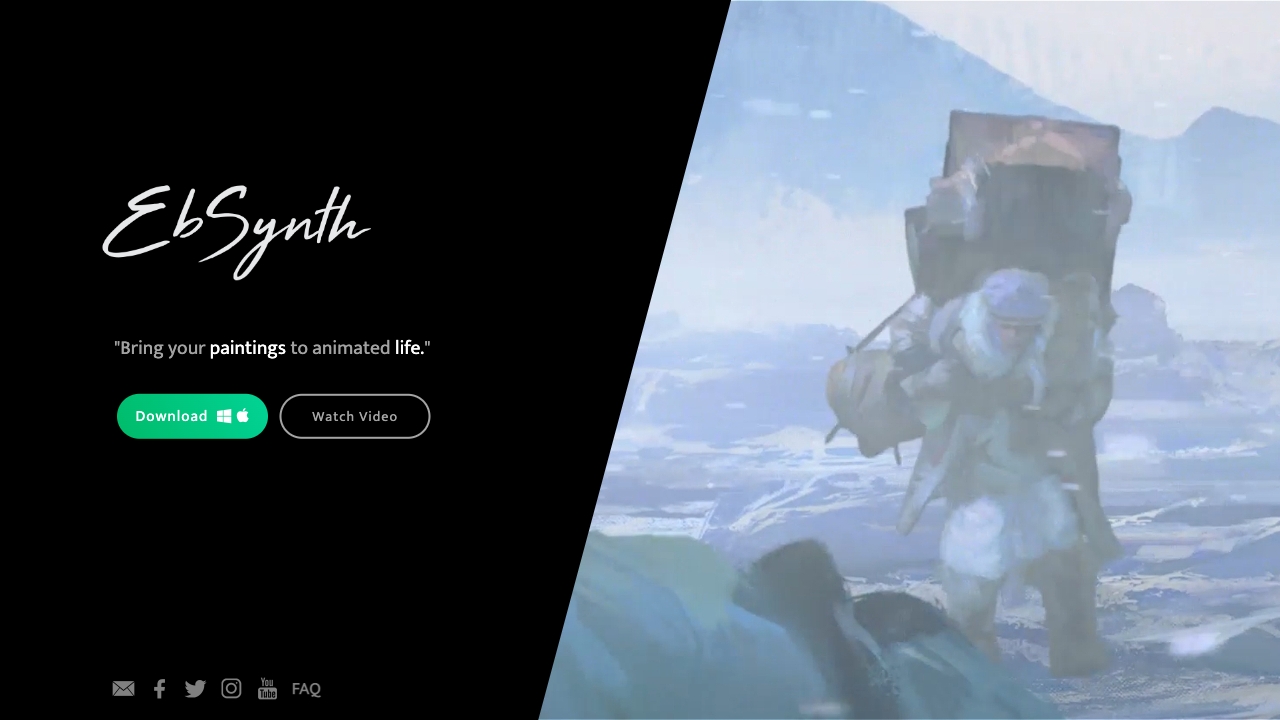
Ebsynth
UnknownEbSynth animates footage using styled keyframes, ideal for hand-drawn animations.
No pricing
Full comparison
DreamFace ✓
FreemiumAnimate photos with AI face editing magic.
Why look Typically cheaper
Full comparison
Animagic ✓
FreemiumTurn drawings into animations in seconds.
Why look Typically cheaper
Full comparisonPeople also view
Tools that often show up alongside Live Portrait AI in collections and comparisons.
Ebsynth
UnknownEbSynth animates footage using styled keyframes, ideal for hand-drawn animations.
DreamFace ✓
FreemiumAnimate photos with AI face editing magic.

MyHeritage Deep Nostalgia ✓
UnknownAnimate faces in old family photos.

Animatable ✓
PaidCreate animated characters and environments in minutes
Animagic ✓
FreemiumTurn drawings into animations in seconds.
Anijam ✓
Free TrialAI handles your entire animation pipeline.

Vibe Motion ✓
Free TrialAI motion graphics generator - VibeMotionAI

Spatius ✓
FreemiumReal-time AI avatars at a fraction of the cost.
Releases 1
Imported reviews 1
I let my dog imitate the way I speak, it's so funny that it makes me laugh to death.
Related tools
Recommended

Animate Old Photos ✓
PaidBring old photos to life with AI animation

Lyrics Generator ✓
FreeAI-powered lyrics generator for catchy, unique songs.

Deep NostalgiaAi ✓
PaidBring old family photos to life with AI videos.

Dream Machine AI ✓
PaidTransform text and images into high-quality videos instantly with Dream Machine AI.

Automateed ✓
Free TrialCreate eBooks effortlessly with Automateed, the AI-powered writing tool.

Scene ✓
FreemiumThe smart way to build websites