

AI Image Editor ✓
Image editing
Free + from $5.99/mo
Verdict
A quick read before you dig into the full page.
- Best if
- You are bloggers and need: Creating visuals for articles, webpages, and ad campaigns
- Skip if
- Limited style variety
- Pick this when
- Transforms text prompts to images
Considering Viyou AI Image Generator instead? Compare side by side
Overview
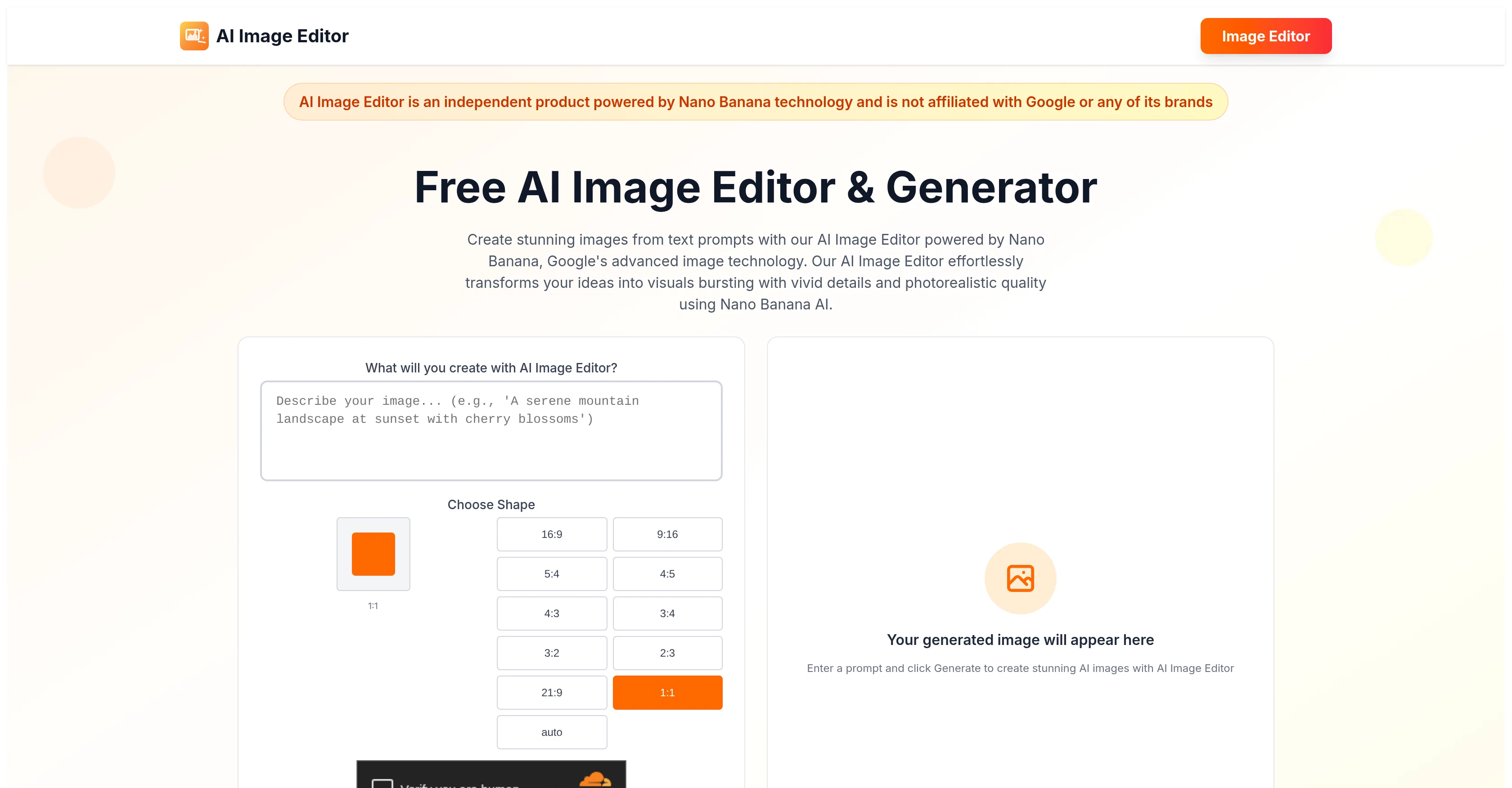
AI Image Editor is a free-to-use platform powered by Nano Banana, Google's advanced image generation and editing technology. Independent of Google, this tool provides unique capabilities in text-to-image generation, natural language editing, and character consistency.
Users enter text prompts to effectively create vivid and realistic visuals. Built on the Gemini 2.5 Flash Image model, Nano Banana introduces an innovative approach to visual creation.
The tool assures flawless character detaily across edits and seamless scene blending. The 'zero-cost creative freedom' feature offers unrestricted access to all premium capabilities without requiring registration.
Users can modify images through natural dialogue, making photo manipulation as intuitive as conversing. AI Image Editor is especially proficient in preserving facial features and personal characteristic across modifications, while enabling efficient scene integration.
The tool allows users to experiment with different artistic styles from hyperrealism to anime, enhancing creative freedom. Users have control over illumination, color palettes, compositional elements, and focus depth, ensuring customized creation.
AI Image Editor also offers capabilities for image region replacement or extension, background manipulation, artistic styled transformation, and detail enhancement.
Most images are processed within seconds, requiring no technical expertise. Nano Banana's advanced algorithms solve editing challenges in a single pass, maximizing efficiency.
This tool is user-friendly, allowing users to master its features and explore their creativity by following three simple steps: expressing their creative concept, activating generation, and refining the result.
Best for
Short scenarios where AI Image Editor tends to shine.
-
Creating visuals for articles, webpages, and ad campaigns
Best for Bloggers
-
Generating unique marketing collateral
Best for Social media marketers
-
Inspiring artists and designers
Best for Artists
-
Building brand visuals for entrepreneurs
Best for Designers
Example outputs 1
Sample generations and before/after results for AI Image Editor.
Access & connections
Where you can use AI Image Editor.
Platforms
Capabilities
What this tool accepts, produces, and is strongest at.
Input
- Image
- Text
Output
- Image
Highlights
- No Signup
Supported features
- Image Edit
- Image Generation
- No Signup
- Realism
- Styling
- Background Removal
Pros & cons
Pros
- Transforms text prompts to images
- Edits using natural language
- Maintains character consistency
- Advanced image technology
- Easy to use interface
- Unrestricted access to premium features
- Specializes in character integrity
- Seamless merging of edits
Show 43 more
- Precision customization controls for images
- Seamless image region replacement
- Background removal in seconds
- Background transformation capability
- Optimized for quick image generation
- Works on Gemini 2.5 Flash Image model
- Flawless character detaily retention
- Edits images through conversational dialogue
- Preserves facial features across modifications
- Enables artistic style experimentation
- Maintains focus depth control
- Offers image background manipulation
- Solves editing challenges in single pass
- Unique user-friendly tool
- Enables personalization with creative freedom
- Free unlimited usage
- No registration requirements
- Supports various artistic styles from anime to hyperrealism
- Designed for creative expression
- Allows image region extension
- Details enhancement capability
- Lightning speed image processing
- Smart inpainting technology
- Supports various aspect ratios
- Identity preservation technology
- Intelligent scene integration
- Single-attempt precision editing
- Diverse artistic expressions
- Advanced customization controls
- Dynamic background solutions
- Artistic style transformation
- Facial & detail refinement
- Guides through usage steps
- Offers comprehensive creative control
- Instant generation of vivid visuals
- Allows easy creative iteration
- No restriction on creative usage
- Supports commercial usage
- Fast image generation and editing
- Works independently of Google
- Rich feature set for editing
- Efficient scene integration capability
- Enhanced creative journey for users
Cons
- No mobile application
- Overdependence on text prompts
- Lacks offline mode
- Limited image resolution options
- No multi-language interface
- No custom presets feature
- No batch processing options
- No plug-in or extension compatibility
Show 2 more
- Limited style variety
- No manual edit option
Compare alternatives
Similar tools in the catalog — with a clear reason to open each one.

Viyou AI Image Generator ✓
FreemiumTransform text and images into stunning videos and visuals.
Free + from $39.99/yr
Full comparison
Img2Img AI ✓
FreemiumTransform any image with AI in seconds.
Why look Typically cheaper
Full comparison
Photoeditor ✓
PaidEnhanced image editing with object and text removal.
from $9.99/mo
Full comparison
Cleanup pictures ✓
FreemiumRemove unwanted elements from photos instantly.
Why look Typically cheaper
Full comparisonPeople also view
Tools that often show up alongside AI Image Editor in collections and comparisons.
Viyou AI Image Generator ✓
FreemiumTransform text and images into stunning videos and visuals.
Photoeditor ✓
PaidEnhanced image editing with object and text removal.
Img2Img AI ✓
FreemiumTransform any image with AI in seconds.

Creen AI ✓
Paid40+ AI models for video, image and art. Free, no sign-up.
Cleanup pictures ✓
FreemiumRemove unwanted elements from photos instantly.

MF0.ai ✓
PaidEvery top AI in one chat. Real memory. No subscription.

LineArt ✓
Free TrialTurn one photo into a whole coloring book.

Kyukoma ✓
Free TrialTurn your stories into manga pages with AI.
Releases 1
Imported reviews 1
This website was once completely free to use with no limitations, but that's not the case anymore. Now, it operates on a credit system, offers pricing plans, and supports account logins.
FAQ 12
What is AI Image Editor?
How does Google's Nano Banana technology work in AI Image Editor?
What does it mean that AI Image Editor generates images from text prompts?
How does the natural language editing function in AI Image Editor?
Can you explain what character consistency in AI Image Editor is?
How user-friendly is the web interface of AI Image Editor?
What does 'seamless scene blending' mean in the context of AI Image Editor?
Do I have to register to use the premium features of AI Image Editor?
Is there any charge after a certain level of usage with AI Image Editor?
How does AI Image Editor maintain character integrity while merging edits?
What customization options regarding illumination and color palettes does AI Image Editor offer?
What's the functionality of the smart inpainting feature in AI Image Editor?
Related tools
Recommended

AI Image to Image.io ✓
FreemiumTransform images with simple text commands.

Image Editor Online ✓
FreeTransform images with AI prompts instantly online.

Promtist AI ✓
FreeGenerate optimized prompts for better AI results.

PixPal - Free AI Chat with Image Editor & Video Gener... ✓
FreeAI chat with images – Create, edit, innovate for free!