

AI Convert Hub ✓
Convert and compress video, audio, and images with AI-optimized compression.
from $7.99/mo
Verdict
A quick read before you dig into the full page.
- Best if
- Convert and compress video, audio, and images with AI-optimized compression
- Skip if
- Limited customer support options
- Pick this when
- 200+ supported formats
Considering erase.tools instead? Compare side by side
Overview
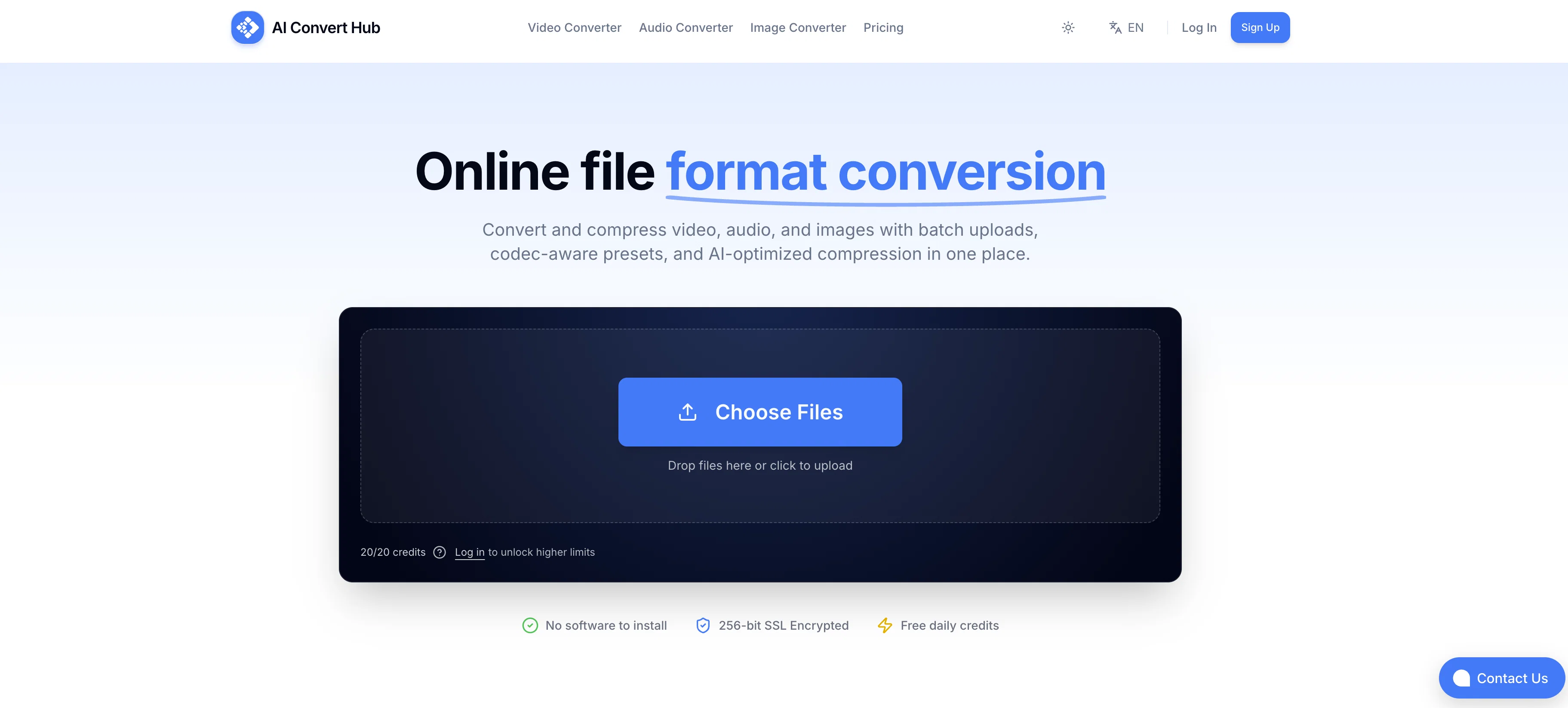
AI Convert Hub is a robust online tool for converting and compressing video, audio, and image file formats. It supports over 200 formats, including MP4/MOV for video, MP3/WAV for audio, and JPG/PNG/WEBP for images.
This tool does not merely change file extensions but provides professional-grade encoding tools for conversions, ensuring quality and precision are maintained during the process.
Utilizing Artificial Intelligence for optimization, AI Convert Hub ensures rapid file processing while preserving quality during compression. Additionally, it implements advanced codec-aware controls for Critical Rate Factor (CRF), bitrate, frame rate, and audio channels, thereby offering advanced control over the conversion process.
It also enables batch processing for folders or multiple files, allowing users to handle large scale tasks with ease. AI Convert Hub also prioritizes secure data handling, employing 256-bit SSL for file transfers and automatically cleaning artifacts post-processing, ensuring users' data is not retained.
Despite its intricate features, the tool requires no software installation and is accessible right from your browser.
Access & connections
Where you can use AI Convert Hub.
Platforms
Capabilities
What this tool accepts, produces, and is strongest at.
Input
- API
- Tabular
- Image
- Text
- Video
- Audio
Output
- Audio
- Video
- API
- Text
- Image
Highlights
- No Signup
Supported features
- Automation
- No Signup
Pros & cons
Pros
- 200+ supported formats
- Quality preservation during compression
- Advanced codec-aware controls
- Batch processing capability
- Secure file transfers (256-bit SSL)
- File deletion post-processing
- No software installation needed
- Handles large scale tasks
Show 9 more
- Rapid processing speed
- Browser-based tool
- Free tier available
- Pro grade encoding tools
- Adjustable CRF/bitrate/frame rate
- Supports HEIC, WEBM, RAW formats
- Audio channel adjustment options
- Doesn't simply change extensions
- Universal support for many formats
Cons
- Requires internet connection
- Potential privacy concerns
- Heavy tasks require upgrade
- Limited free tier
- No offline functionality
- Dependent on browser performance
- Limited control over conversion
- Depends on website uptime
Show 2 more
- No software backup option
- Limited customer support options
Compare alternatives
Similar tools in the catalog — with a clear reason to open each one.

erase.tools ✓
FreemiumRemove text, captions, and watermarks from videobackground rebuilt seamlessly.
Why look Freemium alternative
Full comparison
AI 3D Model Generator ✓
FreemiumTurn text or images into 3D models in seconds.
Why look Freemium alternative
Full comparison

Data2Slide ✓
Free TrialTurn data into presentations in under 5 minutes.
Free + from $15/mo
Full comparison

ScriptGecko ✓
FreemiumTurn any Instagram Reel into text instantly.
Why look Freemium alternative
Full comparisonReleases 1
FAQ 12
What is AI Convert Hub?
How does AI Convert Hub's AI-optimized compression work?
Can AI Convert Hub handle batch processing?
What file formats are supported by AI Convert Hub?
Does AI Convert Hub offer advanced controls?
Is it necessary to install software to use AI Convert Hub?
What is the role of codecs in AI Convert Hub's functionality?
How does AI Convert Hub ensure data security?
Can I adjust video frame rates using AI Convert Hub?
What are the benefits of a Pro Account on AI Convert Hub?
How does the Free Usage Tier work on AI Convert Hub?
Does AI Convert Hub delete files post-processing?
Related tools
Recommended

TextMine ✓
UnknownAI-powered knowledge base for critical business documents.

VenturusAI ✓
FreemiumBusiness idea analysis and reporting.

Photo AI ✓
PaidCreate beautiful AI photos and videos of real people

Stratup.ai ✓
FreemiumInnovative idea generation for businesses.

Agentgpt ✓
FreemiumDeploy autonomous AI Agents effortlessly in your browser.

Business Idea Generator AI ✓
FreeGenerate innovative business ideas with AI