

ACDSee ✓
Master your photos: Edit, organize, and conquer.
from $8.90/mo
Verdict
A quick read before you dig into the full page.
- Best if
- Master your photos: Edit, organize, and conquer
- Skip if
- Complex interface
- Pick this when
- All in one solution
Considering Viyou AI Image Generator instead? Compare side by side
Overview
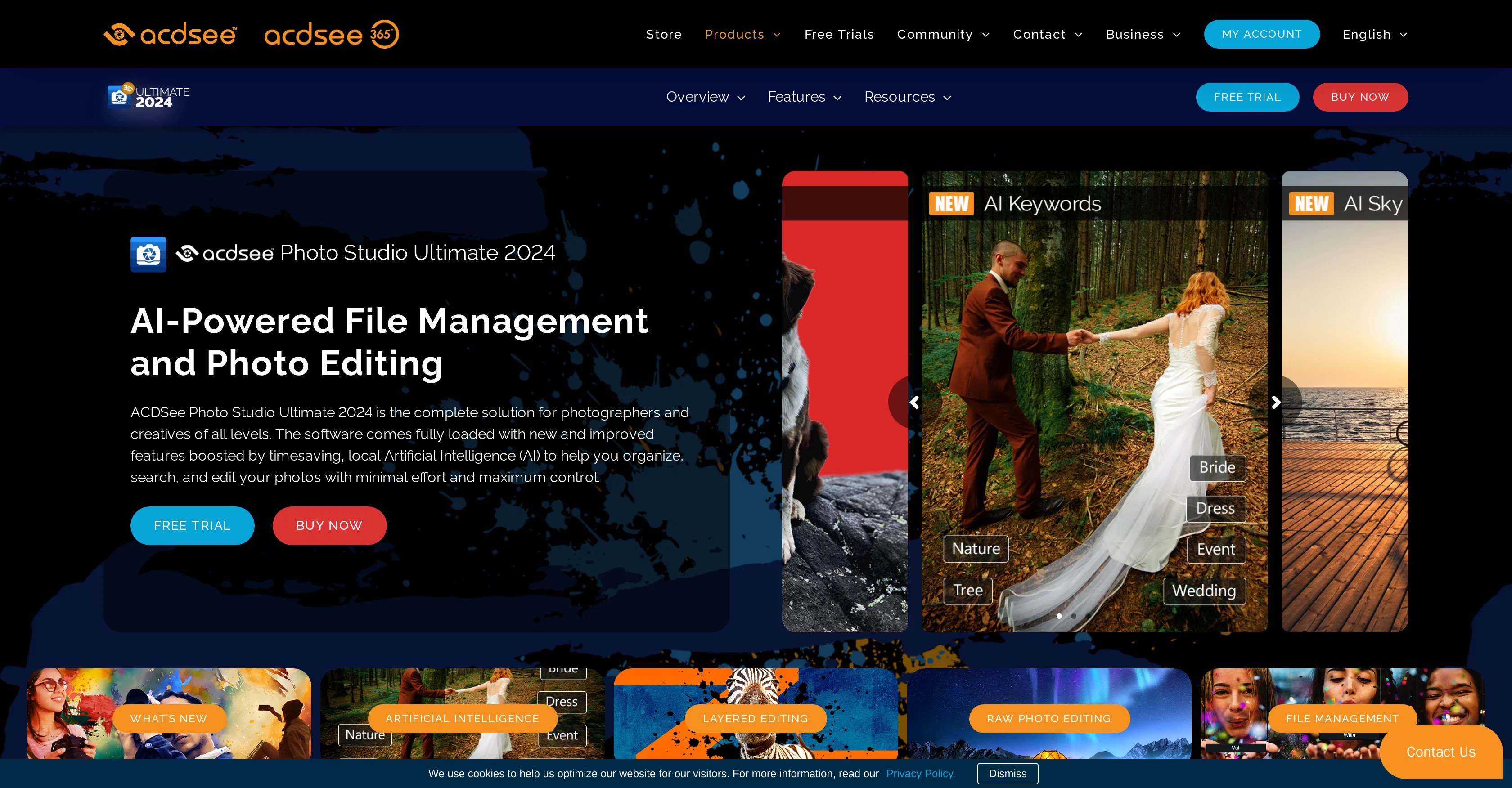
ACDSee Photo Studio Ultimate is an all-in-one software solution designed for people who take a lot of photos and want to edit and organise them efficiently.
With a focus on layered and RAW photo editing, this software provides a platform for users to manage their digital assets without any hassle. ACDSee Photo Studio Ultimate supports various modes for diverse photography styles and needs.
Furthermore, the tool is also designed to provide convenience in managing and accessing digital assets, making it an integral part of the digital photography process.
Availability across multiple platforms extends its usability, catering to users who have to work on both PC and Mac. An array of additional products like Photo Studio Professional, Photo Studio Home, and Gemstone Photo Editor expands the software suite, letting users choose the right tools according to their needs.
Video editing and conversion tools are also part of the ACDSee Photo Studio offerings, providing wider scope for creative possibilities.
Access & connections
Where you can use ACDSee.
Platforms
Capabilities
What this tool accepts, produces, and is strongest at.
Input
- Image
Output
- Image
Pros & cons
Pros
- All in one solution
- Efficient organization of photos
- Layered photo editing
- RAW photo editing
- Asset management system
- Multiple photography style modes
- Availability across multiple platforms
- Part of digital photography workflow
Show 42 more
- Variety of additional products
- Video editing tools
- Photo organization capabilities
- Flexible file conversion
- Professional photography tool
- Accessible digital asset management
- Wide creative scope
- Efficient digital asset retrieval
- Cross-platform availability
- Integrated video conversion tool
- Diverse range of editing tools
- Adapts to various needs
- Platform harmonization with Mac
- Supports Photo Studio Professional
- Supports Gemstone Photo Editor
- Camera-specific photo editing
- Digital photography tutorials
- Mobile Applications compatibility
- Offers Photography Courses
- Provision of Workgroup solutions
- Multi-language availability
- Subscription-based services
- Video tutorials availability
- Extensive community support
- Custom development support
- Advanced SDK for developers
- Partnership and reseller programs
- Affiliate program integration
- OEM partnership availability
- Easy product purchase
- Convenient customer contact
- Dedicated support system
- Enterprise-level software options
- Volume Licensing for businesses
- Small & Medium Business options
- Education sector solutions
- Government sector solutions
- Technology Licensing
- Software for Mac devices
- Ultimate Pack availability
- Subscription plans availability
- Free trial availability
Cons
- Complex interface
- Numerous software options confusing
- Requires robust hardware
- Lack of cloud integration
- Possible compatibility issues
- Subscription can be costly
- No Linux support
- Limited mobile app functionality
Show 2 more
- Steeper learning curve
- May overkill for casual users
Compare alternatives
Similar tools in the catalog — with a clear reason to open each one.

Viyou AI Image Generator ✓
FreemiumTransform text and images into stunning videos and visuals.
Why look Freemium alternative
Full comparison
Img2Img AI ✓
FreemiumTransform any image with AI in seconds.
Why look Freemium alternative
Full comparison

Photoeditor ✓
PaidEnhanced image editing with object and text removal.
from $9.99/mo
Full comparison
Cleanup pictures ✓
FreemiumRemove unwanted elements from photos instantly.
Why look Freemium alternative
Full comparisonReleases 1
FAQ 12
What is ACDSee Photo Studio Ultimate?
How does the layered editing in ACDSee Photo Studio Ultimate work?
Can ACDSee Photo Studio Ultimate edit RAW photos?
How does ACDSee Photo Studio Ultimate help in managing digital assets?
Can I use ACDSee Photo Studio Ultimate on both PC and Mac?
What are the different modes supported by ACDSee Photo Studio Ultimate?
What other products are available in the ACDSee Photo Studio software suite?
Does ACDSee Photo Studio Ultimate offer video editing and conversion tools?
Can ACDSee Photo Studio Ultimate help in organizing photos?
What kind of photography styles does ACDSee Photo Studio Ultimate support?
Can ACDSee Photo Studio Ultimate be used for professional photography?
How can ACDSee Photo Studio Ultimate enhance my creativity?
Related tools
Recommended

Kin - Personal AI Advisors ✓
FreePrivacy-first & designed your for mind, and life at work

AiApply ✓
Free TrialCustomized job applications for better results.

Napkin ✓
FreemiumBring your ideas to life with a visual copilot

PixVerse ✓
FreemiumCreate breath-taking videos with AI

Winggg ✓
FreemiumYour conversation wingman for dating apps and real life.

HitWit ✓
FreemiumBring an AI product expert to *every* customer interaction