

xPassportPhoto
Transform snapshots into perfect passport photos in seconds.
Verdict
A quick read before you dig into the full page.
- Best if
- Transform snapshots into perfect passport photos in seconds
- Skip if
- Limited to specific documents only
- Pick this when
- Adapts photos to global specs
Considering AI Passport Photos instead? Compare side by side
Overview
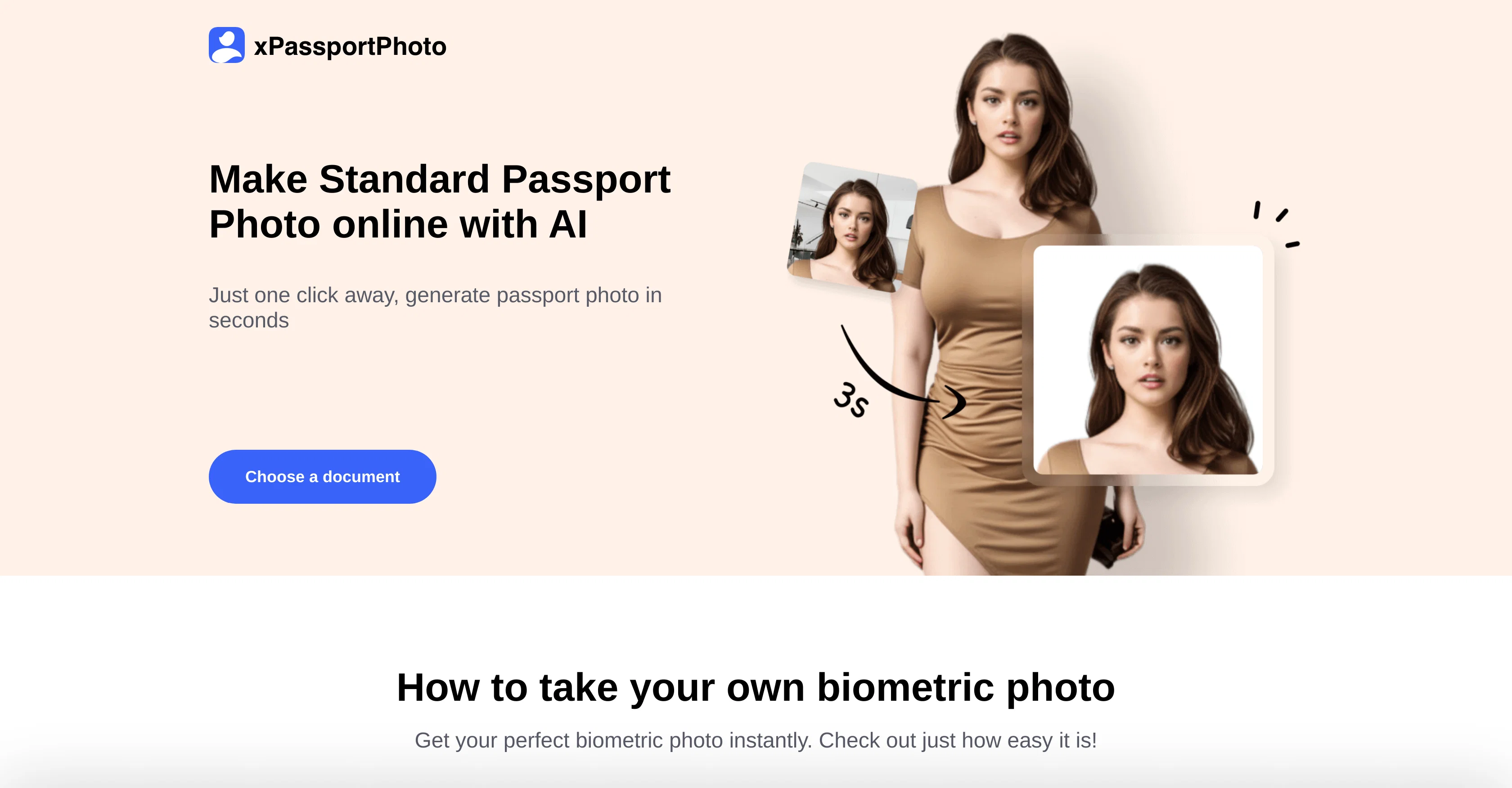
xPassportPhoto is an AI-driven platform designed to convert casual snapshots into standard passport photos. With this tool, users have the opportunity to adapt their photos to meet global specifications for various identification documents such as passports, IDs, and visas.
To use xPassportPhoto, users simply upload their photo onto the platform; from there, the AI ensures that the photo is in compliance with international criteria.
A key feature of xPassportPhoto is its ability to automatically crop, cutout, resize, and adapt photos in order to meet the requirements of the specific document.
Once the photo is adjusted, the user can instantly download the digital photo and printable template. This tool caters to a diverse range of documents, such as Australian Visas, Baby Passports, Cambodian Visas, Canadian Visas, Chinese Passports and Visas, Costco Passport Photos and much more.
xPassportPhoto is not only user-friendly but also efficient, delivering the finalized passport photos virtually instantaneously.
Access & connections
Where you can use xPassportPhoto.
Platforms
Capabilities
What this tool accepts, produces, and is strongest at.
Input
- Image
Output
- Image
Pros & cons
Pros
- Adapts photos to global specs
- Automatically crops and resize
- Instant download of photos
- Caters to diverse documents
- Efficient photo delivery
- User-friendly interface
- Supports ID, Visa photos
- Transforms casual snapshots
Show 41 more
- Powerful image editing
- Works for different nationalities
- Supports different languages
- Efficient photo conversion
- Reduces manual crop effort
- Automated photo adaptation
- Compliant with international standards
- Generates standard passport photo
- Supports different passport standards
- Quick photo adjustments
- Saves time and effort
- High-quality photo conversion
- Support for Baby passports
- Support for Australian visas
- Support for Cambodian visas
- Support for Canadian visas
- Support for Chinese passports
- No download waiting time
- Guide for biometric photo
- Has printable templates
- Comprehensive document compatibility
- Quick and seamless process
- Supports Costco passport photos
- Supports CVS passport photos
- Ensures photo criteria compliance
- Photo selection flexibility
- Customizable image delivery
- Personalized photo experience
- User interactive photo adjustment
- Inclusive user operation
- Direct photo uploading
- Multi-language support
- Integrated photo guideline
- Multi-platform photo adjustment
- Fast photo standardization
- Easy standards navigation
- Customizable document selection
- Upload photo adaptability
- Accessible customer assistance
- Instant photo modification
- Wide range of specifications
Cons
- No offline mode
- No manual editing
- Lacks batch processing
- Lacks API integration
- No specified privacy measures
- No in-built camera feature
- No multi-language support
- Limited to specific documents only
Show 2 more
- Not open-source
- No business version available
Compare alternatives
Similar tools in the catalog — with a clear reason to open each one.

AI Passport Photos
FreemiumCreate perfect passport photos instantly with AI
Free + from $5/mo
Full comparison
Leeta
FreemiumPerfectly resizing your ID and passport photos with AI.
Free + from $0.99
Full comparison

PassportMaker
FreemiumCreate passport photos instantly with AI
Free + from $4.99/mo
Full comparison
Releases 1
Imported reviews 1
It's so friendly that it's completely free
FAQ 12
How does xPassportPhoto convert casual snapshots into standard passport photos?
Does xPassportPhoto adapt photos to meet global specifications of what documents?
What is the process to use xPassportPhoto?
What alterations does xPassportPhoto's AI perform on the photos?
How do I download the adjusted photo and printable template from xPassportPhoto?
What types of documents can xPassportPhoto adapt photos for?
How does xPassportPhoto ensure its user-friendliness?
How quickly does xPassportPhoto deliver the finalized passport photos?
Can xPassportPhoto adapt images for Australian visa requirements?
How efficient is the xPassportPhoto tool?
What is the key feature of xPassportPhoto?
Does xPassportPhoto provide support for creating baby passport photos?
Related tools
Recommended

LearningStudioAI ✓
Free TrialAI-powered authoring tool for effortless online course creation.

Imagetocaption.ai ✓
Free TrialGenerated captions for social media images

SEO Writing AI ✓
Freemium1-click SEO-optimized articles generation

Looka ✓
PaidAI-powered logo and brand identity design

ANDRE ✓
FreemiumPersonal Synthetic Data Analyst – Available 24/7

Writeprint.ai ✓
FreemiumConvert AI content into your own voice.