

AI Passport Photos
Create perfect passport photos instantly with AI
Free + from $5/mo
Verdict
A quick read before you dig into the full page.
- Best if
- You are travelers and need: Creating passport photos for US passports
- Skip if
- Limited document types support
- Pick this when
- Generates passport photos quickly
Considering Leeta instead? Compare side by side
Overview
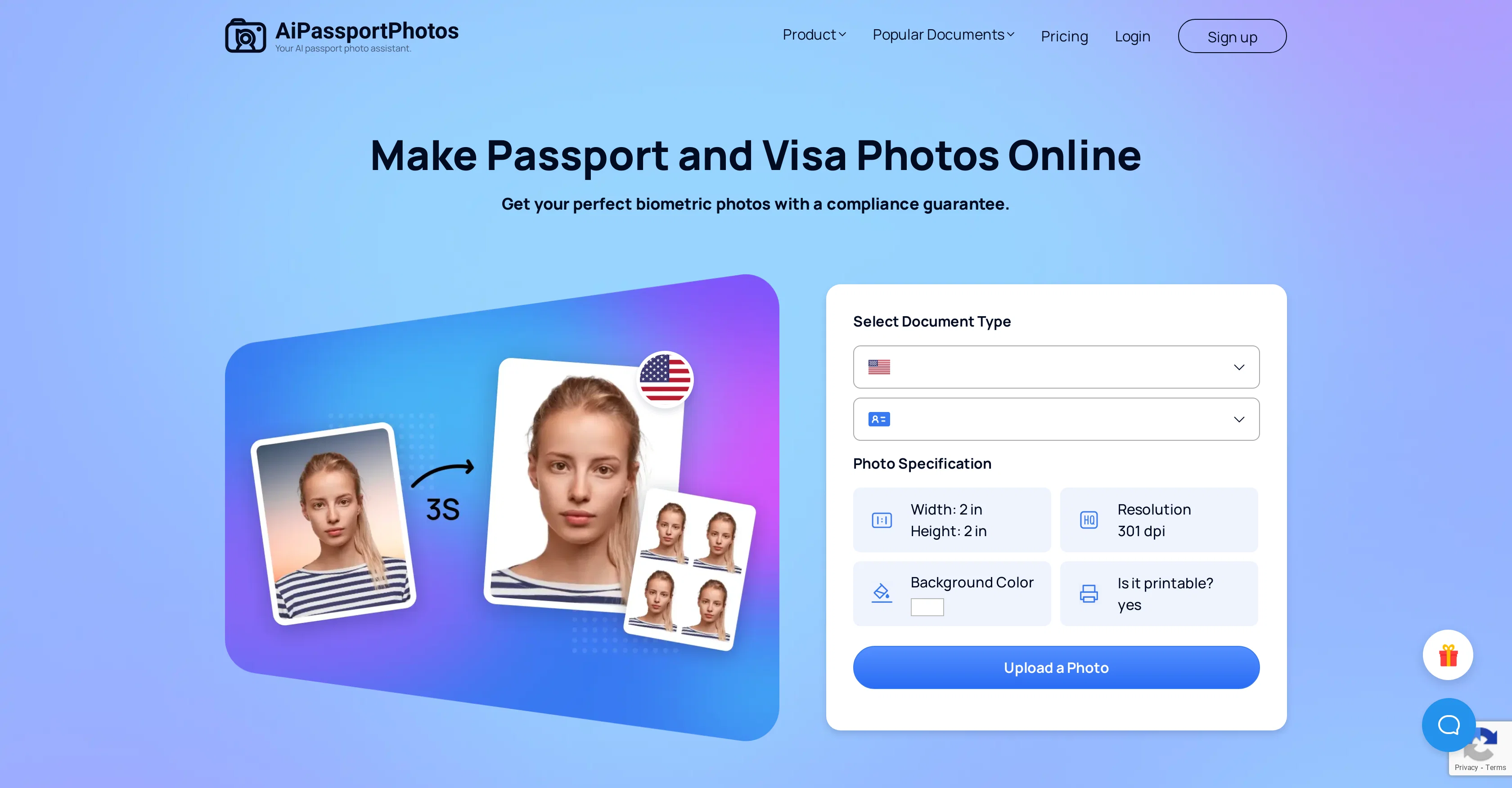
AiPassportPhotos is a web-based tool that enables users to quickly create passport photos using AI technology. It provides an automated solution to resizing images, tailoring them to fulfill the official image requirements specified by various countries for documents.
This tool offers a suite of features such as Background Removal for a clean and tidy passport photo, Face Cutout to ensure optimal positioning and Retouch Portrait Online for minor adjustments.
Moreover, the AI Recovery Tool helps with image enhancement. It includes blur Background for focus, Photo Enhancer for better quality, Photo Colorizer for vibrant colors, old Photo Restoration to renew aged photographs, and Photo Color Correction to maintain authenticity.
Additionally, the AI Generation Tool includes features such as Cartoon Selfie, Photo to Anime, and Passport Photo Maker to generate different styles of photos.
AiPassportPhotos ensures compliance to the specific photo requirements of a vast number of countries and even for specific types of documents, ensuring wide applicability.
It aids in saving time, eliminating the need to queue up for photos at a studio.
Best for
Short scenarios where AI Passport Photos tends to shine.
-
Creating passport photos for US passports
Best for Travelers
-
Generating visa photos for various countries
Best for Immigrants
-
Making photos for green cards, driver's licenses, and other ID documents
Best for Students
Example outputs 1
Sample generations and before/after results for AI Passport Photos.
Access & connections
Where you can use AI Passport Photos.
Platforms
Capabilities
What this tool accepts, produces, and is strongest at.
Input
- Image
Output
- Image
Pros & cons
Pros
- Generates passport photos quickly
- Time and cost-efficient
- Facial detection technology
- Detects and edits background
- Automatic photo cropping and resizing
- Offers color correction
- Cartoon selfie feature
- Blur background option
Show 35 more
- Photo enhancer tool
- Old photo restoration
- Ensures photo compliance
- Web-based tool
- Adjusts photos to official requirements
- Face cutout feature
- Retouch Portrait Online tool
- Photo colorizer
- Compliance with multiple countries' requirements
- Works for different document types
- Various style generation
- Positive customer reviews
- Fast processing speed
- Easy navigation
- High-quality results
- Supports various document types
- Compatibility with various countries
- Cost-effective solution
- Printable templates
- Ensures 100% photo acceptance
- Saves user time
- Customer testimonial-backed
- Specific suitability for different document requirements
- Compliance-guaranteed photos
- Instant photo processing
- Good User Interface
- Automatically adjusts photo size
- Photo colorizer for vibrant colors
- Generates different styles of photos
- Automated Background Removal
- Works for a vast number of countries
- Menu-driven, easy to use
- Well received by customers for ease of use
- Creativity tools including Cartoon Selfie, Photo to Anime
- Size-appropriate for wide range of applications
Cons
- Web-based only
- No offline capabilities
- Requires high-quality photo input
- Limited stylization options
- No international language support
- Doesn't work with low-light images
- No native app
- No batch processing
Show 2 more
- Limited document types support
- Potential privacy concerns
Compare alternatives
Similar tools in the catalog — with a clear reason to open each one.

Leeta
FreemiumPerfectly resizing your ID and passport photos with AI.
Why look Typically cheaper
Full comparison
PassportMaker
FreemiumCreate passport photos instantly with AI
Free + from $4.99/mo
Full comparison
xPassportPhoto
FreeTransform snapshots into perfect passport photos in seconds.
Why look Fully free option
Full comparison
AID-Photo
PaidCreate compliant passport photos instantly with AI.
Why look Typically cheaper
Full comparisonPeople also view
Tools that often show up alongside AI Passport Photos in collections and comparisons.
xPassportPhoto
FreeTransform snapshots into perfect passport photos in seconds.

Rostro
PaidPassport photo creation.
PassportMaker
FreemiumCreate passport photos instantly with AI
Leeta
FreemiumPerfectly resizing your ID and passport photos with AI.
AID-Photo
PaidCreate compliant passport photos instantly with AI.

GPTinf ✓
PaidBypass AI detectors with one-click rephrasing.

Deepmotion ✓
Freemium3D animations
DaVinciFace ✓
UnknownTransform photos into DaVinci-style portraits with AI.
Releases 1
FAQ 12
What type of documents is AiPassportPhotos suitable for?
Can AiPassportPhotos crop and resize photos automatically?
Does AiPassportPhotos offer any editing features such as photo color correction?
Can AiPassportPhotos detect and edit the face and background in one click?
What are the features of AiPassportPhotos' AI Recovery Tool?
Does AiPassportPhotos provide compliance-guaranteed photos?
What is the AI Generation Tool in AiPassportPhotos?
How user-friendly is AiPassportPhotos?
Is AiPassportPhotos a web-based tool?
What types of photos can AiPassportPhotos generate?
Can AiPassportPhotos be used for passport photos of different countries?
What is the AI Removal Tool in AiPassportPhotos?
Related tools
Recommended

Photo AI ✓
PaidCreate beautiful AI photos and videos of real people

VenturusAI ✓
FreemiumBusiness idea analysis and reporting.

Stunning ✓
PaidBuild AI-powered websites in seconds

Stockimg AI ✓
PaidGenerated images and text for design ease.

Showspace ✓
FreeCreate an AI-powered portfolio to outshine top candidates
Deepmotion ✓
Freemium3D animations
