

Rostro
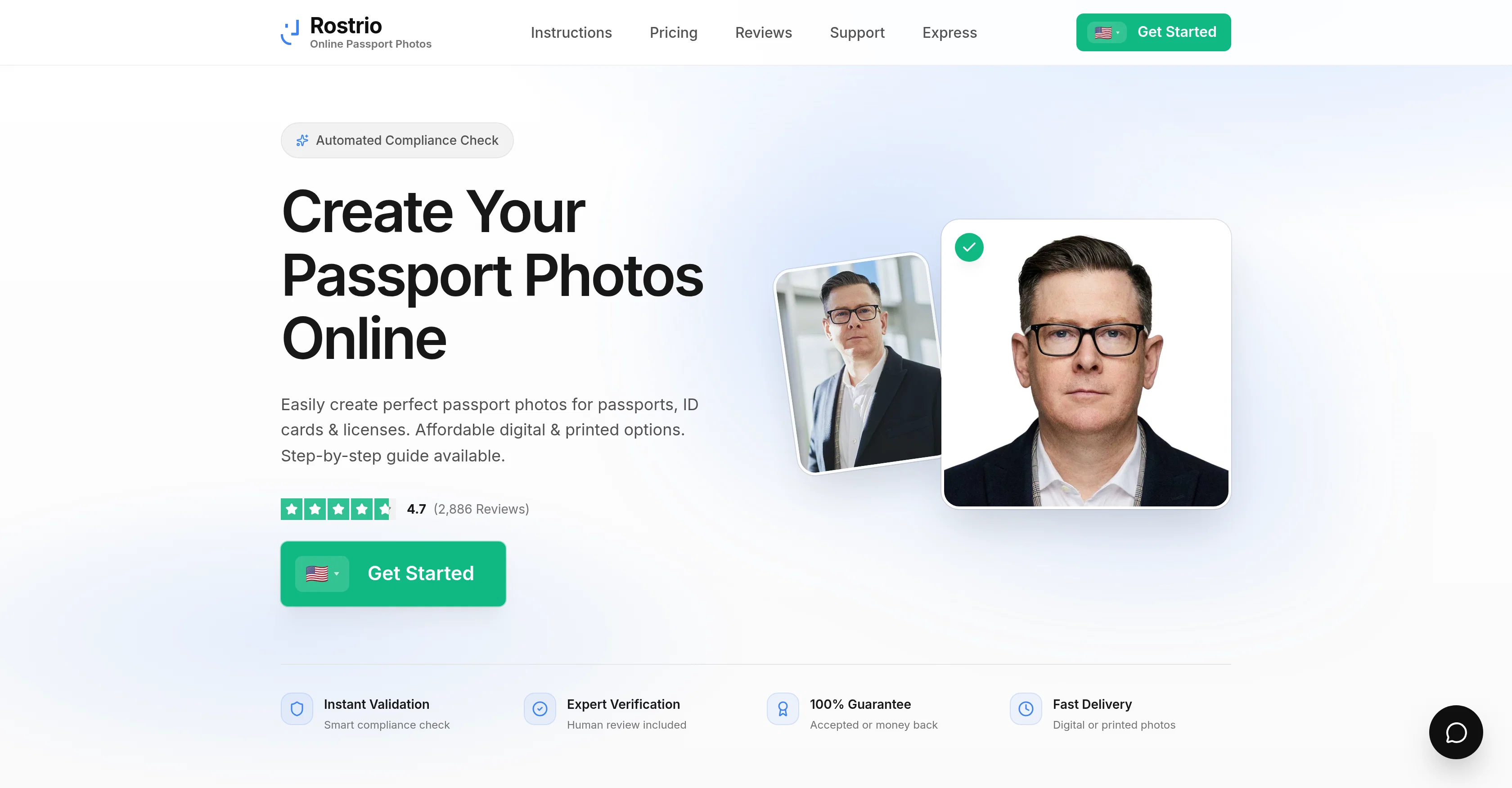
Passport photo creation.
from $5
Verdict
A quick read before you dig into the full page.
- Best if
- Passport photo creation
- Skip if
- Limited payment options
- Pick this when
- Supports multiple countries
Considering AI Passport Photos instead? Compare side by side
Overview
Rostro is a tool that allows users to create passport photos with the help of artificial intelligence. It is available for citizens of many countries, including the United States, United Kingdom, Afghanistan, Åland Islands, Albania, Algeria, American Samoa, Andorra, Angola, Anguilla, Antigua and Barbuda, Argentina, Armenia, Aruba, Australia, Austria, Azerbaijan, Bahamas, Bahrain, Bangladesh, Barbados, Belarus, Belgium, Belize, Benin, Bermuda, Bhutan, Bolivia, Bosnia and Herzegovina, Botswana, Brazil, British Indian Ocean Territory, British Virgin Islands, Brunei, Bulgaria, Burkina Faso, Burundi, Cambodia, Cameroon, Canada, Cape Verde, Caribbean Netherlands, Cayman Islands, Central African Republic, Chad, Chile, China, Christmas Island, Cocos (Keeling) Islands, Colombia, Comoros, Congo (DRC), Congo (Republic), Cook Islands, Costa Rica, Côte d’Ivoire, Croatia, Cuba, Curaçao, Cyprus, Czech Republic, Denmark, Djibouti, Dominica, Dominican Republic, Ecuador, Egypt, El Salvador, Equatorial Guinea, Eritrea, Estonia, Ethiopia, Falkland Islands, Faroe Islands, Fiji, Finland, France, French Guiana, French Polynesia, Gabon, Gambia, Georgia, Germany, Ghana, Gibraltar, Greece, Greenland, Grenada, Guadeloupe, Guam, Guatemala, Guernsey, Guinea, Guinea-Bissau, Guyana, Haiti, Honduras, Hong Kong, Hungary, Iceland, India, Indonesia, Iran, Iraq, Ireland, Isle of Man, Israel, Italy, Jamaica, Japan, Jersey, Jordan, Kazakhstan, Kenya, Kiribati, Kosovo, Kuwait, Kyrgyzstan, Laos, Latvia, Lebanon, Lesotho, Liberia, Libya, Liechtenstein, Lithuania, Luxembourg,
Access & connections
Where you can use Rostro.
Platforms
Pros & cons
Pros
- Supports multiple countries
- Multiple photo upload
- Photo checking and cropping
- Email delivery
- Two photos per request
- Trusted software
- 14 years of experience
- Customer testimonials
Show 3 more
- Available payment options
- Terms and conditions accessibility
- Contact information provided
Cons
- 2 days waiting time
- Limited payment options
- Only delivers digitally
- Requires 20+ photos input
- Requires face photos
- $17 cost per photo
- Photos only via email
- No physical delivery
Compare alternatives
Similar tools in the catalog — with a clear reason to open each one.

AI Passport Photos
FreemiumCreate perfect passport photos instantly with AI
Why look Freemium alternative
Full comparison
Leeta
FreemiumPerfectly resizing your ID and passport photos with AI.
Why look Freemium alternative
Full comparison
PassportMaker
FreemiumCreate passport photos instantly with AI
Why look Freemium alternative
Full comparison
xPassportPhoto
FreeTransform snapshots into perfect passport photos in seconds.
Why look Fully free option
Full comparison
AID-Photo
PaidCreate compliant passport photos instantly with AI.
Why look Typically cheaper
Full comparisonReleases 1
FAQ 12
What is Rostro AI?
How does Rostro AI work?
In which countries is Rostro AI available?
How many photos do I need to upload for processing with Rostro AI?
How will I receive my passport photos from Rostro AI?
How does AI help in creating passport photos?
What's the current waiting time for getting photos from Rostro AI?
Does Rostro AI check my photos before generating passport photos?
How much does service of Rostro AI cost?
What's the quality of passport photos created by Rostro AI?
Which facial structures does Rostro AI recognize?
Can I choose the best photo after AI generates several passport photos?
Related tools
Recommended

Photo AI ✓
PaidCreate beautiful AI photos and videos of real people

Imagetocaption.ai ✓
Free TrialGenerated captions for social media images

Stunning ✓
PaidBuild AI-powered websites in seconds

Hyperis ✓
FreemiumOrganized task prioritization.

GPTinf ✓
PaidBypass AI detectors with one-click rephrasing.

xpression camera ✓
FreemiumInstantly transform into anyone on video chats and streams.