

Workist ✓
Automate document processing with AI
From N/A · Monthly
Verdict
A quick read before you dig into the full page.
- Best if
- Automate document processing with AI
- Skip if
- Limited to specific document types
- Pick this when
- Automates purchase order processing
Considering Lienhound — Turn mechanics liens into money instead? Compare side by side
Overview
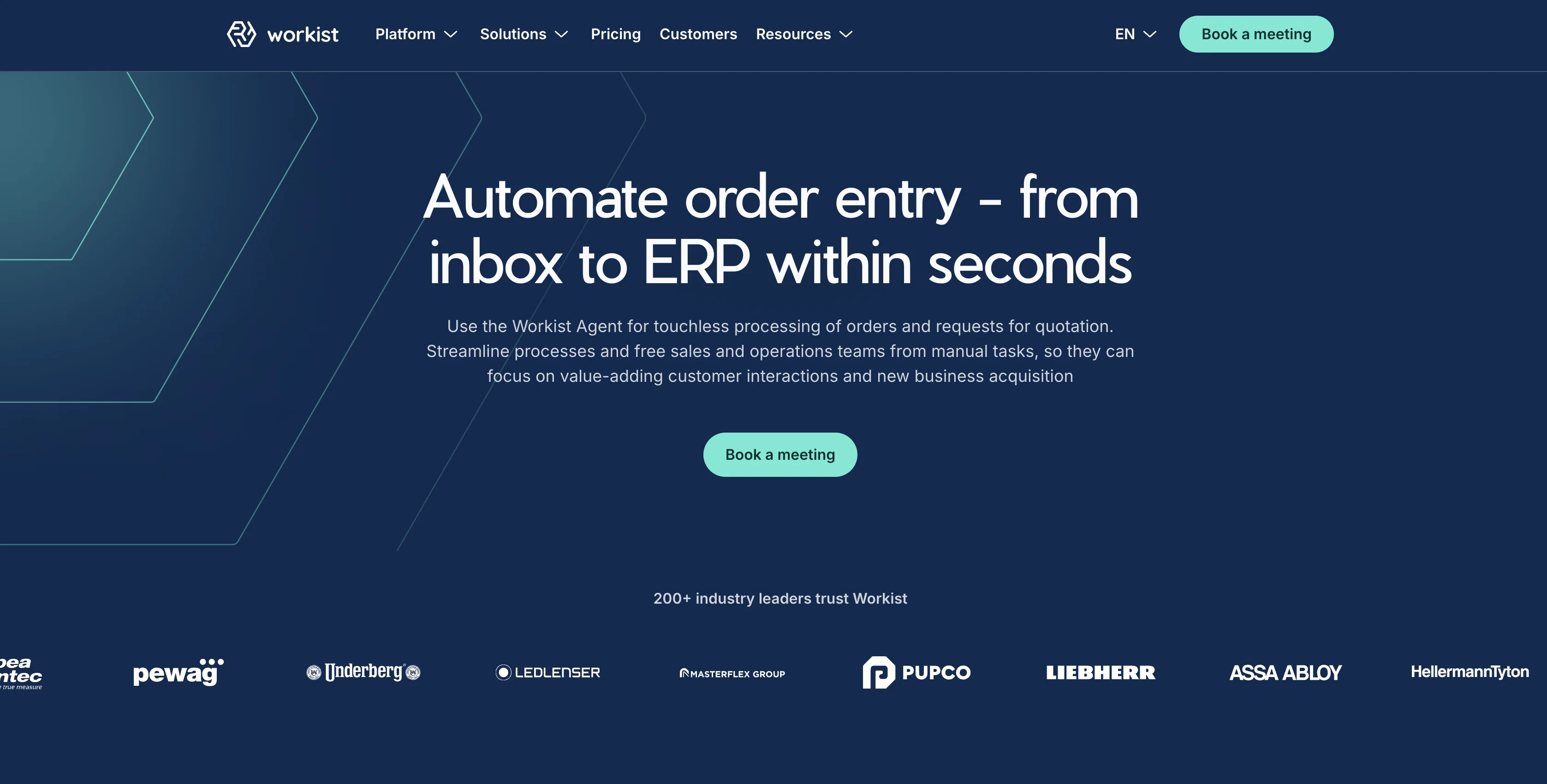
Workist is an AI-based tool designed to automate document processing. It caters to a range of business needs, including incoming orders, order confirmations, and invoices.
Workist leverages AI to capture, verify, and transfer relevant data from these documents, aiming to increase efficiency and reduce human error in the process.
Customizable to each business's IT infrastructure, Workist offers a seamless transition from document receipt in the inbox to transfer to the ERP system.
The solution also prides itself on easy and quick integration into existing processes, allowing businesses to see a return on investment from day one.
Notably, Workist also offers features like master data matching, which helps to detect and correct invalid orders, reducing the incidence of transmission errors and increasing overall order processing efficiency.
With its focus on reducing manual work, Workist aims to alleviate administrative burdens, giving teams more time for customer service and other critical operations.
The tool is lauded for its proven track record in the automation field, having processed over 2 million documents successfully.
Access & connections
Where you can use Workist.
Platforms
Capabilities
What this tool accepts, produces, and is strongest at.
Input
- Text
Output
- Tabular
Supported features
- Finance & Accounting
Pros & cons
Pros
- Automates purchase order processing
- Translates B2B transactions
- Seamless integration with businesses
- Unparalleled document understanding
- High automation rates
- Reduces costs and time
- Connects to all common ERP systems
- Flexible and easy to use
Show 15 more
- Rapid integration
- Supports various document formats
- Validates information with master data
- Transfers data to any ERP or CRM system
- Master data matching for error detection
- Reduces transmission errors
- Alleviates administrative burdens
- Experience of processing millions of documents
- Customizable to IT infrastructure
- Increases order processing efficiency
- Effective incoming order processing
- Automated document capture and transfer
- Invoice processing automation
- Reduces typo occurrences
- Positive return on investment from day one
Cons
- No multi-language support mentioned
- Unclear data security measures
- Customization level unknown
- Doesn't support handwritten documents
- Limited to specific document types
- No mobile application
- No offline capabilities
- Not suitable for individual users
Show 2 more
- Possible integration challenges
- Adapting EDI technology limitations
Compare alternatives
Similar tools in the catalog — with a clear reason to open each one.

Lienhound — Turn mechanics liens into money ✓
UnknownFile and enforce mechanics liens. AI does the paperwork, licensed lawyers file.
No pricing
Full comparison
InvoiceClip ✓
Free TrialStop manual invoice typing with AI scanning.
Free + from $5.99/mo
Full comparison
Taxing ✓
FreemiumAutomate 30+ hours of tax prep in 10 minutes.
Why look Freemium alternative
Full comparison
Tailride ✓
FreemiumAI inbox scanner for invoices, receipts, and expense reconciliation
Why look Freemium alternative
Full comparison
DocumentPro ✓
FreemiumExtract invoices from PDFs and images to CSV using AI
Why look Freemium alternative
Full comparison
Releases 1
FAQ 12
What kind of documents can Workist process?
How does Workist translate B2B transactions?
What types of systems can Workist integrate with?
How does Workist validate the information from extracted documents?
How precise is Workist's data extraction?
What is the turnaround time for Workist's document processing?
How does Workist reduce error rates in document processing?
How easy is it to integrate Workist into my existing processes?
Can I customize how Workist works with my existing IT infrastructure?
How does Workist's master data matching feature work?
How does Workist contribute to cost savings in a business?
How does Workist improve order entry quality?
Related tools
Recommended

Jason AI ✓
PaidAI-powered assistant for B2B sales outreach

LearningStudioAI ✓
Free TrialAI-powered authoring tool for effortless online course creation.

VenturusAI ✓
FreemiumBusiness idea analysis and reporting.

GPTExcel ✓
FreemiumGenerate spreadsheet formulas with AI

Photo AI ✓
PaidCreate beautiful AI photos and videos of real people

Stratup.ai ✓
FreemiumInnovative idea generation for businesses.