Kingshiper ✓
Unleash your multimedia magic with powerful editing tools.
from $5.99/mo
Verdict
A quick read before you dig into the full page.
- Best if
- Unleash your multimedia magic with powerful editing tools
- Skip if
- Complex mixes extraction limitations
- Pick this when
- Vocal and instrumental extraction
Considering Singify AI Vocal Remover instead? Compare side by side
Overview
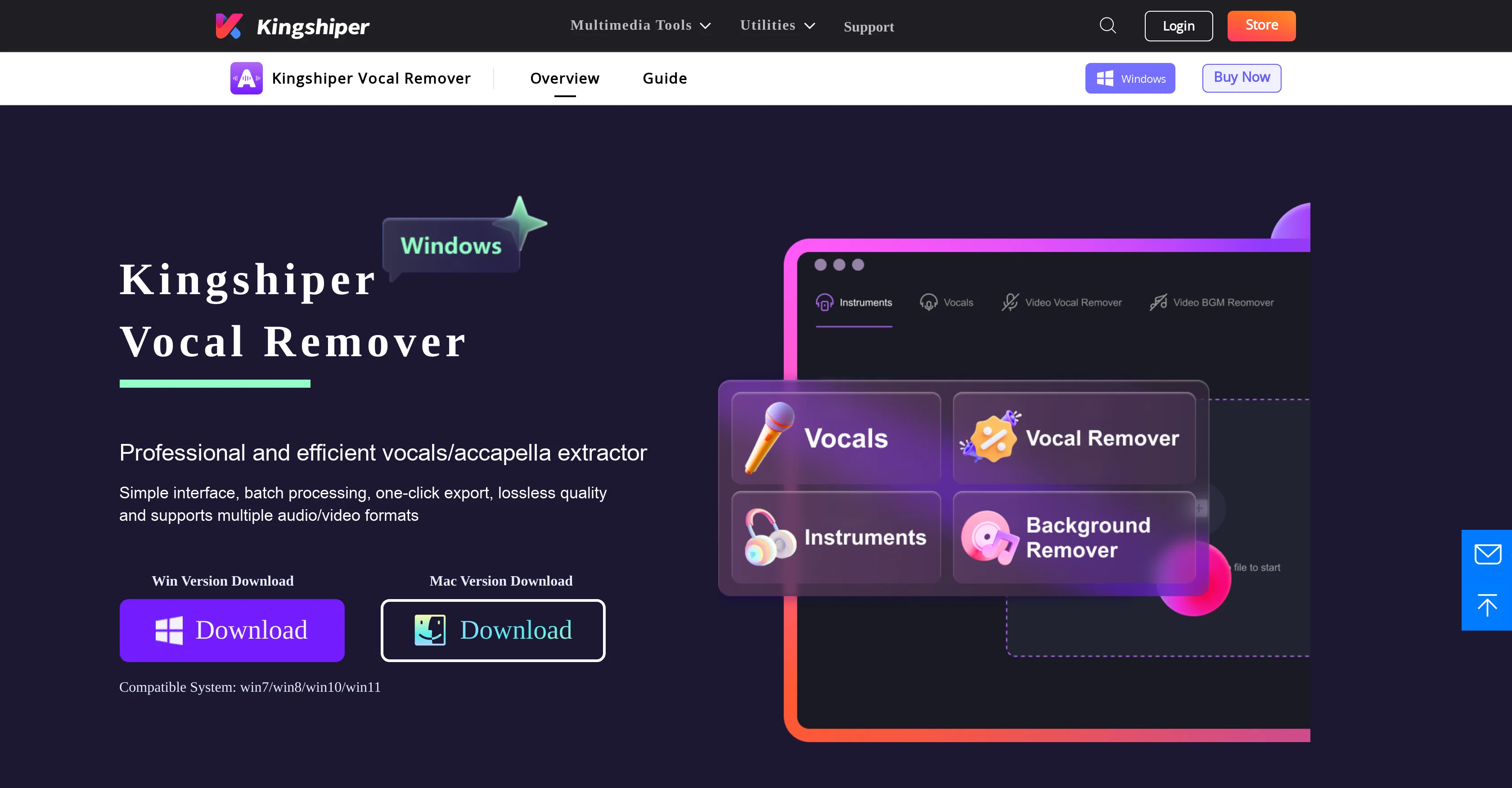
Kingshiper Vocal Remover is an AI-driven audio and video editing tool. Its primary function is to extract vocals from any audio and video tracks. It also allows users to isolate both vocal and instrumental components of a file without losing the original quality.
This tool supports and converts files between a wide variety of formats, making it compatible with major mainstream platforms. Further features include the separation of background music to create more refined audio, with batch processing capabilities for enhanced efficiency.
The vocal remover also supports the extraction of vocals from multiple audio/video formats, providing a streamlined and efficient experience for users.
It is not only suitable for professional use, such as in podcasting and music production, but also for personal use, such as karaoke lovers who want to create instrumental versions of their favorite songs.
A simple interface and one-click operation also make it user-friendly for those less familiar with audio editing software. While primarily used for vocal removal, this toolkit also offers additional utilities like a voice recorder, audio editor, video compressor, and screen recorder.
Access & connections
Where you can use Kingshiper, and what it plugs into.
Platforms
Integrations
Capabilities
What this tool accepts, produces, and is strongest at.
Input
- Tabular
- Video
- Audio
Output
- Audio
- Video
Pros & cons
Pros
- Vocal and instrumental extraction
- Preserves original quality
- Wide format compatibility
- Background music separation
- Batch processing capabilities
- Multimedia format extraction
- Suitable for professional use
- Great for karaoke lovers
Show 41 more
- One-click operation
- Additional utilities provided
- Easy media manipulation
- Various editing functions
- Embedded voice recorder
- Integrated video compressor
- Built-in screen recorder
- Fast file conversion
- User-friendly interface
- Suitable for various platforms
- Isolates vocals and instrumentals
- Supports 1000+ audio formats
- Creates polished audio
- Lossless quality export
- Improves work efficiency
- Versatile usage scenarios
- Quick and handy one-click
- Audio/video sample rates synchronization
- Multiple functions in one tool
- Time-saving tool for content creators
- Ideal for producers
- Useful for podcasters
- Professional and efficient extractor
- Simple interface, easy operation
- Video without vocals feature
- Video without background feature
- Video dub creation for content
- Fast and easy compression
- Supports major mainstream platforms
- Supports multiple audio/video parameters
- Ideal for various genres and styles
- Supports extraction from varied formats
- Creates instrumentals for background music
- Creates unique ringtones
- Fast batch processing
- Converts files between 1000+ formats
- Professional video recording on Mac
- Streamlined, efficient user experience
- Enables personalized audio editing
- Fast file compression and extraction
- Compatible with Windows and Mac
Cons
- Limited to specific formats
- Complex mixes extraction limitations
- Potential loss in original quality
- No mention of multi-language support
- Specific tool for Mac only
- No mobile application mentioned
- No API for integration
- User interface simplicity may limit advanced settings
Show 2 more
- Limited documentation and tutorials
- No stated offline functionality
Compare alternatives
Similar tools in the catalog — with a clear reason to open each one.

Singify AI Vocal Remover ✓
FreemiumSplit any song into vocals and instrumentals instantly.
Why look Freemium alternative
Full comparison

Vocal Remover by Remusic ✓
FreemiumUnleash instrumentals with AI vocal removal.
Why look Freemium alternative
Full comparison
Coolo.ai ✓
Free TrialAI tools for music separation and enhancement.
Free + from $9.99/mo
Full comparison
Vocal Remover by Media.io ✓
FreemiumExtract, isolate or remove vocals and instrumentals instantly.
Why look Freemium alternative
Full comparison