

Video tutorials 2026 Rank: #220
VideoMule ✓
Turn screen recordings into professional videos with automatic voiceover.
from $0.99/mo
Verdict
A quick read before you dig into the full page.
- Best if
- Turn screen recordings into professional videos with automatic voiceover
- Skip if
- Limited editing options
- Pick this when
- Specially designed four-step process
Considering Training Videos by Coursebox instead? Compare side by side
Overview
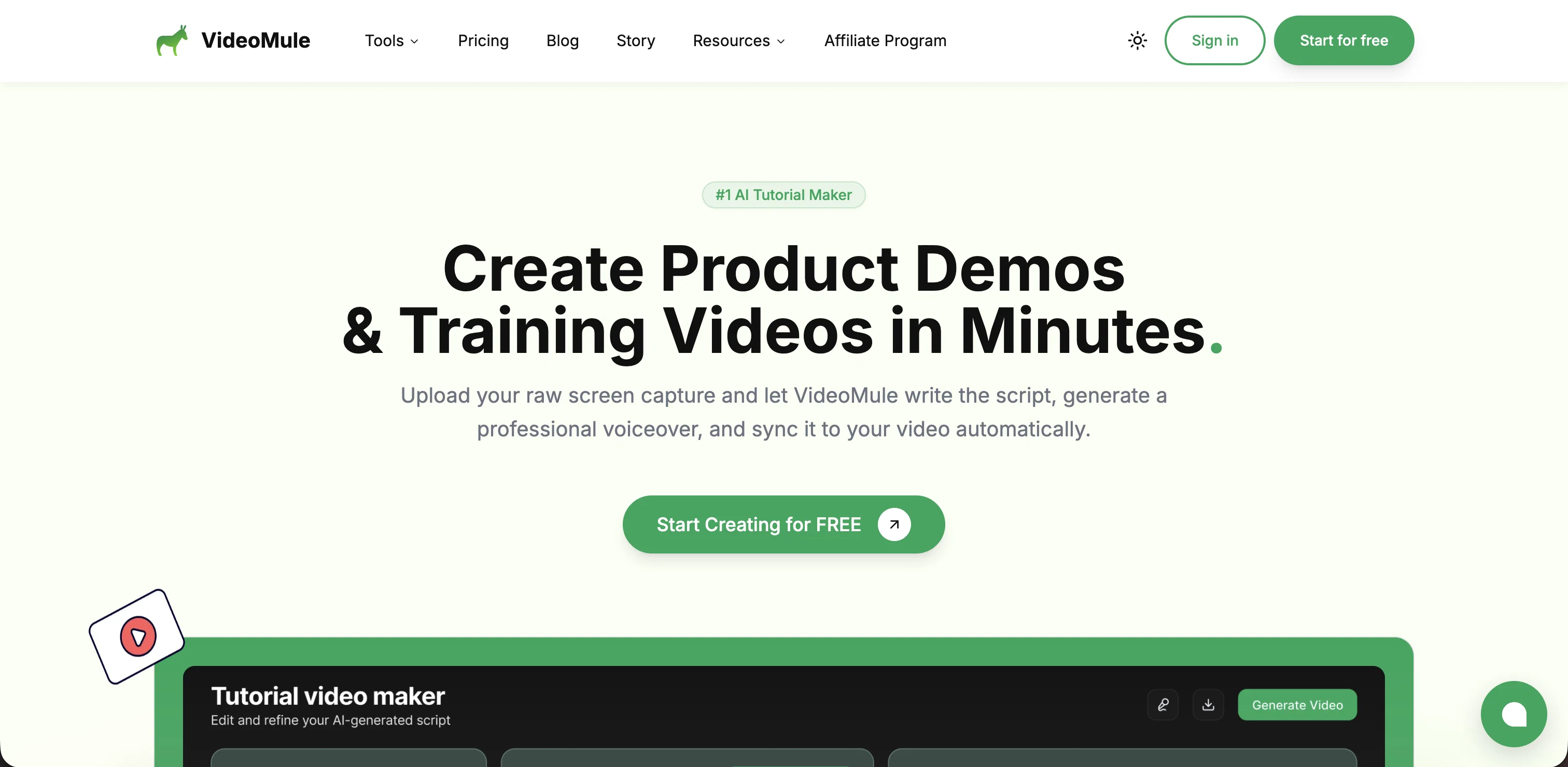
Users simply upload a screen recording of their product to VideoMule - no voice over, scripting or editing needed. The AI analyzes each frame of the video to understand the product flow and automatically generates a clear, instructional script tailored to the recording.
VideoMule then enhances the video by adding a humanlike AI voiceover and guides viewers through the demo. Users can choose from over 100 voice options across 35 supported languages, ensuring the final output matches their brand tone and target audience.
Once processing is complete, you get a fully polished demo video for your product in less than a minute. The entire workflow eliminates the need for manual scripting, microphone recording, or complex video editing tools.
By automating scriptwriting, voiceover generation, and editing, VideoMule simplifies the demo creation process, helping SaaS founders, product marketers, and teams create high-quality product walkthroughs quickly and efficiently.
Check out the tool and share your feedback to help further improve the experience.
Best for
Short scenarios where VideoMule tends to shine.
-
Turn screen recordings into professional videos with automatic voiceover.
Example outputs 1
Sample generations and before/after results for VideoMule.
Access & connections
Where you can use VideoMule.
Platforms
Capabilities
What this tool accepts, produces, and is strongest at.
Input
- Video
Output
- Audio
- Video
Supported features
- Video Edit
- Video Understanding
- Text Generation
- TTS
- Translation
- Automation
- Brand Strategy
- Support
Pros & cons
Pros
- Specially designed four-step process
- Automated voice-over narration
- Edit generated narration script
- Vast library of professional voices
- Supports diverse languages and accents
- Syncs video, audio, and subtitles
- Polished tutorial video creation
- Total script control
Show 32 more
- Instant HD rendering
- Wide-ranging voice library
- Supports multi-language output
- Global accent selection
- Large file support
- Multi-format video support
- Multi-track editor and HD export
- 35+ supported languages
- Screen Recording conversion
- Video Editing
- Video Production
- User customizable
- Training Video creation
- Product Demonstration Video creation
- Automatic Narration
- Subtitling
- Video Synchronization
- Multi Transfer Export
- HD Export
- Multilingual
- Quick video rendering
- Multi-format exports
- Social ready video generation
- 100+ professional voices
- Multi-lingual support
- Scripts analysis
- Automatic scripting
- Easily customizable video
- Intuitive interface
- Fast processing
- Complete customization of videos
- Accessible for Everyone
Cons
- Limited editing options
- No custom voices
- No live recording feature
- No real-time collaboration
- No offline usage
Compare alternatives
Similar tools in the catalog — with a clear reason to open each one.

Training Videos by Coursebox ✓
FreemiumRapidly generate AI training videos without equipment or editing.
Why look Freemium alternative
Full comparison
Trainn AI ✓
Free TrialTurn one screen recording into videos, interactive tours, and product guides.
Free + from $19/mo
Full comparison
Record Once ✓
FreemiumAI turns messy recordings into polished video tutorials.
Why look Freemium alternative
Full comparison
Clueso ✓
Free TrialCreate product videos and docs in minutes with AI
Free + from $120/mo
Full comparisonPeople also view
Tools that often show up alongside VideoMule in collections and comparisons.
Trainn AI ✓
Free TrialTurn one screen recording into videos, interactive tours, and product guides.
Training Videos by Coursebox ✓
FreemiumRapidly generate AI training videos without equipment or editing.
Record Once ✓
FreemiumAI turns messy recordings into polished video tutorials.
Clueso ✓
Free TrialCreate product videos and docs in minutes with AI

Background Remover Video ✓
FreemiumRemove any video backgroundno green screen needed.
D-ID Creative Reality Studio ✓
UnknownCreate AI-powered videos from still images.

CreateAiCourse ✓
PaidSimplify course creation with the best AI Course Creator.

Claude ✓
FreemiumBuilding reliable, interpretable AI systems
Releases 1
FAQ 12
What is VideoMule?
How does VideoMule transform my raw screen recordings into professional videos?
What is the process to create a professional video using VideoMule?
Can I edit the script generated by VideoMule's AI?
What language and accent options does VideoMule offer for the AI-generated voiceover?
How does VideoMule's multi-track editor work?
Can I customize the final tutorial video created by VideoMule?
What additional features does VideoMule provide?
How does VideoMule's AI-script editor with total script control function?
What is the quality of the HD rendering provided by VideoMule?
Does VideoMule support multi-language output?
How can VideoMule help improve global reach?
Related tools
Recommended

Vmaker ✓
FreemiumTransform raw footage into pro videos with AI.

ChatGPT ✓
FreemiumAsk anything, create anything, and move from idea to action.

KeywordSearch ✓
FreemiumDiscover and target YouTube audiences.

CapCut Online Creative Suite ✓
FreemiumUnleash creativity with CapCut's all-in-one online suite

Mind Map Wizard ✓
FreemiumGenerate mind maps with AI: free, no sign-up, no ads

Limecube ✓
FreemiumTransforming the way websites are created with AI.