

Clueso ✓
Create product videos and docs in minutes with AI
Trial; then from $120/mo
Verdict
A quick read before you dig into the full page.
- Best if
- Create product videos and docs in minutes with AI
- Skip if
- Limited export formats
- Pick this when
- Transforms screen recordings to videos
Considering Training Videos by Coursebox instead? Compare side by side
Overview
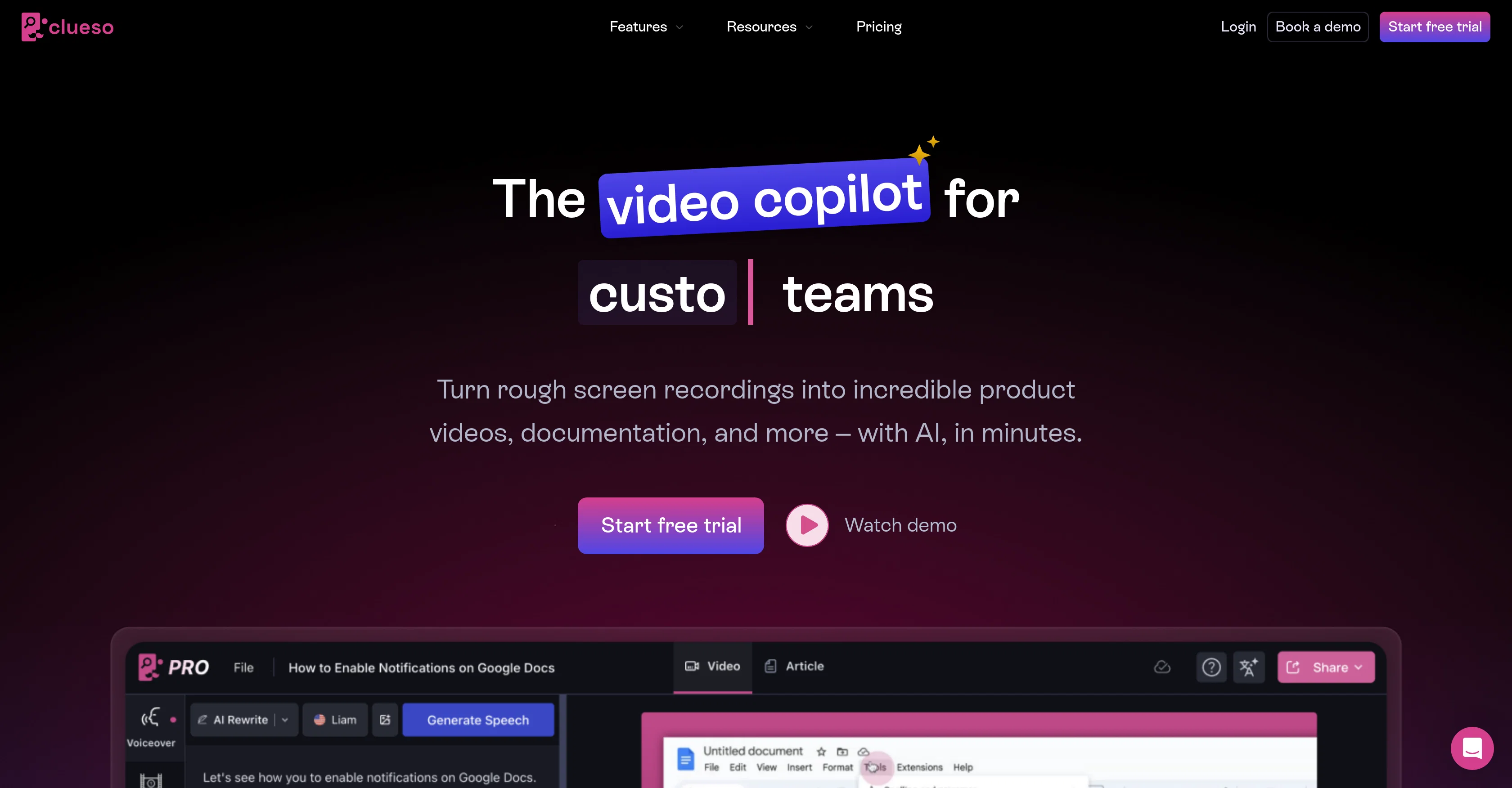
Clueso is a tool that leverages artificial intelligence to help teams create step-by-step guides, instructional videos, and training modules. This tool translates rough screen recordings into studio-quality product videos and comprehensive documentation in a short time.
It has various features including the ability to translate videos and documents with one click, build custom help centers, add professional voiceovers to videos, and convert static slides into videos.
In addition, Clueso provides the ability to edit voice like text, removing unnecessary filler words and tightening content. This tool also offers the function of transforming own narration with studio-quality AI voiceovers in diverse accents, translating voice and captions into over 37 languages, adding zoom effects to highlight key features, visual effects such as annotations, blurry sensitive information or highlighting important parts, and branding with backgrounds, logos and custom templates.
Overall, Clueso is designed for extensive uses including customer education, product marketing, customer support, sales enablement, training and learning development, developer onboarding, and streamlining internal processes.
Clueso simplifies the process of creating professional-quality videos and documentations, making it a comprehensive solution for teams who aim for improved creation and distribution of digital content.
Access & connections
Where you can use Clueso, and what it plugs into.
Platforms
Integrations
Capabilities
What this tool accepts, produces, and is strongest at.
Input
- Text
- Video
Output
- Video
- Text
Pros & cons
Pros
- Transforms screen recordings to videos
- Creates comprehensive documentation quickly
- One click translations
- Custom help centers creation
- Adds professional voiceovers to videos
- Static slides to videos conversion
- Text-like editing of voice
- Removal of unnecessary filler words
Show 40 more
- Supports 37+ languages for translation
- Zoom effects to highlight features
- Offers visual effects
- Blurs sensitive information
- Highlights important parts of videos
- Adds backgrounds and logos
- Branding with custom templates
- Useful for customer education
- Useful for product marketing
- Supports customer support
- Supports sales enablement
- Can onboard developers
- Streamlines internal processes
- Simplifies professional video creation
- Creates documentations effectively
- Supports several use cases
- Improves digital content distribution
- Voiceover feature
- Video editing
- eLearning support
- Language translation
- Automated workflow
- Supports multimedia
- Supports screen recording
- Guide creation
- Multilingual support
- Visual Effects
- Custom Templates
- Allows post-recording edits
- Creates documentation from screen-recordings
- Translates content into 37+ languages
- Super easy to use
- Blurs sensitive information in videos
- Responsive team on chat and Slack
- Exports to MP4
- Publishes videos to YouTube
- Generates view-only links
- Generates rich text, HTML, markdown docs
- Creates onboarding materials
- Updates product videos dynamically
Cons
- Limited voice editing options
- Unclear multilingual translation quality
- No live voiceover support
- Lack of advanced video effects
- No Non-linear editing
- Limited template customization
- Limited export formats
- Lacks real-time collaboration features
Show 2 more
- No support for 3D animation
- No timeline-based editing
Compare alternatives
Similar tools in the catalog — with a clear reason to open each one.

Training Videos by Coursebox ✓
FreemiumRapidly generate AI training videos without equipment or editing.
Why look Typically cheaper
Full comparison
VideoMule ✓
PaidTurn screen recordings into professional videos with automatic voiceover.
Why look Typically cheaper
Full comparison
Trainn AI ✓
Free TrialTurn one screen recording into videos, interactive tours, and product guides.
Why look Typically cheaper
Full comparison
Record Once ✓
FreemiumAI turns messy recordings into polished video tutorials.
Why look Typically cheaper
Full comparisonReleases 1
FAQ 12
What is Clueso?
How does Clueso leverage artificial intelligence?
What are the key features of Clueso?
How does Clueso translate screen recordings into product videos?
Can Clueso add professional voiceovers to videos?
How can Clueso help in instructional design?
Can Clueso convert static slides into videos?
What languages can Clueso translate voice and captions into?
Does Clueso offer zoom effects to highlight key features?
Can Clueso blur sensitive information in videos?
Can Clueso brand videos with logos and custom templates?
Is Clueso suitable for customer education?
Related tools
Recommended

SpeedStudy ✓
Free TrialAce exams with AI-powered study tools.

Noiz ✓
FreemiumSummarize YouTube videos with AI in one click

Typpo ✓
FreemiumCreate videos as you speak using AI.

Veo ✓
PaidGenerate high-quality, cinematic videos with AI.

Kick ✓
FreemiumAccounting software that does the work for you

PrompTessor ✓
FreemiumAI Prompt Workspace for Better AI Results