

Record Once ✓
AI turns messy recordings into polished video tutorials.
Free + from $49/mo
Verdict
A quick read before you dig into the full page.
- Best if
- AI turns messy recordings into polished video tutorials
- Skip if
- Limited voice options
- Pick this when
- Creates video tutorials quickly
Considering Training Videos by Coursebox instead? Compare side by side
Overview
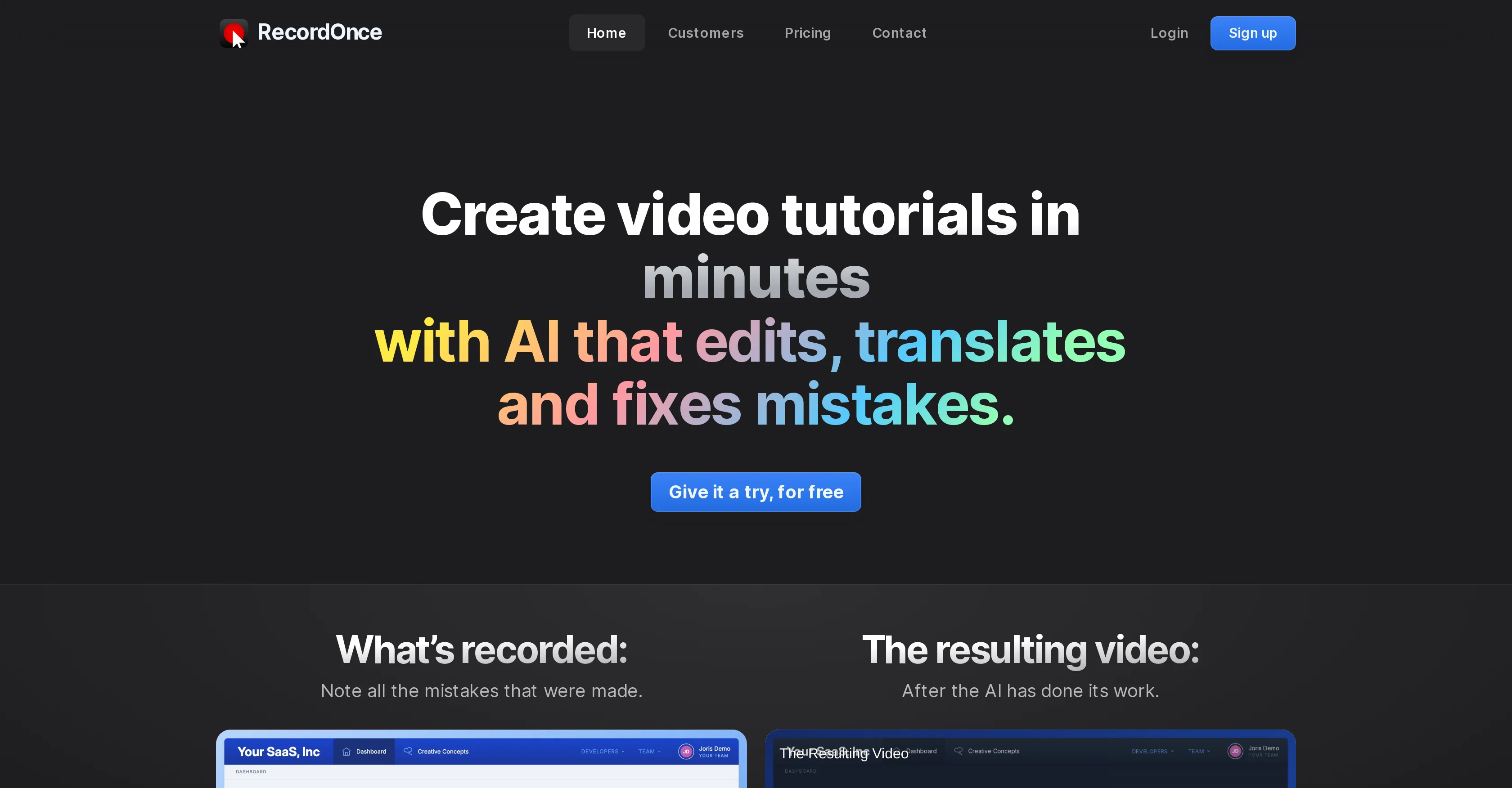
RECORDONCE is an AI-powered tool designed to create video tutorials in minutes. Leveraging artificial intelligence, it edits, translates, and eradicates mistakes from the recordings.
Users can assemble tutorials quickly, primarily about their product demos, and the AI intervenes to remove any inaccuracies or errors. Besides editing, the tool offers features like automatic text guides with screenshots, immediate publishing, and drag-and-drop editing.
Furthermore, the system is engineered to hide typos, making the recording appear as if the typo never occurred. Also, users can rearrange or remove steps easily without necessitating video editing skills.
RECORDONCE aims to optimize the recording process by omitting concerns about mishaps and automating it to the extent that users can concentrate on the tutorial content itself.
The tool is unique in its ability to record not only pixels but also code, providing unprecedented editing capabilities. It has an in-built browser that records all HTML and CSS of the web app, understanding interactions like button clicks and typing.
Consequently, it can modify everything during playback, including translating the text inside the app to another language. The outcome is a high-resolution and smooth video, which in reality, is animated HTML and CSS governed by the AI.
Additionally, automatic voice-overs and instant translations are available to produce identical videos in multiple languages.
Access & connections
Where you can use Record Once.
Platforms
Capabilities
What this tool accepts, produces, and is strongest at.
Input
- Text
- Video
Output
- Video
- Text
Pros & cons
Pros
- Creates video tutorials quickly
- Automatically edits videos
- Removes recording mistakes
- Identifies button clicks, text input
- Identifies and corrects typos
- Doesn't require multiple retakes
- Doesn't require extensive editing
- User-guided recording pace
Show 40 more
- Allows adding slides, video files
- Allows adding call-to-action elements
- Instant video sharing
- No rendering or uploading required
- Offers automatic voice-overs
- Includes automatic text guides
- Includes screenshots
- Offers 4K video playback
- High frame rates provided
- Optimized file sizes
- Includes recording, editing, voices
- Includes hosting and backups
- Supports team collaboration
- Ensures branding consistency
- Allows task delegation
- Update published videos
- Records not only pixels but code
- In-built browser included
- Records all HTML and CSS
- Translates app text during playback
- Outputs high-resolution, smooth videos
- Instant translations in multiple languages
- Hides corrected typos in final video
- Offers drag-and-drop editing
- Steps can be easily rearranged or removed
- Automates removing inaccuracies or errors
- Offers automatic text guides
- Instant tutorial publishing
- Can skip app load delay in videos
- Automatically skips filler words
- Offers identical videos in multiple languages
- Allows partial video updates
- Updates embedded videos instantly
- Allows consistent format across team
- Provides 4K videos at 120+ FPS
- Small video file size optimizations
- Digital team delegation capabilities
- Provides automatic text guides with screenshots
- Video hosting included
- Multilingual video creation
Cons
- No offline version
- Limited to SaaS demos
- Lacks custom editing features
- No support for mobile app recording
- Dependent on web app performance
- Limited voice options
- No non-web app support
Compare alternatives
Similar tools in the catalog — with a clear reason to open each one.

Training Videos by Coursebox ✓
FreemiumRapidly generate AI training videos without equipment or editing.
Why look Typically cheaper
Full comparison
VideoMule ✓
PaidTurn screen recordings into professional videos with automatic voiceover.
Why look Typically cheaper
Full comparison
Trainn AI ✓
Free TrialTurn one screen recording into videos, interactive tours, and product guides.
Why look Typically cheaper
Full comparison
Clueso ✓
Free TrialCreate product videos and docs in minutes with AI
Why look Higher community rating
Full comparisonReleases 1
FAQ 12
How does Record Once use AI technology?
Can I choose different voice-over options using Record Once?
How does Record Once help in removing mistakes made during the video recording process?
How can Record Once generate tutorials quickly?
Does Record Once offer immediate video publishing after recording?
What are the editing capabilities of Record Once?
Does Record Once allow updating and editing videos even after publishing?
What is the video quality offered by Record Once?
Does Record Once support team collaboration?
Can I add slides, video files, or call-to-action elements to my videos in Record Once?
How does Record Once handle typos made during recording?
Does Record Once require extensive video editing skills to create video tutorials?
Related tools
Recommended

VideoGen ✓
Free TrialCreate videos in seconds with one click.

Guidde ✓
FreemiumCreates step-by-step video instructions platform.

Lumen5
PaidAI-powered video creation platform for easy and quick video content generation.

Transcript LOL ✓
FreemiumUnlimited transcripts, summaries, 99.8% accuracy, speaker recognition, superfast

AI Toolbox for innovators ✓
FreeSupercharge innovation with AI-powered tools

Supercreator ✓
FreemiumCreate short videos 10x faster with AI