

Videofa.st ✓
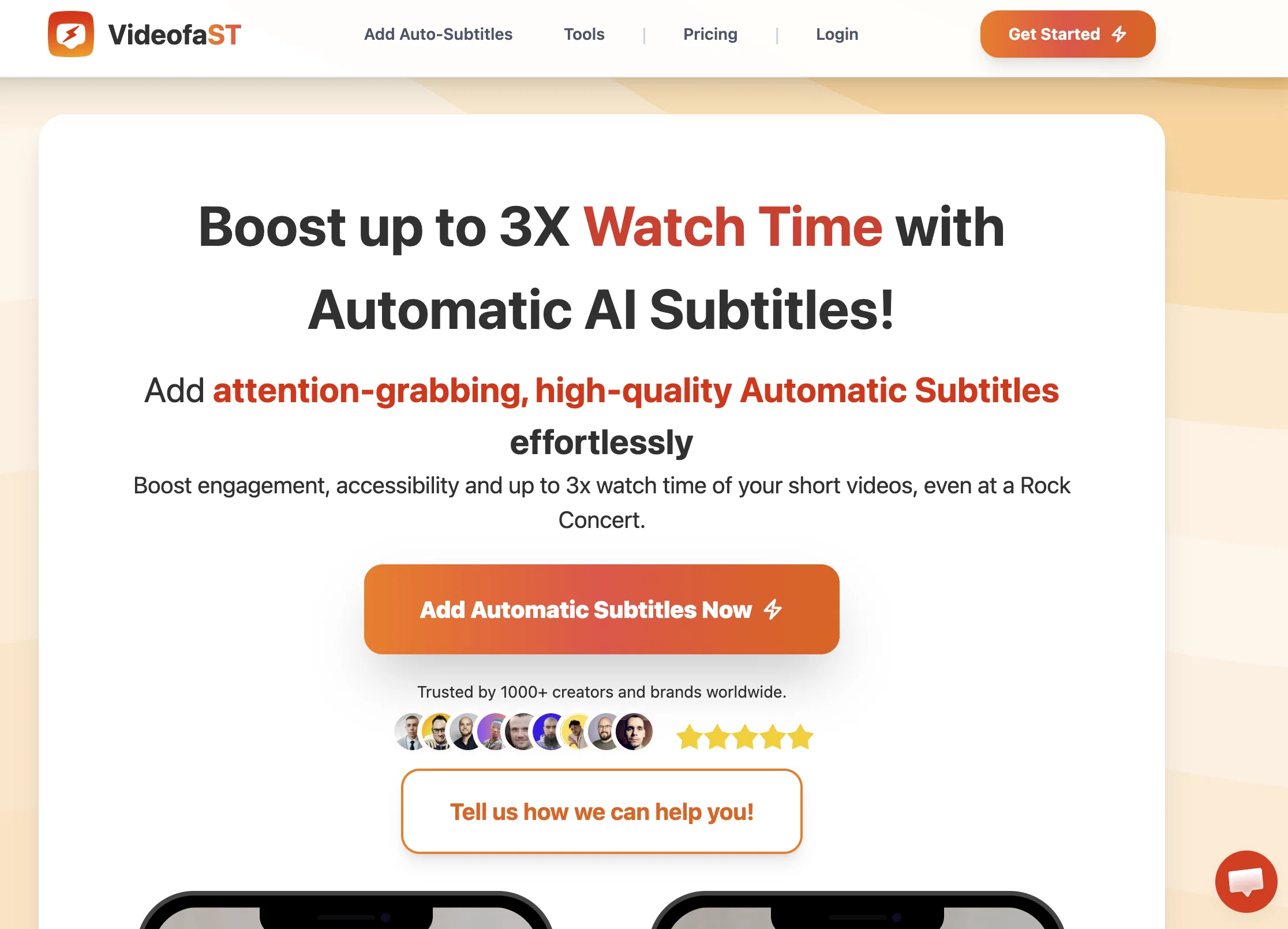
Boost watch time, with automatic AI subtitles.
From $6/mo
Verdict
A quick read before you dig into the full page.
- Best if
- Boost watch time, with automatic AI subtitles
- Skip if
- 5 minutes video length limit
- Pick this when
- Automatic subtitles
Considering Captioner.io instead? Compare side by side
Overview
Videofa.st is an AI-powered tool that adds automatic subtitles to short videos. The tool focuses on increasing viewer engagement and boosting watch time by providing accurate and attention-grabbing subtitles.
It is ideal for enhancing accessibility and ensuring comprehension of the video's content, even in loud environments. The auto-subtitle feature supports video inputs up to 5 minutes long depending on the selected plan.
Multilingual and translation support is offered for up to 99 popular languages, provided a high level of inclusivity for different viewer demographics.
Videofa.st also comes equipped with over 25 popular visual presets that allow customization of the subtitles' appearance. It provides a 1080P quality output with support for H.264 and H.265+ codecs.
The tool integrates an easy-to-use, user-friendly interface, supporting activities such as video resize, crop, zoom, and offering features like high-accuracy grouped words, highlighted spoken word, and emoji as text compatibility.
It also boasts compatibility across different operating systems. The service is secure and there's a limit on the monthly video count. A distinguishing feature of Videofa.st is its fast building speed, which enhances efficiency and productivity for the user.
Access & connections
Where you can use Videofa.st, and what it plugs into.
Platforms
Integrations
Pros & cons
Pros
- Automatic subtitles
- Boosts watch time
- Enhances video accessibility
- Supports short video inputs
- Supports up to 99 languages
- Translation support
- Customizable subtitles appearance
- Over 25 visual presets
Show 17 more
- Quality 1080P output
- Supports H.264 and H.265+ codecs
- Easy-to-use interface
- Video resize feature
- Video crop feature
- Zoom feature
- Accuracy in word grouping
- Highlights spoken word
- Emoji as text compatibility
- Compatible across different OS
- Secure service
- Limited monthly video count
- Fast building speed
- Improves video engagement
- Improves video comprehension
- Ideal for loud environments
- Featured user-friendly interface.
Cons
- 5 minutes video length limit
- Limited monthly video count
- Editing functionality basic
- No offline mode
- No integrated spellcheck
- Translation support ambiguous
- 500MB max video size
- Limited visual preset options
Show 1 more
- Codec compatibility restricted
Compare alternatives
Similar tools in the catalog — with a clear reason to open each one.

Captioner.io ✓
Free TrialAdd accurate, multilingual subtitles to videos - fast, right in your browser.
Why look Typically cheaper
Full comparison
RenderCut ✓
Free TrialAdd stylish subtitles to short videos instantly.
Free + from $15/mo
Full comparison
Animaker Subtitles ✓
FreemiumGenerate subtitles for videos with AI in one click.
Free + from $15/mo
Full comparison


Releases 1
FAQ 12
What is the maximum length of a video Videofa.st can subtitle?
How fast does Videofa.st generate subtitles?
Can I really customize the subtitles' appearance with Videofa.st?
How many languages does Videofa.st support?
Can Videofa.st translate my subtitled videos?
How does Videofa.st help boost viewer engagement?
In what video quality does Videofa.st provide its output?
What video codecs does Videofa.st support?
Does Videofa.st allow video editing features such as resize, crop, and zoom?
What does high-accuracy grouped words mean in the context of Videofa.st's features?
How does the highlighted spoken word feature of Videofa.st work?
Does Videofa.st support emojis in the subtitle text?
Related tools
Recommended

Tely AI ✓
PaidAutonomous AI agent that runs expert-level & SEO blog to generate leads

Transcript LOL ✓
FreemiumUnlimited transcripts, summaries, 99.8% accuracy, speaker recognition, superfast

FounderPal ✓
Free TrialGenerate a perfect marketing strategy in 5 minutes

GPTExcel ✓
FreemiumGenerate spreadsheet formulas with AI

AI Lawyer ✓
Free TrialInstant legal advice and document creation at your fingertips

Osum ✓
Free TrialSupercharge Your Market Research With AI ⚡