

Videos 2026 Rank: #1979
VEME AI ✓
Turn images and text into stunning videos instantly.
Verdict
A quick read before you dig into the full page.
- Best if
- Turn images and text into stunning videos instantly
- Skip if
- Not designed for complex edits
- Pick this when
- Text-to-video generations
Considering freebeat AI instead? Compare side by side
Overview
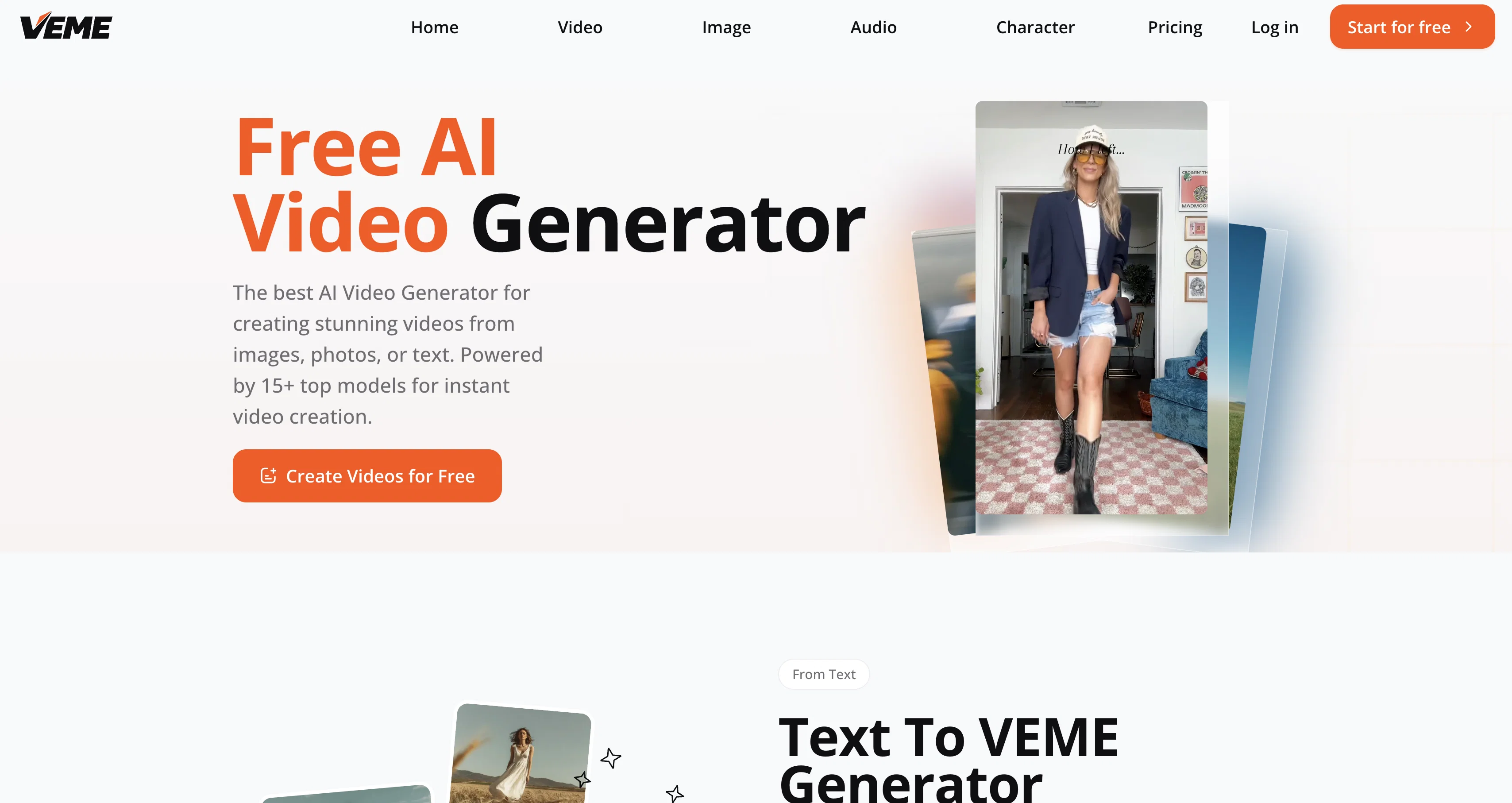
VEME is an online tool that uses a variety of AI models to generate videos and images. Primarily designed to convert text, images, and photos into videos, it provides a one-click solution for anyone needing to create dynamic visual content quickly and seamlessly.
It offers features like text to video generation, where users can type a prompt and have an AI video clip generated in seconds, needing neither a timeline nor keyframes.
Another handy feature is the image to video transformation where static images can be turned into video content. Apart from such capabilities, VEME allows users to extend video lengths, create character avatars, generate scenes, upscale images, perform style transfers, and carry out background changes.
This tool can be particularly useful for creating advertising content, boosting social media presence, or enhancing storytelling workflows in a time-efficient manner, without the need for complex video editing software or other resources.
Furthermore, VEME offers a variety of AI models that users can choose from, adding versatility to its function. These AI models can create diversely styled content, ranging from realistic to cartoonish illustrations.
It is a comprehensive AI video and image generator, consolidating a wide range of content creation tools under one platform.
Access & connections
Where you can use VEME AI.
Platforms
Capabilities
What this tool accepts, produces, and is strongest at.
Input
- Image
- Text
Output
- Video
- Image
Pros & cons
Pros
- Text-to-video generations
- Image-to-video transitions
- Extend video lengths
- Avatar creation capabilities
- Generates scenes automatically
- Image upscaling tools
- Performs style transfers
- Supports background changes
Show 39 more
- Boosts social media presence
- Enhances storytelling workflows
- Diverse stylization options
- No timelines or keyframes required
- Ideal for advertising content
- Efficient content creation
- User-friendly interface
- Versatile function
- Suitable for realistic to cartoonish content
- Generates dynamic visual content
- High quality output
- Fast content generation process
- Upscaling without quality loss
- Batch background edits
- Crisp resizing for large formats
- Transforms styles: pixel art, cyberpunk, etc.
- Helpful for social media managers
- Convenient for content creators
- Saves time for digital marketers
- Hassle-free for illustrators
- Useful for game developers
- Positive user reviews
- Commercial usage rights for paid plans
- High resolution outputs
- Rich creative possibilities
- Professional quality videos
- Stunning video effects
- One-click video conversion
- Seamless extend footage feature
- Maintains broadcast-quality output while scaling
- Cost-effective content generation
- Unified platform for video and image
- Comprehensive content creation tools
- Integrated video and image generation
- Generate cinematics from scene descriptions
- Create professional visuals without experience
- Multiple commercial use cases
- Manual work not required
- Multilingual avatar options
Cons
- No offline capability
- Output limited by models
- Reliant on textual prompts
- No multi-platform support
- May not support all file types
- Extended video feature limitations
- Not designed for complex edits
- No integrated collaboration tools
Show 2 more
- Lack real-time video editing
- Paid plans for premium features
Compare alternatives
Similar tools in the catalog — with a clear reason to open each one.

freebeat AI ✓
FreemiumTurn Music & Ideas into Viral Videos In One Click
Why look Freemium alternative
Full comparison
MagicLight ✓
FreemiumTransform text into captivating videos instantly.
Why look Freemium alternative
Full comparison

HeyGen ✓
FreemiumCreate AI spokesperson videos from text
Why look Freemium alternative
Full comparison

Seedance ✓
FreemiumMulti-shot video generation from text and image.
Why look Stronger for image work
Full comparisonReleases 1
Imported reviews 1
I had the most fun making a picture from text! This is a great tool and easy to use! You start off with free editing credits and do you get more every month or one time go for free ones? Anyway had a lot of fun thank you
FAQ 12
What is VEME's text to video generation feature?
What is the image to video transformation function in VEME?
Can VEME be used to create character avatars?
Does VEME allow users to extend video lengths?
How can VEME be used for generating scenes?
What is VEME's image upscaling feature?
Can I perform style transfers with VEME?
How does VEME's background changing function work?
Who can benefit from using VEME?
Can VEME be used for creating social media content?
What AI models does VEME offer?
Are there different styles of content that I can create with VEME?
Related tools
Recommended

ChatGPT ✓
FreemiumAsk anything, create anything, and move from idea to action.

Notis ✓
Free TrialThe first WhatsApp assistant that runs on your ChatGPT and Claude subscriptions

Jason AI ✓
PaidAI-powered assistant for B2B sales outreach

Gemini ✓
FreemiumGemini: Google's most capable AI model yet

Younet ✓
Free TrialAI Agent Orchestration and Automation. Build your agentic business.

Supernormal App ✓
FreemiumThe AI assistant app that turns meetings into completed work