

AI Smart Coder ✓
Enhance coding with AI-powered tests, reviews, docs, and fixes.
Verdict
A quick read before you dig into the full page.
- Best if
- Enhance coding with AI-powered tests, reviews, docs, and fixes
- Skip if
- Limited to Visual Studio Code
- Pick this when
- Visual Studio Code extension
Considering Cursor instead? Compare side by side
Overview
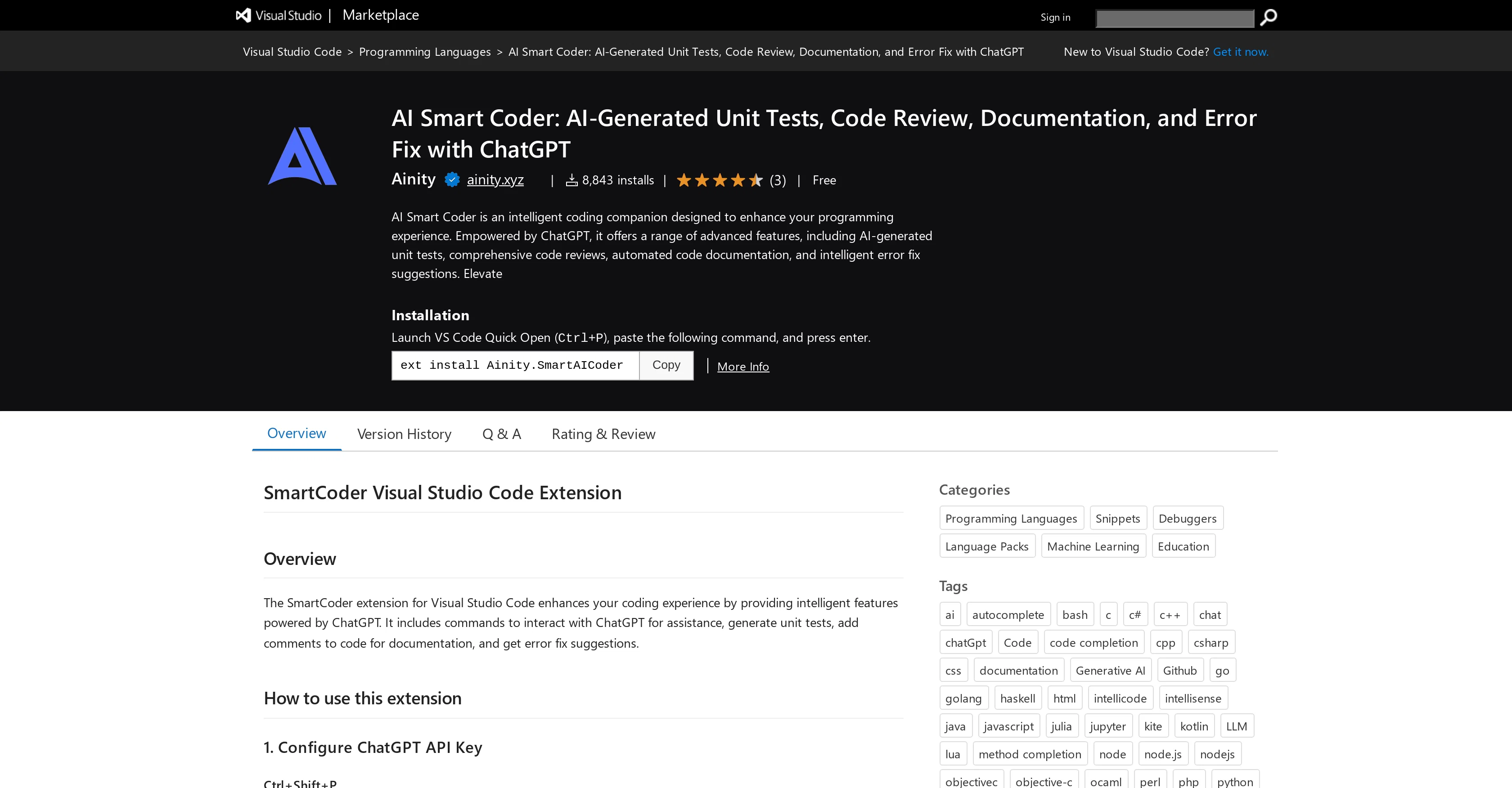
AI Smart Coder is an intelligence-enhanced extension designed for Visual Studio Code. It acts as a smart coding companion powered by ChatGPT, aimed at enhancing the overall programming experience.
The extension boasts a variety of advanced features that include AI-generated unit tests, detailed code reviews, automatic code documentation, and intelligent error fix suggestions.
The unit tests can be generated effortlessly by selecting a portion of code, upon which SmartCoder uses its capabilities to create a pertinent unit test.
The extension also assists in adding comments to the selected code which helps in generating descriptive documentation. SmartCoder provides error fix suggestions that can be used when programmers encounter errors, offering intelligent recommendations for code enhancement.
Interaction with ChatGPT for assistance and commands to install the SmartCoder extension in Visual Studio Code are available through the command palette (Ctrl+Shift+P or Cmd+Shift+P on macOS).
Visual Studio Code installation is a requirement for using this extension.
Access & connections
Where you can use AI Smart Coder.
Platforms
Capabilities
What this tool accepts, produces, and is strongest at.
Input
- API
- Code
Output
- Code
- API
Pros & cons
Pros
- Visual Studio Code extension
- ChatGPT-powered coding assistance
- Automated code reviews
- Automated code documentation
- Intelligent error fix suggestions
- Simplifies code documentation
- Enhanced programming experience
- Interactive commands execution
Show 12 more
- Easy code selection
- Compatible with macOS
- Easily configurable API key
- Ability to seek assistance
- Generates tests from selections
- Adds comments to code
- Supports error fix improvements
- MIT License
- Automated comment addition
- Streamlined coding workflow
- Integration with ChatGPT
- Efficient command palette access
Cons
- Limited to Visual Studio Code
- Requires ChatGPT API key
- Command palette necessary for interaction
- No inbuilt API setup
- Code Selection required for functions
- No offline usage
- Dependent on ChatGPT's language understanding
Compare alternatives
Similar tools in the catalog — with a clear reason to open each one.


OnSpace.AI - No Code App Builder ✓
FreemiumBuild Apps with AI, No Code
Free + from $20/mo
Full comparison

Github Copilot ✓
FreemiumAI-powered coding assistant for faster development
Free + from $10/mo
Full comparison

Releases 1
Imported reviews 1
A backend web on safety management of coal mines
FAQ 12
What is the AI Smart Coder?
How does AI Smart Coder integrate with Visual Studio Code?
What is the role of ChatGPT in AI Smart Coder?
How does AI Smart Coder enhance the programming experience?
What are the advanced features of AI Smart Coder?
How does AI Smart Coder generate unit tests?
How does AI Smart Coder assist in code documentation?
How does AI Smart Coder provide error fix suggestions?
How can I interact with ChatGPT through AI Smart Coder?
What commands can be executed in AI Smart Coder through the command palette?
Is Visual Studio Code installation necessary for using AI Smart Coder?
What is the process of selecting code for unit test generation in AI Smart Coder?
Related tools
Recommended

COACH ✓
FreeAI-powered career development platform built by career experts.

BypassGPT.co ✓
PaidHumanize AI text to bypass detection tools.

Experts GPT ✓
FreeEmbody 3 expert personas for diverse discussions.

Free Text-To-Speech ✓
FreeText transformed into customizable spoken output.

Kin - Personal AI Advisors ✓
FreePrivacy-first & designed your for mind, and life at work

Marblism ✓
FreemiumAI Employees who Work for Your Business