

Turbo-Learn ✓
Learn Smarter. Understand Faster.
Verdict
A quick read before you dig into the full page.
- Best if
- Learn Smarter. Understand Faster
- Skip if
- Complex academic materials may require minor edits
- Pick this when
- AI-powered note and diagram creation
Considering Thea instead? Compare side by side
Overview
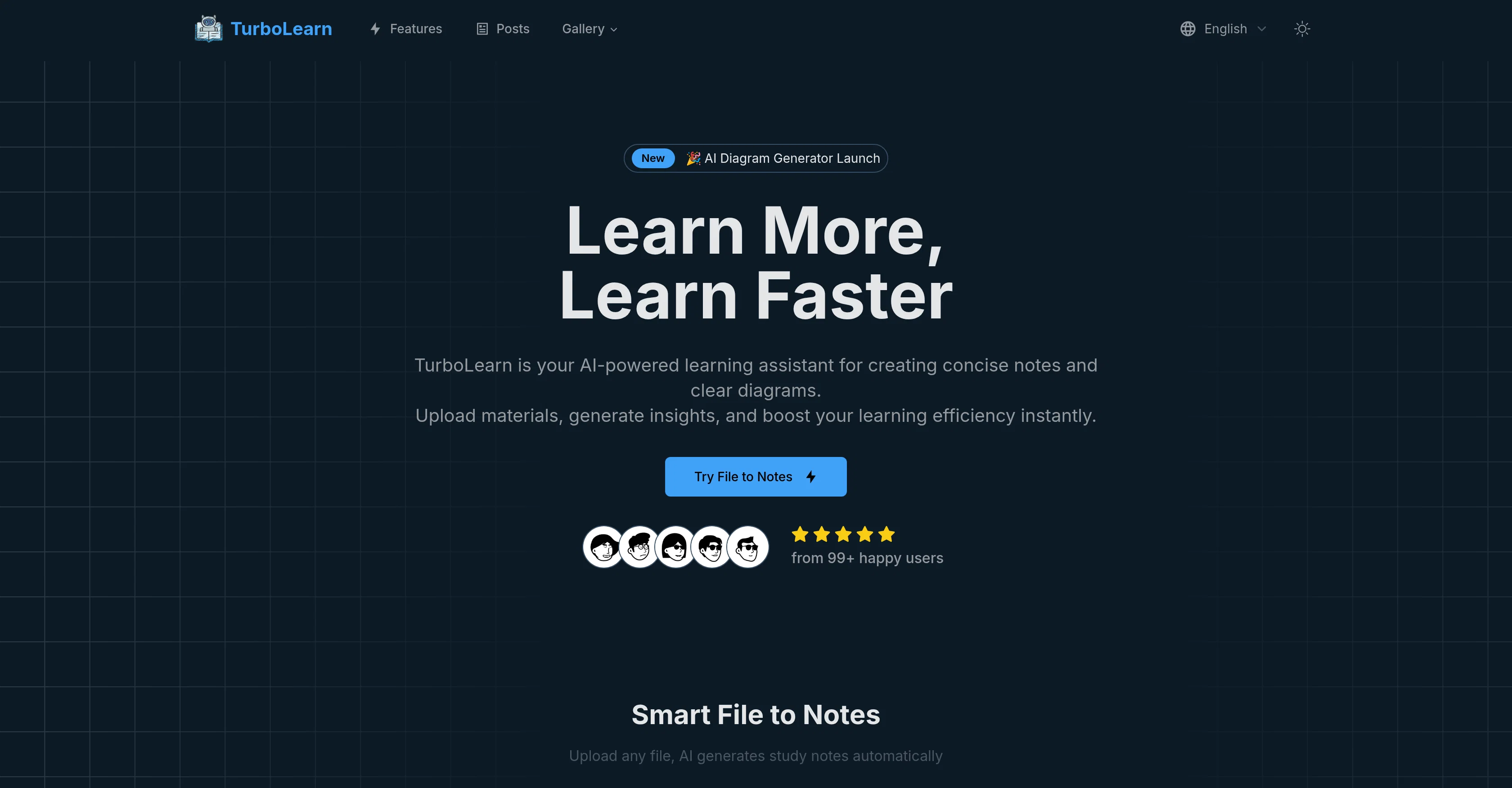
With Smart File-to-Notes, Turbo-Learn analyzes your uploaded content using advanced NLP and educational AI to extract core concepts, relationships, and logical flows. It creates structured notes and visual representations like concept maps, flowcharts, and process diagrams, making learning faster and more efficient.
Beyond generation, Turbo-Learn supports custom formatting, multi-format exports (PDF, DOCX, Markdown, PNG, SVG), and Smart Collections that let users organize materials by topic or course. Its community gallery showcases real examples of AI-generated notes and diagrams from thousands of users, making it both a personal tutor and a collaborative learning space.
Whether you’re preparing for exams, summarizing lectures, or visualizing complex topics, Turbo-Learn accelerates comprehension through intelligent automation, turning hours of manual studying into minutes.
Access & connections
Where you can use Turbo-Learn.
Platforms
Capabilities
What this tool accepts, produces, and is strongest at.
Input
- Tabular
- Text
Output
- Text
- Image
Supported features
- Assistant
- Data Analysis
- Docs
- Education
- Image Understanding
- Search
- SVG
- Teaching Humans
- Text Generation
Show 1 more
- Visual Creation
Pros & cons
Pros
- AI-powered note and diagram creation
- Supports multiple input formats (PDF, DOCX, images, audio)
- Fast generation, results in under 30 seconds
- Customizable formatting and visual layouts
- Multi-format export for print or digital use
- Smart organization by subject or course
- Collaborative sharing and learning gallery
- Integrates with study workflows easily
Cons
- Limited free daily generations
- Complex academic materials may require minor edits
- Diagram customization could be improved
- Mobile optimization still in beta
Compare alternatives
Similar tools in the catalog — with a clear reason to open each one.

Thea ✓
FreemiumAI study tools to master material, not just memorize it.
Why look Higher community rating
Full comparison
NotesXP: AI Study Guide Maker ✓
FreemiumBoost grades by studying smarter with AI
Why look Higher community rating
Full comparison
Learn Place AI Assistant ✓
FreemiumUnderstand Anything - Fast.
Why look Higher community rating
Full comparison
Mindgrasp ✓
Free TrialConvert lectures, notes, and videos into AI-powered study tools.
Free + from $5.99/mo
Full comparison

Releases 1
FAQ 6
How does Turbo-Learn’s AI note generation work?
What types of diagrams can I create?
What file formats can I download in?
Can I customize the notes and diagrams?
Can I edit the generated notes?
How many notes can I generate?
Related tools
Recommended

AI Humanizer.work ✓
FreeTransform AI text into natural, undetectable human writing.

Polarbear Study ✓
FreemiumAI tools that make studying bearable.

DeepSeek ✓
FreeUnravel the mystery of AGI with curiosity

Collate ✓
FreeUnlimited free and private summaries and chat with PDF

PDF to Video AI ✓
FreeTurn PDFs into professional explainer videos in minutes.

Promtist AI ✓
FreeGenerate optimized prompts for better AI results.