

Trupeer ✓
AI transforms screen recordings into polished videos and guides.
Free + from $19/mo
Verdict
A quick read before you dig into the full page.
- Best if
- AI transforms screen recordings into polished videos and guides
- Skip if
- Expensive for high-tier packages
- Pick this when
- Effortless screen recording
Considering FlowPost instead? Compare side by side
Overview
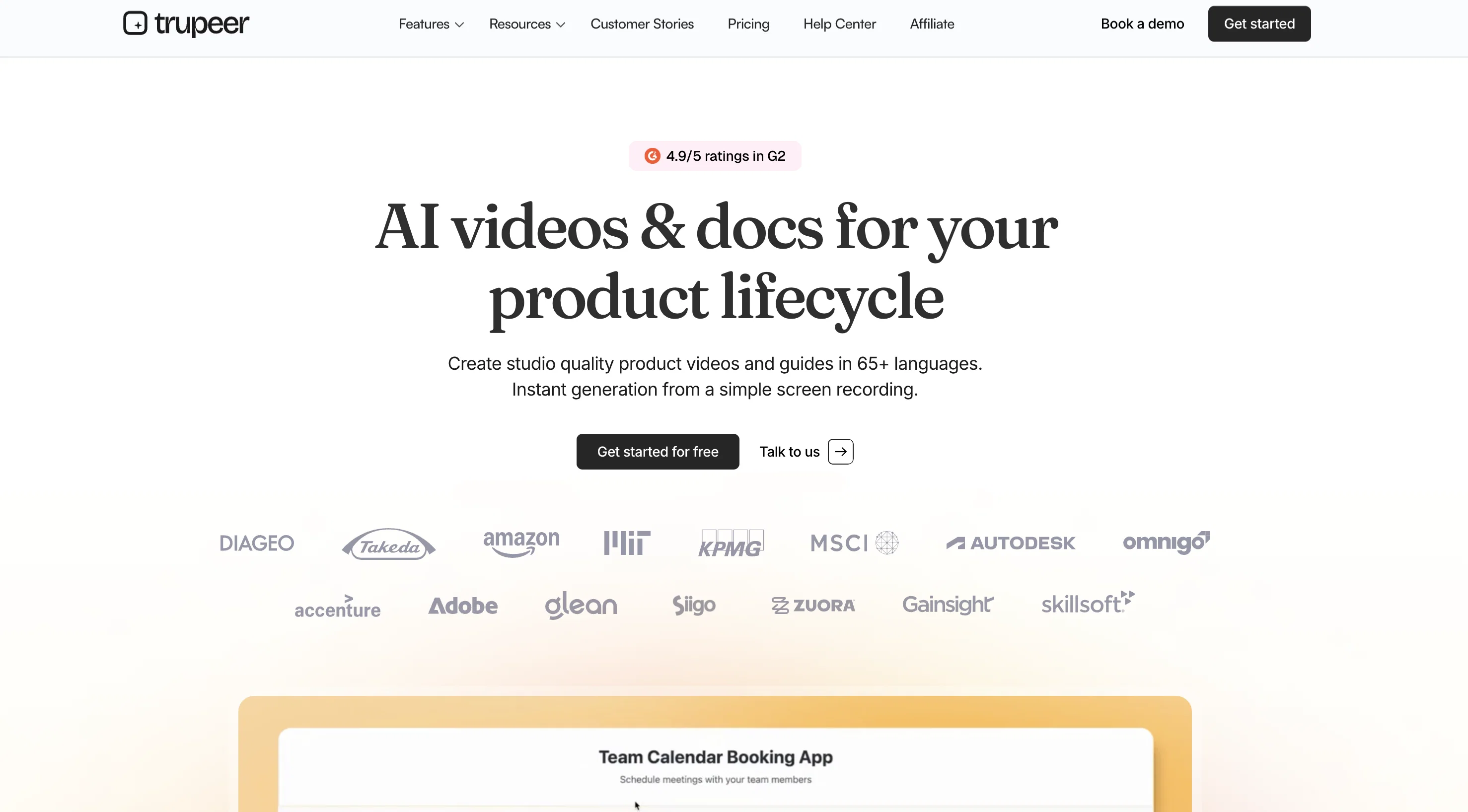
Trupeer is an AI-powered tool that supports the effortless and efficient creation of product videos and documents. The tool is designed to transform simple screen recordings into refined videos and detailed guides.
Users record with Trupeer's integrated chrome extension, then their AI-infrastructure swiftly generates a document and accompanying video. There is an option for users to modify the script if needed and select their desired AI voiceover, along with suitable wallpapers and music for the video.
Once satisfied, users can choose to download the completed document and video in various formats such as PDF, Word, and Markdown. The tool is built with a utility for a broad range of contexts, making it useful for Product Marketing, Design walkthroughs, Learning and development, Sales and operations excellence, Customer onboarding, Youtube Content Creation, and Technical documentation.
Aside from video creation, Trupeer automates screenshot capturing of essential actions, generates steps, descriptions, and titles, and provides a seamless, word-like editor.
With upcoming features like automated translations in over 30+ languages, Trupeer aims to make the content creation process smoother and more time-efficient.
Access & connections
Where you can use Trupeer, and what it plugs into.
Platforms
Capabilities
What this tool accepts, produces, and is strongest at.
Input
- Video
Output
- Video
- Text
Pros & cons
Pros
- Effortless screen recording
- Integrated chrome extension
- Document and video output
- Editable scripts
- User-chosen wallpapers and music
- Download formats: PDF, Word, Markdown
- Usable for various contexts
- Automates screenshot capturing
Show 29 more
- Generates steps, descriptions, titles
- Word-like editor
- Upcoming automated translations
- Useful for marketing, walkthroughs, learning, onboarding, YouTube, documentation
- Professional-quality product videos
- Automated zoom effects
- No retakes necessary
- Automated screenshots of key actions
- Seamless and intuitive editor
- Export as PDF, Word, Markdown
- Automated script correction and enhancement
- User-oriented features
- Accessible pricing
- Heavily customizable outputs
- Seamlessly integrated screen recording
- Automatic highlights in videos
- Embedded background effects and music
- Branding customization in enterprise plan
- Automatically cleans up video bloopers
- Export videos as MP4
- Shareable outputs via links or embedding
- User-friendly interface
- No editing or writing experience necessary
- Enable content creation at scale
- Automated zoom effects for a better focus
- Automated document generation from screen recording
- Future-proof: Upcoming support for 30+ languages
- Flexible video effects and music options
- Structured guides generated from screen recordings
Cons
- Limited to Chrome extension
- Limited video length
- Expensive for high-tier packages
- Limited documents and videos
- No live editing
- Over-reliance on screen recording
- Translation feature not live
- Cannot embed videos natively
Show 1 more
- Requires installation of extension
Compare alternatives
Similar tools in the catalog — with a clear reason to open each one.


EasyAI – AI Flow - No Code Content (Video/Image) Ge... ✓
Free TrialChain AI tasks with no-code into workflows for chatbots, video, documents, and
Why look Offers a public API
Full comparison
RightBlogger ✓
FreemiumAutomate blogging, SEO, and publishing in one simple platform
Free + from $17.99/mo
Full comparison
myAIninja ✓
Free TrialAI-powered content creation for social media, 10x faster
Why look Typically cheaper
Full comparison

Releases 1
FAQ 12
What is Trupeer and how does it work?
How does Trupeer transform screen recordings into videos?
Can I use Trupeer to create product marketing videos?
What are the key features of Trupeer?
Can I modify the script generated by Trupeer?
How does Trupeer's AI voiceover work?
How can I use music and wallpapers in my Trupeer videos?
In what formats can I download documents and videos from Trupeer?
Can I use Trupeer for creating YouTube content?
How does Trupeer help with customer onboarding
What is the role of Trupeer in technical documentation?
Can Trupeer capture screenshots automatically?
Related tools
Recommended

Humanize AI Text ✓
FreeTransform AI text into human-like content.

Dadan - Online Video Creation platform ✓
FreemiumOptimize your video creation workflow with AI.

B12 AI Website Builder ✓
FreemiumAI-powered website builder

D-ID ✓
FreemiumCreate AI-generated videos with ease

Mindsmith ✓
FreemiumPlatform for building and sharing eLearning content

Recall ✓
FreemiumSummarize Anything, Forget Nothing!