Content vv2.3.0
FlowPost ✓
AI autopilot for social media posting
Trial; then from $29/mo
Verdict
A quick read before you dig into the full page.
- Best if
- AI autopilot for social media posting
- Skip if
- No mobile app
- Pick this when
- Optimizes social media management
Considering EasyAI – AI Flow - No Code Content (Video/Image) Ge... instead? Compare side by side
Overview



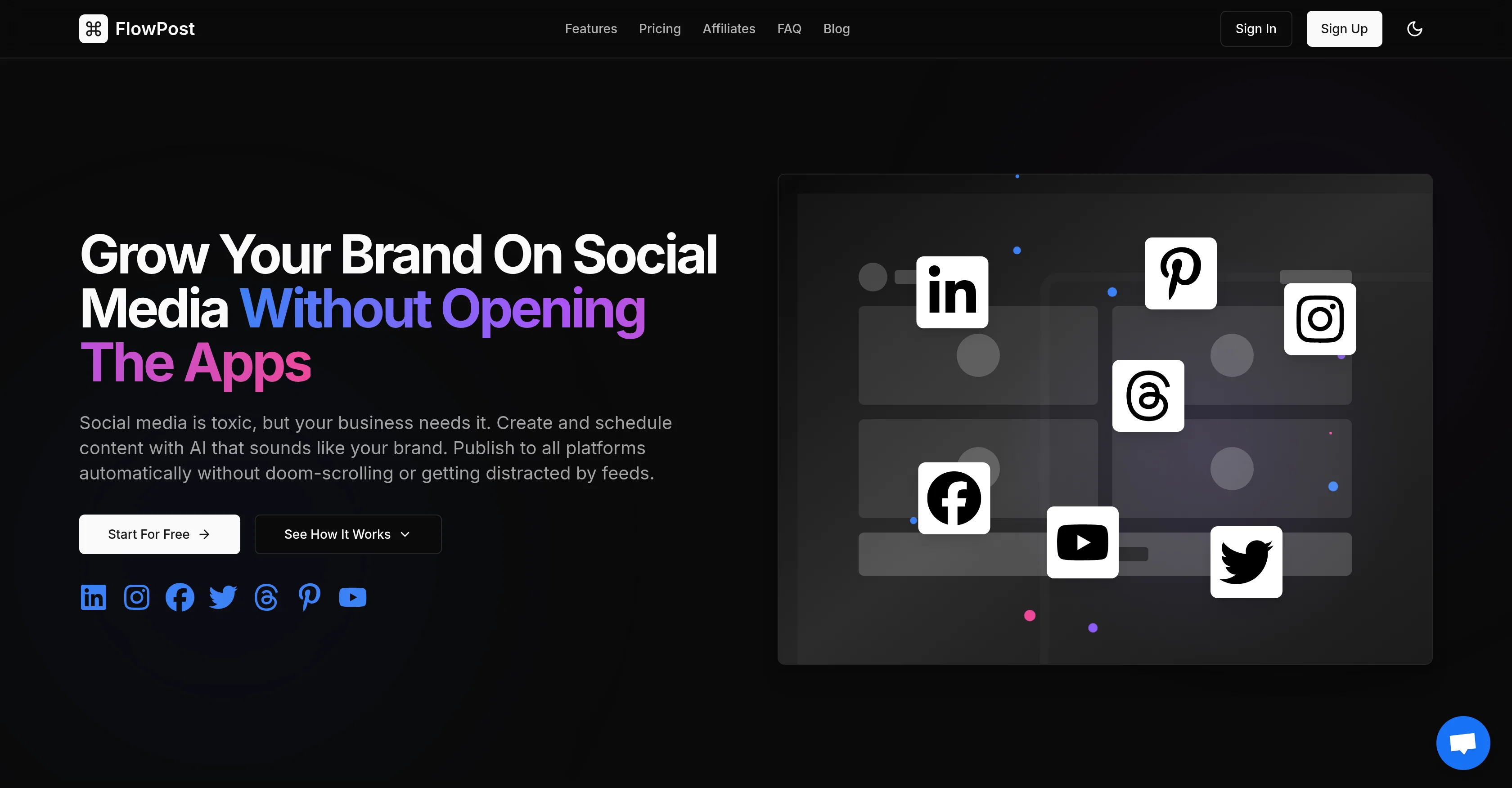
FlowPost is an AI-powered tool designed to optimize social media management, catering to diverse platforms like LinkedIn, Facebook, Instagram, Twitter, Threads, Pinterest, YouTube, and TikTok.
The tool enables users to write, schedule, and auto-publish posts, reducing the need to engage directly with the social media apps. By leveraging advanced AI capabilities, FlowPost creates high-quality post captions and content that matches a specified brand voice.
Built-in AI also offers functionality for image generation and trend discovery, allowing users to create engaging posts based on real-time trends. FlowPost features an integrated dashboard to manage various social accounts.
Additional features include video publishing, carousel publishing, and automatic detection of brand voice. It allows team collaboration and the creation of distinct projects to facilitate management of multiple brands or clients.
FlowPost also comes with visual content calendar, analytics, separate projects for teams, smart posting reminders, and a cloud media library. Custom presets for content tuning are also part of this tool.
Ultimately, FlowPost aims to simplify and streamline the process of content creation, scheduling, and publishing across various platforms, thereby enhancing a brand's social media presence while reducing time and effort spent on manual tasks.
- Unified Social Media Dashboard
- Cross Platform Publishing
- Ai Image Generation
- Ai-powered Content Generation
- Video Post Publishing
- Carousel Post Publishing
- Ai Trend Discovery
- Brand Voice Detection
- Analytics Dashboard
- Team Collaboration
- Cloud Media Library
Best for
Short scenarios where FlowPost tends to shine.
-
AI autopilot for social media posting
Example outputs 1
Sample generations and before/after results for FlowPost.
Access & connections
Where you can use FlowPost, and what it plugs into.
Platforms
Integrations
Capabilities
What this tool accepts, produces, and is strongest at.
Input
- Image
- Text
- Video
Output
- Video
- Tabular
- Text
- Image
Highlights
- Use code TAAFT
- 50% OFF
Pros & cons
Pros
- Optimizes social media management
- Compatible with diverse platforms
- Enables post writing, scheduling, auto-publishing
- Generates high-quality post captions
- Matches specified brand voice
- Provides image generation functionality
- Performs trend discovery
- Integrated dashboard to manage accounts
Show 23 more
- Supports video and carousel publishing
- Team collaboration features
- Distinct projects management
- Visual content calendar
- Detailed analytics provided
- Posting reminders
- Cloud media library
- Custom presets for content tuning
- Enhances brand's social media presence
- Time and effort efficiency
- Avoids direct engagement with apps
- Automatically detects brand voice
- Unified dashboard for all platforms
- Translates trends into engaging posts
- Avoids need to browse social feeds
- Can manage all social platforms
- Capable of cross-platform publishing
- Includes smart automations for consistency
- Custom workflows for automation
- Capable of storing media in cloud
- Easily allows rescheduling of posts
- Supports separate projects, teams
- Nudges for consistent posting
Cons
- No mobile app
- Doesn't support Snapchat
- No client approval process
- Lacks multi-account support
- No direct message service
- No user sentiment analysis
- No post boosting features
- Lacks ROI tracking
Show 1 more
- No post preview feature
Compare alternatives
Similar tools in the catalog — with a clear reason to open each one.

EasyAI – AI Flow - No Code Content (Video/Image) Ge... ✓
Free TrialChain AI tasks with no-code into workflows for chatbots, video, documents, and
Why look Typically cheaper
Full comparison
RightBlogger ✓
FreemiumAutomate blogging, SEO, and publishing in one simple platform
Why look Typically cheaper
Full comparison
myAIninja ✓
Free TrialAI-powered content creation for social media, 10x faster
Why look Typically cheaper
Full comparison


Storybeat ✓
FreemiumEdited social media photos and stories.
Why look Typically cheaper
Full comparisonPeople also view
Tools that often show up alongside FlowPost in collections and comparisons.

Ocoya ✓
Free TrialYour AI-powered hub for seamless social media scheduling and content creation.

Younet ✓
Free TrialAI Agent Orchestration and Automation. Build your agentic business.

Opencord AI, 24/7 Social Media Engagement via Reply ✓
Freemium24/7 Creative Agents Generating Value on Social Media

Imagetocaption.ai ✓
Free TrialGenerated captions for social media images

Aiter.io | Paste a URL. Ship a Campaign That Sounds L... ✓
FreemiumAI marketing that sounds like you, not everyone else.

Marketing Assistant (Elsa AI) ✓
FreemiumDefine your ideal customers and craft a winning marketing strategy with Elsa.

Averi AI ✓
Free TrialThe AI Content Engine for Startups

ThumbnailCreator.com ✓
Free TrialCreate eye-catching YouTube thumbnails in seconds.
Releases 4
FlowPost introduces the Engagement Dashboard, your central hub for managing conversations across platforms. Use AI to review and reply to comments, build stronger relationships, and keep your community active. Also, starting today, payments in EUR are fully supported.
FlowPost now lets you set up automatic AI-written replies to comments on your posts, written in your own voice. Keep your audience engaged without lifting a finger, and make sure every comment gets a thoughtful response.
FlowPost now supports posting to Twitter (X), Threads, Pinterest, YouTube, and TikTok, so you can reach even more audiences from one place. You can also create carousel image posts and video posts across supported platforms. Manage all your content in one simple, powerful dashboard.
Imported reviews 8
Very easy app to use! Works very well!
This is a great app!
The trending topics feature is nice touch because it helps to come up with post ideas. And the media library for reusing images and vids between posts
Great socials manager
Really like the new auto post from RSS feature
Thank you - this is exactly what I was looking for
Brilliant tool!
Atleast allow us to sample use the tool, you guys first eoute to the payment info page without allowing further clicks on the website. Terrible.
FAQ 12
What is FlowPost?
How does FlowPost use AI to optimize social media management?
Which social media platforms does FlowPost support?
How can FlowPost write and auto-publish posts?
What are the advanced AI capabilities of FlowPost?
What does FlowPost mean by matching a 'specified brand voice'?
How does the tool enable image generation and trend discovery?
How does FlowPost's integrated dashboard work?
What additional features like video and carousel publishing are offered by FlowPost?
How does the automatic detection of brand voice function?
Can teams collaborate using FlowPost?
What does FlowPost project management involve?
Related tools
Recommended

remio: Your Personal ChatGPT ✓
FreemiumGet Tailored Answer with Your Personal ChatGPT

Notis ✓
Free TrialThe first WhatsApp assistant that runs on your ChatGPT and Claude subscriptions

TheLibrarian.io ✓
Free TrialYour WhatsApp AI assistant for instant productivity.

freebeat AI ✓
FreemiumTurn Music & Ideas into Viral Videos In One Click

Automateed ✓
Free TrialCreate eBooks effortlessly with Automateed, the AI-powered writing tool.
Averi AI ✓
Free TrialThe AI Content Engine for Startups