

TranscribeToText.AI ✓
Convert audio and video to text with AI.
Free + from $9.99/mo
Verdict
A quick read before you dig into the full page.
- Best if
- You are content creators and need: Transcribing YouTube videos
- Skip if
- Expensive premium plan
- Pick this when
- Supports 100+ languages
Considering Voicetype AI instead? Compare side by side
Overview
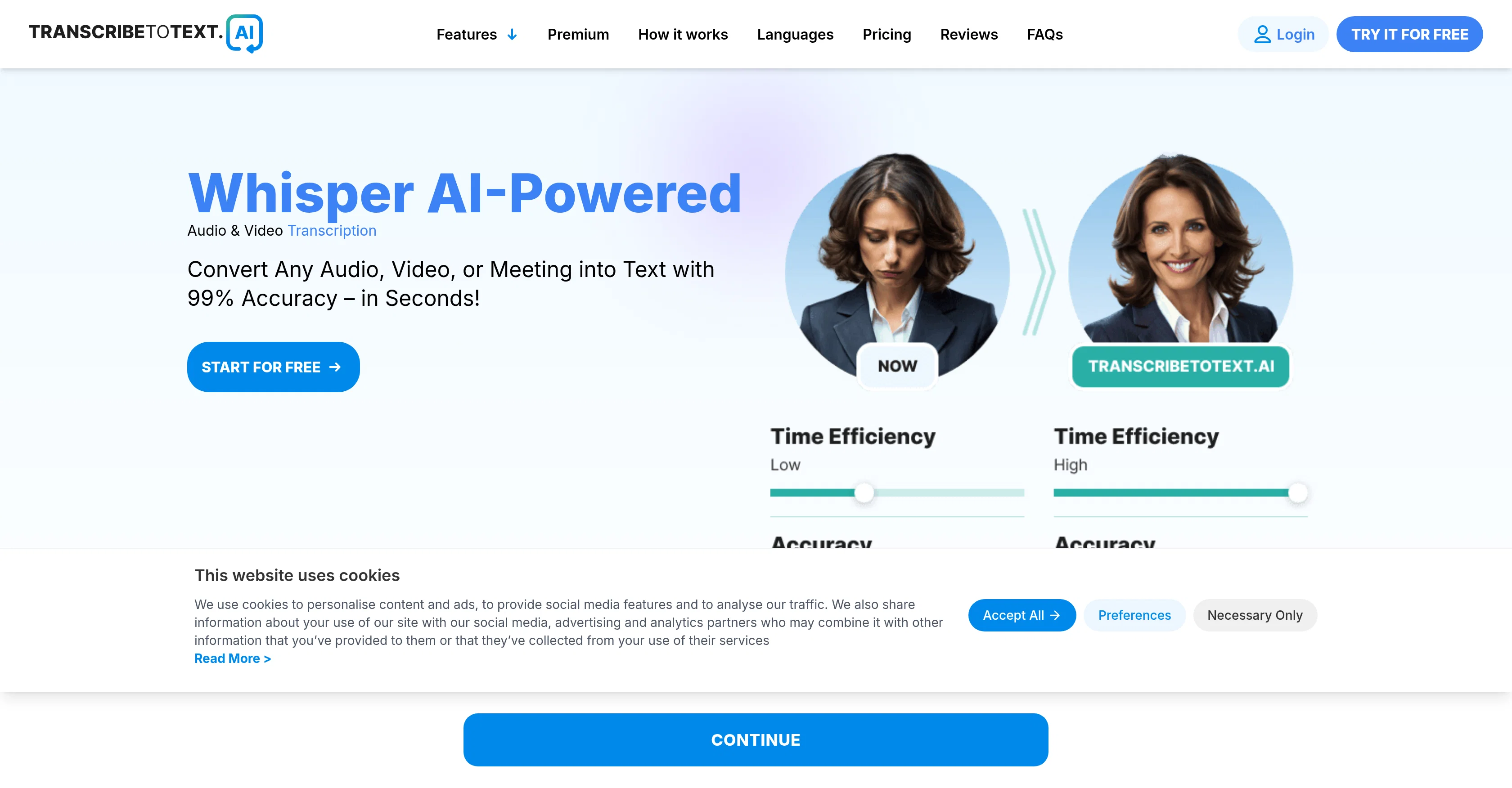
TranscribeToText.AI is an AI-powered tool designed to convert speech to text, ideal for transcribing audio and video materiel quickly and accurately. The tool accommodates a wide variety of formats, including MP3, MP4, M4A, MOV, AAC, WAV, OGG, OPUS, MPEG, WMA, and WMV.
The process is initiated by uploading a file to the secure platform, selecting the language from an extensive list that supports over 100 languages and dialects, and then the AI system begins the transcription process.
Once the process is completed, customers receive a highly accurate transcription that can be downloaded in DOCX, PDF, or TXT formats, or even as subtitles and captions.
The tool expands its functionality with the ability to transcribe directly from links and online meetings, transcribing YouTube videos by URL, processing files from Google Drive & Dropbox, or recording and transcribing meetings in Google Meet, Zoom, and Microsoft Teams.
Users can save transcripts as DOCX, PDF, TXT or create subtitles in SRT and VTT. The system is designed to cater to the needs of diverse users, including professionals in media, research, and high-frequency users.
Best for
Short scenarios where TranscribeToText.AI tends to shine.
-
Transcribing YouTube videos
Best for Content creators
-
Converting meeting recordings to text
Best for Businesses
-
Creating subtitles for videos
Best for Professionals
-
Turning voice memos into written documents
Best for Educators
-
Processing audio files from cloud storage
Best for Researchers
Example outputs 1
Sample generations and before/after results for TranscribeToText.AI.
Access & connections
Where you can use TranscribeToText.AI, and what it plugs into.
Platforms
Integrations
Capabilities
What this tool accepts, produces, and is strongest at.
Input
- API
- Tabular
- Video
- Audio
Output
- API
- Text
Supported features
- Transcription
Pros & cons
Pros
- Supports 100+ languages
- Extensive media format support
- Instant transcription process
- Multiple transcript download formats
- Supports link and meeting transcription
- Transcribes Google Meet, Zoom, Teams
- Exports in SRT and VTT
- Ensures data security
Show 43 more
- Satisfaction guarantee
- Supports YouTube transcription
- Supports Google Drive, Dropbox
- Record and transcribe capability
- Service for high-frequency users
- Transcribes voice memos
- Unlimited transcription options
- Supports files up to 10 hours
- Speaker recognition feature
- Transcription from URLs supported
- Bulk exporting capability
- SRT and VTT for subtitles
- Transcribes meetings
- Audios and videos to text
- Accurate linguistic nuances
- Accurate with accents and background noise
- Secure platform
- Works with common media formats
- Optimized for writing, editing, video production
- Can process 20 files at once
- Priority Processing
- Multiple export formats
- Risk-Free Satisfaction Guarantee
- An ideal tool for researchers
- Suitable for media professionals
- Transcript download in DOCX, PDF, TXT
- Useful for content creators
- Useful for businesses
- Transcribe directly from links
- Can transcribe YouTube by URL
- Capable of transcribing voice memos
- Transcribe music from audio
- Supports Bosnian, Bulgarian, Catalan languages
- Supports Turkish, Portuguese, Greek languages
- Supports Afrikaans, Armenian, Azerbaijani languages
- Customer satisfaction reviews
- User-friendly interface
- Free plan availability
- Premium plan discounts
- Protected with end-to-end encryption
- Supports transcription for broadcasting and podcasting
- Supports transcription for law and government
- Supports transcription for healthcare and education
Cons
- Doesn't support live transcription
- Expensive premium plan
- No API for integrations
- No custom vocabulary feature
- Limitation on file size
- Slower processing for free users
- No mobile app available
- Lacks speaker recognition feature
Show 2 more
- Unsupported file formats
- No transcription editing feature
Compare alternatives
Similar tools in the catalog — with a clear reason to open each one.

Voicetype AI ✓
Free TrialWrite 9x Faster with AI Speech to Text on all Apps
Why look Better for writing
Full comparison
Transcript LOL ✓
FreemiumUnlimited transcripts, summaries, 99.8% accuracy, speaker recognition, superfast
Why look Offers a public API
Full comparison
TurboScribe ✓
Freemium🎯 3 free transcripts every day. 🔥 Unlimited transcription starting at $10/mo.
Free + from $10/mo
Full comparison
RambleFix ✓
Paid⚡ Write by thinking aloud - emails, notes, articles, in your style.
Why look Typically cheaper
Full comparison
Paraspeech ✓
Free TrialPrivate dictation, cloud optional
Why look More privacy-focused
Full comparisonPeople also view
Tools that often show up alongside TranscribeToText.AI in collections and comparisons.
Voicetype AI ✓
Free TrialWrite 9x Faster with AI Speech to Text on all Apps
TurboScribe ✓
Freemium🎯 3 free transcripts every day. 🔥 Unlimited transcription starting at $10/mo.
Transcript LOL ✓
FreemiumUnlimited transcripts, summaries, 99.8% accuracy, speaker recognition, superfast
RambleFix ✓
Paid⚡ Write by thinking aloud - emails, notes, articles, in your style.
Paraspeech ✓
Free TrialPrivate dictation, cloud optional
Recap Raven ✓
Free TrialTTRPG Discord bot that recaps, transcribes, GM prep notes and campaign memory

Realms of Shod ✓
Free TrialMultiplayer tools, AI notes, and knowledge-graph surfaces for TTRPG worlds and stories

Pulse by smallest.ai ✓
FreemiumWorld's fastest and most accurate speech-to-text.
Releases 1
FAQ 12
What file formats does AI Transcription Services support?
Can AI Transcription Services handle multiple languages?
How fast does AI Transcription Services transcribe audio to text?
Can AI Transcription Services transcribe directly from online meetings such as Google Meet, Zoom, and Microsoft Teams?
What file formats can I download my transcript in using AI Transcription Services?
Does AI Transcription Services offer subtitle and captions creation?
Does AI Transcription Services ensure data security?
Can AI Transcription Services be used to transcribe podcasts?
Is AI Transcription Services capable of recognizing different dialects?
Can I transcribe directly from links with AI Transcription Services?
Can I upload multiple files at once for transcription on AI Transcription Services?
Can AI Transcription Services handle transcriptions of large files?
Related tools
Recommended

remio: Your Personal ChatGPT ✓
FreemiumGet Tailored Answer with Your Personal ChatGPT

Automateed ✓
Free TrialCreate eBooks effortlessly with Automateed, the AI-powered writing tool.

Notis ✓
Free TrialThe first WhatsApp assistant that runs on your ChatGPT and Claude subscriptions

freebeat AI ✓
FreemiumTurn Music & Ideas into Viral Videos In One Click

FlowPost ✓
Free TrialAI autopilot for social media posting

Vertech Academy ✓
Free TrialPre-built AI study workflows that outperform raw ChatGPT prompts.