

Taskade ✓
Automated productivity and collaboration platform.
Free + from $8/mo
Verdict
A quick read before you dig into the full page.
- Best if
- You are project managers and need: Project planning and task management
- Skip if
- Steep learning curve
- Pick this when
- Automated productivity and collaboration
Considering SureThing.io - "OpenClaw" for Beginners instead? Compare side by side
Overview
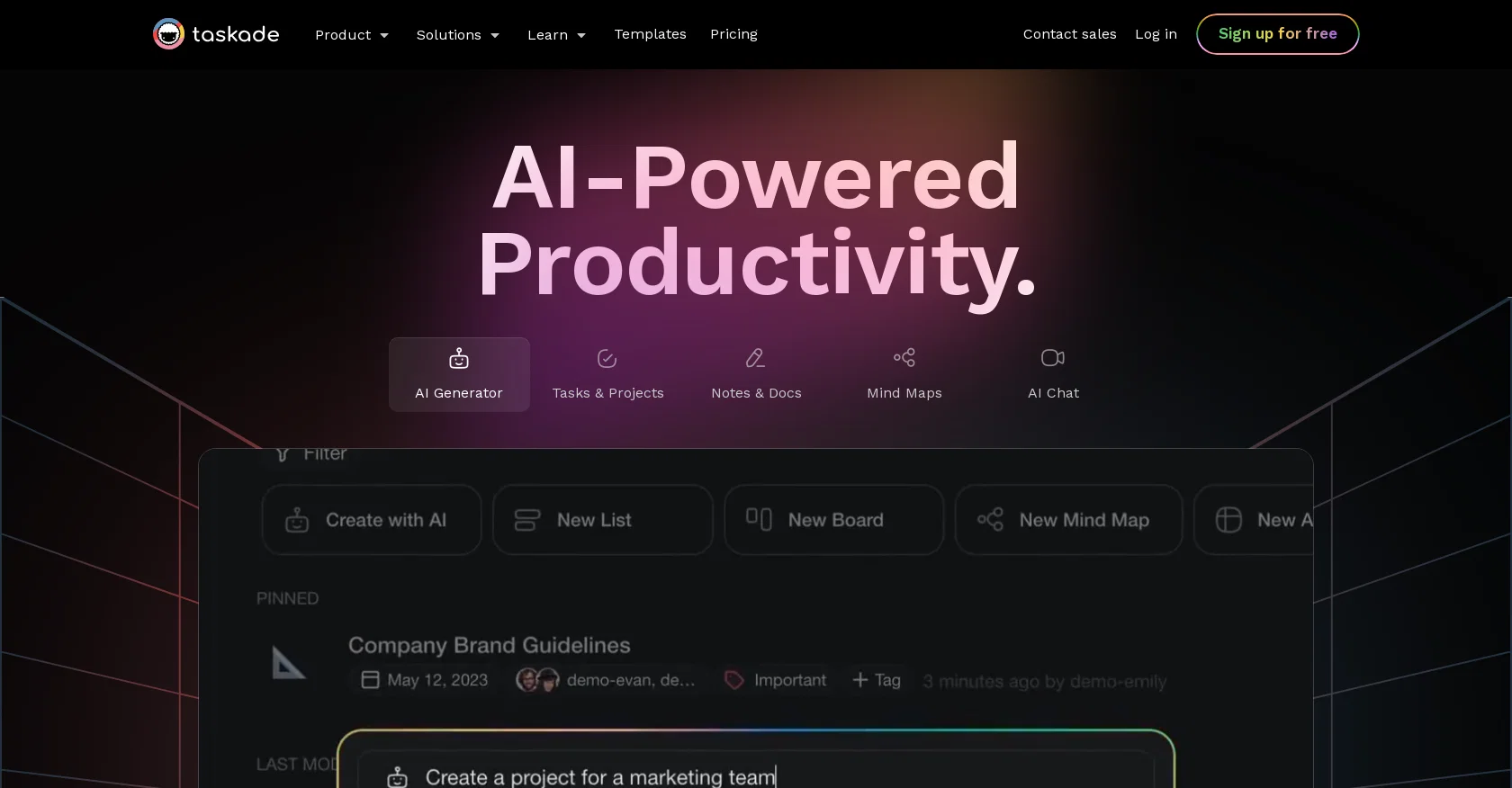
Taskade offers a different approach by blending artificial intelligence with project & task management features including video calls and real-time collaboration. It’s not just another project management platform. It's a holistic solution for teams and solo professionals who want to work smarter, not harder.
Taskade’s AI features break down into four key components — a writing assistant ✏️ that "lives" inside the project editor, an AI chatbot 🤖, a project & task generator ⚡️, and hundreds of AI-powered templates 🎨. All these tools work in harmony to make your workflows more intuitive and interconnected.
And here's the best part. You can use Taskade’s dynamic workflows to visualize your ideas in many different ways. Start with the classic mind map or to-do list to warm up. And when you’re done, seamlessly transition to a Kanban board or a calendar view without losing context. It's that simple.
Taskade is available on all major platforms, including Mac, Windows, iOS, Android, and Linux. It also works in a web browser so you and your team can stay productive wherever you are.
- 🤖 Use the power of AI to automate and supercharge your workflows.
- ✅ See all your tasks and deadlines in a unified workspace.
- 🧠 Brainstorm ideas that spark conversations.
- 🗓️ Plan, create, and edit your content the easy way.
- ⚙️ Manage all your project efforts in one place.
- ⚡ Collaborate and chat with your team and partners in real time.
- 👁️ Switch between six unique project views without losing context.
- 🔗 Integrate seamlessly with other tools.
Best for
Short scenarios where Taskade tends to shine.
-
Project planning and task management
Best for Project managers
-
Brainstorming and mind mapping
Best for Remote teams
-
Team collaboration and communication
Best for Content creators
-
Workflow automation
Best for Educators
-
AI-powered assistance for various tasks
Best for Startups
Example outputs 1
Sample generations and before/after results for Taskade.
Access & connections
Where you can use Taskade, and what it plugs into.
Integrations
Capabilities
What this tool accepts, produces, and is strongest at.
Highlights
- Agents
Supported features
- Agents
Pros & cons
Pros
- Automated productivity and collaboration
- Offers real-time video calls
- Integrates real-time collaboration
- Dynamic idea visualization
- Different project views switchability
- Seamless tool integrations
- Unified workspace for tasks/deadlines
- Brainstorms ideas within the platform
Show 25 more
- Content planning, creation, and editing
- Seamless realtime team collaboration
- Chat with team realtime
- Generates dynamic task lists
- Includes in-built video chat
- Live project collaboration
- Automates 700+ tasks
- Offers flowcharts and mind maps
- Supports shared and collaborative calendars
- Cross-platform task lists
- Embeds Mind Map view in real-time
- Offers customizability for to-do lists
- Integrates with Apple Mail, Google Calendar, and Outlook
- Efficient bulk project management
- Map visualizations with drag and drop
- Multi-project and multi-team management
- Over 500+ customizable templates
- Streams and organizes project flow
- Supports GTD, Kanban, and Pomodoro
- Three-way synchronization
- Support for recurring tasks
- User-friendly project views
- Secure and separate workspaces
- Real-time video chat, screen sharing and syncing
- Realtime synchronization across devices
Cons
- Overloaded functionalities could overwhelm
- Steep learning curve
- Limited task personalization
- Possible UI clutter
- Lack of specialist tools
- No standalone desktop application
- No inherent data analysis tools
- Strictly structured task management
Compare alternatives
Similar tools in the catalog — with a clear reason to open each one.

SureThing.io - "OpenClaw" for Beginners ✓
FreemiumFirst General AI Agency. Designed for long-horizon tasks.
Why look Offers a public API
Full comparison
Raccoon AI ✓
FreemiumThe AI Coworker for Apps, Research, Docs & Everything Else
Why look Offers a public API
Full comparison
Autopilots by Athena AI ✓
Free TrialAutonomous AI agents that execute tasks for you.
Why look Typically cheaper
Full comparisonPeople also view
Tools that often show up alongside Taskade in collections and comparisons.

Tendem ✓
PaidAI + Human Agent to get tasks done
SureThing.io - "OpenClaw" for Beginners ✓
FreemiumFirst General AI Agency. Designed for long-horizon tasks.
Raccoon AI ✓
FreemiumThe AI Coworker for Apps, Research, Docs & Everything Else

Manus ✓
FreemiumTurn your thoughts into actions with AI
Autopilots by Athena AI ✓
Free TrialAutonomous AI agents that execute tasks for you.

Adapt ✓
PaidThe AI-native Way to Work | Company Brain | Universal AI agent

1-Click OpenClaw | Hostinger ✓
PaidYour 24/7 AI assistant with 1-click setup.

Filently ✓
Free TrialAI filing layer for your existing Google Drive
Releases 1
Imported reviews 2
In an industry that often overhypes and underdelivers, the Taskade team has quietly built one of the best AI project management tools on the planet. Since I started using it over a year ago, the platform has evolved from a tool that could build first-rate project plans or marketing documents in a matter of seconds to a collaborative team of AI agents that can now complete many of the tasks in that plan.
Use full workspaces multiple people can use this ai
FAQ 12
What is Taskade?
How does the Taskade AI feature work?
Does Taskade's AI component include any sort of writing assistant?
What is the function of Taskade's AI chatbot?
What type of tasks does Taskade's project & task generator automate?
Can we utilize the AI-powered templates provided by Taskade?
Can the Taskade platform be used for team brainstorming?
Does Taskade offer a feature to switch between project views?
What kind of integration does Taskade offer with other tools?
Is Taskade available on iOS and Android platforms?
Does Taskade have an AI-powered feature to prioritize tasks?
How can I implement Taskade for project and task management?
Related tools
Recommended

Agentgpt ✓
FreemiumDeploy autonomous AI Agents effortlessly in your browser.

VenturusAI ✓
FreemiumBusiness idea analysis and reporting.

LearningStudioAI ✓
Free TrialAI-powered authoring tool for effortless online course creation.

Hints ✓
Free TrialEfficient and automated business task assistant.

Mindsmith ✓
FreemiumPlatform for building and sharing eLearning content

Scisummary ✓
Free TrialCutting-edge scientific articles summarization.