
Email management 2026 Rank: #966
Tame My Inbox ✓
AI email assistant that solves Gmail overload effortlessly.
Verdict
A quick read before you dig into the full page.
- Best if
- AI email assistant that solves Gmail overload effortlessly
- Skip if
- Limited message formatting
- Pick this when
- Tailored for Gmail
Considering Ayari instead? Compare side by side
Overview

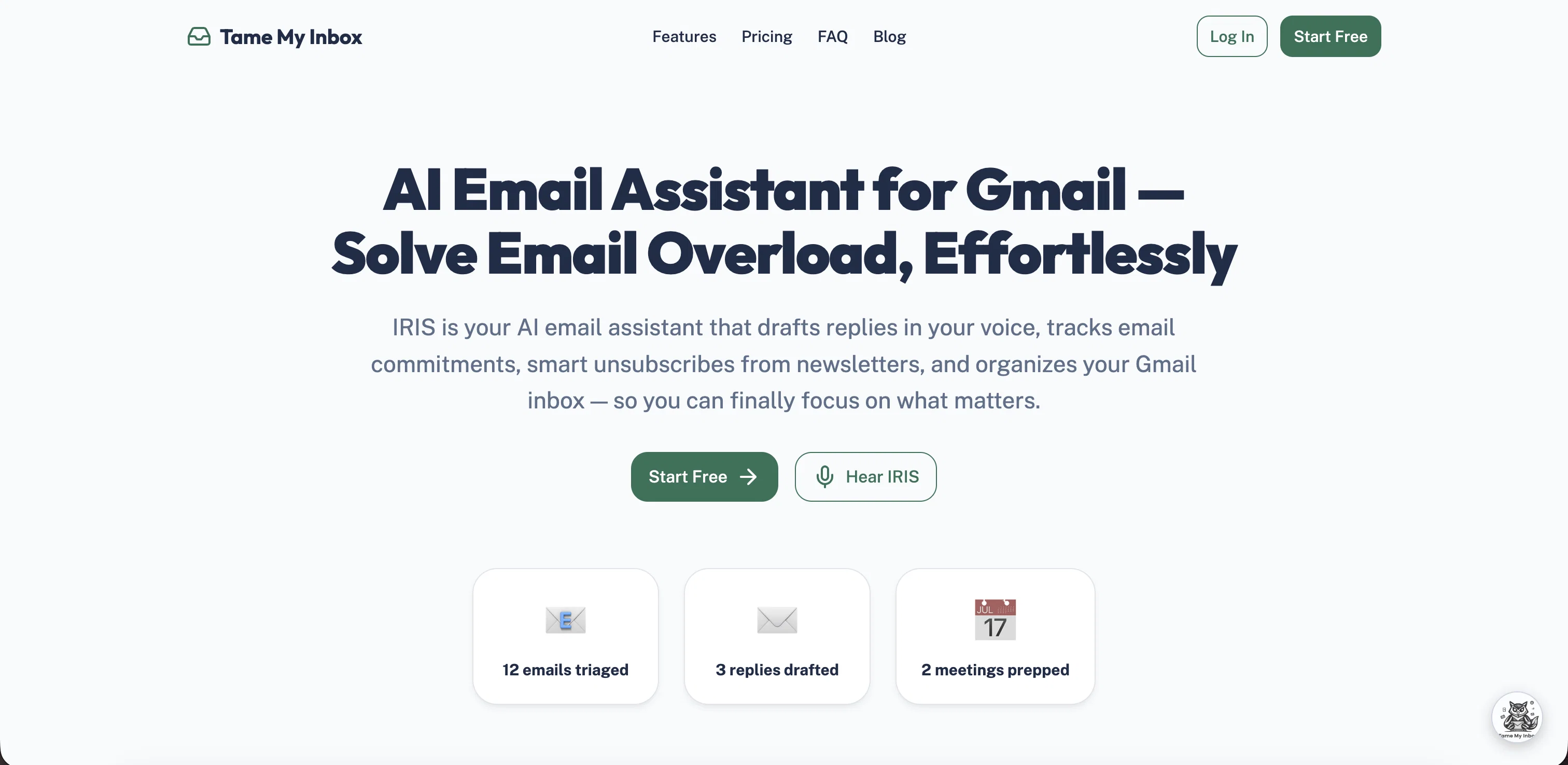
Tame My Inbox, also known as IRIS, is an AI email assistant specifically designed for Gmail. Its primary function is to sort and organize your inbox, allowing for a more streamlined email experience.
One of the remarkable features of Tame My Inbox is its ability to draft replies in the user's voice, enabling quick responses while maintaining a personal touch.
It is also equipped to track email commitments, which could be crucial in professional settings. An added advantage is IRIS's capability to manage subscriptions intelligently, automatically unsubscribing from unneeded newsletters, thereby reducing clutter and enhancing the overall organization of your inbox.
Its main goal is to effectively combat email overload to save user time and allow focus on essential tasks or commitments. Tame My Inbox is designed to provide an effortless resolution to email overload problems, making it an effective tool for professionals seeking to optimise their digital communication.
It offers a free plan to get started and does not require credit card details.
- Voice Ai Assistant You Can Talk To
- Auto-sorts Inbox Into Priority Categories
- Drafts Replies In Your Writing Style
- Commitment Tracking With Due Dates
- Contact Auto-classification
- Smart Unsubscribe Manager
- Email Analytics And Insights
- Meeting Prep With Attendee Context
Access & connections
Where you can use Tame My Inbox, and what it plugs into.
Platforms
Integrations
Capabilities
What this tool accepts, produces, and is strongest at.
Input
- API
- Text
- Audio
Output
- Audio
- API
- Text
Highlights
- Agents
Supported features
- Agents
Pros & cons
Pros
- Tailored for Gmail
- Systematically tracks commitments
- Smart unsubscribing feature
- Drafts replies in user's style
- User-friendly interface
- Free plan available
- Does not require credit card
- Increases productivity
Show 10 more
- Reduces email overload
- Automatic email sorting
- Ideal for professionals
- Personalized responses
- Time-saving tool
- Effectively organizes inbox
- Intelligent subscription management
- Effortlessly resolves email overload
- Streamlines digital communication
- Manages unwanted newsletters
Cons
- Only for Gmail
- No multi-account management
- No mobile app
- Limited message formatting
- Lacks calendar integration
- Can't handle large attachments
- No priority inbox feature
- No offline mode
Compare alternatives
Similar tools in the catalog.




Releases 1
FAQ 12
What exactly is Tame My Inbox?
How does Tame My Inbox work with Gmail?
How can Tame My Inbox help me increase productivity?
Can Tame My Inbox unsubscribe me from unwanted newsletters automatically?
What is the 'commitment tracking' feature in Tame My Inbox?
How does Tame My Inbox organize my Gmail inbox?
Can Tame My Inbox draft replies for me?
Does Tame My Inbox mimic my style of writing?
Who is the ideal user of Tame My Inbox?
Is Tame My Inbox suitable for all types of Gmail users?
Does Tame My Inbox have a free version?
How user-friendly is Tame My Inbox’s interface?
Related tools
Recommended

ChatPlayground AI ✓
PaidThe #1 Platform for Comparing AI Models

AI Voice Generator Free ✓
FreeGenerate AI voices for any text instantly

X-Pilot AI ✓
FreemiumTurn Documents into Accurate Video Course Series

Decision Forcing Studio ✓
FreeChat with AI to explore, solve, and learn.

MagicSlides.app AI PPT Maker ✓
FreemiumCreate Stunning PPTs in Seconds with the AI PPT Maker

Eightify
UnknownAI-powered YouTube video summarizer extracting key ideas for quick content assessment.