

Video editing 2026 Rank: #3011
Supercut ✓
Edit video by typingyour footage never leaves your browser.
Verdict
A quick read before you dig into the full page.
- Best if
- Edit video by typingyour footage never leaves your browser
- Skip if
- Offline capabilities may limit features
- Pick this when
- Browser-based operation
Considering CapCut Online Creative Suite instead? Compare side by side
Overview
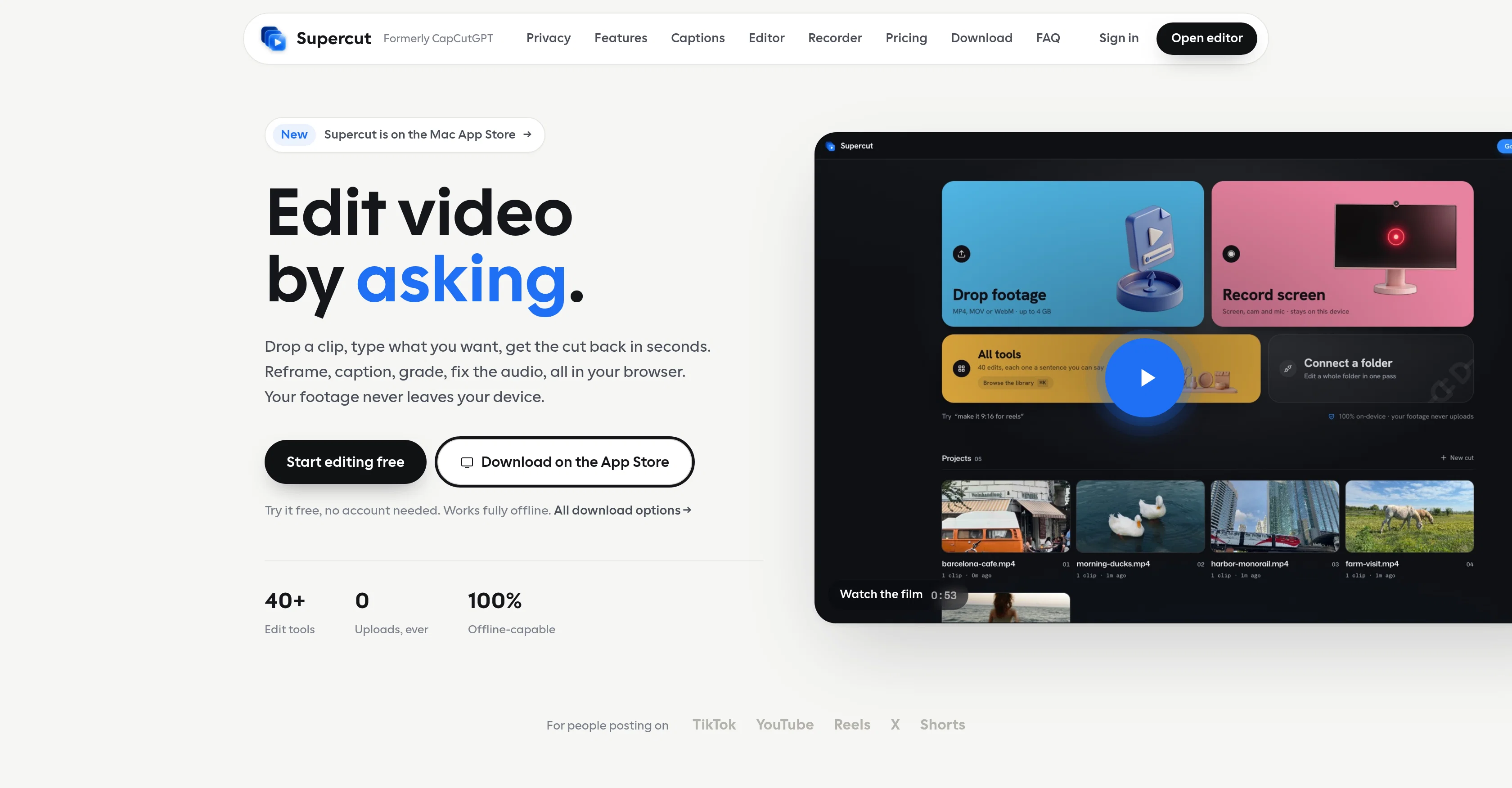
Supercut is a private AI video editing tool that operates entirely within a user's internet browser on their device, without any footage being uploaded to the cloud.
Users input the desired edits in plain text and the AI converts that sentence into a structured operation, which is executed on the local device. It features a suite of more than 40 editing operations such as auto-captioning, reframing with face tracking, color adjustments, audio fine-tuning, and face blurring.
Additionally, it offers a multitrack timeline for more complex edits and there's a desktop application available for macOS and Windows. It also features a screen recorder and local MCP server for added functionality.
Supercut prides itself on privacy, with the only data leaving a user's machine being the request text and basic clip metadata to execute the operations requested.
It's intended to be safe for unreleased work, and maintains functionality even without network connectivity, making offline editing possible. Moreover, it simplifies the process of getting a right video format for different platforms like TikTok, YouTube, and others with preset settings.
The tool was formerly known as CapCutGPT and UnoCut and is developed independently without any affiliation to CapCut or ByteDance.
Access & connections
Where you can use Supercut, and what it plugs into.
Platforms
Integrations
Capabilities
What this tool accepts, produces, and is strongest at.
Input
- Text
- Video
Output
- Video
Pros & cons
Pros
- Browser-based operation
- No cloud uploads
- Plain text editing commands
- Over 40 editing tools
- Auto-captioning feature
- Face tracking reframing
- Color adjustments
- Audio fine-tuning
Show 12 more
- Face blurring tool
- Multitrack timeline
- MacOS and Windows compatible
- Screen recorder feature
- Local MCP server option
- High data privacy
- Offline editing capability
- Preset settings for platforms
- Indepently developed
- Safe for unreleased work
- Video format simplification
- On-device operation
Cons
- Requires JavaScript
- Limited language detection
- Requiring plain text input
- Heavy local device operation
- Offline capabilities may limit features
- Desktop app required for certain features
- Limited preset settings for platforms
- No cloud backup for projects
Show 1 more
- Reliance on internet browser
Compare alternatives
Similar tools in the catalog — with a clear reason to open each one.

CapCut Online Creative Suite ✓
FreemiumUnleash creativity with CapCut's all-in-one online suite
Free + from $28.5/mo
Full comparison
ClipFinder ✓
FreemiumTurn hours of streams and VODs into viral clips automatically.
Why look Offers a public API
Full comparison
Gling - AI Video Editing Software for YouTube ✓
FreemiumAI-powered video editing for YouTube creators.
Free + from $10/mo
Full comparison
Captions ✓
PaidAI-powered creative studio for studio-grade videos.
Why look Offers a public API
Full comparison
