
Stacks ✓
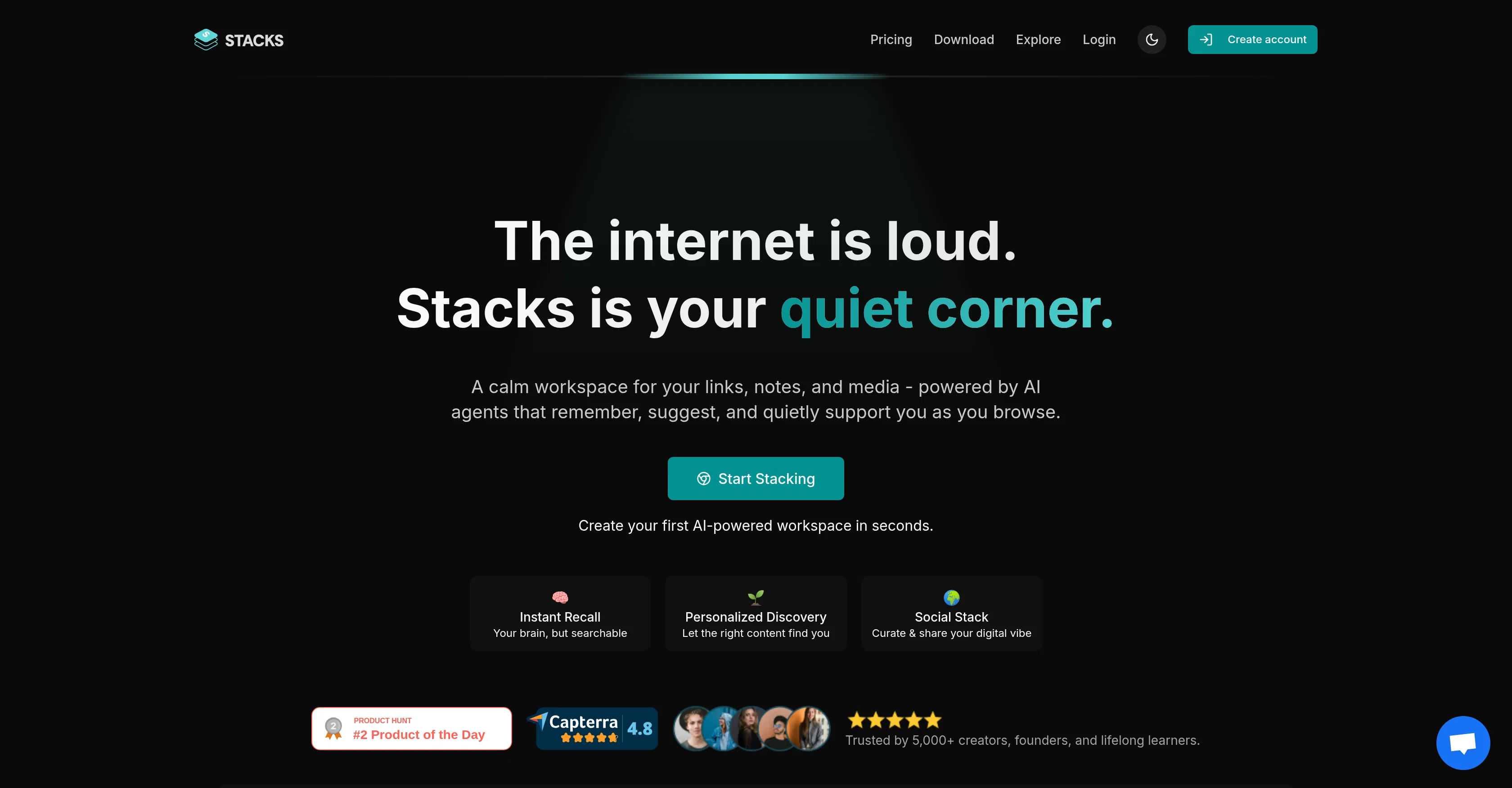
Your quiet corner of the internet, powered by AI.
from $9/mo
Verdict
A quick read before you dig into the full page.
- Best if
- Your quiet corner of the internet, powered by AI
- Skip if
- Limited customization options
- Pick this when
- Unified digital workspace
Considering Mem instead? Compare side by side
Overview




Stacks is a personal AI tool that allows you to create a unified digital workspace. It offers a quiet and calm workspace for storing links, notes, and media files, all managed by AI agents that remember, suggest, and support as you browse.
Stacks ensures your browser understands your preferences and acts on them, creating a memory and insight layer that intuitively adopts your browsing patterns.
It serves multiple purposes including content management, bookmark management, and web discovery, replacing common tools like Google Drive, Notion, and Pocket.
Stacks is adaptable, tailored to serve various categories of users including students, researchers, creators and builders, and lifelong learners. It allows capturing of notes, bookmarks, links, and files, turning scattered information into tangible actions.
It also offers digital workspace sharing with controlled visibility levels. The tool further comes with a personal AI that works to reveal hidden links, insights, searches across saved thoughts and trains based on your content.
Stacks is integrated with a browser extension and can be installed on Chrome, App Store, and Play Store. It also supports a team workspace for collaboration and has an AI-powered search functionality which simplifies finding information.
It also understands your intentions when you save content, gradually improves intent recognition over time, and allows sharing of collections with others.
Best for
Short scenarios where Stacks tends to shine.
-
Your quiet corner of the internet, powered by AI.
Example outputs 1
Sample generations and before/after results for Stacks.
Access & connections
Where you can use Stacks, and what it plugs into.
Platforms
Integrations
Capabilities
What this tool accepts, produces, and is strongest at.
Input
- API
- Tabular
- Text
Output
- API
- Text
Highlights
- Agents
- MCP
- Use code TAAFT
- 20% OFF
Supported features
- Agents
- MCP
- Instant file search
Pros & cons
Pros
- Unified digital workspace
- Adaptable user categories
- Captures notes, bookmarks, links
- Media file storage
- Team workspace support
- Quiet and calm interface
- Intuitive browsing patterns
- Enhanced intent recognition
Show 42 more
- Cross platform - Chrome, App Store, Play Store
- Reveal hidden links, insights
- Content, bookmark, web discovery
- Confidentiality with visibility controls
- Browser extension integration
- Learning tool for various professions
- Shareable content collections
- Understands saving intent
- Scattered info to tangible actions
- Transforms browsing into productivity
- Supports real-time collaboration
- Visibility control for shared content
- Replaces multiple common tools
- Training based on content
- Multiple purposes in one tool
- Content personalization
- Workspace sharing options
- Digital workspace personalization
- Replacement for Google Drive, Notion, Pocket
- Turning saved thoughts searchable
- Creation of insightful memory layer
- Adjustable workspace based on preferences
- Links, notes and media storage
- Content management in one place
- Suggestions and support during browsing
- Adaptability to user's workflow
- Bookmark management in unified space
- Context aware content saving
- Tool for work productivity
- Connects related ideas
- Curated stacks based on digital vibe
- Transforms random saves into organized knowledge
- Learning platform for lifelong learners
- Adaptable for individuals and teams
- Can reveal hidden content relations
- Improves with usage over time
- Remember and suggest function
- Easy swapping between workspaces
- Turn insights into actions
- Audience building around unique insights
- Recognizes user's patterns
- Controlled audience reach and presentation
Cons
- Limited installation options
- Possibly overwhelming interface
- No offline access
- Data privacy concerns
- Limited customization options
- Could have complicated functionality
- Dependent on browsing activities
- Limitations in collaborative features
Show 1 more
- Potential note-finding issues
Compare alternatives
Similar tools in the catalog — with a clear reason to open each one.


Fibery AI ✓
Free TrialAI assistant for brainstorming, writing, and automating work.
Why look Better for writing
Full comparison
Sune ✓
FreemiumAI-powered workspace for docs, projects, and automations.
Why look Freemium alternative
Full comparison
AppFlowy ✓
FreemiumAI-powered secure workspace for your data.
Why look Freemium alternative
Full comparisonPeople also view
Tools that often show up alongside Stacks in collections and comparisons.

TheLibrarian.io ✓
Free TrialYour WhatsApp AI assistant for instant productivity.

Sidejot ✓
FreeAI-powered task planner for focused productivity.

Twilight ✓
UnknownAI anticipates your productivity needs.

Ping: AI-Powered To Do List ✓
FreemiumAI-powered task list: Dictate tasks, integrate with Gmail, Slack, ChatGPT & Calendar.

Laurel ✓
UnknownAI-timekeeping enabling lawyers, accountants, and consultants to focus on their work.

Ideamap - Brainstorm and Mindmap AI ✓
FreemiumBoost your creativity with AI-powered brainstorming.

AtFirst ✓
FreemiumExperience daily affirmations on your device
Sune ✓
FreemiumAI-powered workspace for docs, projects, and automations.
Releases 1
In the news
Launch coverage and community mentions for Stacks.
Imported reviews 1
It's a powerful AI-powered personal knowledge system that brings together links, files, notes, and documents in one unified workspace.
It's like Notion meets Raindrop meets Google Drive, but with an AI layer that helps you resurface forgotten content, cluster related topics, and even draft documents based on your saved materials.
FAQ 12
What are the main features of Stacks?
What type of files can I store in Stacks?
How does Stacks help with web discovery?
How does the AI in Stacks work?
What makes Stacks different from tools like Google Drive and Notion?
Can I collaborate with other users in Stacks?
How can Stacks support my browsing habits?
How does Stacks capture and manage my content and data?
What platforms is Stacks available on?
How does the browser extension of Stacks work?
Who can benefit from using Stacks?
How can Stacks help me with my research or learning?
Related tools
Recommended

remio: Your Personal ChatGPT ✓
FreemiumGet Tailored Answer with Your Personal ChatGPT

Automateed ✓
Free TrialCreate eBooks effortlessly with Automateed, the AI-powered writing tool.

Recall ✓
FreemiumSummarize Anything, Forget Nothing!

OnSpace.AI - No Code App Builder ✓
FreemiumBuild Apps with AI, No Code

Alice - AI Automation App ✓
Free TrialStop chatting. Start doing.

Constella ✓
Free TrialForget files and folders, not your thoughts.