

Game assets 2026 Rank: #1253
Spritefy ✓
Generate game-ready assets with AI in seconds.
Verdict
A quick read before you dig into the full page.
- Best if
- Generate game-ready assets with AI in seconds
- Skip if
- Limited export options
- Pick this when
- Generates game-ready assets
Considering Scenario instead? Compare side by side
Overview
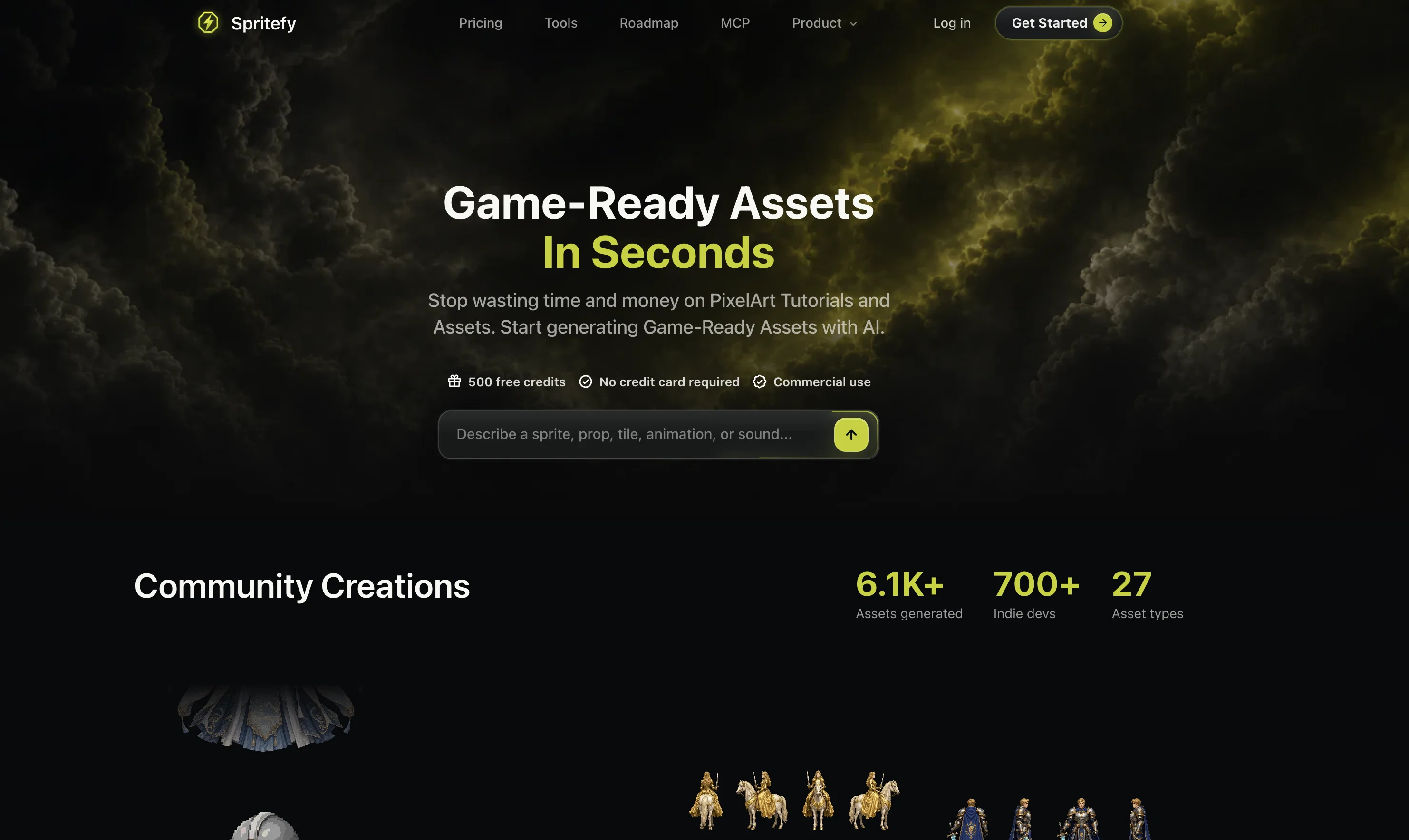
Spritefy is an AI tool designed to generate game-ready assets such as sprites, sprite sheets, tiles, animations, 3D assets, sound effects, and music loops.
It is built with the capability to produce assets suitable for various game engines including Unity, Godot, Unreal Engine, and RPG Maker. Utilizing AI technology, Spritefy aims to speed up the game development process by automating the creation of graphics, audio, and other game elements, thereby reducing resource expenditure on assets creation and tutorials.
It encompasses a wide array of asset generation, ranging from terrains and characters to UI elements and visual effects, to suit the various environments, tasks, and visual needs of the game.
Features include the ability to describe the task and specify details of the desired asset, and edit features such as the direction, color and scale to ensure the asset blends seamlessly into the game's aesthetic.
It also includes a comprehensive export function, allowing you to cleanly transfer your assets into your preferred game engine or editor. Additionally, it provides the capability to generate supplementary audio assets like sound effects and music loops, supplementing gameplay and boosting the immersive prospects of games.
Finally, this tool offers features for creating other supplementary graphics like UI components and textures, further enriching gameplay experience.
Access & connections
Where you can use Spritefy, and what it plugs into.
Platforms
Integrations
Capabilities
What this tool accepts, produces, and is strongest at.
Input
- 3D
- Image
- Text
- Video
- Game
- Audio
Output
- Audio
- Game
- Video
- 3D
- API
- Image
Highlights
- MCP
Supported features
- MCP
Pros & cons
Pros
- Generates game-ready assets
- Provides sound effects, music
- Efficient asset production
- Creates varied asset types
- Customizes asset properties
- Exports to multiple game engines
- Flexible asset generation
- Edits assets post-generation
Show 39 more
- Facilitates commercial use
- Requires no credit card details
- Helpful for indie developers
- Automates creation process
- Saves resources on tutorials
- Suitable for various game environments
- Customizable asset details
- Comprehensive export function
- Supplements gameplay with audio
- Creates UI components, textures
- Enriches gameplay experience
- Sprite sheet generation
- Asset naming feature
- Control over style, palette
- Direction, color, scale editing
- Clean asset transfer
- Supports Unity, Godot, etc.
- Generates game terrains, characters
- Visual effects creation capability
- Boosts gameplay immersion
- Creates 3D models, animations
- Generates tiles
- Provides 500 free credits
- Asset readability ensures fit
- Offers commercial use
- Generates NPC dialogues
- Makes interactive sound effects
- Generates assets from prompts
- Quick prototyping of 3D assets
- Detailed asset editing options
- Generates various animation types
- Generates a variety of items
- Creates backgrounds to suit mood
- Useful for various art styles
- Generates VFX Effects
- Generates texture tiles
- Allows asset scale adjustment
- Supports RPG Maker
- Creates UI and HUD pieces
Cons
- Unspecified live support
- Not open-source
- No API mentioned
- Limited free assets
- Requires manual fine-tuning post-creation
- Broad description prerequisites
- No mobile version mentioned
- No collaboration features
Show 2 more
- Limited export options
- No offline mode
Compare alternatives
Similar tools in the catalog — with a clear reason to open each one.

Scenario ✓
FreemiumGenerate AI game assets in minutes
Why look Higher community rating
Full comparison
Tavern of Azoth ✓
FreemiumTransform words into wonderful RPG creations.
Why look Typically cheaper
Full comparison
Gamelabs Studio ✓
Free TrialAnimate sprites in seconds with AI
Why look Typically cheaper
Full comparison
Game Assets Generator ✓
Free TrialGenerate game assets with AI in seconds
Why look Typically cheaper
Full comparison
Ludo ✓
Free TrialCreate hit games with AI-powered research and design.
Why look Stronger for image work
Full comparison
Aitubo ✓
FreemiumTurn text and photos into high-quality AI art.
Why look Stronger for image work
Full comparisonReleases 1
FAQ 12
What types of game assets can Spritefy generate?
Can I use Spritefy to create music for my game?
How does Spritefy streamline the asset creation process?
Does Spritefy support asset export to Unity or Unreal Engine?
Can I edit the properties of an asset created with Spritefy?
Does Spritefy require credit card information to start using it?
Can I use Spritefy for commercial game development?
Can assets created with Spritefy be refined post-creation?
What kind of features does Spritefy offer for creating game character assets?
Can Spritefy generate terrain elements and items for games?
What kind of animations can Spritefy create?
How can I specify the end product properties like asset name and camera angle in Spritefy?
Related tools
Recommended

Motion Control AI ✓
Free TrialTransfer motion to any character instantly.

CodeRabbit ✓
Free TrialEnhanced code review for improved workflow and quality.

freebeat AI ✓
FreemiumTurn Music & Ideas into Viral Videos In One Click

Marblism ✓
FreemiumAI Employees who Work for Your Business

MagicLight ✓
FreemiumTransform text into captivating videos instantly.

Prompt Engine ✓
PaidGet the perfect prompt for any AI task