

SpeechReader ✓
Turn any text into natural-sounding audio in seconds.
Free + from $3.83/mo
Verdict
A quick read before you dig into the full page.
- Best if
- Turn any text into natural-sounding audio in seconds
- Skip if
- Limited voice customizability
- Pick this when
- Web-based tool
Considering ElevenLabs instead? Compare side by side
Overview
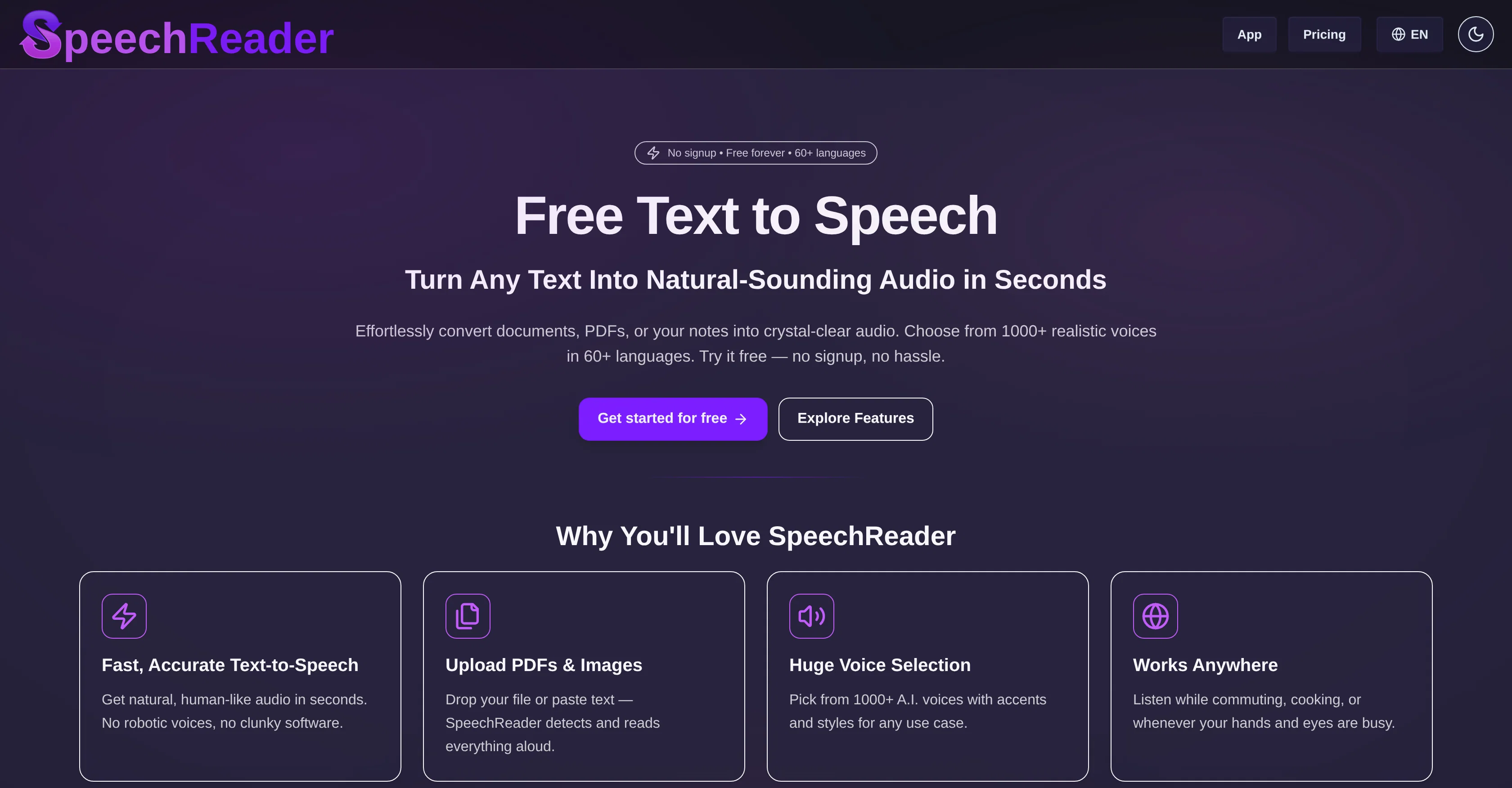
SpeechReader is a web-based text-to-speech tool powered by advanced speech synthesis algorithms. It allows users to convert written text into natural-sounding audio.
By either pasting the text or uploading a file, the user can generate speech audio almost instantaneously. Emulating the tone, rhythm, and clarity of human speech, the generated voices provide a realistic and human-like listening experience.
SpeechReader includes a vast selection of over 1000 AI voices in more than 60 languages making it versatile for different use-cases. The tool has a robust application range from reading text aloud for accessibility purposes to converting written content into audio files for videos, podcasts, or learning materials.
Furthermore, it is used for generating AI voiceovers featuring expressive AI voices. SpeechReaders natural-sounding AI voices are differentiated by their contextual awareness ability, providing a nuanced and authentic speech output rather than flat robotic speech.
This makes the tool an ideal fit for narration projects involving emotional speech or voice cloning. Users can experiment with various voice styles to best match the requirements of their projects.
SpeechReader offers a free plan to get started and premium plans for additional high-quality speech features. It can also function offline fulfilling the need for a TTS generator, enabling users to convert text to speech and download the audio file locally.
An inclusive tool, SpeechReader caters to visually impaired users by making text files and other content easily consumable. It has a user-friendly interface making it simple to use - one just needs to input their text, select an AI voice, and listen online or download the audio file.
A trusted tool for reading, learning, and accessibility, SpeechReader, with its focus on delivering lifelike voices, has been adopted by both casual users and professionals alike.
Access & connections
Where you can use SpeechReader.
Platforms
Capabilities
What this tool accepts, produces, and is strongest at.
Input
- Tabular
- Text
- Image
Output
- Audio
Pros & cons
Pros
- Web-based tool
- Instantaneous speech generation
- Realistic human-like voices
- Supports 60+ languages
- Serves multiple use-cases
- Contextual awareness ability
- Ideal for narration projects
- Allows voice style experimentation
Show 25 more
- Offers free plan
- Premium plan for additional features
- Offline functionality
- Allows audio file download
- Inclusive for visually impaired users
- User-friendly interface
- Supports voice cloning
- Can be used for voiceovers
- Supports converting content into audio
- Allows input by text paste
- Supports file uploads
- Applicable for videos, podcasts
- Applicable for learning materials
- Useful for professionals and casual users
- Supports altering speech speed
- Supports voice selection
- Integrated OCR for PDFs and images
- Highlights paragraph being read
- Good for accessibility
- Supports various accents
- High-quality voice output
- Supports usage while busy
- Good for learning
- Supports content creation
- Allows download in MP3 format
Cons
- No mobile application
- Limited free plan
- No live chat support
- Lacks variety in tone
- Limited voice customizability
- No multi-voice narration
- Offline mode not free
- No background noise reduction
Show 2 more
- No real-time translation
- Requires frequent manual interaction
Compare alternatives
Similar tools in the catalog — with a clear reason to open each one.

ElevenLabs ✓
FreemiumCreate lifelike AI voices for compelling storytelling.
Why look Typically cheaper
Full comparison

VoiSpark ✓
FreemiumCreate human-like voices for content with AI
Why look Better for writing
Full comparison
Free Text-To-Speech ✓
FreeText transformed into customizable spoken output.
Why look Fully free option
Full comparison

Releases 1
Imported reviews 2
No supp for Macedonian language
I like that the ai support many languages the only disadvantage is that the free version is limited and the paid version is also high $8 per month!!
FAQ 12
What is SpeechReader?
How does SpeechReader work?
What differentiates SpeechReader from other TTS tools?
Can SpeechReader be used offline?
What languages does SpeechReader support?
What are the voice options available in SpeechReader?
How can SpeechReader help visually impaired users?
Can I download the speech audio files converted by SpeechReader?
Can I input a file directly to SpeechReader for conversion?
What type of voices does SpeechReader generate?
Is there a free plan for SpeechReader?
Does SpeechReader offer high-quality speech features in premium plans?
Related tools
Recommended

Claude ✓
FreemiumBuilding reliable, interpretable AI systems

Unblur Image by Uluch ✓
FreeTransform blurry photos into crystal-clear images instantly.

Voice Changer.video ✓
FreeTransform your voice into any tone and language.

Hall of Tarot ✓
FreeAdvanced AI tarot readings unlock free insights.

VideoWeb AI | Video to Video ✓
FreemiumTransform videos with AI-powered video generation.

WriteVoice ✓
FreemiumStop typing. Start talking.