

Voice Changer.video ✓
Transform your voice into any tone and language.
Verdict
A quick read before you dig into the full page.
- Best if
- Transform your voice into any tone and language
- Skip if
- Limited video size (30MB)
- Pick this when
- Supports numerous voice textures
Considering FineVoice AI Voice Changer instead? Compare side by side
Overview
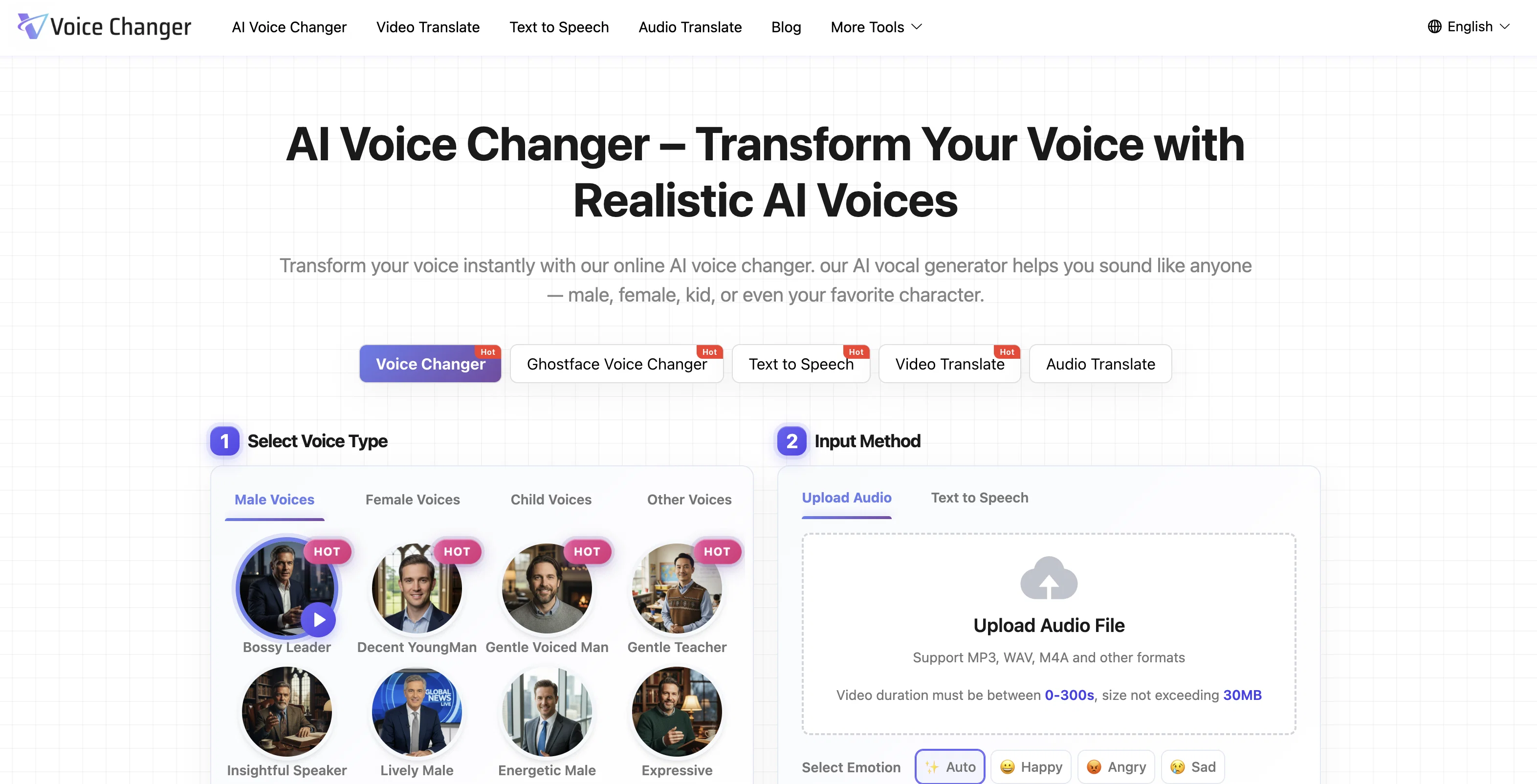
AI Voice Changer is an online tool which uses artificial intelligence technology to effortlessly transform voices into diverse tones and languages. This tool is geared towards creating captivating multilingual audio content.
The software supports a wide array of voice textures and numerous languages, offering users the opportunity to convert their voice into any tone and language they desire.
Users are also able to upload videos and translate their voice into different languages, adding another dimension of localization and accessibility. The AI Voice Changer extends its utility to various scenarios, catering to content creators, educators, animators, marketers, and developers.
It provides unique voiceovers for videos, adds character to podcasts, aids in content localization, animate voices for films, and generate engaging brand narratives for marketing purposes.
Developers can use this to incorporate personalized voice into their applications. The AI Voice Changer also provides a natural voice over generator, designed to produce lifelike voices with perfect intonation and fluency.
Extra feature includes vibrant conversation creation with several AI voices, fitting for podcasts, audiobooks, and interactive dialogues. This tool also provides users with many satisfied customer testimonies, demonstrating its practical use in various professional fields
Access & connections
Where you can use Voice Changer.video.
Platforms
Capabilities
What this tool accepts, produces, and is strongest at.
Input
- Tabular
- Video
- Audio
Output
- Audio
- Video
Supported features
- TTS
- Translation
- Dubbing
- Sound Creation
Pros & cons
Pros
- Supports numerous voice textures
- Supports multiple languages
- Customizable voice parameters
- Real-time voice transformation
- Comprehensive voice library
- Natural and realistic voices
- Suits various content creation needs
- Allows for characterful voiceovers
Show 39 more
- Useful in educational content
- Great for game/animation voices
- Enhances marketing/brand narrative
- Time-saving in app development
- Enables vibrant conversation creation
- Provides customer testimonials
- Supports audio content creation
- Assists content localization
- Facilitates video editing
- Multilingual support
- Dynamic voice conversion
- Supports diverse character voices
- Eases podcast, audiobook creation
- Perfect for interactive dialogues
- Delivers natural fluency
- Ensures precise vocal effects
- Simple three-step process
- Perfect for YouTubers, podcasters
- Effortless voice alteration
- Convenient online tool
- Supports video upload
- Language translation available
- Complements developers' needs
- Supports institutional customers
- Consistent professional narration
- Conducive for training/education
- Enhances marketing content
- Capable of entertaining narration
- Efficient in content creation/localization
- Engages learners with dynamic voices
- Saves time on hiring voice actors
- Offers commercial licensing
- Suitable for interactive applications
- Easy to use interface
- Capable of real-time voice changing
- Supports seamless voice switching
- Allows for voice diversity
- Realistic emotional voice range
- Capable of complex voice transformations
Cons
- No mobile app
- Limited video size (30MB)
- Short video duration (0-300s)
- Requires internet connection
- Doesn't support offline use
- No free preview mentioned
- No sign-up could lack personalization
- Potential voice conversion inaccuracies
Show 2 more
- Possible lag in real-time changing
- No integration with third-party apps
Compare alternatives
Similar tools in the catalog — with a clear reason to open each one.

FineVoice AI Voice Changer ✓
FreemiumTransform Your Voice into Any Voice You Like.
Free + from $5.99/mo
Full comparison
Altered ✓
FreemiumTransform your voice with AI for professional performances.
Free + from $1/mo
Full comparison
Dubbing-AI ✓
UnknownChange your voice to any character in real-time.
Why look Higher community rating
Full comparison


Releases 1
FAQ 12
What is the process of using the AI Voice Changer?
Can the AI Voice Changer realistically mimic emotion and intonation in human speech?
Can the AI Voice Changer be used for voiceovers in YouTube and TikTok videos?
How can the AI Voice Changer help with marketing and advertising?
What languages does the AI Voice Changer support?
Can the AI Voice Changer simulate character voices for animations or games?
How can educators benefit from using the AI Voice Changer?
How can developers use the AI Voice Changer in creating applications or virtual assistants?
Can I customize the pitch, speed, or tone of a voice using the AI Voice Changer?
What is the range of voice textures the AI Voice Changer can imitate?
How can the AI Voice Changer save content creators on hiring voice actors?
How can I preview and download the generated voice in AI Voice Changer?
Related tools
Recommended

AI Landing Page.ai ✓
Free TrialGenerate landing pages quickly with AIsimple, fast, and effective.

Video Transcriber AI ✓
FreeTranscribe video to text online free

Noiz Agent ✓
FreeYour voice, reimagined by AI

Mistral AI Studio ✓
FreeAI builders' preferred toolkit for enterprise deployment.

AI Dubbing.io ✓
FreeTurn videos into any language with AI dubbing.

Landing-Page.io ✓
FreemiumBuild stunning AI landing pages instantly.