

SpeechEasy ✓
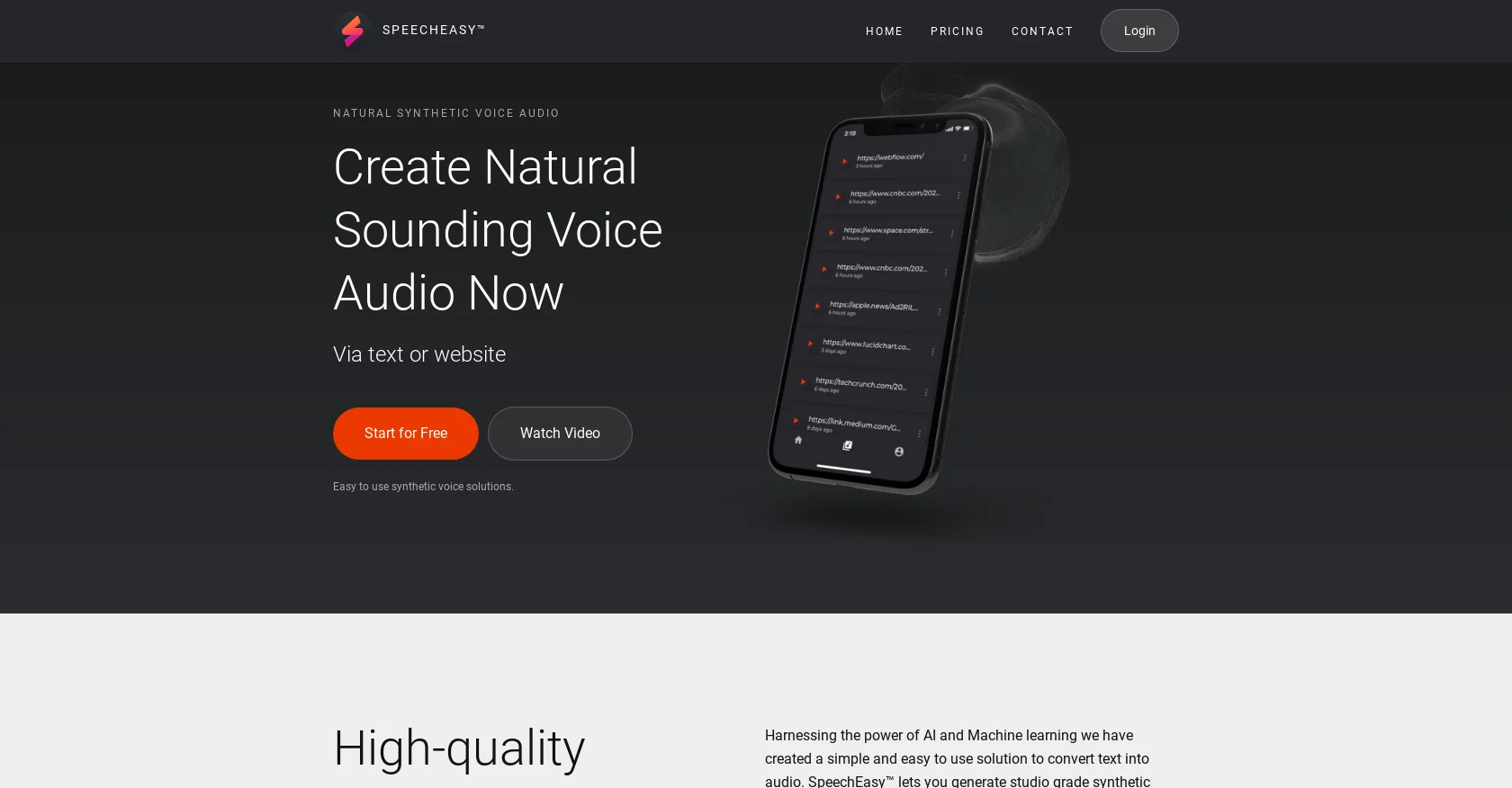
Create natural-sounding voice audio from text or websites.
Verdict
A quick read before you dig into the full page.
- Best if
- Create natural-sounding voice audio from text or websites
- Skip if
- Limited free version
- Pick this when
- Cross-platform support
Considering ElevenLabs instead? Compare side by side
Overview
SpeechEasy is a text-to-speech tool designed to convert text into audio. It uses the power of AI and machine learning to generate high-quality synthetic voices that are easy to understand and consume.
SpeechEasy also supports cross-platform usage, allowing users to generate and listen to audio voice files on both desktop and mobile devices. It features nearly a dozen high-quality synthetic voices, a simple and intuitive interface, and a privacy-first approach to ensure the security of personal information.
SpeechEasy also offers a free version, as well as an Enterprise option. SpeechEasy is perfect for anyone looking for an easy to use synthetic voice solution for presentations, e-Learning content, marketing, publishing, and more.
Best for
Short scenarios where SpeechEasy tends to shine.
-
Create natural-sounding voice audio from text or websites.
Example outputs 1
Sample generations and before/after results for SpeechEasy.
Access & connections
Where you can use SpeechEasy.
Platforms
Capabilities
What this tool accepts, produces, and is strongest at.
Input
- Text
Output
- Audio
Pros & cons
Pros
- Cross-platform support
- Nearly dozen high-quality voices
- Intuitive interface
- Privacy-first approach
- Free version available
- Enterprise option
- Suitable for presentations
- Ideal for e-Learning
Show 13 more
- Useful for marketing
- Applicable for publishing
- Mobile listening support
- Regular addition of voices
- Minimal personal info retained
- Easy to get started
- Flexible pricing options
- Studio grade synthetic voices
- Consistent audio quality
- Works on-the-go
- Ideal for voice overs
- Supports different use cases
- Privacy and security emphasis
Cons
- Limited number of voices
- Requires network connection
- No offline functionality
- Limited free version
- Enterprise pricing not disclosed
- No API mentioned
- Lack of voice customization
- No multilingual support mentioned
Compare alternatives
Similar tools in the catalog — with a clear reason to open each one.

ElevenLabs ✓
FreemiumCreate lifelike AI voices for compelling storytelling.
Why look Offers a public API
Full comparison
VoiSpark ✓
FreemiumCreate human-like voices for content with AI
Why look Better for writing
Full comparison
Free Text-To-Speech ✓
FreeText transformed into customizable spoken output.
Why look Fully free option
Full comparisonPeople also view
Tools that often show up alongside SpeechEasy in collections and comparisons.
VoiSpark ✓
FreemiumCreate human-like voices for content with AI

Speechma ✓
UnknownTransform text to speech with 400+ premium AI voices

Read-this.ai ✓
PaidTransform any articles into podcast-quality audio instantly with just a click.
Free Text-To-Speech ✓
FreeText transformed into customizable spoken output.
ElevenLabs ✓
FreemiumCreate lifelike AI voices for compelling storytelling.

Audioread.com ✓
PaidListen to any text in your podcast app or browser.
Summ-it ✓
FreemiumTurn everything you meant to read into an audio playlist.

DeepBliss.me ✓
FreemiumPersonalized mental wellness platform for future-self practice, in your own voice.
Releases 1
Imported reviews 1
wastage of time
FAQ 12
How does SpeechEasy's text-to-speech feature work?
What is the technology behind SpeechEasy's high-quality synthetic voices?
Can SpeechEasy be used on both mobile and desktop devices?
What types of voices does SpeechEasy offer?
How user-friendly is SpeechEasy's interface?
How does SpeechEasy ensure the privacy and security of user information?
Is there a free version of SpeechEasy?
What does the Enterprise option of SpeechEasy include?
Can SpeechEasy be used for presentations and e-Learning content?
What are some of the use cases SpeechEasy can support?
Does SpeechEasy support voiceovers for marketing videos?
Can SpeechEasy improve the audio quality of learning materials?
Related tools
Recommended
Voiser
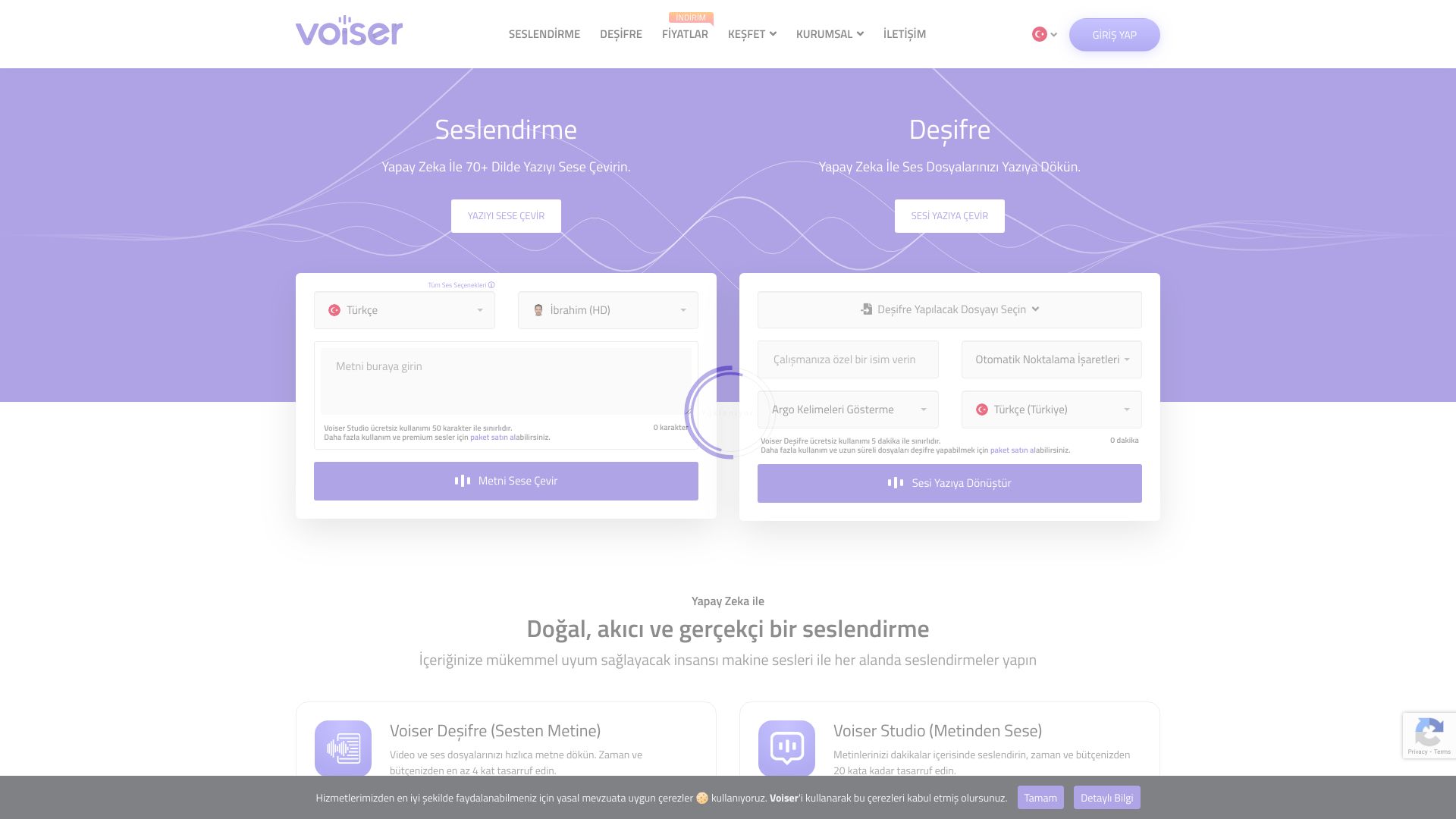
PaidAI-powered platform for text-to-speech and speech-to-text services in 75+ languages.
SpeechGen ✓
PaidCreate realistic voiceovers with AI-powered voices.

Speechelo ✓
PaidTransform text to realistic speech in 3 clicks.

BeyondWords ✓
FreemiumConvert text into engaging audio effortlessly.

FakeYou ✓
FreemiumTurn text into voices from your dreams.

Resemble AI - Real-time Speech-to-Speech Voice Conver... ✓
PaidTransform your voice instantly with AI.