

Text to speech 2026 Rank: #1394
Summ-it ✓
Turn everything you meant to read into an audio playlist.
Verdict
A quick read before you dig into the full page.
- Best if
- Turn everything you meant to read into an audio playlist
- Skip if
- Limit on monthly content
- Pick this when
- Consolidates diverse content types
Considering ElevenLabs instead? Compare side by side
Overview
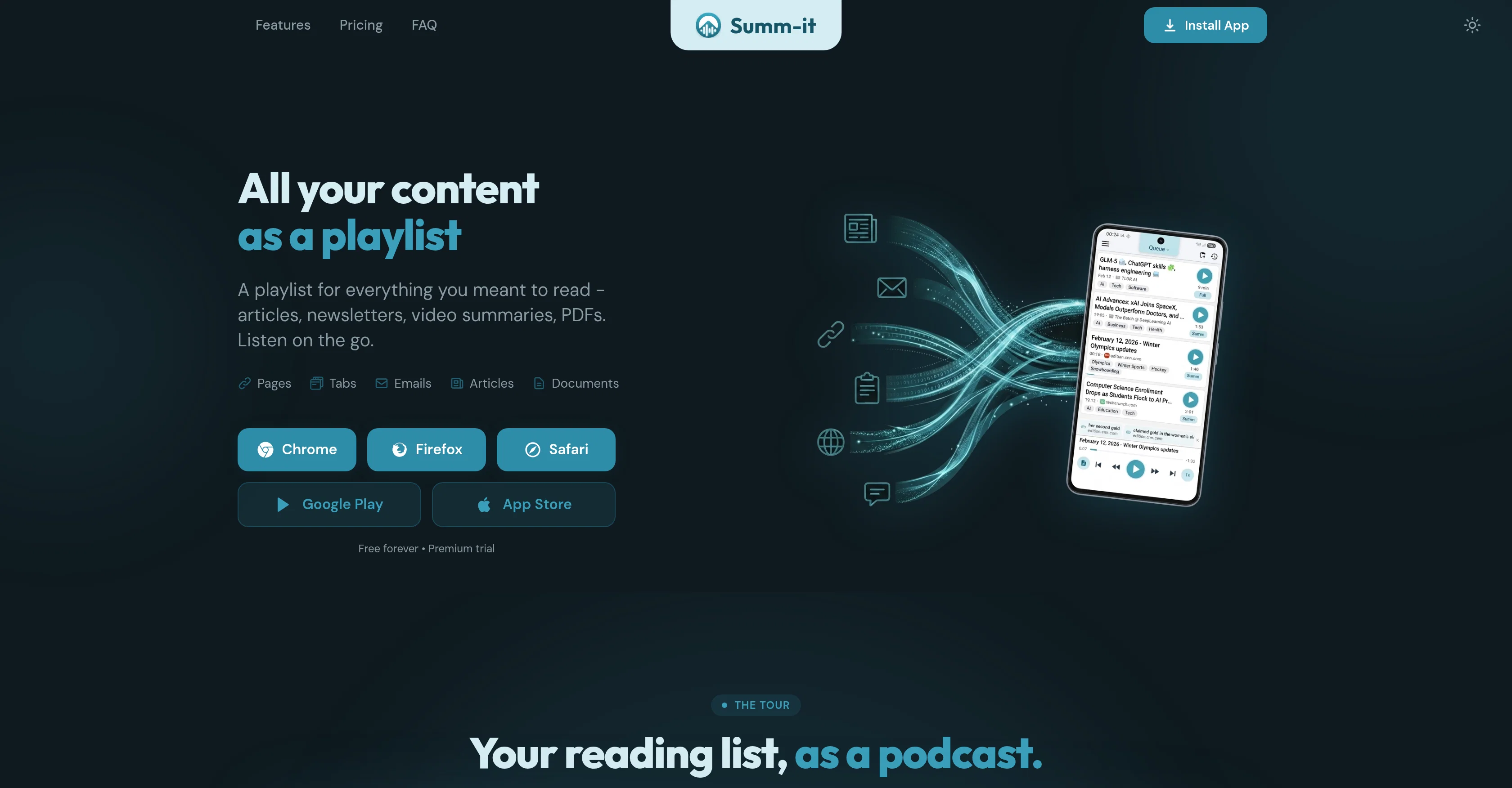
Save anything from anywhere: one-click save from Chrome, Firefox, or Safari extensions, paste a YouTube link or share from the YouTube app, forward newsletters straight to your queue, share articles from your phone, or drop in PDFs and text. Summ-it reads it in full or creates a smart AI summary - your choice.
Fall behind? The Catch-up feature compacts older items into one short audio recap. Want to dig deeper? Ask a question about anything you've saved and get an answer with exact citations to your sources.
Listen on Android or iOS - hands-free, eyes-free, anytime.
Summ-it has a free version that does not require sign-up, just install it from Play Store or App Store. You may want to sign-up for free though to enjoy advanced features, like browser extension or email forwarding.
Access & connections
Where you can use Summ-it, and what it plugs into.
Platforms
Integrations
Capabilities
What this tool accepts, produces, and is strongest at.
Input
- Text
- Video
Output
- Audio
- Text
Highlights
- No Signup
Supported features
- No Signup
- TTS
Pros & cons
Pros
- Consolidates diverse content types
- Processes text to audio
- Available on multiple browsers
- Offers personalized playlists
- Automatically queues emailed content
- Can handle shared text/files
- Customizable listening experience
- Reading speed adjustment
Show 38 more
- Option for summary or full
- 'Catch up' feature
- In-app search bar
- Citations for saved content
- Free trial available
- Content sharing capabilities
- Archives saved information
- Applicable for learning optimization
- Emails directly queued
- Automatic content summarization
- Applicable to video summaries
- Supports text files processing
- Allows topic tagging
- Offline listening feature
- Continuous playback function
- Background downloading feature
- Extracts related links
- Playlist creation by topic
- Supports Android Auto, CarPlay
- Offers clipboard pasting
- Playlist for Gmail newsletters
- Multilingual translation
- One-click content saving
- Aids in time management
- Supports long-form content
- Handles YouTube video summaries
- Relates articles for reading
- Allows source labelling
- Fine-tuned reading list
- Serves personal content library
- Backlog management capabilities
- Uninterrupted car listening
- Supports in-flight listening
- 15+ language translation
- Supports document and PDFs
- Website links extraction
- Individual content speed control
- Auto catch-up feature
Cons
- No support for non-standard website layouts
- Paid tiers to unlock features
- Limited support for site logins
- Limit on monthly content
- Unusable for unsupported content
- Limited voice options for free users
Compare alternatives
Similar tools in the catalog — with a clear reason to open each one.

ElevenLabs ✓
FreemiumCreate lifelike AI voices for compelling storytelling.
Why look Typically cheaper
Full comparison

VoiSpark ✓
FreemiumCreate human-like voices for content with AI
Why look Better for writing
Full comparison
Free Text-To-Speech ✓
FreeText transformed into customizable spoken output.
Why look Fully free option
Full comparison

Releases 1
Imported reviews 1
Easy to use with chrome addon! I added the pages that I wanted to read and listened with the app later while jogging.
FAQ 12
What types of content does Summ-it support?
How do I queue content in Summ-it?
Can Summ-it queue emails automatically?
How can I customize my listening experience on Summ-it?
Does Summ-it provide a summary or full read option?
What is the 'catch up' feature in Summ-it?
How can I ask questions about my saved content on Summ-it?
What are some uses of Summ-it?
Does Summ-it offer a browser extension?
How does document processing work on Summ-it?
Can I share content from phone applications to Summ-it?
What does the time management feature on Summ-it entail?
Related tools
Recommended

ChatGPT ✓
FreemiumAsk anything, create anything, and move from idea to action.

Tented ✓
FreemiumAgentic Marketing Automation: Email, Pages, CRM & Forms

Webtwizz ✓
FreemiumTurn a thought into a deployable website.

BastionGPT ✓
Free TrialThe HIPAA-compliant ChatGPT alternative for healthcare and mental health professionals.

MagicSlides.app AI PPT Maker ✓
FreemiumCreate Stunning PPTs in Seconds with the AI PPT Maker

Automateed ✓
Free TrialCreate eBooks effortlessly with Automateed, the AI-powered writing tool.