Verdict

A quick read before you dig into the full page.

Best if
You are content creators and need: Creating voiceovers for videos
Skip if
You need a free plan with no credit card
Pick this when
Paid · start from $8

Overview

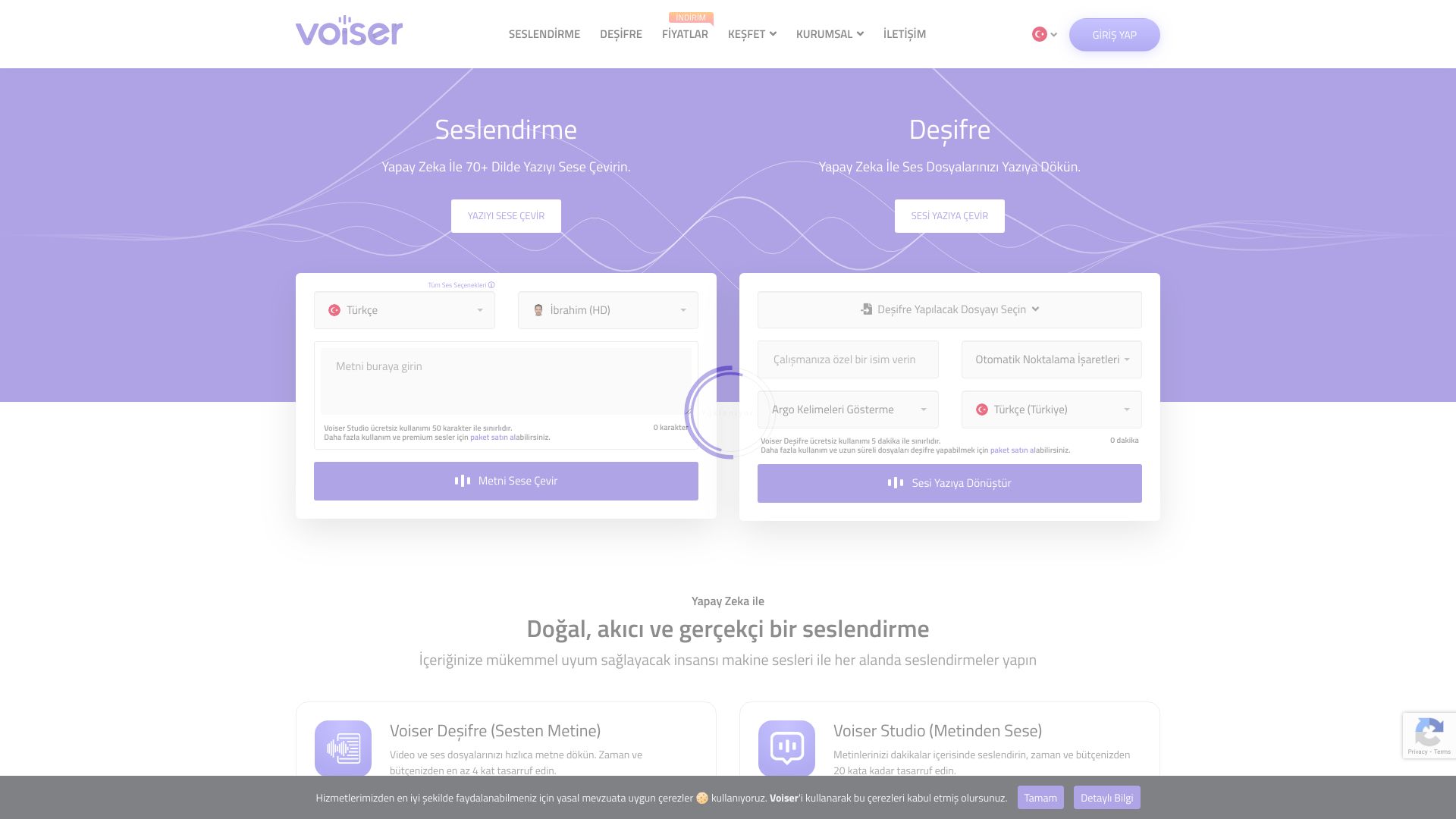
Voiser's AI-powered platform offers accurate speech-to-text and natural-sounding text-to-speech services in over 75 languages. It is perfect for content creators, podcasters, and businesses seeking high-quality voiceovers and transcripts. Voiser provides realistic machine voiceovers and speech recognition, allowing users to convert text to speech and audio to text efficiently.

Voiser screenshot

Best for

Short scenarios where Voiser tends to shine.

  • Creating voiceovers for videos

    Best for Content creators

  • Transcribing audio and video files

    Best for Podcasters

  • Adding voice to websites

    Best for Businesses

  • Generating subtitles for YouTube videos

    Best for Educators

  • Creating audiobooks

    Best for Researchers

  • Developing smart guides for museums and exhibitions

    Best for Marketers

How it works

To use Voiser, you can either convert text to speech by entering text and selecting a voice, or convert speech to text by uploading an audio or video file. The platform offers options for customization, such as adjusting punctuation and handling slang. You can also use the API for integration into other applications.

Example outputs 1

Sample generations and before/after results for Voiser.

Access & connections

Where you can use Voiser.

Platforms

Web

Capabilities

What this tool accepts, produces, and is strongest at.

Highlights

  • Text-to-speech conversion in 75+ languages
  • Speech-to-text transcription
  • Voice cloning
  • Online dictation
  • YouTube subtitle generation
  • Talking Website feature

People also view

Tools that often show up alongside Voiser in collections and comparisons.

FAQ 6

What is Voiser?
Voiser's AI-powered platform offers accurate speech-to-text and natural-sounding text-to-speech services in over 75 languages. It is perfect for content creators, podcasters, and businesses seeking high-quality voiceovers and transcripts. Voiser provides realistic machine voiceovers and speech recognition, allowing users to convert text to speech and audio to text efficiently.
How to use Voiser?
To use Voiser, you can either convert text to speech by entering text and selecting a voice, or convert speech to text by uploading an audio or video file. The platform offers options for customization, such as adjusting punctuation and handling slang. You can also use the API for integration into other applications.
What services does Voiser offer?
Voiser offers text-to-speech conversion, speech-to-text transcription, voice cloning, online dictation, and tools for creating talking websites and YouTube subtitles.
How accurate is Voiser's speech-to-text service?
Voiser claims up to 100% accuracy in speech-to-text conversion, leveraging advanced AI engines. However, actual accuracy may vary depending on the audio quality and clarity.
Is there a free trial or free usage available?
Yes, Voiser offers free usage with limitations. Text-to-speech is limited to 50 characters, and speech-to-text is limited to 5 minutes. Paid packages are available for more extensive use.
What languages are supported by Voiser?
Voiser supports over 75 languages, including English, Turkish, Arabic, German, French, Italian, Russian, Chinese, Japanese, and Korean.
Voiser start from $8
