

Spreadsheets vv1.0
Sourcetable — AI spreadsheet & data analyst ✓
AI spreadsheet & data analyst. 10x your productivity.
Free + from $20/mo
Verdict
A quick read before you dig into the full page.
- Best if
- You are data Analysts and need: Finance: Build financial models and analyze market data
- Skip if
- No mobile app
- Pick this when
- Data cleaning feature
Considering SheetAI App - AI For Sheets instead? Compare side by side
Overview





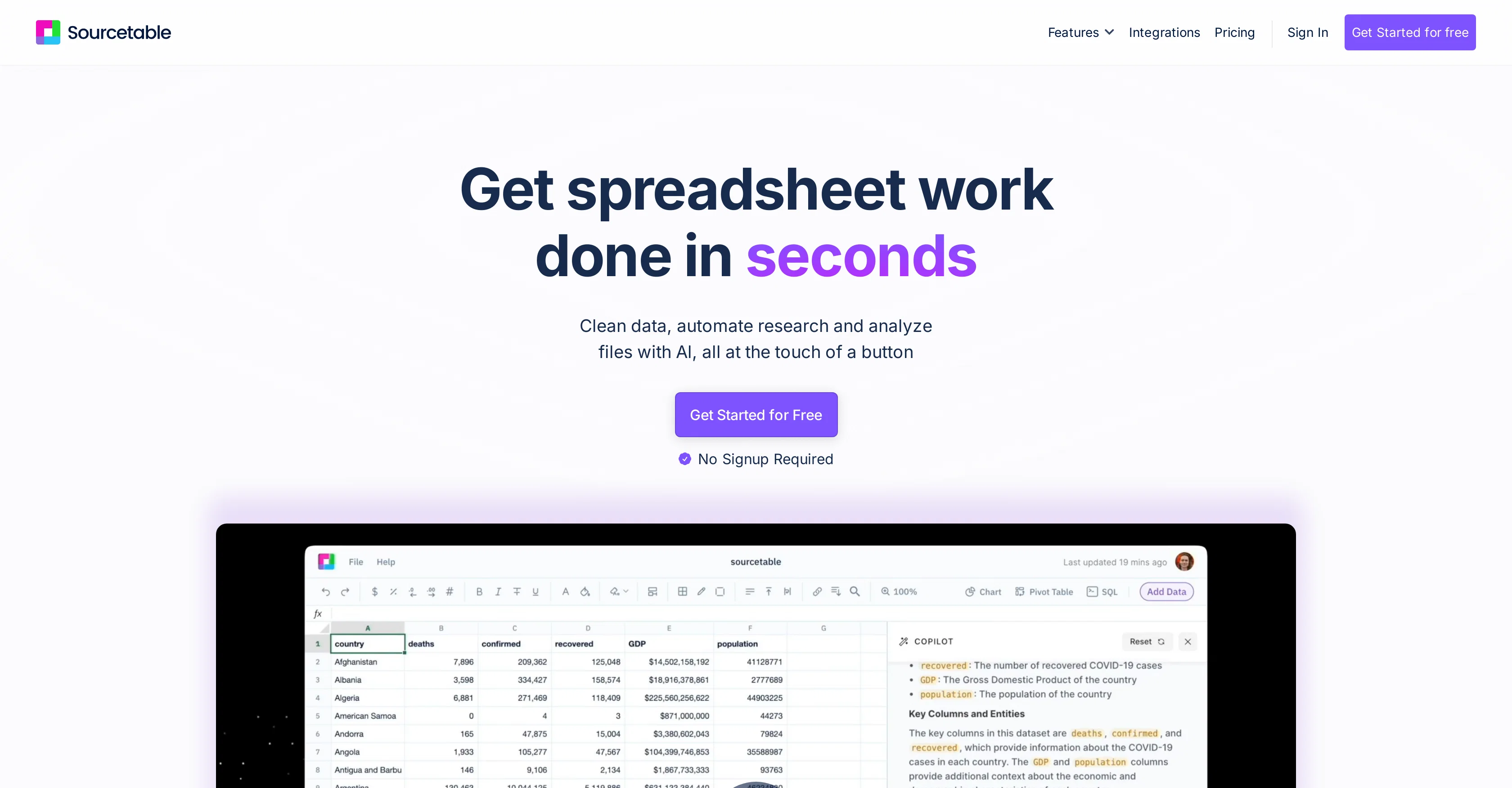
In this release: all top AI models (OpenAI, Anthropic, DeepSeek, Grok, Llama, etc.), long context windows (1m+ tokens), fast & slow thinking, spreadsheet template building, context history, formula assistance, data cleaning, data enrichment, and more.
This release comes with data science mode including a python virtual environment, popular libraries including Plotly, Bokeh, MatplotLib, StatsModels, SciPy, Numpy, Pandas and moer: https://blog.sourcetable.com/data-science/
Web search: https://blog.sourcetable.com/web-search-meet-sourcetable/
Data Visualizations, charting, graphing, embeds & PDF download: https://blog.sourcetable.com/charting-graphing-interactive-embeds/
Data connectors via Superagents, allowing you to analyze data from any database, application, API or MCP server on the Internet: https://sourcetable.com/superagents. Analyze data from Google Analytics, Hubspot, Salesforce, Stripe, Google Ads, Quickbooks, Postgres, MySQL, BigQuery, etc.
For product education, Sourcetable comes packed with a full AI trainer out of the box: just ask the AI how to solve a problem and it will help.
We also packaged "autopilot" mode, where Sourcetable will do the spreadsheet work for you automatically. Pretty cool.
Under the hood, there's a full SQL engine for advanced reporting and analytics. If you'd like to see the SQL or Python generated for work, just ask the AI.
- Voice To Text
- Template Generator
- Chart Generator
- Data Cleaning
- Formula Assist
- Ai Analysis Agent
Best for
Short scenarios where Sourcetable — AI spreadsheet & data analyst tends to shine.
-
Finance: Build financial models and analyze market data.
Best for Data Analysts
-
Data Science: Clean datasets and run statistical analysis.
Best for Finance Professionals
-
Business: Transform business metrics into actionable insights.
Best for Data Scientists
-
Scientific Research: Process experimental data and analyze research results.
Best for Business Analysts
-
Marketing: Analyze campaign performance and customer behavior.
Best for Marketing Professionals
-
Education: Grade assignments and analyze student performance.
Best for Researchers
Example outputs 1
Sample generations and before/after results for Sourcetable — AI spreadsheet & data analyst.
Access & connections
Where you can use Sourcetable — AI spreadsheet & data analyst, and what it plugs into.
Platforms
Capabilities
What this tool accepts, produces, and is strongest at.
Input
- Code
- Tabular
- Text
- Audio
Output
- Geo
- Code
- Tabular
- Text
Highlights
- Agents
- No Signup
Supported features
- Agents
- No Signup
- Spreadsheets
- Data Analysis
Pros & cons
Pros
- Data cleaning feature
- Research automation
- Analyses XLSX and CSV formats
- Data Summarization
- SQL Generator function
- Integration Capabilities
- Voice-driven spreadsheet experience
- Spreadsheet Automation
Show 23 more
- Live Data Import
- Supports Executive-level Data Reviews
- Automated Reporting
- Bulk CSV Analysis
- Business Intelligence capabilities
- Automates tedious tasks
- Allows direct import from various platforms
- Interactive user experience
- Enriches data for insights
- Supports code-driven analysis
- Synthetic Data Generator
- Supports various financial terms and formulae
- Aids in creation of interactive reports
- Offers data infrastructure
- Connection with Live data integrations
- Supports Python for advanced users
- Databases like MySQL and PostgreSQL integration
- Compatible with financial platforms like Quickbooks and Stripe
- CRM systems like Hubspot integration
- E-commerce platforms like Shopify integration
- Advertising platforms like Google Ads integration
- Interactive visualizations
- No signup required for CSV analysis
Cons
- No mobile app
- No offline mode
- No API available
Compare alternatives
Similar tools in the catalog — with a clear reason to open each one.

SheetAI App - AI For Sheets ✓
FreemiumAI with brain power inside Google Sheets
Why look Offers a public API
Full comparison
TabTabTab ✓
FreemiumTurn Google Sheets into your personal research assistant.
Free + from $20/mo
Full comparison
Grist ✓
FreemiumBuild complex spreadsheet workflows with AI in minutes.
Why look Typically cheaper
Full comparison
ChatGPT in Google Sheets ✓
Free TrialChatGPT in Google Sheets: Automate insights from your data.
Why look Typically cheaper
Full comparison
Numerous ✓
Free TrialAI-powered plugin to automate spreadsheet tasks
Why look Typically cheaper
Full comparison
People also view
Tools that often show up alongside Sourcetable — AI spreadsheet & data analyst in collections and comparisons.

VenturusAI ✓
FreemiumBusiness idea analysis and reporting.

AiAssistWorks - GPT Gemini Claude AI for Sheets Docs ... ✓
FreemiumJust type what you need — AI fills Sheets™, Docs™, and Slides™
SheetAI App - AI For Sheets ✓
FreemiumAI with brain power inside Google Sheets

YouWare ✓
FreemiumTransform ideas into code instantly with AI

Trickle Magic Canvas ✓
FreemiumTurn your ideas into live apps and websites with AI.

Stratup.ai ✓
FreemiumInnovative idea generation for businesses.

SmartLeadMagnet ✓
PaidAI-powered lead magnets to supercharge lead generation.

MemoriPy ✓
UnknownAI memory layer for smarter agents.
Releases 2
Sourcetable is now the best spreadsheet for AI analysis.
In this release: all top AI models (OpenAI, Anthropic, DeepSeek, Grok, Llama, etc.), long context windows (1m+ tokens), fast & slow thinking, spreadsheet template building, context history, formula assistance, data cleaning, data enrichment, and more.
This release comes with data science mode including a python virtual environment, popular libraries including Plotly, Bokeh, MatplotLib, StatsModels, SciPy, Numpy, Pandas and moer: https://blog.sourcetable.com/data-science/
Web search: https://blog.sourcetable.com/web-search-meet-sourcetable/
Data Visualizations, charting, graphing, embeds & PDF download: https://blog.sourcetable.com/charting-graphing-interactive-embeds/
Data connectors via Superagents, allowing you to analyze data from any database, application, API or MCP server on the Internet: https://sourcetable.com/superagents. Analyze data from Google Analytics, Hubspot, Salesforce, Stripe, Google Ads, Quickbooks, Postgres, MySQL, BigQuery, etc.
For product education, Sourcetable comes packed with a full AI trainer out of the box: just ask the AI how to solve a problem and it will help.
We also packaged "autopilot" mode, where Sourcetable will do the spreadsheet work for you automatically. Pretty cool.
Under the hood, there's a full SQL engine for advanced reporting and analytics. If you'd like to see the SQL or Python generated for work, just ask the AI.
Imported reviews 4
I use it to teach me more about financial instruments and do complex charting and trading/options analysis. I used to work at a hedge fund but there is still so much for me to learn and Sourcetable makes it possible for me.
AMAZING TOOL MAKE MY WORK MORE EASY..
Pretty good makes things easier for ya
I use Sourcetable for quick data analysis and visualizations with natural-language queries. I'm working with Excel files and our Postgres database.
It feels like an AI analyst built into a spreadsheet for turning raw data into clear reports. (Like ChatGPT + Excel, but better.)
FAQ 12
How does Sourcetable enhance productivity in spreadsheets?
What types of tasks can Sourcetable automate in spreadsheets?
How does Sourcetable's data cleaning feature work?
Can Sourcetable help with research tasks and what does it entail?
What types of file formats can Sourcetable analyze?
What is the AI formula generator in Sourcetable and how does it assist users?
How does the AI Chart Generator function in Sourcetable?
Can Sourcetable provide insights on data without much manual input?
How does Sourcetable summarize large datasets?
Is Sourcetable suitable for executive-level data reviews?
Can advanced users use the SQL Generator function in Sourcetable for more in-depth data analysis?
Does Sourcetable allow for data import from various platforms, and if so, how?
Related tools
Recommended

PrometAI ✓
FreemiumTurn ideas into viable reality with AI business plan generator.
AiAssistWorks - GPT Gemini Claude AI for Sheets Docs ... ✓
FreemiumJust type what you need — AI fills Sheets™, Docs™, and Slides™
VenturusAI ✓
FreemiumBusiness idea analysis and reporting.

B12 AI Website Builder ✓
FreemiumAI-powered website builder

Recall ✓
FreemiumSummarize Anything, Forget Nothing!

CodeRabbit ✓
Free TrialEnhanced code review for improved workflow and quality.