
SheetAI App - AI For Sheets ✓
AI with brain power inside Google Sheets
From Up to 1B tokens
Verdict
A quick read before you dig into the full page.
- Best if
- You are marketing professionals and need: Generating programmatic SEO content
- Skip if
- Limited functionality for complex tasks
- Pick this when
- Google Sheets integration
Considering Sourcetable — AI spreadsheet & data analyst instead? Compare side by side
Overview

SheetAI comes with a suite of predefined functions that cover various use cases:
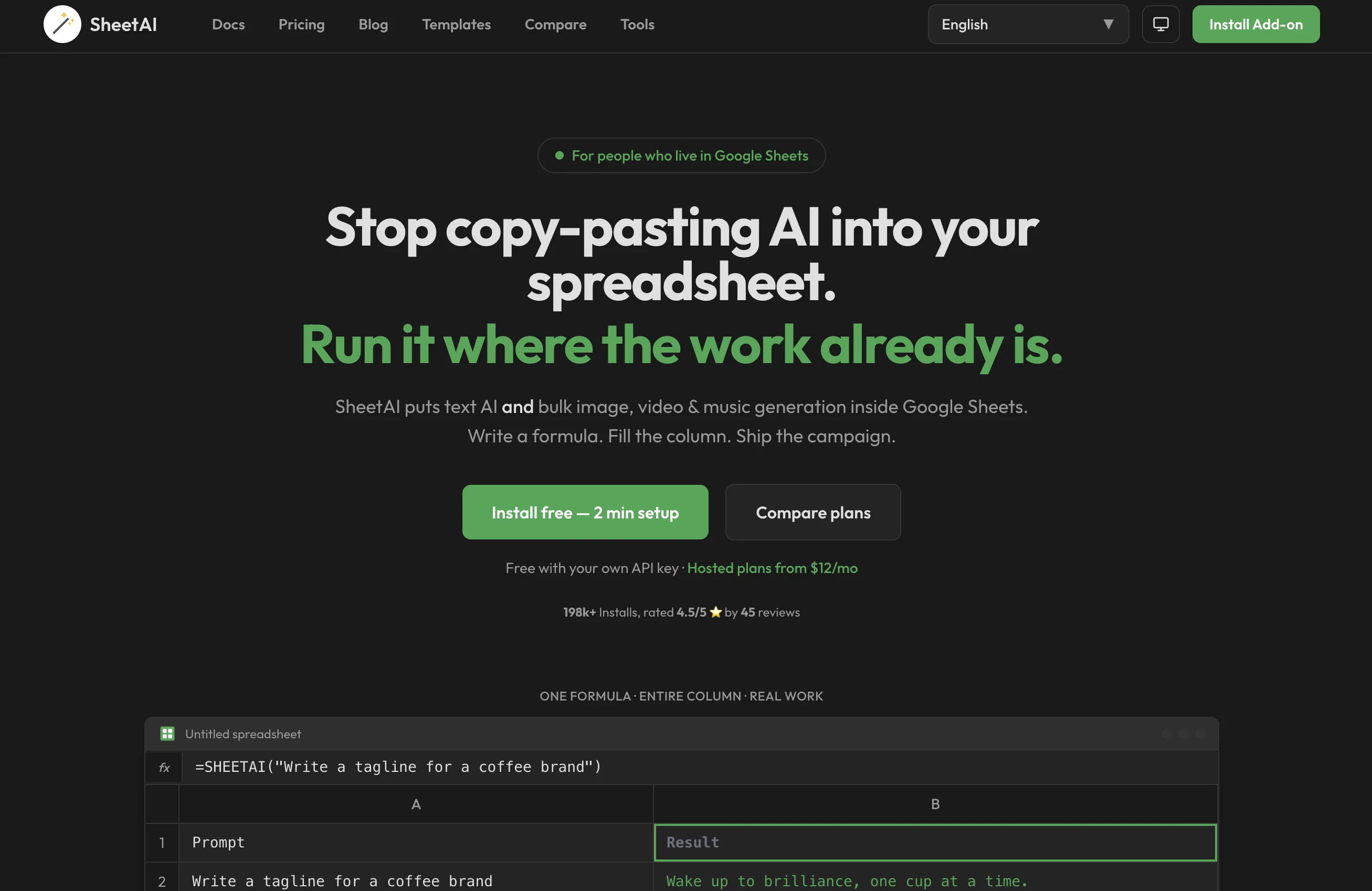
=SHEETAI Function – Ask anything inside Google Sheets and get AI-powered responses.
=SHEETAI_BRAIN – Train AI with your data (text/URLs) and get highly contextual responses.
=SHEETAI_TAG – Categorize or label text based on context.
=SHEETAI_LIST – Create structured lists in seconds.
=SHEETAI_TABLE – Generate AI-powered tables with data organization.
=SHEETAI_IMAGE – Generate AI images directly in Google Sheets.
=SHEETAI_FILL – Smart auto-fill for missing spreadsheet data.
=SHEETAI_EXTRACT – Extract insights and summarize information.
=SHEETAI_CLASSIFY – Categorize and analyze content.
=SHEETAI_SUMMARIZE – Generate concise summaries for long text.
AI with Memory & Context – SHEETAI_BRAIN
Unlike other AI tools, SHEETAI_BRAIN enables users to train AI with their own data. This means the AI can remember past inputs, understand context, and provide more accurate and relevant results based on stored knowledge.
For example, you can feed the AI with company data, product details, or previous interactions, and it will generate insights, responses, and recommendations specific to your organization.
SheetAI is a game-changer for data entry, content generation, and business automation. Instead of manually copying, pasting, or structuring data, you can automate tasks such as:
✅ Bulk content creation for marketing, sales, and reports.
✅ Auto-generating product descriptions and FAQs.
✅ Extracting important details from customer feedback.
✅ Smart data filling for missing fields.
✅ Predicting values for sales forecasts.
- Use Openai Inside Google Sheets
- Use Calude Inside Google Sheets
- Use Xai Inside Google Sheets
- Url Scraping Inside Google Sheets
Best for
Short scenarios where SheetAI App - AI For Sheets tends to shine.
-
Generating programmatic SEO content
Best for Marketing professionals
-
Creating personalized emails
Best for Data analysts
-
Data sanitization
Best for Content creators
-
Predicting values
Best for SEO specialists
-
Training AI with data via text or URLs
Best for Business analysts
-
Creating organized lists and tables
Best for Researchers
-
Automatically completing spreadsheets with context-aware AI
Best for Educators
Example outputs 1
Sample generations and before/after results for SheetAI App - AI For Sheets.
Access & connections
Where you can use SheetAI App - AI For Sheets, and what it plugs into.
Platforms
Integrations
Capabilities
What this tool accepts, produces, and is strongest at.
Input
- API
- Tabular
- Image
- Text
Output
- Tabular
- Text
- Image
Highlights
- API
- No Signup
Supported features
- API
- No Signup
- Spreadsheets
Pros & cons
Pros
- Google Sheets integration
- Automated data analysis
- Text generation
- Value prediction
- Visual creation
- Sanitizes data
- Generates feedback summaries
- Generates images and formulas
Show 23 more
- Web Scraping feature
- Intuitive setup guide
- Effortless filling of missing data
- Email list cleaning
- Dummy data generation
- Productivity boosting
- Plain English command recognition
- Creates lists, tables, images
- Data extraction function
- Works with URLs data
- Creating taglines
- Highly rated by users
- Trusted by top companies
- Capable of copying pre-existing data
- Supports data addition via text
- Generates descriptive content from references
- Helpful for marketing
- Good for programmatic site content generation
- Useful for classifying GPT3 keywords context
- Generates personalised wishes
- Extracts first name from email
- Has over 139k installs
- Top-rated (4.5/5) by users
Cons
- Only works with Google Sheets
- No offline usage
- Function names unclear
- Data extraction might be limited
- Potential data privacy issues
- Limited functionality for complex tasks
- Potentially high learning curve
- No mentioned collaboration features
Show 1 more
- No multilingual support mentioned
Compare alternatives
Similar tools in the catalog — with a clear reason to open each one.

Sourcetable — AI spreadsheet & data analyst ✓
FreemiumAI spreadsheet & data analyst. 10x your productivity.
Why look Higher community rating
Full comparison
TabTabTab ✓
FreemiumTurn Google Sheets into your personal research assistant.
Why look Higher community rating
Full comparison
Grist ✓
FreemiumBuild complex spreadsheet workflows with AI in minutes.
Free + from $8/mo
Full comparison
ChatGPT in Google Sheets ✓
Free TrialChatGPT in Google Sheets: Automate insights from your data.
Free + from $8/mo
Full comparison
People also view
Tools that often show up alongside SheetAI App - AI For Sheets in collections and comparisons.

Numerous ✓
Free TrialAI-powered plugin to automate spreadsheet tasks

SheetyAI ✓
FreeAI-powered spreadsheet formula generator

SheetsGPT ✓
FreemiumTransform sheets with AI-powered formulas

SheetSavvy AI ✓
FreemiumSave hours on repetitive spreadsheet tasks with AI.

SheetMagic ✓
PaidSupercharge Google Sheets with AI and web scraping

Sheeter ✓
PaidGenerate complex Excel formulas with ease

FileDrop ✓
FreemiumGenerate Google Sheets formulas instantly with AI.
TabTabTab ✓
FreemiumTurn Google Sheets into your personal research assistant.
Releases 1
Imported reviews 1
SheetAI was very handy in sorting, fixing and all sorts of tools. This tool is also well documented, so if you need help figuring something out, chances are they will have the info you need.
FAQ 12
What is SheetAI?
What can SheetAI do in Google Sheets?
What do I need to know to use SheetAI?
How does SheetAI help sanitize data?
Can SheetAI generate text?
How does SheetAI predict values?
What does it mean that SheetAI remembers and does repetitive tasks?
How does SheetAI improve productivity in Google Sheets?
What is SheetAI_Brain and how does it work?
How does SheetAI help with data scraping from websites?
Can SheetAI generate images and formulas?
How does SheetAI help with email list cleaning?
Related tools
Recommended

GPTExcel ✓
FreemiumGenerate spreadsheet formulas with AI

Hal9 ✓
FreemiumBuild your AI-Powered Product in 30 Days

Simple ML ✓
FreeMachine Learning in Google Sheets without coding.

VenturusAI ✓
FreemiumBusiness idea analysis and reporting.

MagicSlides.app AI PPT Maker ✓
FreemiumCreate Stunning PPTs in Seconds with the AI PPT Maker

Talarian ✓
UnknownHarness ChatGPT's power in Google Sheets and Docs.