

ChatGPT in Google Sheets ✓
ChatGPT in Google Sheets: Automate insights from your data.
Trial; then from $8/mo
Verdict
A quick read before you dig into the full page.
- Best if
- ChatGPT in Google Sheets: Automate insights from your data
- Skip if
- Limited data source integrations
- Pick this when
- Automated analysis in Google Sheets
Considering SheetAI App - AI For Sheets instead? Compare side by side
Overview
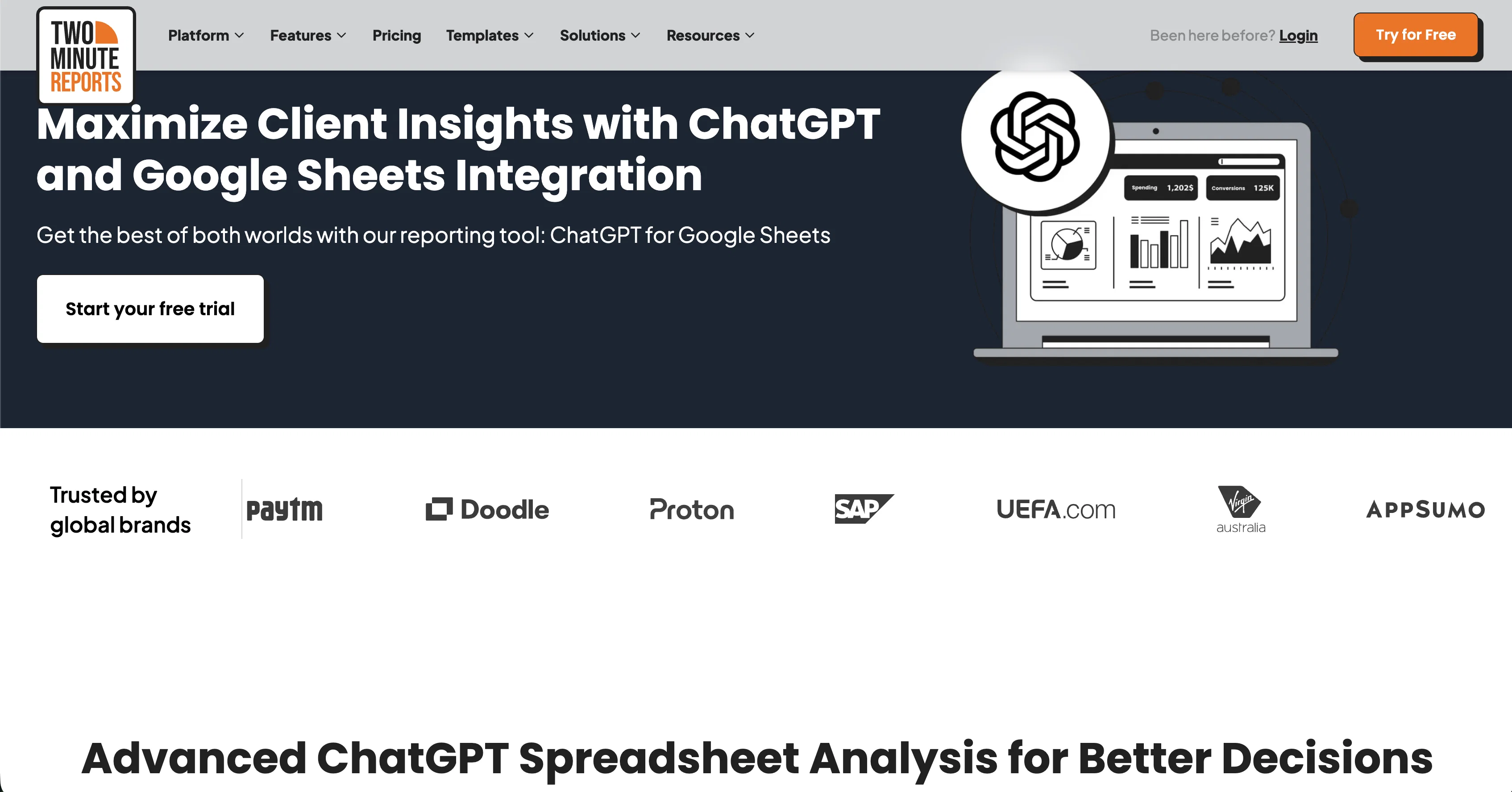
ChatGPT in Google Sheets is a reporting and data analysis tool that enables users to leverage the advanced capabilities of ChatGPT 3 and ChatGPT 4 for generating automated insights and data-driven decisions directly within Google Sheets.
It is integrated with Two Minute Reports, a reporting tool that allows for data analysis and visualization in a spreadsheet environment. The primary benefit of using ChatGPT within Google Sheets is its ability to automate human-like insights, next best actions, recommendations, actions to take, and more from analyzing new data through ChatGPT.
Other benefits include accelerated insights, advanced predictive analytics, sentiment analysis, anomaly detection, text summarization, time series analysis, and association rule mining.
ChatGPT in Google Sheets is designed to optimize efficiency, save valuable time, and improve decision-making. It is ideal for agencies and marketing teams that need to generate insightful reports quickly and efficiently.
The solution is unique in that it is not restricted to a proprietary platform and can be integrated with various business intelligence (BI) platforms, including Google Sheets.
Additionally, Two Minute Reports offers automated reporting, allowing for scheduling of reports to be sent automatically to team members or clients. Overall, ChatGPT in Google Sheets is a powerful solution for data analysis and automation that simplifies the process of generating and sharing reports.
Best for
Short scenarios where ChatGPT in Google Sheets tends to shine.
-
ChatGPT in Google Sheets: Automate insights from your data.
Example outputs 1
Sample generations and before/after results for ChatGPT in Google Sheets.
Access & connections
Where you can use ChatGPT in Google Sheets, and what it plugs into.
Platforms
Integrations
Capabilities
What this tool accepts, produces, and is strongest at.
Input
- Tabular
Output
- Tabular
Pros & cons
Pros
- Automated analysis in Google Sheets
- Insight generation from data
- Integration with Two Minute Reports
- Advanced predictive analytics
- Sentiment analysis capability
- Anomaly detection feature
- Text summarization tool
- Time series analysis feature
Show 31 more
- Association rule mining feature
- Optimizes efficiency and time
- Improves decision-making
- Not restricted to one platform
- Compatible with various BI platforms
- Automated reporting with scheduling
- Can generate human-like insights
- Automates insights and recommendations
- Accelerates insights derivation
- Not tied to proprietary platform
- Supports integration with BI tools
- Allows customization of reports
- Connects with over 30+ marketing platforms
- Compatible with Google Sheets
- Capable of anomaly detection
- Helps with sentiment analysis
- Offer Predictive Analytics
- Automated human-like recommendations
- Ability to detect trends
- Facilitates trend forecasting
- Generates comprehensive text summaries
- Optimizes resource allocation based on data
- Uncovers variable relationships
- Leverages GPT-4 capabilities
- Used by 2000+ agencies
- Recognized data analysis software
- Highly rated by users
- Streamlines decision making process
- Offers customizable brand integration
- Battle tested by numerous users
- Better data integration
Cons
- Limited to Google Sheets
- No standalone application
- Dependent on Two Minute Reports
- No multi-language support
- No iOS or Android apps
- Limited data source integrations
- No real-time collaboration features
- No out-of-the-box templates
Show 2 more
- Potential compatibility issues with BI platforms
- Dependent on GPT-4 capabilities
Compare alternatives
Similar tools in the catalog — with a clear reason to open each one.

SheetAI App - AI For Sheets ✓
FreemiumAI with brain power inside Google Sheets
Why look Offers a public API
Full comparison
Sourcetable — AI spreadsheet & data analyst ✓
FreemiumAI spreadsheet & data analyst. 10x your productivity.
Why look Higher community rating
Full comparison
TabTabTab ✓
FreemiumTurn Google Sheets into your personal research assistant.
Why look Higher community rating
Full comparison
Grist ✓
FreemiumBuild complex spreadsheet workflows with AI in minutes.
Free + from $8/mo
Full comparisonPeople also view
Tools that often show up alongside ChatGPT in Google Sheets in collections and comparisons.
SheetAI App - AI For Sheets ✓
FreemiumAI with brain power inside Google Sheets
TabTabTab ✓
FreemiumTurn Google Sheets into your personal research assistant.
Sourcetable — AI spreadsheet & data analyst ✓
FreemiumAI spreadsheet & data analyst. 10x your productivity.

Numerous ✓
Free TrialAI-powered plugin to automate spreadsheet tasks
Grist ✓
FreemiumBuild complex spreadsheet workflows with AI in minutes.

Botsheets ✓
FreemiumAutomate chatbots with AI and Google Sheets

Stmt: Bank Statement Converter ✓
FreemiumPDF Bank Statements to Spreadsheets with High Accuracy AI & Security

RowSpeak ✓
FreemiumAI data analysis for messy spreadsheets and business files
Releases 1
Imported reviews 1
unclear what is in, no trial
FAQ 12
What is ChatGPT in Google Sheets?
What are the main features of ChatGPT in Google Sheets?
What benefits can I get from using ChatGPT in Google Sheets?
Who is the ideal user of ChatGPT in Google Sheets?
Can ChatGPT in Google Sheets be integrated with other platforms?
Does ChatGPT in Google Sheets support automated reporting?
How does ChatGPT in Google Sheets aid in decision-making?
Does ChatGPT in Google Sheets perform sentiment analysis?
Can ChatGPT help in detecting anomalies in datasets?
What is the role of ChatGPT in text summarization?
What predictive analysis capabilities does ChatGPT in Google Sheets have?
What kind of insights can be generated with the use of ChatGPT in Google Sheets?
Related tools
Recommended

MagicSlides.app AI PPT Maker ✓
FreemiumCreate Stunning PPTs in Seconds with the AI PPT Maker

VenturusAI ✓
FreemiumBusiness idea analysis and reporting.

TutorAI ✓
FreemiumInstant knowledge on any topic

Hyperis ✓
FreemiumOrganized task prioritization.

GPTinf ✓
PaidBypass AI detectors with one-click rephrasing.

GPTExcel ✓
FreemiumGenerate spreadsheet formulas with AI