
Sourcegraph Cody ✓
AI-powered code assistant for developers
from $19
Verdict
A quick read before you dig into the full page.
- Best if
- AI-powered code assistant for developers
- Skip if
- Limited to pre-defined recipes
- Pick this when
- Chatbot knows your code
Considering Cursor instead? Compare side by side
Overview
Cody is an AI code assistant that is designed to help developers write code and find answers to their coding questions. It utilizes Sourcegraph's code graph and Large Language Models (LLMs) to provide assistance.
Cody has the ability to read through your entire codebase and other external resources like open-source code and StackOverflow questions to offer suggestions and answers based on prior knowledge.Some key features of Cody include:1.
Chatbot that knows your code: Cody can write code and answer questions related to your project's codebase, following your coding standards and architecture better than other AI chatbots.2.
Fixup code: Cody can interactively write and refactor code based on quick natural-language instructions provided by the developer.3. Recipes: Cody can generate unit tests, documentation, and more, considering the context of your entire codebase.4.
Experimental completions: Cody can provide suggestions as you code.Cody can be used in various ways, such as through the Cody app, as an editor extension for VS Code and JetBrains, or by connecting it to a Sourcegraph enterprise instance.
Developers can chat with Cody in the editor or the Sourcegraph sidebar to ask questions or provide fixup instructions. Cody will provide responses based on the code files it has read, and if it gives incorrect answers, feedback can be shared to help improve its accuracy.Overall, Cody aims to reduce toil and enhance developers' productivity by providing reliable code assistance and answering coding queries based on its extensive knowledge base.

Access & connections
Where you can use Sourcegraph Cody, and what it plugs into.
Platforms
Capabilities
What this tool accepts, produces, and is strongest at.
Input
- Text
Output
- Code
Supported features
- Autocomplete
- Code Review
Pros & cons
Pros
- Chatbot knows your code
- Interactive code writing and refactoring
- Generates unit tests and documentation
- Assistive code suggestions
- App for code local on device
- VS Code and JetBrains extensions
- Integrated with Sourcegraph enterprise instance
- Chat interface in editor or sidebar
Show 14 more
- Feedback for response improvement
- Generates code answering queries
- Follows your coding standards
- Uses your project's architecture
- Considers codebase context
- Translates natural-language instructions
- Improves variable names
- Translates code to different languages
- Summarizes recent code changes
- Detects code smells
- Generates release notes
- Enterprise and open source enabling
- Troubleshooting guide available
- Configurable code graph context
Cons
- Requires feedback for accuracy
- Limited editor extensions
- JetBrains extension is experimental
- Limited to Sourcegraph enterprise
- Requires full codebase access
- Dependency on open-source data
- Limited to pre-defined recipes
- Depends on existing coding conventions
Show 2 more
- Context dependent fixup instructions
- Relies on Sourcegraph's code graph
Compare alternatives
Similar tools in the catalog — with a clear reason to open each one.


OnSpace.AI - No Code App Builder ✓
FreemiumBuild Apps with AI, No Code
Why look Freemium alternative
Full comparison
Kilo Code ✓
Free TrialAI-powered coding assistant for VS Code
Why look Typically cheaper
Full comparison
Github Copilot ✓
FreemiumAI-powered coding assistant for faster development
Why look Freemium alternative
Full comparison
CodingFleet ✓
FreemiumAI wizard transforms instructions into code snippets.
Why look Freemium alternative
Full comparison
Releases 1
FAQ 12
What is Sourcegraph Cody?
How does Cody utilize Sourcegraph's code graph and Large Language Models?
What makes Cody different from other AI chatbots?
How can Cody interactively write and refactor code?
Can Cody generate unit tests and documentation?
What are experimental completions in Cody?
How can Cody be used in various ways?
What platforms can Cody be integrated with?
What happens when Cody provides incorrect answers?
How can Cody enhance developer productivity?
What kind of resources does Cody read to offer suggestions and answers?
How does Cody follow coding standards and architecture?
Related tools
Recommended

Codeium ✓
FreemiumAI-powered code completion for 20+ languages

Dynaboard AI ✓
FreemiumBuild custom, production-grade software in minutes with natural language.

Jit Codes ✓
FreemiumTransform text into code with AI
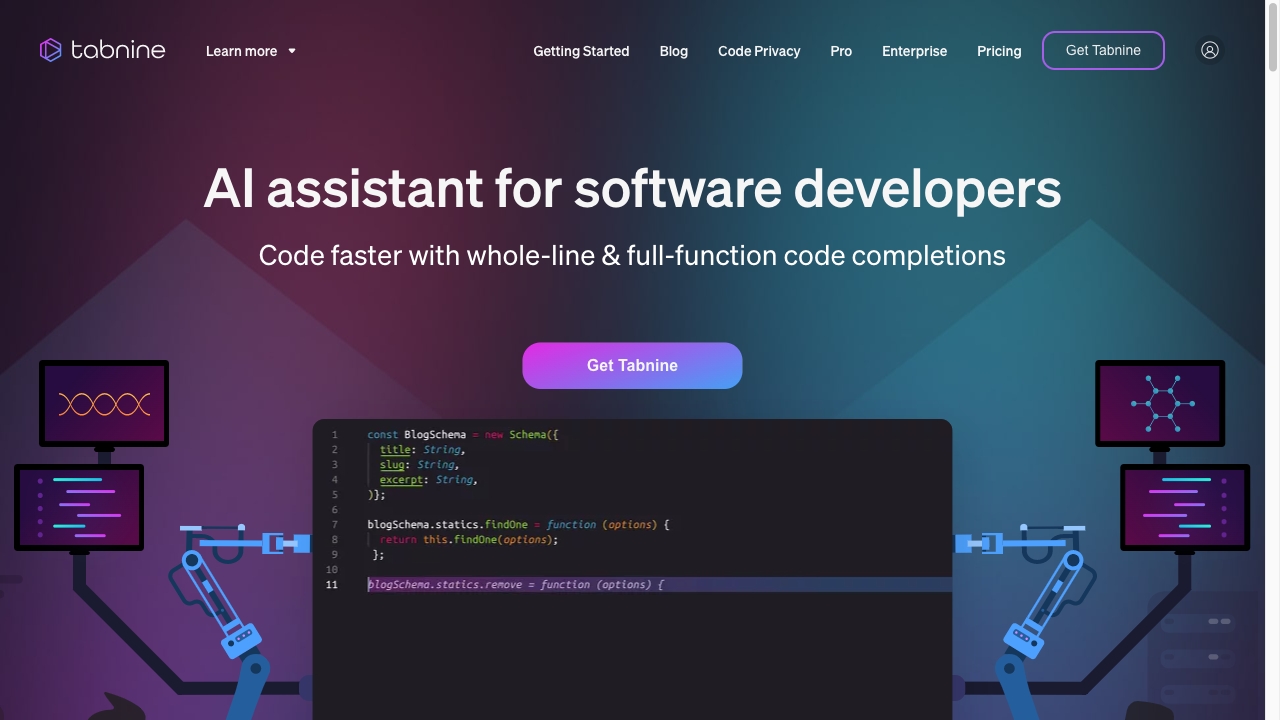
Tabnine
PaidAI code assistant for faster, safer coding with code completion and generation.

Gitwit ✓
FreeCreate code from natural language prompts.

Code Snippets AI ✓
FreemiumCode Snippets AI is a next-gen AI-powered desktop app!