

Dynaboard AI ✓
Build custom, production-grade software in minutes with natural language.
Verdict
A quick read before you dig into the full page.
- Best if
- Build custom, production-grade software in minutes with natural language
- Skip if
- Automation might limit control
- Pick this when
- Generates TypeScript/JavaScript, SQL, CSS
Considering Cursor instead? Compare side by side
Overview
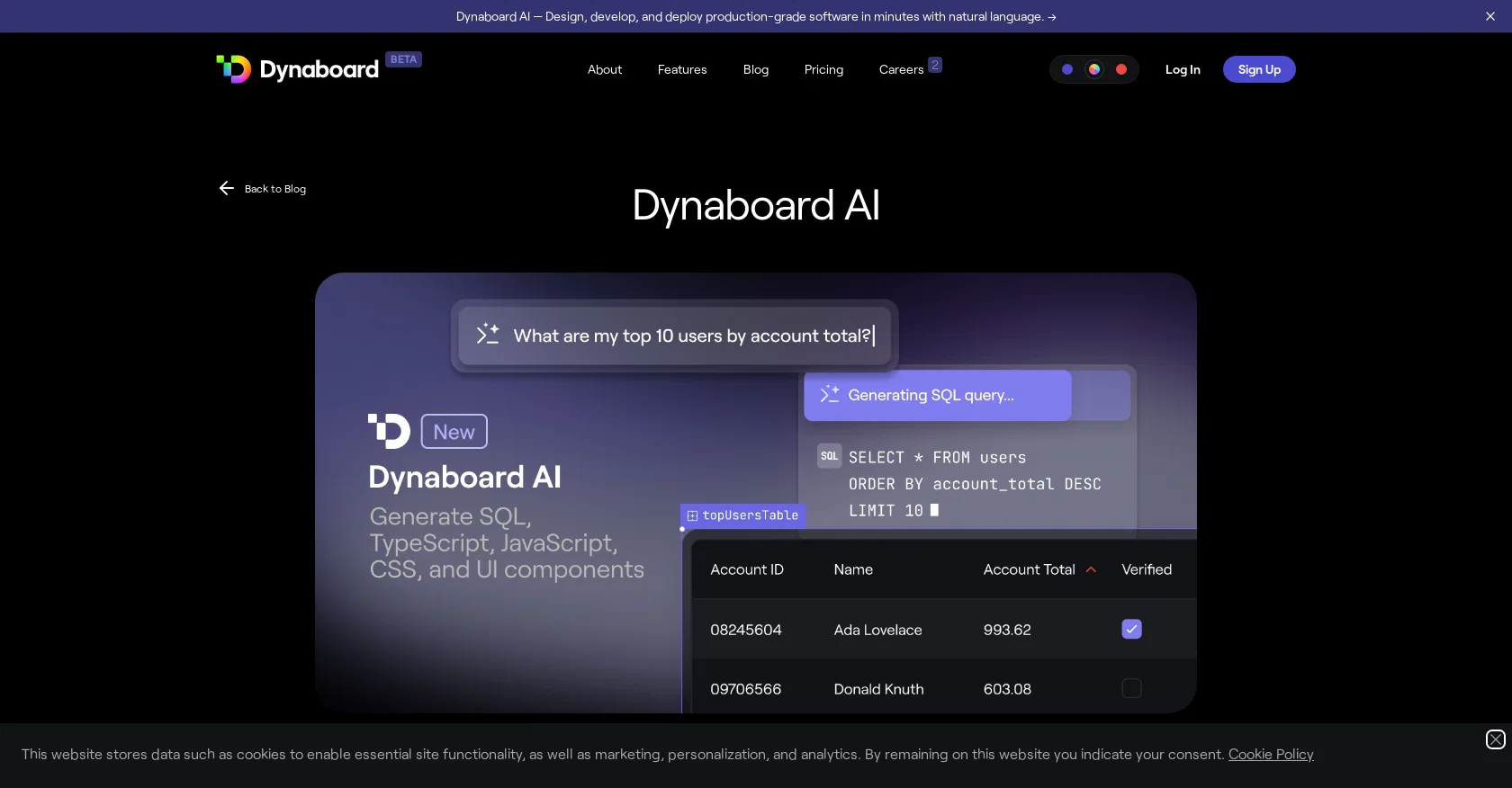
Dynaboard AI is a suite of AI functionalities aimed at accelerating the process of building custom, production-grade software. The tool offers developers three key features, including UI generation, code generation, and code refactoring, which enable developers to design, develop, and deploy software within a few minutes using natural language.
With Dynaboard AI, developers can generate TypeScript/JavaScript, SQL, and CSS in any code or query editor. Dynaboard AI is also designed to allow developers to create interactive UI components effortlessly.
By typing prompts into the command bar, developers can create data-rich forms with automatically configured components. Dynaboard AI also generates charts, tables, and dropdowns that link to PostgreSQL, MySQL, or BigQuery databases.
The tool enables developers to add interactivity with generated filters, which can be used to filter charts and tables based on the dropdown input. Dynaboard AI is context-aware of the developers' pages, functions, components, and database schema and allows users to modify existing apps easily.
The tool provides a seamless experience and is easy to use for both new and experienced developers. Dynaboard AI aims to tackle many more time-consuming aspects of app development, including kickstarting development of large apps, maintaining documentation, and fixing bugs.
Dynaboard AI is accessible on the Dynaboard editor and provides a free trial for users. Developers can share their feedback with the tool using the up- and down-vote feature in the editor or via Twitter.
Access & connections
Where you can use Dynaboard AI, and what it plugs into.
Platforms
Integrations
Capabilities
What this tool accepts, produces, and is strongest at.
Input
- Text
- Code
- Tabular
Output
- Text
- Code
- Tabular
Pros & cons
Pros
- Generates TypeScript/JavaScript, SQL, CSS
- UI generation feature
- Code refactoring
- Designs interactive UI components
- Context-aware of pages, functions
- Data-rich forms creation
- Automated component configuration
- Generates charts, tables, dropdowns
Show 41 more
- Linkable to PostgreSQL, MySQL, BigQuery
- Generates filters for interactivity
- Easy to modify existing apps
- Useful for both new and experienced developers
- Accelerates complex app development
- Helps maintain documentation
- Helps fix bugs
- Accessible on Dynaboard editor
- Provides a free trial
- Up- and down-vote feature for feedback
- Generates code in any code or query editor
- Creates data-rich forms with automatically configured components
- Links to database for real-time data
- Assists with app updates
- User-friendly interface
- Saves time on app development
- Facilitates app interactivity
- Handles large app development
- Accelerates code generation
- Automatically names components
- Suggests visualization options
- Prompts for easy UI creation
- Automatic app documentation
- Generates editable UI components
- Modifies existing apps
- Creates alphabetically sorted lists
- Generates real-time data filters
- Understands user commands
- Handles naming and placing components
- Integration with database for code generation
- Supports different coding languages
- Enables sharing creations on Twitter
- Improves app synchronization
- Empowers user to influence tool development
- Promotes seamless code refactoring
- Streamlines design, development, and deployment
- Creates comprehensive software in minutes
- Recognizes database schema
- Transforms natural language into code
- Allows users to interactively create UIs
- Generates always up-to-date dropdowns
Cons
- Limited to TypeScript/JavaScript, SQL, CSS
- Only supports PostgreSQL, MySQL, BigQuery
- Dependent on developer prompts
- Automation might limit control
- Only works with Dynaboard editor
- No native mobile app
- Limited UI components generation
- No support for non-web apps
Show 1 more
- Beta version instability
Compare alternatives
Similar tools in the catalog — with a clear reason to open each one.


OnSpace.AI - No Code App Builder ✓
FreemiumBuild Apps with AI, No Code
Free + from $20/mo
Full comparison
Kilo Code ✓
Free TrialAI-powered coding assistant for VS Code
Why look Higher community rating
Full comparison
Github Copilot ✓
FreemiumAI-powered coding assistant for faster development
Free + from $10/mo
Full comparison
CodingFleet ✓
FreemiumAI wizard transforms instructions into code snippets.
Why look Higher community rating
Full comparison
Releases 1
FAQ 12
What is Dynaboard AI?
How does Dynaboard AI assist with software development?
What are the three key features of Dynaboard AI?
Which programming languages does Dynaboard AI support?
What is the functionality of the UI generation feature in Dynaboard AI?
How does Dynaboard AI generate code?
How can Dynaboard AI help me with code refactoring?
What databases can I link with Dynaboard AI?
How does Dynaboard AI automate the creation of UI components?
How can I create interactive components with Dynaboard AI?
Can I modify the apps I've created with Dynaboard AI?
What is the experience like for new developers using Dynaboard AI?
Related tools
Recommended

Stunning ✓
PaidBuild AI-powered websites in seconds

LearningStudioAI ✓
Free TrialAI-powered authoring tool for effortless online course creation.

VenturusAI ✓
FreemiumBusiness idea analysis and reporting.

Jit Codes ✓
FreemiumTransform text into code with AI

Gitwit ✓
FreeCreate code from natural language prompts.

TutorAI ✓
FreemiumInstant knowledge on any topic
