

Signeasy AI ✓
AI-powered contract workflows that think smarter.
Verdict
A quick read before you dig into the full page.
- Best if
- AI-powered contract workflows that think smarter
- Skip if
- Limited integration options
- Pick this when
- Integrated with Microsoft SharePoint
Considering Sendforsign instead? Compare side by side
Overview
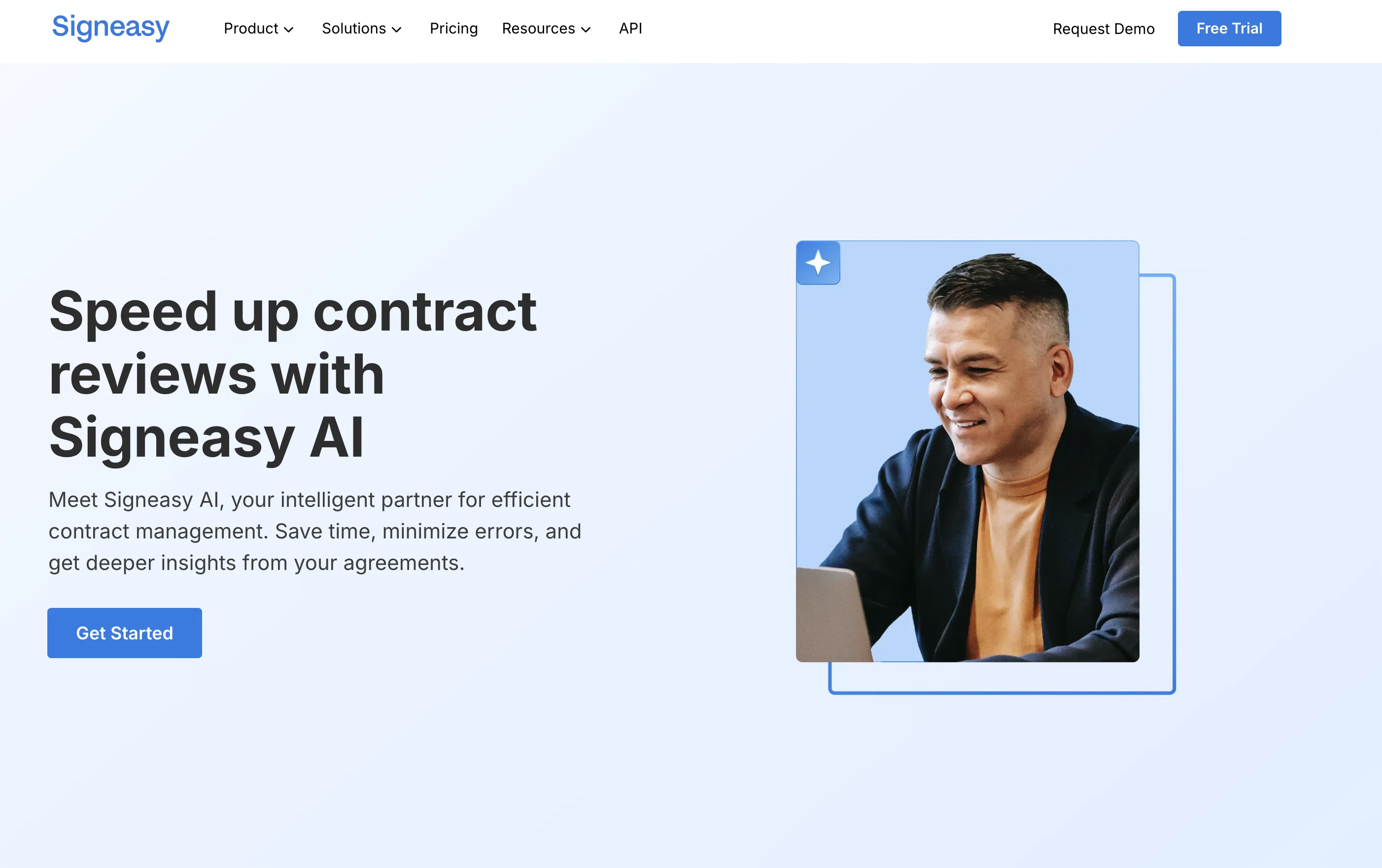
Signeasy AI is a contract workflow management tool designed to enhance contract processing and decision-making. It offers intelligent contract management on Microsoft SharePoint, enabling users to send and sign documents within the SharePoint environment.
With its key features including Contract Review, Key Terms Extraction, Smart Q&A, and AI Summary, Signeasy AI aims to simplify contingent aspects of contract management.
It provides templates, enables collaboration through contract editing and sharing, and assists in signing with electronic signatures and auto-reminders.
The tool allows sequential signing, manages email notifications, repositories, team management and reporting. Moreover, the tool streamlines its services with various integrations for increased efficiency.
Signeasy AI also provides a mobile application with features like biometric verification and in-person signing for Android and iOS. From a security perspective, it contains Single-Sign-On (SSO), Trust Seal, Audit Trail, and 2-Factor Authentication (2FA).
Additionally, it ensures compliance with standards like ESIGN, UETA, eIDAS, SOC 2, GDPR, HIPAA, and 21 CFR. This makes the platform suitable for a variety of industries including healthcare, education, finance, construction, and technology, addressing use cases in finance, sales, procurement, legal & compliance, IT, and human resources.
Access & connections
Where you can use Signeasy AI.
Capabilities
What this tool accepts, produces, and is strongest at.
Input
- API
- Tabular
- Text
Output
- Tabular
- API
- Text
Pros & cons
Pros
- Integrated with Microsoft SharePoint
- Contract Review feature
- Key Terms Extraction
- Smart Q&A functionality
- Provides contract templates
- Enables contract editing
- Supports sequential signing
- Manages email notifications
Show 38 more
- Team management capabilities
- Various service integrations
- Mobile application available
- Biometric verification
- In-person signing support
- Single-Sign-On security
- 2-Factor Authentication
- Auto-Reminder feature
- ESIGN Compliance
- UETA Compliance
- eIDAS Compliance
- SOC 2 Compliance
- GDPR Compliance
- HIPAA Compliance
- 21 CFR Compliance
- Audit Trail
- Suitable for multiple industries
- Finance Use Case
- Sales Use Case
- Procurement Use Case
- Legal & Compliance Use Case
- IT Use Case
- Human Resources Use Case
- Collaboration capabilities
- Contract repositories management
- Reporting features
- Supports electronic signatures
- Sharing of contracts
- Android and iOS compatible
- Trust Seal security
- Role-based Access Control
- Automated contract workflows
- Public Links for signing
- Repository & Search features
- Automation with APIs
- Template Sharing & Archiving
- Compliant with multiple standards
- Addresses various professional use-cases
Cons
- Dependent on Microsoft SharePoint
- No offline functionality
- Limited integration options
- No document drafting feature
- Lack of customization options
- No built-in communication platform
- No multi-language support
- No role-based access control
Show 2 more
- No free version available
- Not suitable for non-technical users
Compare alternatives
Similar tools in the catalog — with a clear reason to open each one.

Sendforsign ✓
FreemiumFast, modern digital contracts powered by AI
Free + from $20/mo
Full comparison

EzSignly ✓
FreemiumEffortless eSignatures built for your complete business
Why look Offers a public API
Full comparison
pdfFiller ✓
Free TrialAll-in-one PDF editing and document management solution.
Why look Offers a public API
Full comparison

Releases 1
FAQ 12
What is Signeasy AI?
How does Signeasy AI enhance contract processing and decision-making?
What are the key features of Signeasy AI?
Does Signeasy AI integrate with Microsoft SharePoint?
What is the role of AI in Signeasy's contract review and key terms extraction?
How does Signeasy AI facilitate collaboration and contract management?
What are the capabilities of the mobile application provided by Signeasy AI?
Is there any security measure employed by Signeasy AI?
What standards does Signeasy AI comply with?
How does Signeasy AI fit into the healthcare or finance industry?
What is the sequential signing feature of Signeasy AI?
How does Smart Q&A work in Signeasy AI?
Related tools
Recommended

AI Signature Generator Pro ✓
Free TrialCreate, Edit, and Apply Professional Signatures with AI in Seconds

Sloneek ✓
UnknownStreamline HR processes from hire to retire

Wellsent — Your forms, filled and filed. ✓
PaidAI fills out your PDF forms — then notarizes them by video
EZdoc ✓
FreemiumPaperwork, without the work.
Docuit ✓
FreemiumCapture your work. Generate any deliverable. Automatically.