
Document signing

BoldSign ✓

First eSignature platform with AI form field detection.

55 views 640.7K/mo traffic 0 saves Freemium
More categories (4)

Free + from $15/mo

Verdict

A quick read before you dig into the full page.

Best if
First eSignature platform with AI form field detection
Skip if
Limited automation of templates
Pick this when
Understands complex layouts

Considering Sendforsign instead? Compare side by side

Overview

BoldSign's AI Form Field Detection is a feature within the BoldSign eSignature platform that aids in the automatic detection and positioning of form fields in documents.

Primarily designed for streamlining the process of creating digital contracts or templates, it foregoes the need for manual setup. Users can simply upload their document, whether PDF or DOCX, and the AI will scan the form to add crucial fields such as signature, date, initials, and text.

This allows for seamless sharing of the document for signatures via several platforms, including Email, SMS, or WhatsApp. This tool's advantage lies in its ability to handle complex layouts and dense, multi-page documents with consistency.

Built to understand various forms, the underlying AI model can detect fillable blanks and auto-position the correct fields like checkboxes and signatures.

An added convenience is the creation of smarter templates, where the AI places the necessary fields automatically, saving users time and reducing work duplication.

As an addition, the migration from other eSignature tools to BoldSign is simplified with this feature. The AI-powered form field detection identifies fields in your documents and aids you in rebuilding templates with minimal effort.

Notably, while making use of AI capabilities, the tool prioritizes user data security, ensuring that the data is never used for training AI models. With a focus on data privacy and effective document management, BoldSign's AI Form Field Detection provides an efficient solution for digital contract setups.
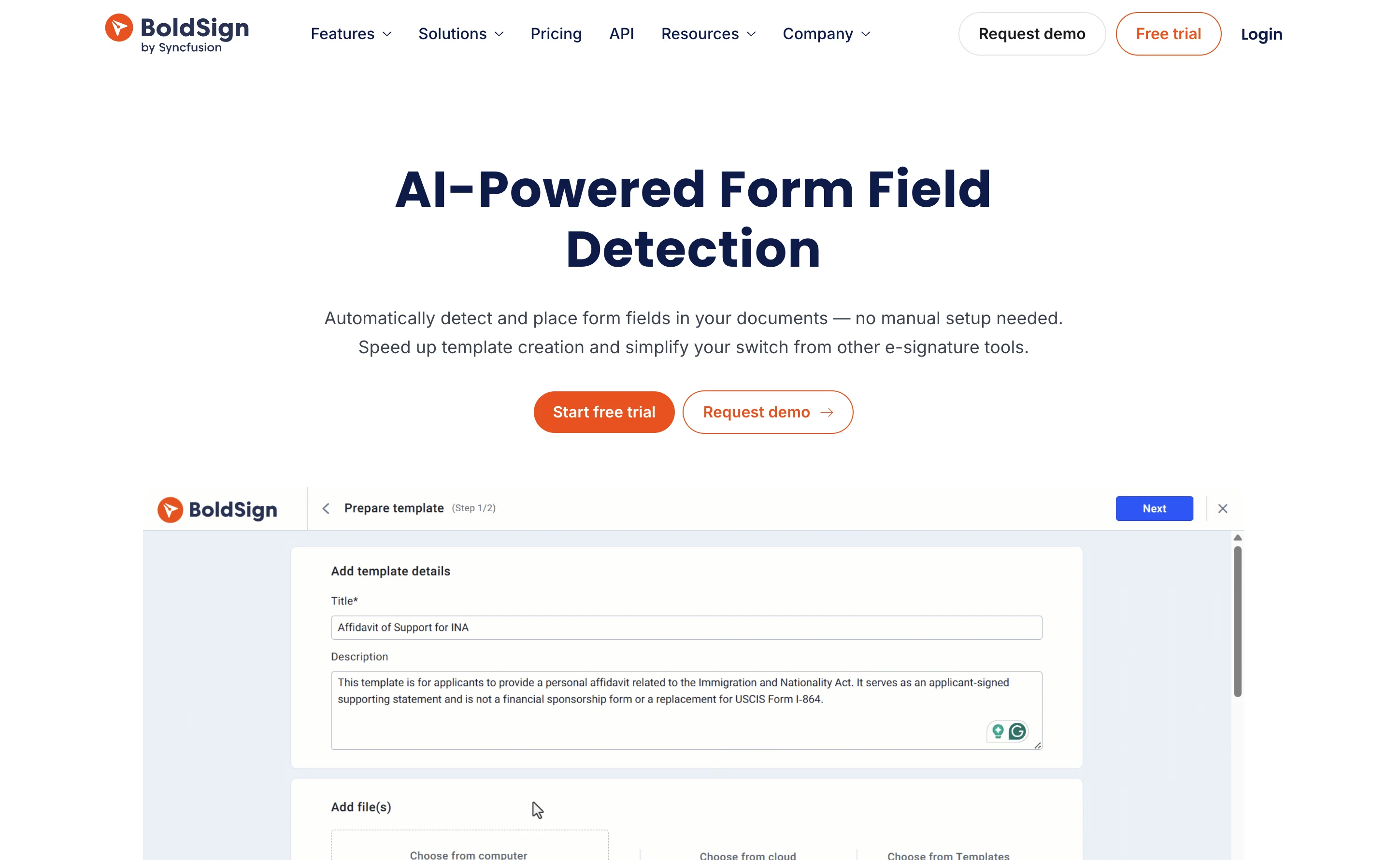
BoldSign website

Access & connections

Where you can use BoldSign, and what it plugs into.

Platforms

Web

Integrations

Capabilities

What this tool accepts, produces, and is strongest at.

Input

  • Text

Output

  • Tabular

Pros & cons

Pros

  • Understands complex layouts
  • Handles multi-page documents
  • PDF and DOCX support
  • Automated field positioning
  • Creates smarter templates
  • Simplifies migration from other tools
  • Recognizes fillable blanks
  • Detects various field types
Show 8 more
  • Supports dense documents
  • Email, SMS, WhatsApp sharing
  • Prioritizes data security
  • Prioritizes data privacy
  • Effective document management
  • Time and effort saving
  • Reduces work duplication
  • Consistency in handling documents

Cons

  • Only supports PDF, DOCX
  • Requires clear layout text
  • Doesn't support full document creation
  • Can't train with user's data
  • Possibly inaccurate field detection
  • Limited automation of templates
  • No mention of API

Compare alternatives

Similar tools in the catalog — with a clear reason to open each one.

Releases 1

Initial release July 30, 2025 Current
Initial release of BoldSign.

FAQ 12

What is BoldSign's AI Form Field Detection?
BoldSign's AI Form Field Detection is a smart feature of the BoldSign eSignature platform. It automates the detection and positioning of form fields in digital documents. It is primarily designed to streamline the creation of digital contracts or templates by eliminating the need for manual setup.
How does BoldSign's AI automatically detect and position form fields?
BoldSign's AI uses an underlying model trained to understand various forms and their common elements. Upon uploading a document, the AI scans the content to identify likely fields like signature areas, dates, initials, and text input blocks. It then places these critical fields at their appropriate positions within the document automatically.
Can BoldSign's AI handle complex layouts and multi-page documents?
Yes, one of the significant strengths of BoldSign's AI Form Field Detection lies in its adept handling of complex layouts and dense, multi-page documents. Its sophisticated AI model ensures consistent performance across a range of document complexities and layouts, dynamically adapting to handle denser and longer documents.
What type of documents can be uploaded for scanning by BoldSign's AI?
Users can upload PDF or DOCX file formats for scanning by BoldSign's AI. It is designed to work with these popular document formats, which are commonly used in business and contractual work.
How does BoldSign's AI simplify the creation of digital contracts or templates?
BoldSign's AI streamlines the creation of digital contracts or templates by automatically detecting and positioning form fields. The AI can understand various form structures, identify fillable blanks, and auto-position fields such as checkboxes and signatures. It notably improves template creation by auto-placing necessary fields, significantly saving time and reducing duplication of work.
What fields can BoldSign's AI add to the uploaded documents?
BoldSign's AI can add crucial fields to uploaded documents such as signature fields, date fields, initials fields, text fields, and checkboxes. By doing so, it significantly alleviates the need for manual input and optimizes the document setup process.
How does BoldSign's AI-powered form detection aid in migrating from other eSignature tools?
BoldSign's AI-powered form field detection aids migration from other eSignature tools by identifying fields in the uploaded documents from the old tool. It helps users in reconstructing their templates with minimal effort, thus ensuring a smooth and simplified transition.
Is user data secure when using BoldSign's AI form detection?
The security of user data is a top priority for BoldSign. The AI implements strict data security measures to ensure all data remains secure and private. It's important to note that user data is never used to train AI models, demonstrating the platform's strong commitment to data security.
Is the user data used for training the AI models in BoldSign?
No, BoldSign ensures that user data is never used for training AI models. This commitment to data privacy and security differentiates the platform and ensures users can leverage the AI capabilities without risking the privacy of their data.
What platforms can BoldSign's AI Form Field Detection share documents to?
Once the document is scanned and critical fields are added, BoldSign's AI Form Field Detection permits seamless sharing of documents for signatures via Email, SMS, or WhatsApp. This multi-platform compatibility ensures that documents can be conveniently circulated for needed signatures.
Does BoldSign's AI Form Field Detection only work with BoldSign's eSignature platform?
Yes, BoldSign's AI Form Field Detection is a built-in feature of the BoldSign eSignature platform. It operates uniquely within this platform to optimize the digital document setup process.
How does BoldSign's AI understand and detect fillable blanks in various forms?
BoldSign's AI has been designed to detect fillable blanks in various forms. It does this by scanning the uploaded document for common signs of input fields. These could include lines, boxes, or other distinctive characteristics which indicate a place where information is to be filled in.
BoldSign Free + from $15/mo