

Video editing 2026 Rank: #3058
SceneRoll ✓
Turn voice memos into vertical videos instantly.
Verdict
A quick read before you dig into the full page.
- Best if
- Turn voice memos into vertical videos instantly
- Skip if
- Limited export platforms
- Pick this when
- Transforms voice into videos
Considering CapCut Online Creative Suite instead? Compare side by side
Overview
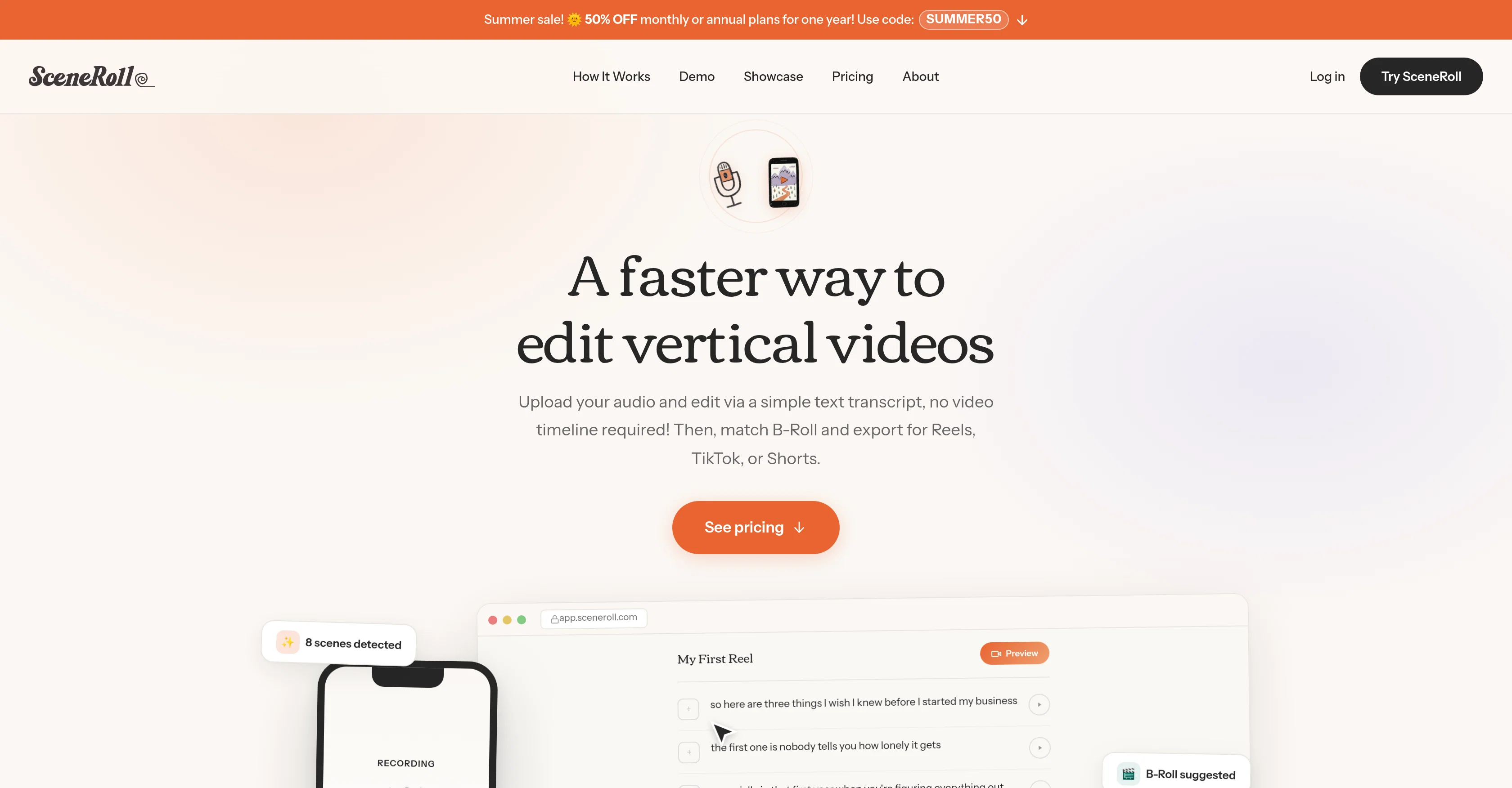
SceneRoll is a tool designed to transform voice recordings into short-form videos complete with matched B-Roll footage. This tool aims to simplify video creation and editing by eliminating the need to manually comb through timelines or adjust clip settings.
After uploading an audio file or recorded voice memo directly in the app, SceneRoll's proprietary tech transcribes your content, segmenting it automatically into scenes.
It then proposes B-roll footage from a free stock library or a user's personal collection, tuning the output video to the audio input. The result is an effortless creation of polished videos ready for social platforms like Reels, TikTok or Shorts.
In addition, the tool enhances content creation over time by saving and organizing selected clips into a personal vault, progressively refining the B-roll suggestions based on a user's previous choices.
SceneRoll also has a feature called 'Content Coach', which provides users with a personalized list of B-roll clips to record, complete with specific descriptions, angles, and suggested durations.
The tool finishes up the process by allowing users to preview and swap any clips before exporting the final product.
Access & connections
Where you can use SceneRoll.
Platforms
Capabilities
What this tool accepts, produces, and is strongest at.
Input
- Audio
Output
- Video
Pros & cons
Pros
- Transforms voice into videos
- Auto-segments transcriptions into scenes
- Proffers B-roll suggestions
- Auto-tunes video to audio
- Ideal for social platforms
- Saves clips in personal vault
- Refines B-roll suggestions over time
- Features 'Content Coach'
Show 34 more
- Previews and swaps clips pre-export
- Instantly creates vertical videos
- User personalization features
- Auto transcription of voice memos
- Auto scene-matching from free library
- Own clip vault connected
- Editable transcripts supported
- Proprietary audio analysis tech
- Personalized B-roll record list
- Clip angles, durations suggestions
- Generates Data Insights
- Requires No editing skills
- HD (1080p) video export
- Auto-tagging for clips
- Coach provides filming guide
- Auto-fills B-roll suggestions
- Integrates A-Roll
- Custom subtitles addition
- Multiselect scenes
- Add overlays (images/GIFs/stickers)
- Fast content creation
- Exports to major social platforms
- Easy content coaching
- Upload voice memo directly
- Efficient B-roll speedy search
- Improve productivity over time
- Editing without timeline/waveform scrubbing
- Browser compatible, no app needed
- Short reels construction
- Flat-rate subscription plans
- Manual B-roll selection across scenes
- Clip vault grows with usage
- Improved precision with clip selection
- Upload video as main track
Cons
- Only vertical video output
- Limited B-roll selection
- Dependent on audio quality
- No manual timeline editing
- No built-in recording feature
- No multi-track editing
- Limited export platforms
- No desktop application
Show 2 more
- Not suitable for long-form content
- Reliant on internet connection
Compare alternatives
Similar tools in the catalog — with a clear reason to open each one.

CapCut Online Creative Suite ✓
FreemiumUnleash creativity with CapCut's all-in-one online suite
Free + from $28.5/mo
Full comparison
ClipFinder ✓
FreemiumTurn hours of streams and VODs into viral clips automatically.
Why look Offers a public API
Full comparison
Gling - AI Video Editing Software for YouTube ✓
FreemiumAI-powered video editing for YouTube creators.
Why look Typically cheaper
Full comparison
Captions ✓
PaidAI-powered creative studio for studio-grade videos.
Why look Typically cheaper
Full comparison

Releases 1
Related tools
Recommended

MagicSlides.app AI PPT Maker ✓
FreemiumCreate Stunning PPTs in Seconds with the AI PPT Maker

GetLogit ✓
FreemiumArtificial intelligence, available for everyone.

ChatGPT ✓
FreemiumAsk anything, create anything, and move from idea to action.

Automateed ✓
Free TrialCreate eBooks effortlessly with Automateed, the AI-powered writing tool.

Kin - Personal AI Advisors ✓
FreePrivacy-first & designed your for mind, and life at work

Aiter.io | Paste a URL. Ship a Campaign That Sounds L... ✓
FreemiumAI marketing that sounds like you, not everyone else.