

Image restoration 2026 Rank: #2417
Restore Old Photos App ✓
Restore old photos with AI naturally and respectfully.
from $9.9/mo
Verdict
A quick read before you dig into the full page.
- Best if
- Restore old photos with AI naturally and respectfully
- Skip if
- File size limit 20MB
- Pick this when
- Restores, enhances, colorizes
Considering FaceRefresh instead? Compare side by side
Overview
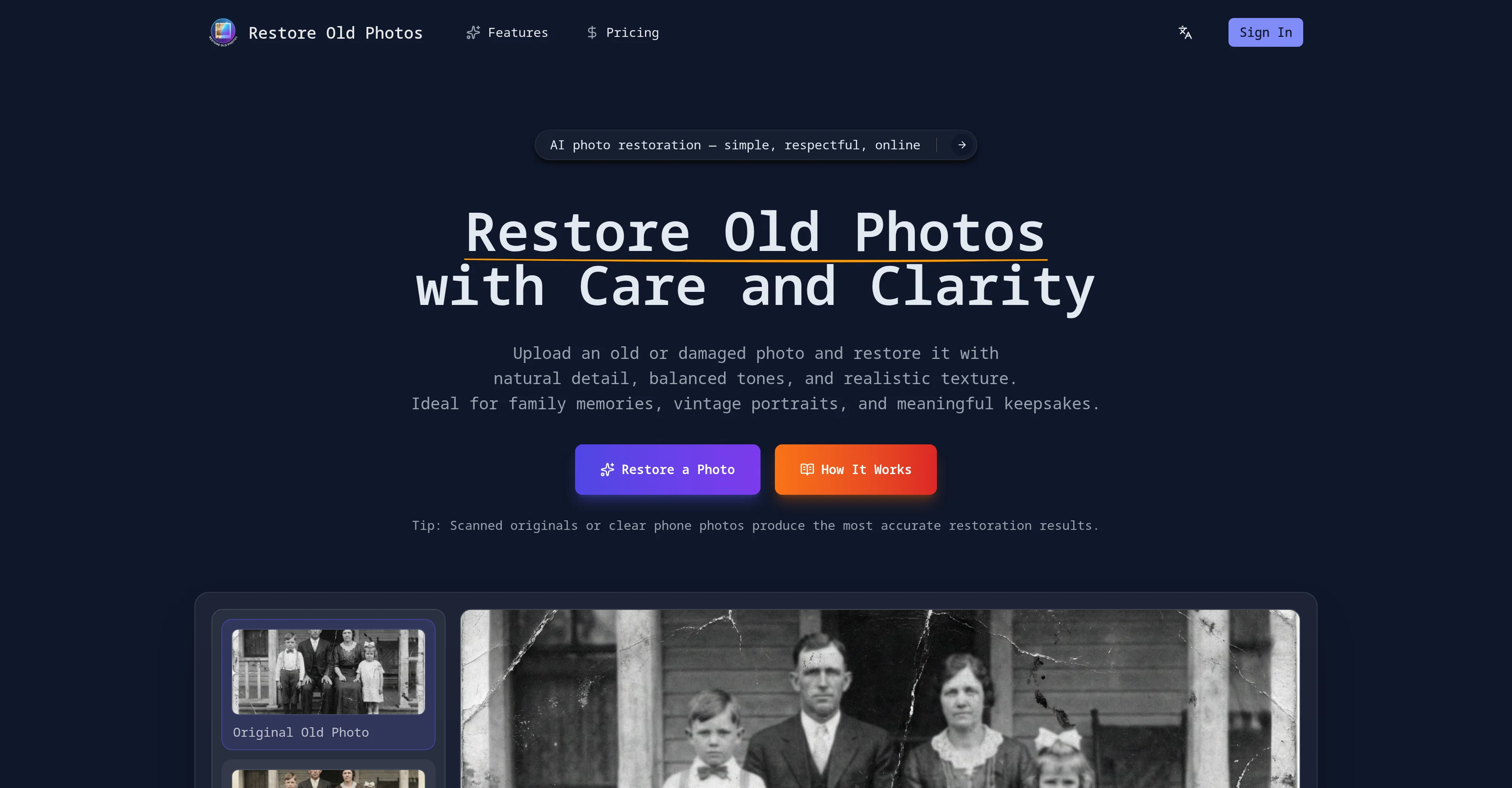
AI Photo Restoration is an online tool designed to restore old or damaged photos with natural detail, balanced tones, and realistic texture. It repairs visual issues, maintains the photos original atmosphere and enhances clarity while preserving the original structure of the photo.
It offers a careful and realistic approach to bring faded, damaged, or aging images back to life whilst keeping their original character. The restored version is provided separately which ensures the original file remains untouched.
Ideal for family memories and personal archives, it caters to a wide range of applications including wedding pictures, childhood images, and photos of parents or grandparents.
The workflow of this tool is straightforward - upload, review and download - and operates smoothly on both desktop and mobile devices. Scanned originals or clear phone photos produce the most accurate restoration results.
This tool also offers a feature to restore and colorize old black-and-white photos with realistic color, tone, and detail.
Access & connections
Where you can use Restore Old Photos App.
Platforms
Capabilities
What this tool accepts, produces, and is strongest at.
Input
- Image
Output
- Image
Supported features
- Image Edit
- Realism
- Image Understanding
- Denoise
Pros & cons
Pros
- Restores, enhances, colorizes
- Maintains original photo structure
- Improves clarity and balance
- Online restoration process
- No manual editing
- No software installation
- Mobile and desktop compatible
- Black-and-white photo colorization
Show 39 more
- Preserve family memory
- Preserve personal archive
- Useful for genealogy records
- Useful for historical collections
- Provides high-quality copy
- Maintains photos' original character
- Keeps original file untouched
- Ideal for wedding pictures
- Ideal for childhood images
- Ideal for photos of parents
- Ideal for photos of grandparents
- Ease of use
- Feature for accurate restoration
- Tip for scanned originals
- Clear workflow
- Tool especially designed for photos
- Fixes visual issues
- Applies balanced restoration adjustments
- Restored version provided separately
- Clear before-after comparison
- High-quality result downloadable
- User-friendly interface
- Accurate color and tone balance
- High resolution outputs
- Restores skin tones
- Restores facial features
- Side by side result comparison
- Browser-based tool
- No installation required
- Repairs scratches and cracks
- Gently restores older portraits
- Respects the original mood
- Preserves texture, contrast
- Accessible on any device
- Handles portraits with care
- Maintains photos original atmosphere
- Restoration suitable for printing
- Restoration suitable for sharing
- Restoration suitable for long-term storage
Cons
- File size limit 20MB
- No offline version
- No batch processing
- Only supports JPG and PNG
- May alter historical accuracy
- Requires stable internet connection
- Doesn't offer manual adjustments
- Not suited for over-damaged photos
Show 2 more
- Limited format compatibility
- No editing experience gained
Compare alternatives
Similar tools in the catalog — with a clear reason to open each one.

FaceRefresh ✓
FreemiumEnhancing and restoring photos.
Why look Freemium alternative
Full comparison
Forevi ✓
PaidBring old photos back to life with restoration and animation
Why look Higher community rating
Full comparison

jpgHD ✓
FreemiumRevive old photos with cutting-edge AI restoration.
Why look Freemium alternative
Full comparison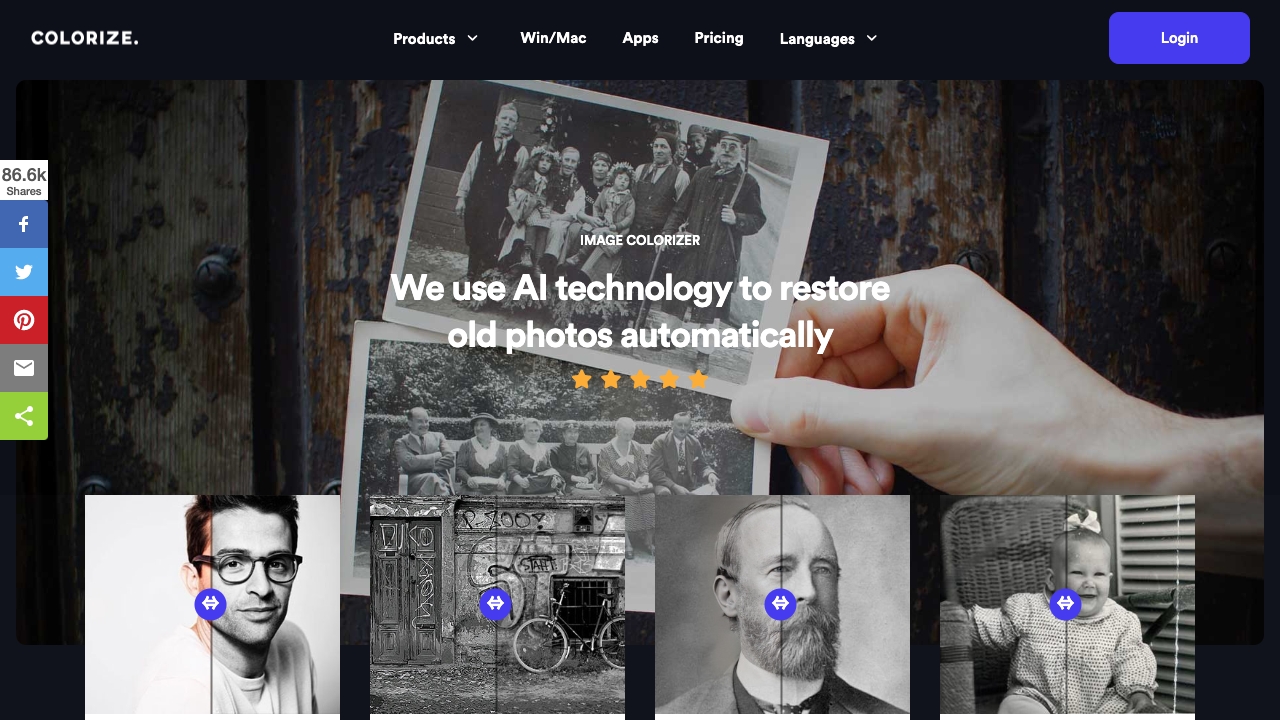
Imagecolorizer
PaidAI-powered platform to colorize, restore, and enhance old photos.
$0
Full comparison
AI photo restorer ✓
Free TrialRefined image, with facial touch-ups and upscaling.
Why look Typically cheaper
Full comparisonReleases 1
FAQ 12
What is the primary purpose of 'Restore Old Photos Online with AI'?
How does the AI maintain the original structure of the photo?
Can this tool colorize black and white photos?
Is it necessary to have any editing or software installation experience to use 'Restore Old Photos Online with AI'?
Is the tool compatible with both desktop and mobile devices?
How does the restoration process of 'Restore Old Photos Online with AI' work?
Can I download a high-quality copy of the restored photo?
What kind of photos are best suited for the restoration by 'Restore Old Photos Online with AI'?
Does 'Restore Old Photos Online with AI' alter the original essence of the photos?
How does 'Restore Old Photos Online with AI' restore and enhance old, damaged, or faded photographs?
Why should I use 'Restore Old Photos Online with AI' for genealogy records and historical collections?
What makes 'Restore Old Photos Online with AI' user-friendly?
Related tools
Recommended

PhotoRestore.ai ✓
Free TrialRestore your old photos in seconds.

Hireable Headshots ✓
PaidGet professional LinkedIn headshots without the studio.

TheLibrarian.io ✓
Free TrialYour WhatsApp AI assistant for instant productivity.

Notis ✓
Free TrialThe first WhatsApp assistant that runs on your ChatGPT and Claude subscriptions

freebeat AI ✓
FreemiumTurn Music & Ideas into Viral Videos In One Click

Kick ✓
FreemiumAccounting software that does the work for you